Repetitor AX1800
Sva pitanja
Repetitor AX1800
Kako konfiguriram svoj repetitor?
Prije konfiguriranja repetitora, provjerite sljedeći postupak kako biste odredili lokaciju repetitora: Koja je najbolja lokacija za moj repetitor?
1. Spojite se na web sučelje
Za povezivanje s web-sučeljem slijedite jedan od dolje navedenih postupaka:
- Kako se mogu spojiti na web sučelje repetitora? (RJ45 kabel)
- Kako se mogu spojiti na web sučelje repetitora? (Wi-Fi)
2 Odaberite način rada za svoj repetitor
Otvorit će se čarobnjak za postavljanje repetitora. Odaberite Bežični proširivač i kliknite Dalje .

3 Odaberite vremensku zonu
Odaberite vremensku zonu s popisa ako je ona koja se automatski prepoznaje netočna i kliknite Dalje.

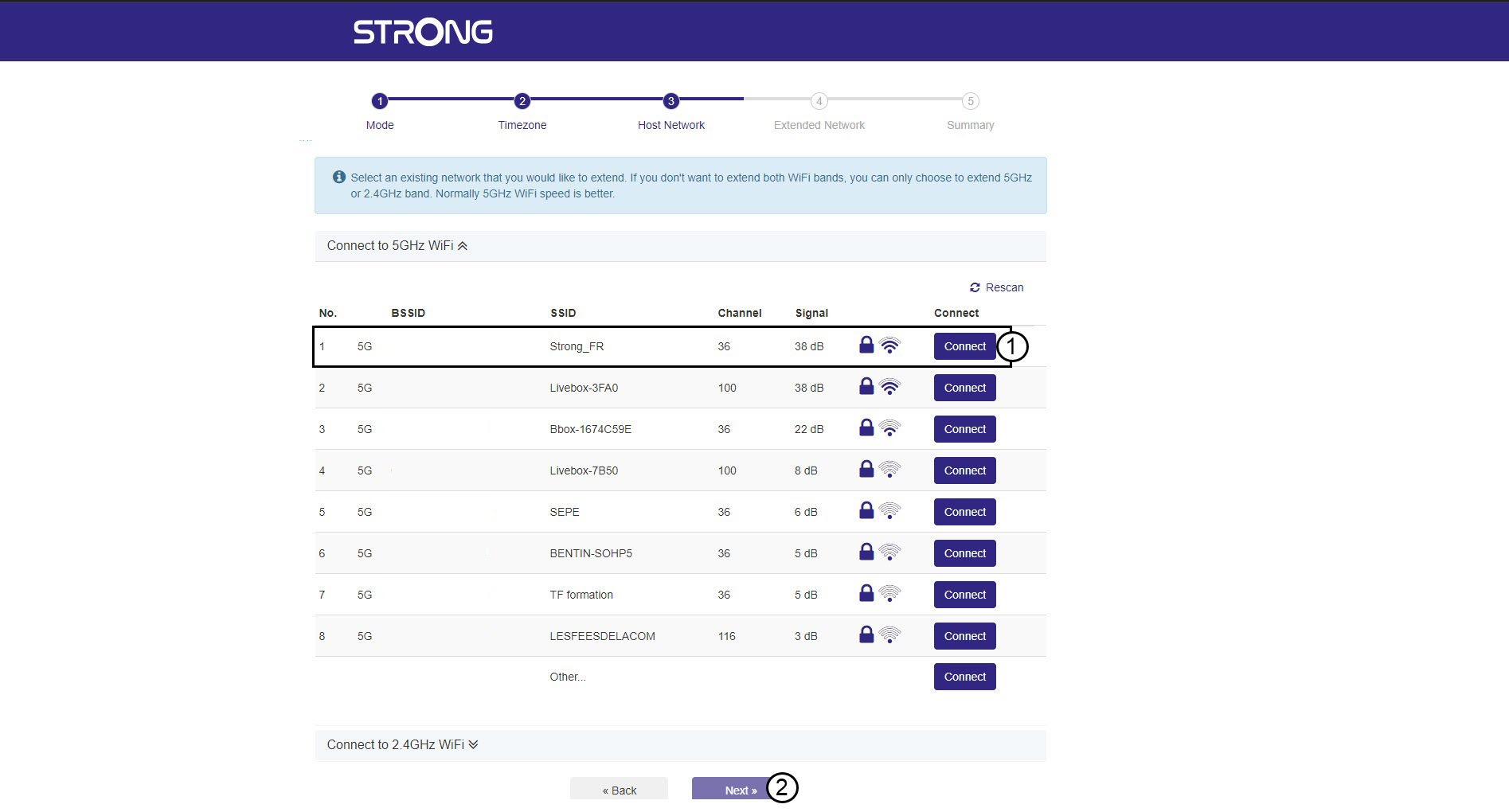
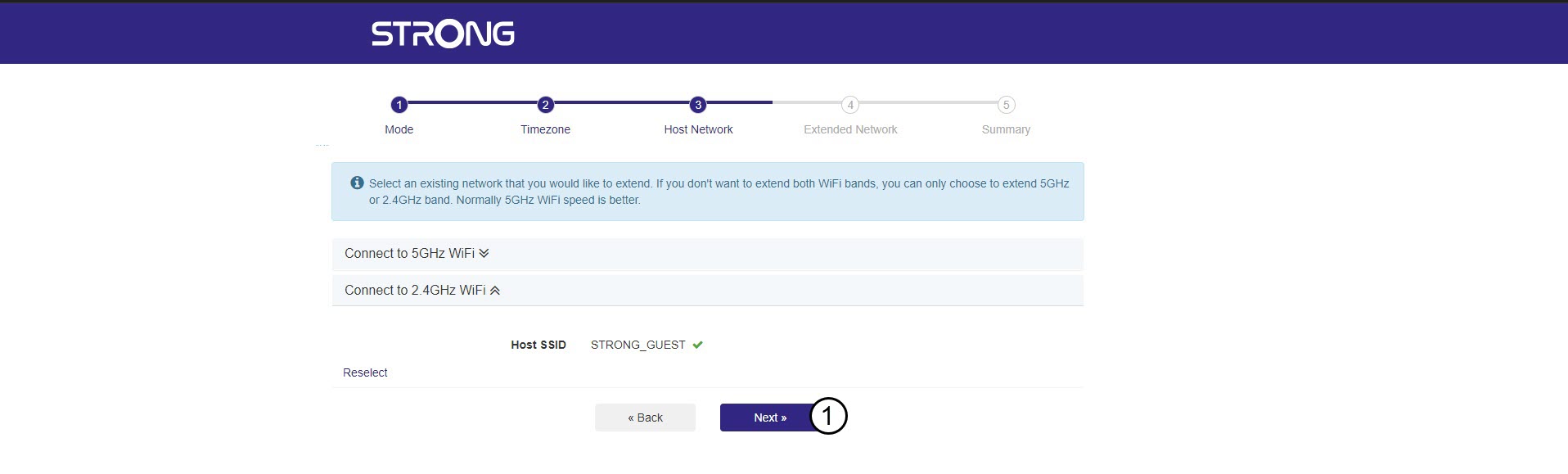
4 Skeniranje dostupne mreže
Vaš repetitor će skenirati sve dostupne 2.4G i 5G Wi-Fi mreže kako bi odredio host mrežu. Odaberite naziv Wi-Fi mreže vašeg usmjerivača. Zatim kliknite Poveži se i Dalje .
5 Unesite lozinku za Wi-Fi host mrežu
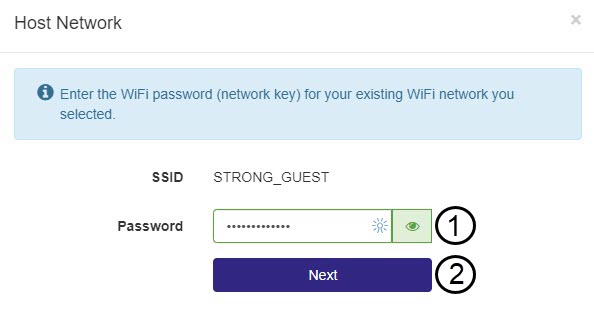
Unesite lozinku za Wi-Fi vašeg rutera i kliknite Dalje .
Možete kliknuti ikonu oka za prikaz lozinke koju upisujete.
6 Pričekajte tijekom konfiguracije
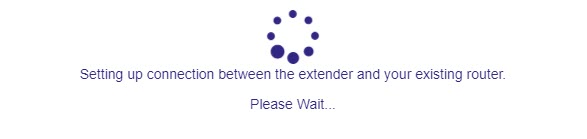
Molimo pričekajte dok se repetitor konfigurira.
7 Potvrdite konfiguraciju
Kliknite Dalje za potvrdu konfiguracije.
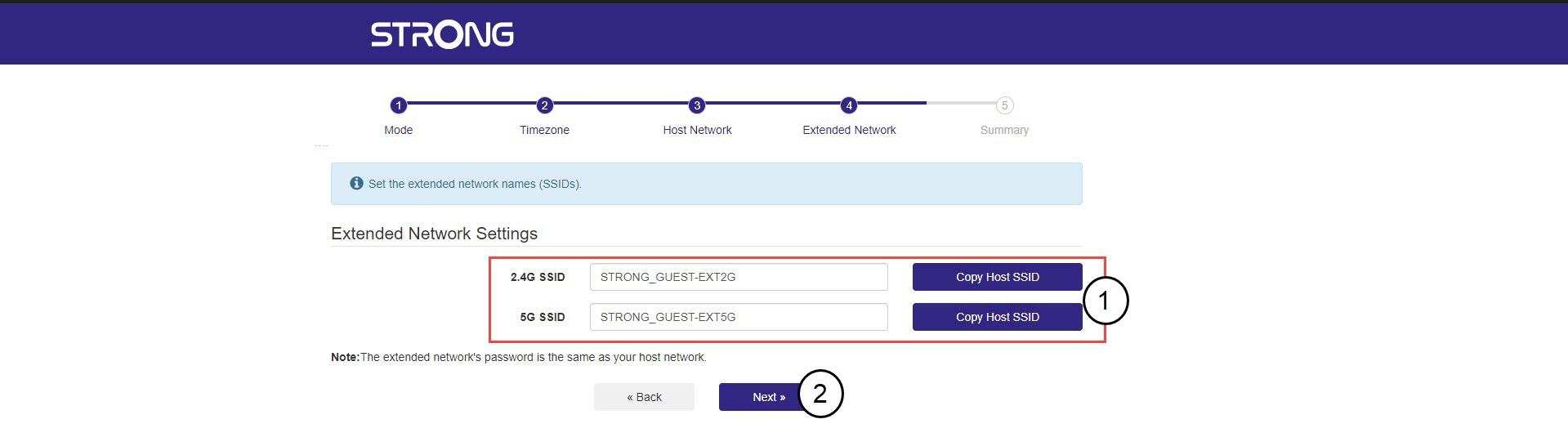
8 Zapišite podatke o mreži
Zapišite podatke o novim Wi-Fi mrežama i kliknite Dalje .