Nema pronađenih stavki.
LEAP UNA | FHD Android TV s HDR10+
Nema pronađenih stavki.
Sva pitanja
Nema pronađenih stavki.
LEAP UNA | FHD Android TV s HDR10+
Nema pronađenih stavki.
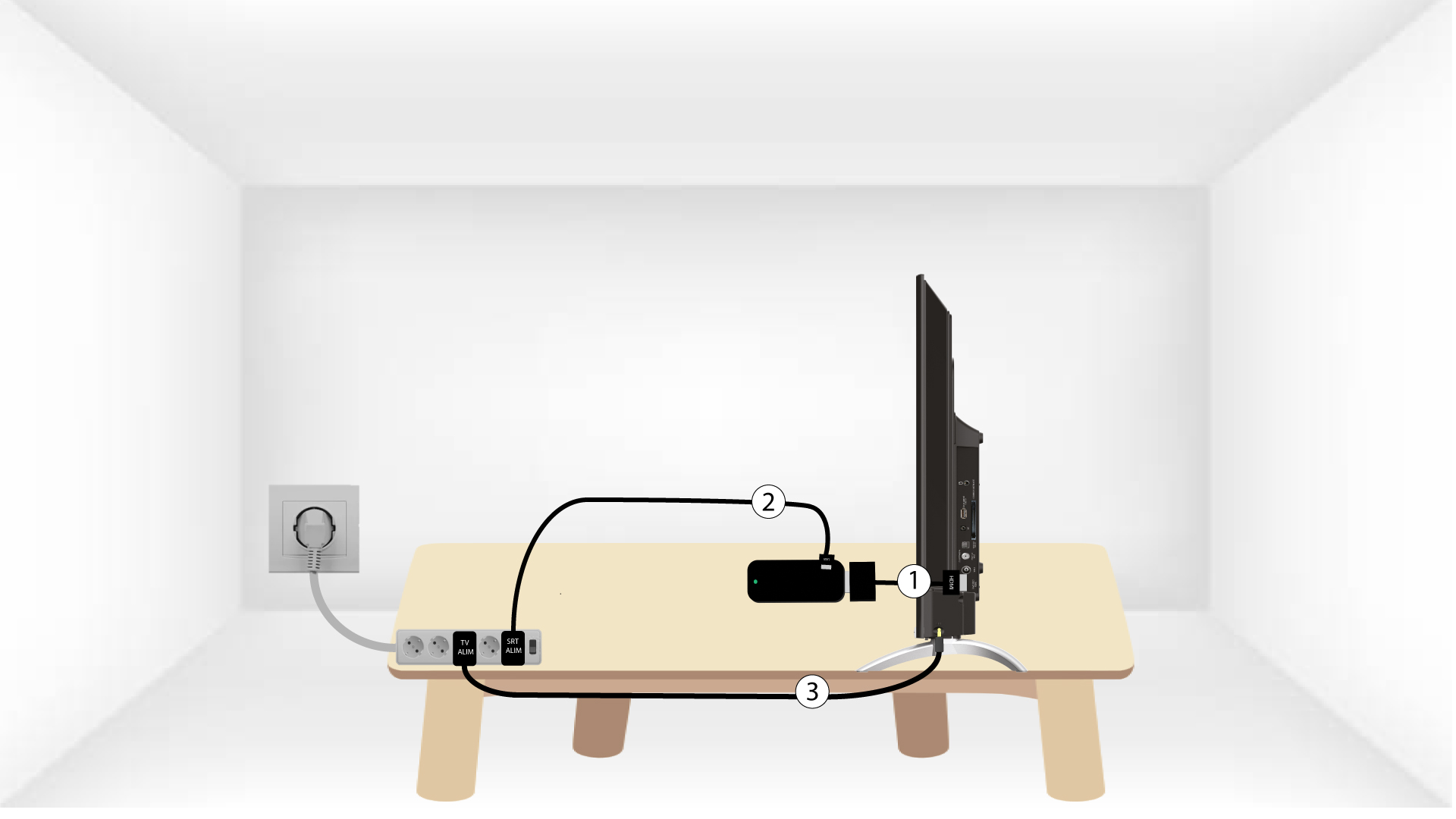
Kako spojiti LEAP UNA na televizor?
Stavite HDMI stick i HDMI kabel zajedno i spojite ga na HDMI priključak vašeg televizora (1). Zatim umetnite USB kabel u SRT41 i uključite ga (2) i uključite televizor (3).