
4G AIRHOME 210 UK s fiksnim 4G antenama
Nema pronađenih stavki.
Nema pronađenih stavki.
Sva pitanja
4G AIRHOME 210 UK s fiksnim 4G antenama
Nema pronađenih stavki.
Nema pronađenih stavki.
Kako deaktivirati Wi-Fi?
Možete odlučiti da ne trebate koristiti Wi-Fi svog usmjerivača, ako je to slučaj, morate ga deaktivirati u web sučelju.
1. Povežite se s Wi-Fi mrežom vašeg usmjerivača
Za deaktivaciju Wi-Fi mreže vašeg rutera, morate se povezati s Wi-Fi mrežom vašeg uređaja.

2. Pregledajte IP adresu web sučelja
Zatim unesite sljedeću IP adresu: 192.168.188.1 u svoj preglednik.

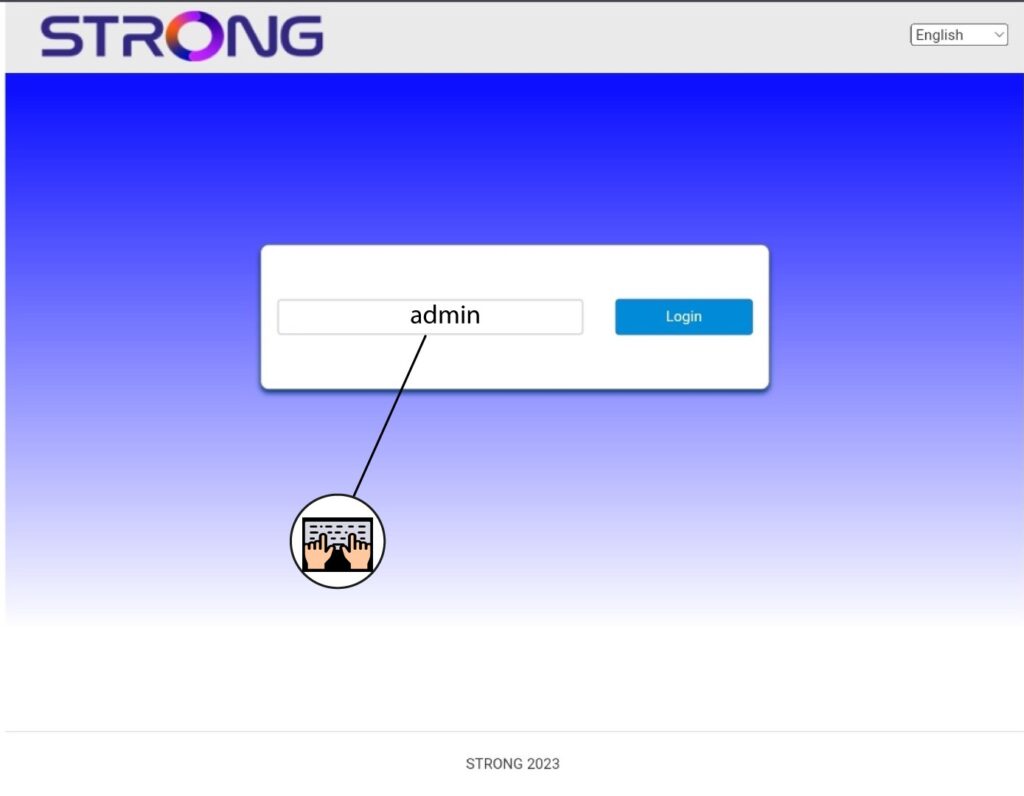
3 Unesite svoje vjerodajnice
Morate unijeti Lozinku .
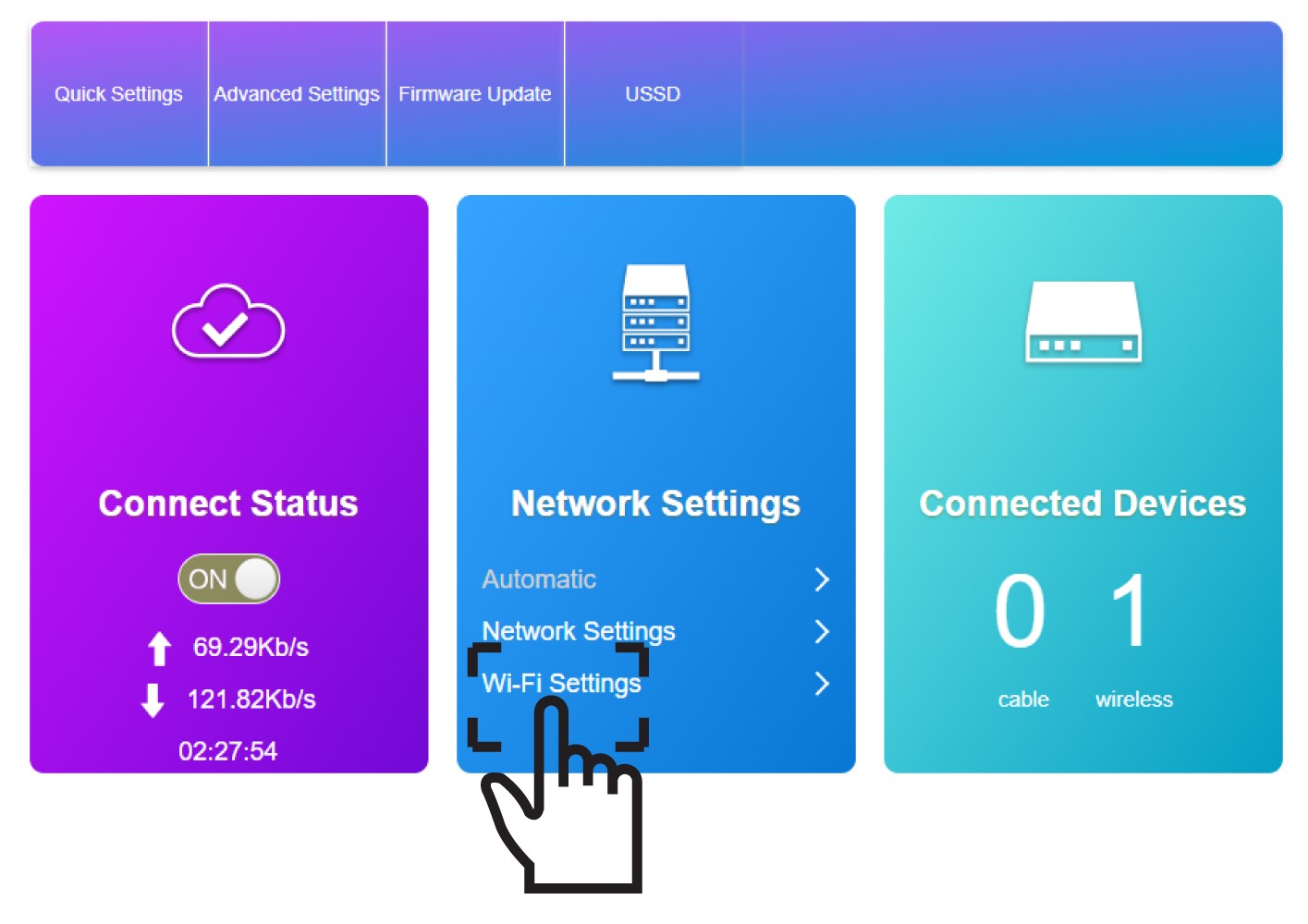
4 Wi-Fi postavke
Kliknite na Wi-Fi postavke u odjeljku Mrežne postavke.
5 Deaktivirajte Wi-Fi
Zatim kliknite Onemogući i primijeni .
