Powerline 600 Duo Wi-Fi EU
Nema pronađenih stavki.
Nema pronađenih stavki.
Sva pitanja
Powerline 600 Duo Wi-Fi EU
Nema pronađenih stavki.
Nema pronađenih stavki.
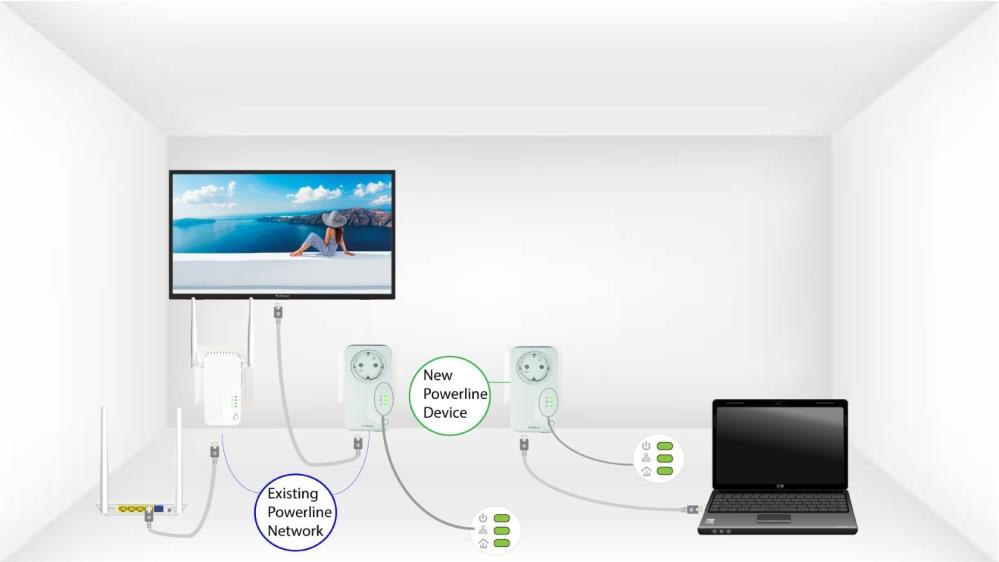
Kako dodati novi snažan Powerline proizvod postojećoj Powerline Wi-Fi mreži s visokom razinom sigurnosti 1?
Budući da je vaša postojeća mreža postavljena s konfiguracijom visoke sigurnosne razine 1, dodavanje proizvoda je jednostavno Plug & Play. Nije potrebna nikakva radnja na proizvodu. Samo priključite novi Powerline proizvod i on će se automatski dodati u mrežu.
Obično se Powerline adapteri uparuju u setovima od dva ili tri, pa ako trebate dodati dodatne Powerline proizvode svojoj mreži koja je konfigurirana s visokom razinom sigurnosti 1, morate slijediti dolje navedene korake.
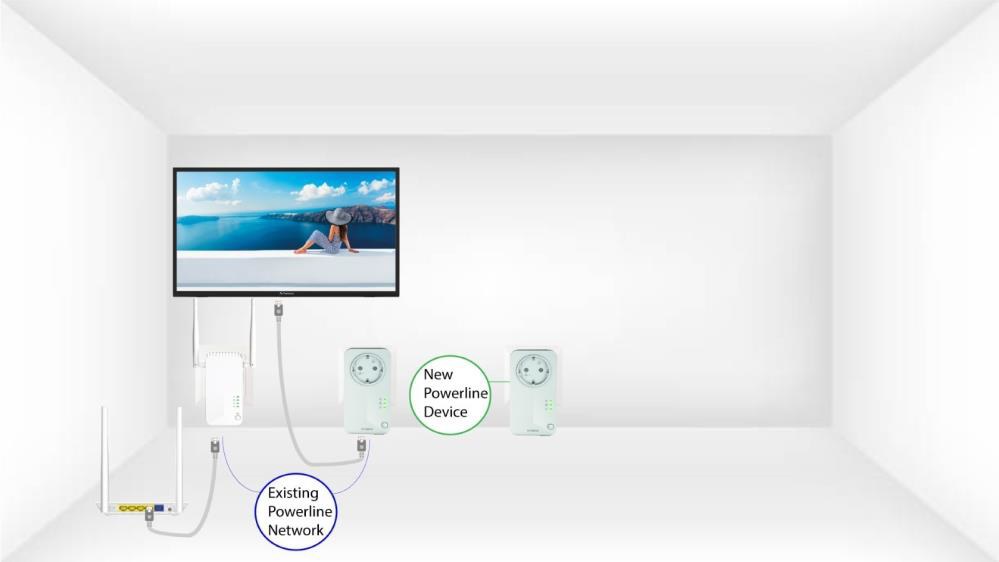
1 Uključite dodatni uređaj
Uključite dodatne uređaje u utičnicu.
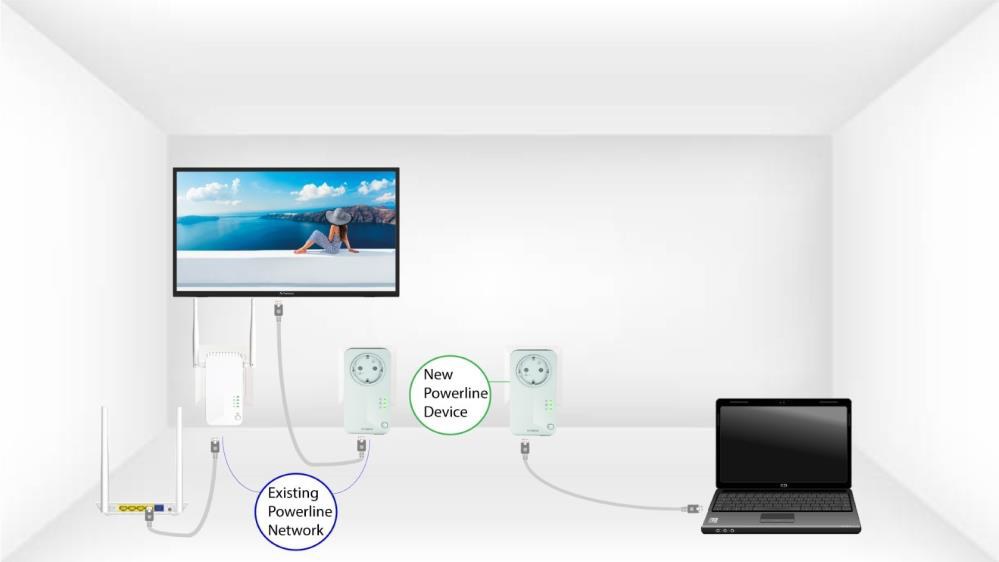
2 Spojite uređaj na internet
Spojite uređaj na internetski usmjerivač/pristupnik putem RJ45 priključka.
3 Uređaj je postavljen
Nakon spajanja novog uređaja, sve LED diode na svim uređajima svijetle zeleno.