PL1000SDUOEU
Nema pronađenih stavki.
Nema pronađenih stavki.
Sva pitanja
PL1000SDUOEU
Nema pronađenih stavki.
Nema pronađenih stavki.
Nemam pristup internetu i/ili LED ikone "početna" ne svijetli.
Morate resetirati adaptere na tvorničke postavke. Za resetiranje adaptera slijedite korake u nastavku.
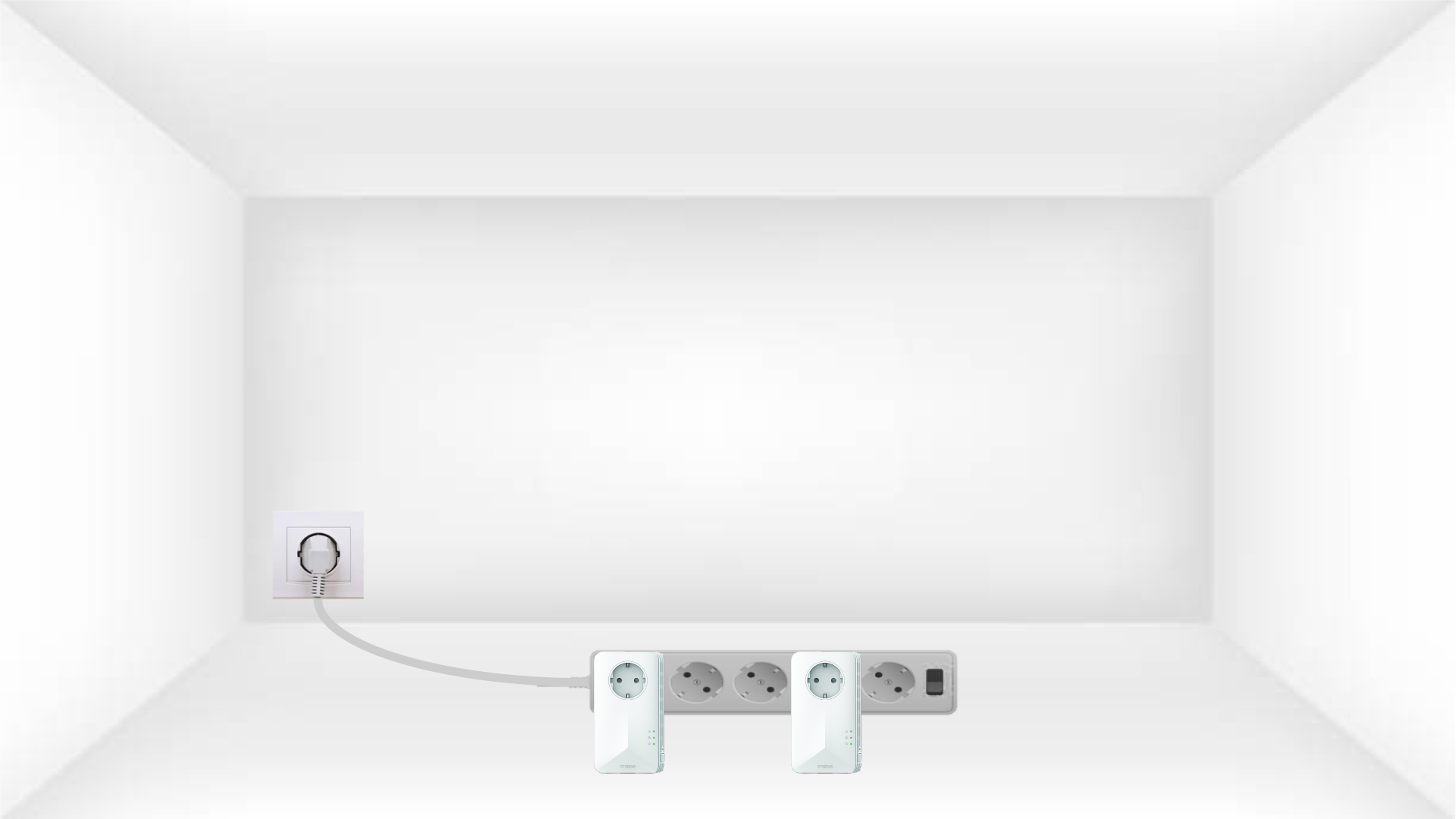
1 Stavite adaptere na produžni kabel
Spojite adaptere jedan za drugim na produžni kabel.
2. Spojite adaptere na internet
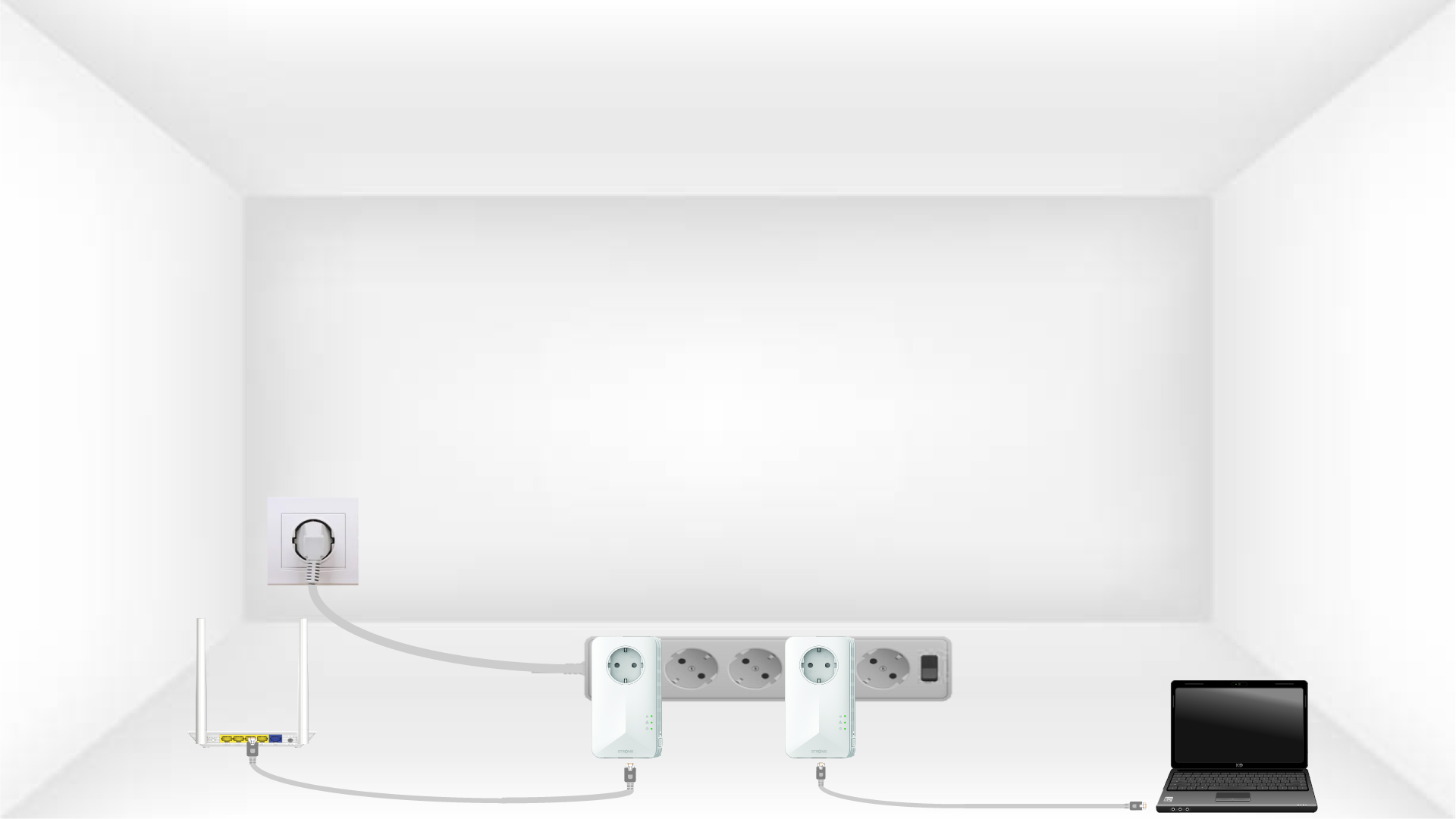
Spojite svaki adapter na ispravan uređaj (internetski usmjerivač/pristupnik, Android uređaj, Smart TV, računalo itd.) pomoću Ethernet kabela. Između uređaja mora postojati komunikacija, inače će adapter automatski prijeći u stanje pripravnosti.
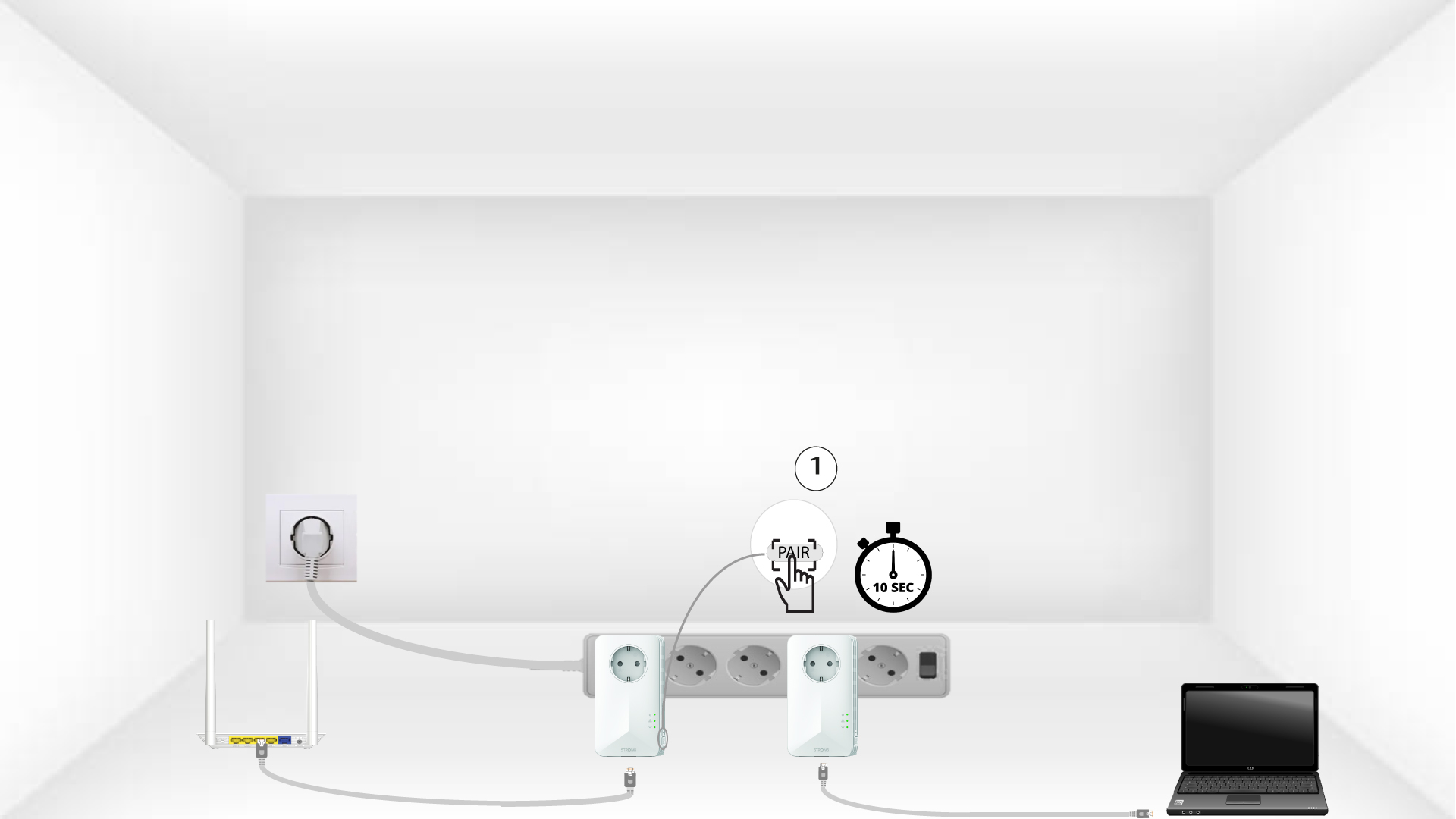
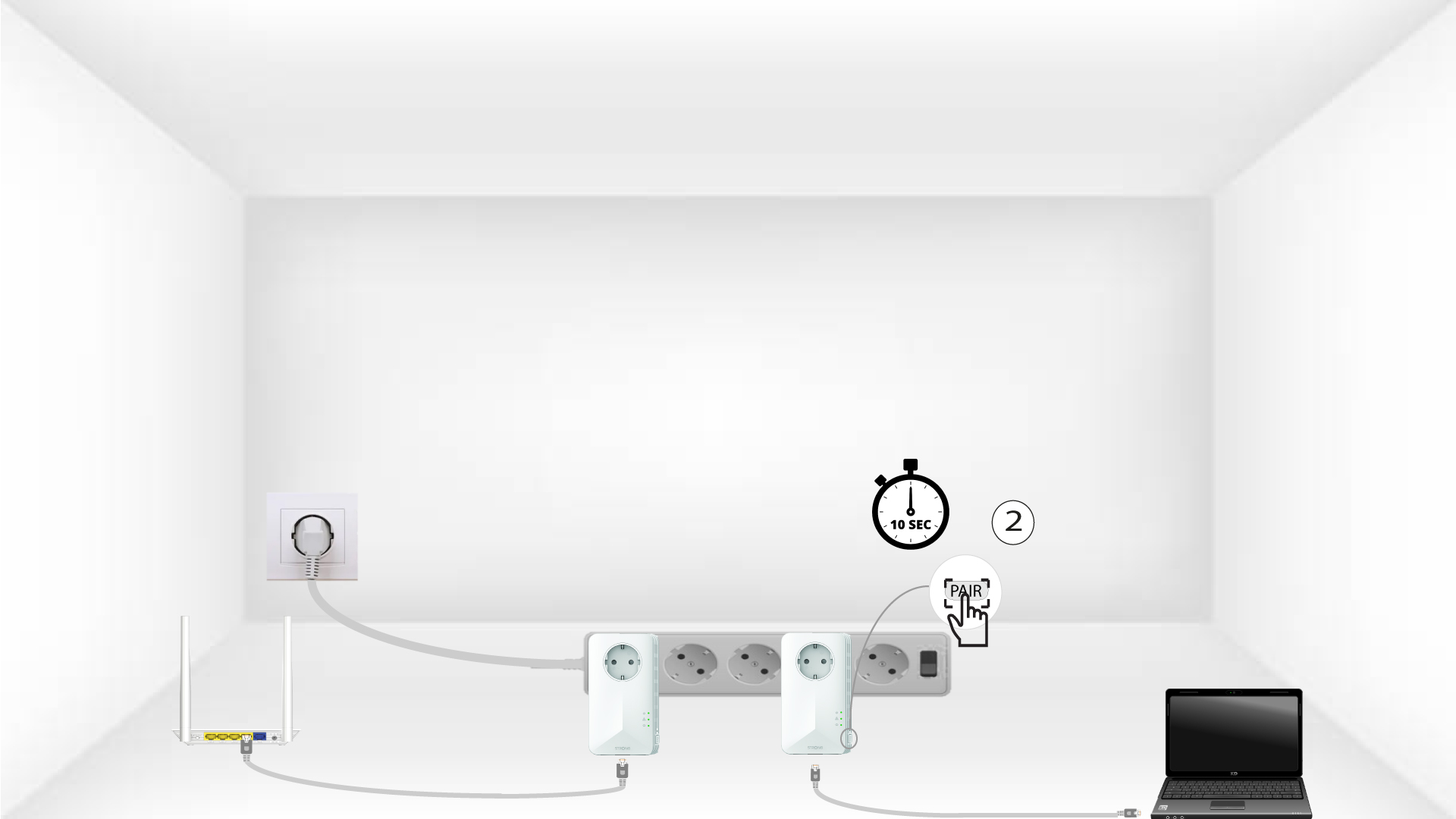
3 Pritisnite gumb PAIR (prvi adapter)
Nakon što je adapter uključen i spojen na internet, jednostavno pritisnite gumb „PAIR “ na prednjoj ploči 10 sekundi.
4 Pritisnite gumb PAIR (drugi adapter)
Pritisnite gumb „PAIR“ na prednjoj ploči drugog uređaja 10 sekundi. Imate do dvije minute za to.
5 LED lampica za dom treperi
LED diode ikone doma trebale bi početi treptati.
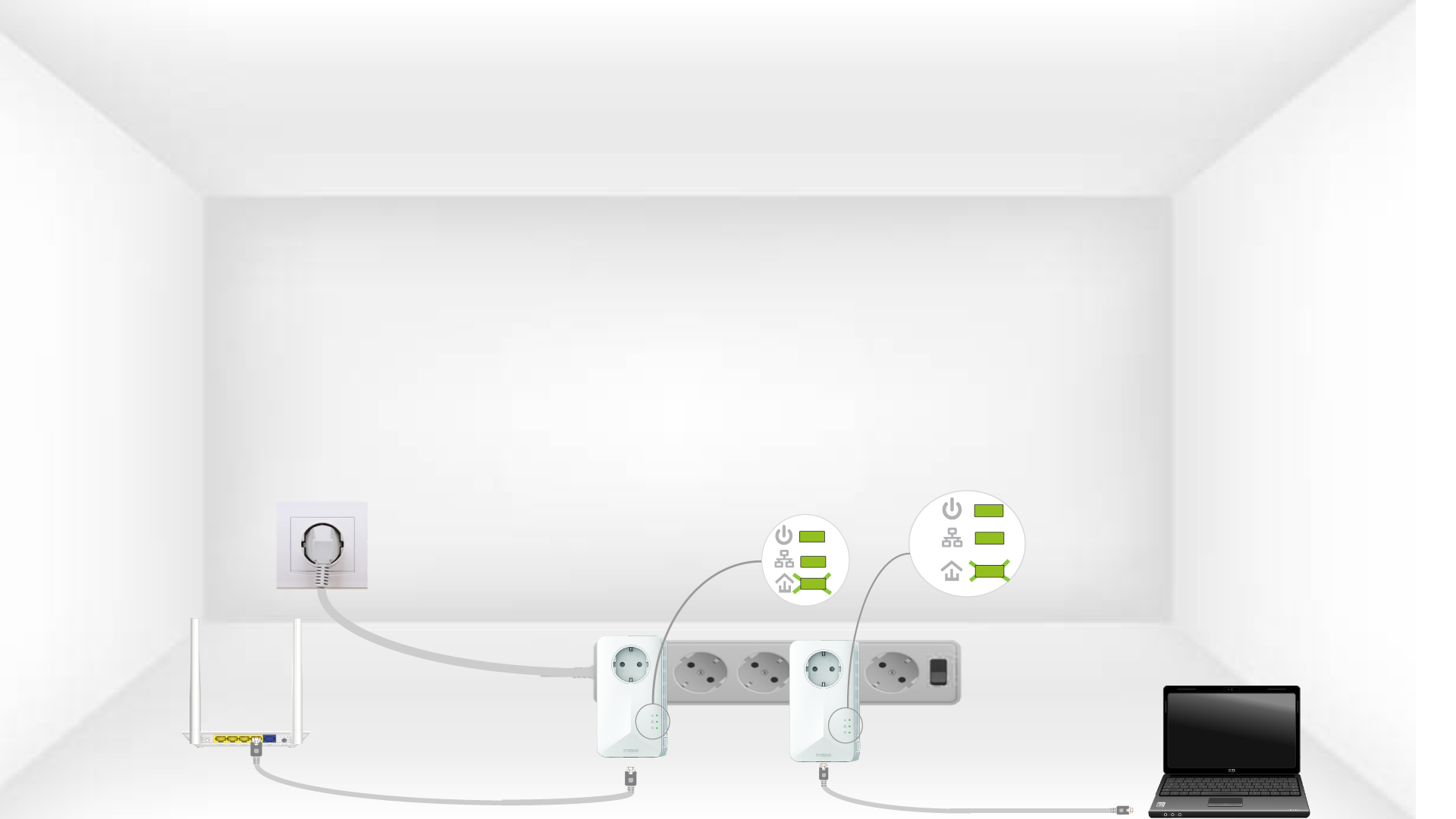
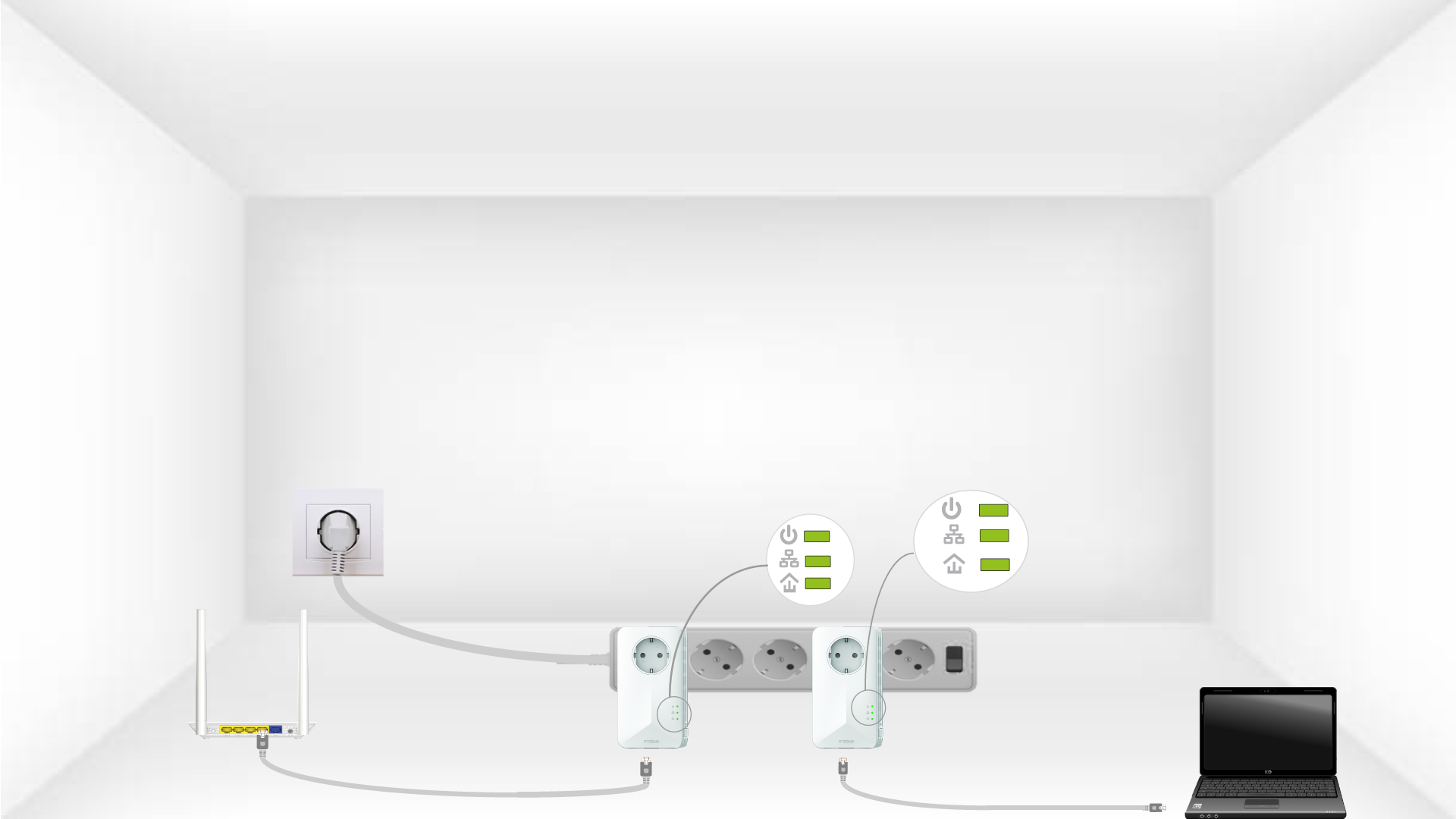
6 adaptera je resetirano
Sve LED diode moraju biti zelene na kraju operacija.