
CPL Wi-Fi 500 Duo | POWERLWF500DUOFR
Sva pitanja
CPL Wi-Fi 500 Duo | POWERLWF500DUOFR
Nemam pristup internetu i/ili LED ikone "početna" ne svijetli.
Morate resetirati adaptere na tvorničke postavke. Za resetiranje adaptera slijedite korake u nastavku.
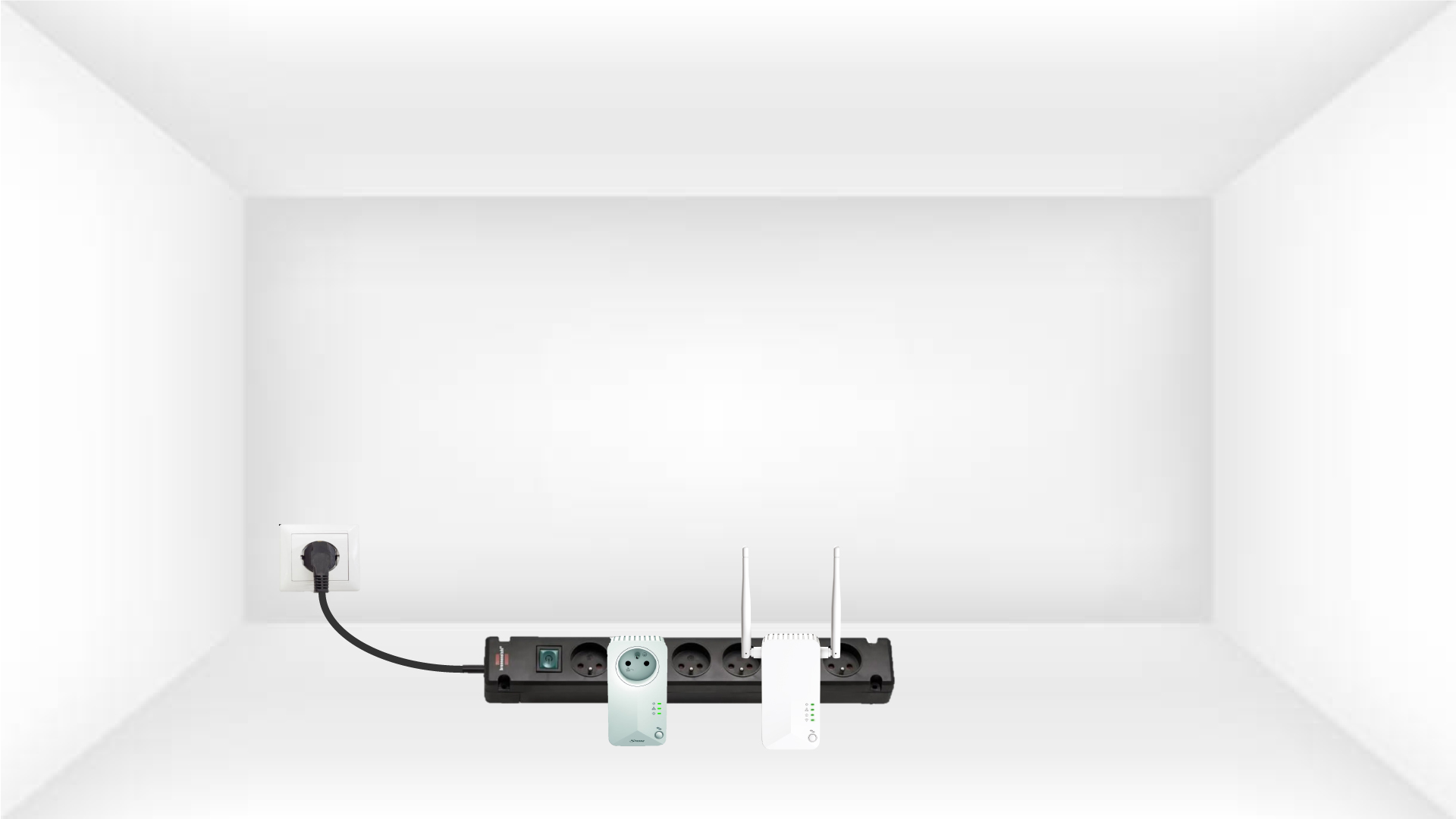
1 Uključite adaptere u produžni kabel
Spojite adaptere jedan za drugim na produžni kabel.
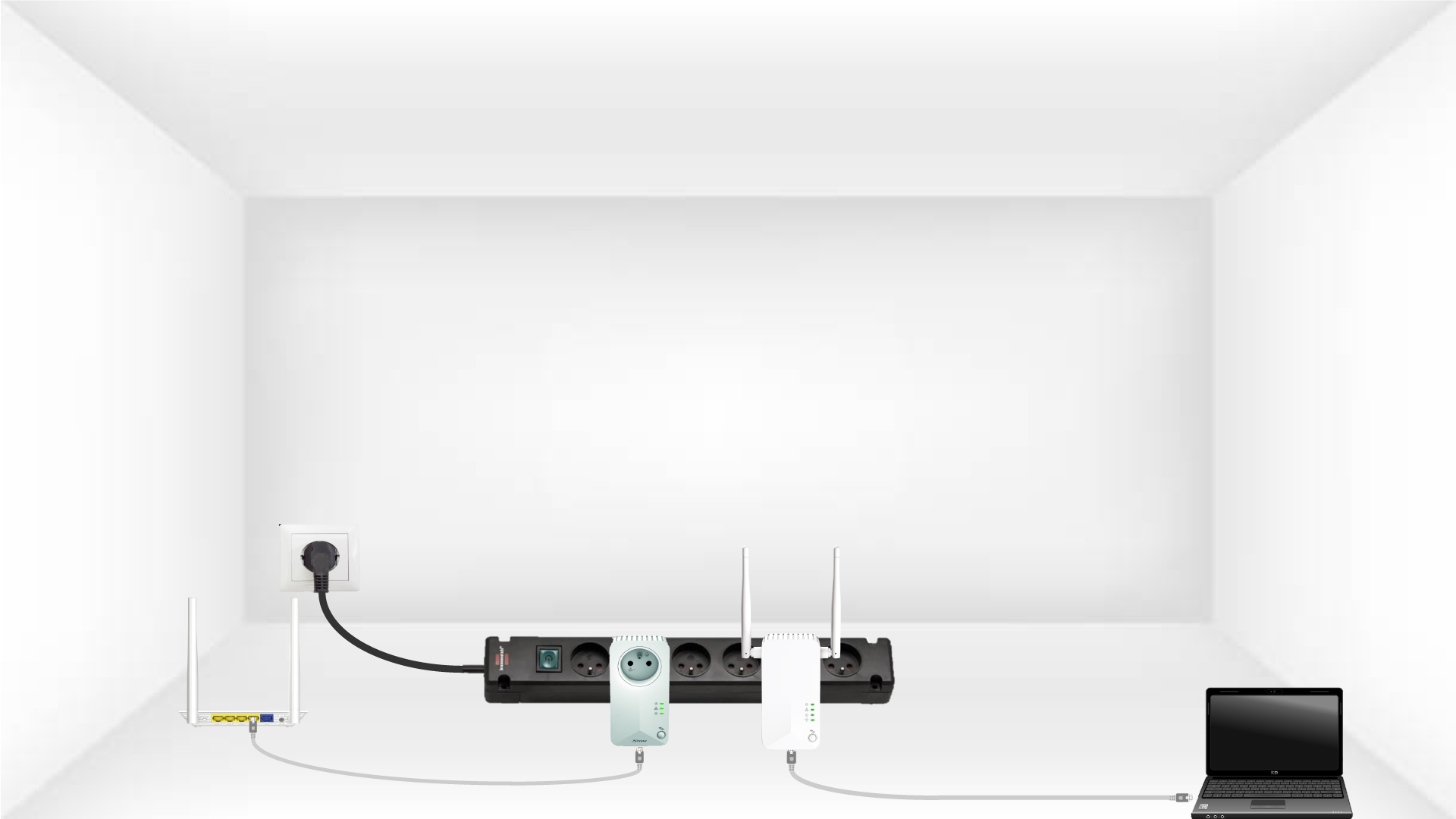
2. Spojite adaptere na internet
Spojite svaki adapter na ispravan uređaj (internetski usmjerivač/pristupnik, Android uređaj, Smart TV, računalo itd.) pomoću Ethernet kabela. Između uređaja mora postojati komunikacija, inače će adapter automatski prijeći u stanje pripravnosti.
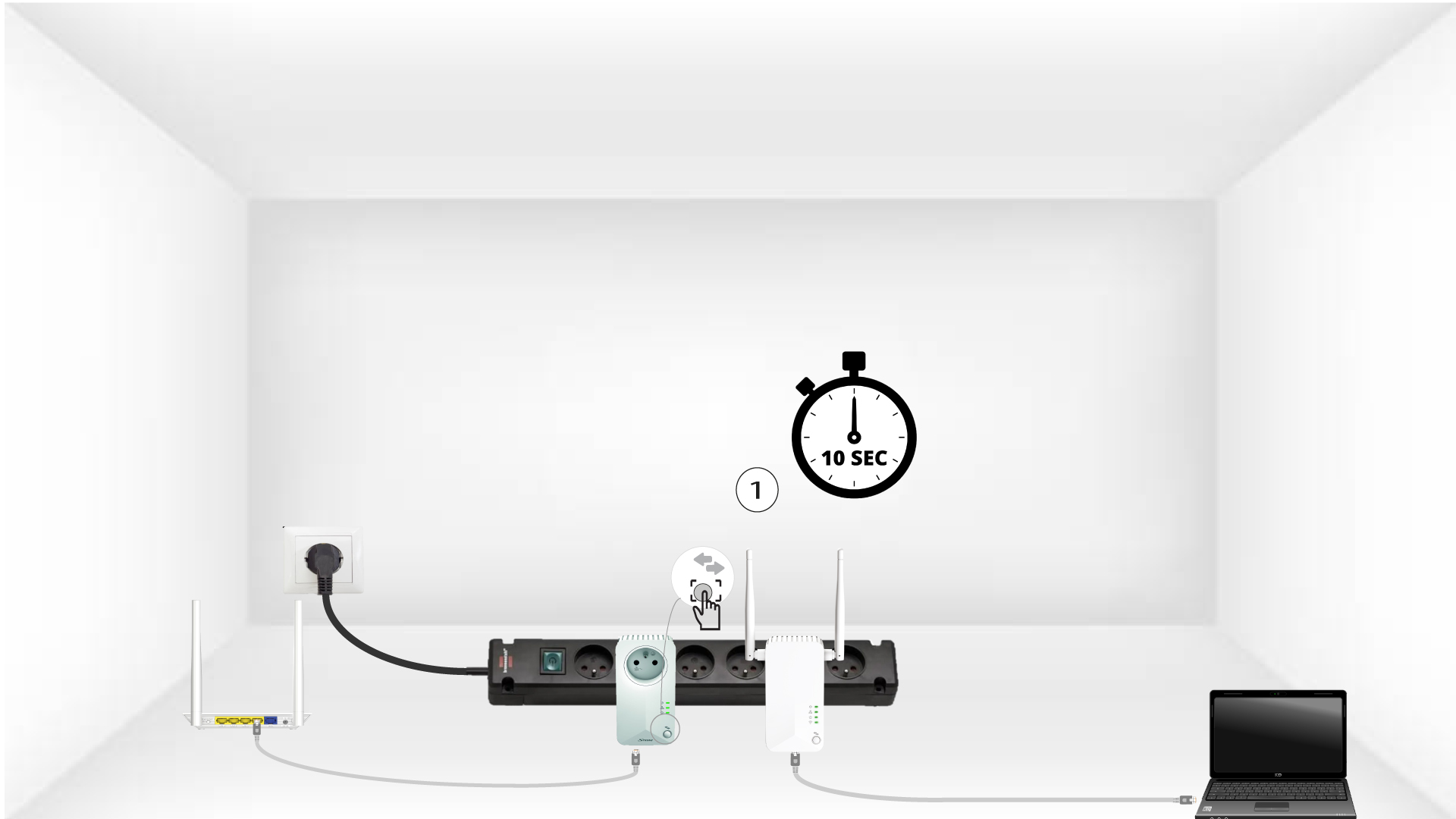
3 Pritisnite gumb Connect & Secure (prvi adapter)
Nakon što je adapter uključen i spojen na Ethernet, jednostavno pritisnite gumb „ Poveži i osiguraj “ na prednjoj ploči 10 sekundi.
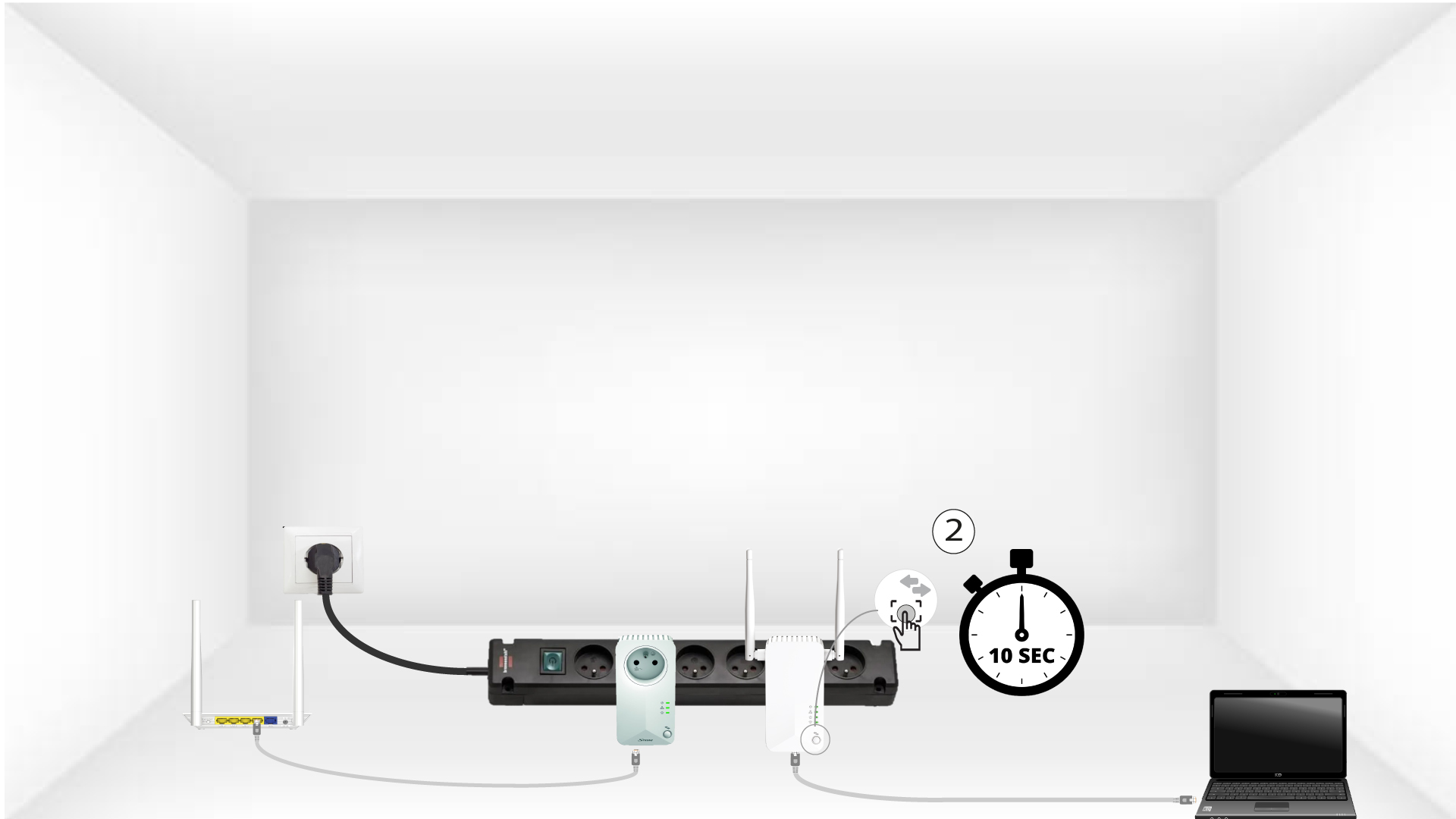
4 Pritisnite gumb Connect & Secure (drugi adapter)
Pritisnite gumb „ Poveži i osiguraj “ na prednjoj ploči drugog uređaja 10 sekundi.
5 LED lampica za dom treperi
Kućne LED diode trebale bi početi treptati.
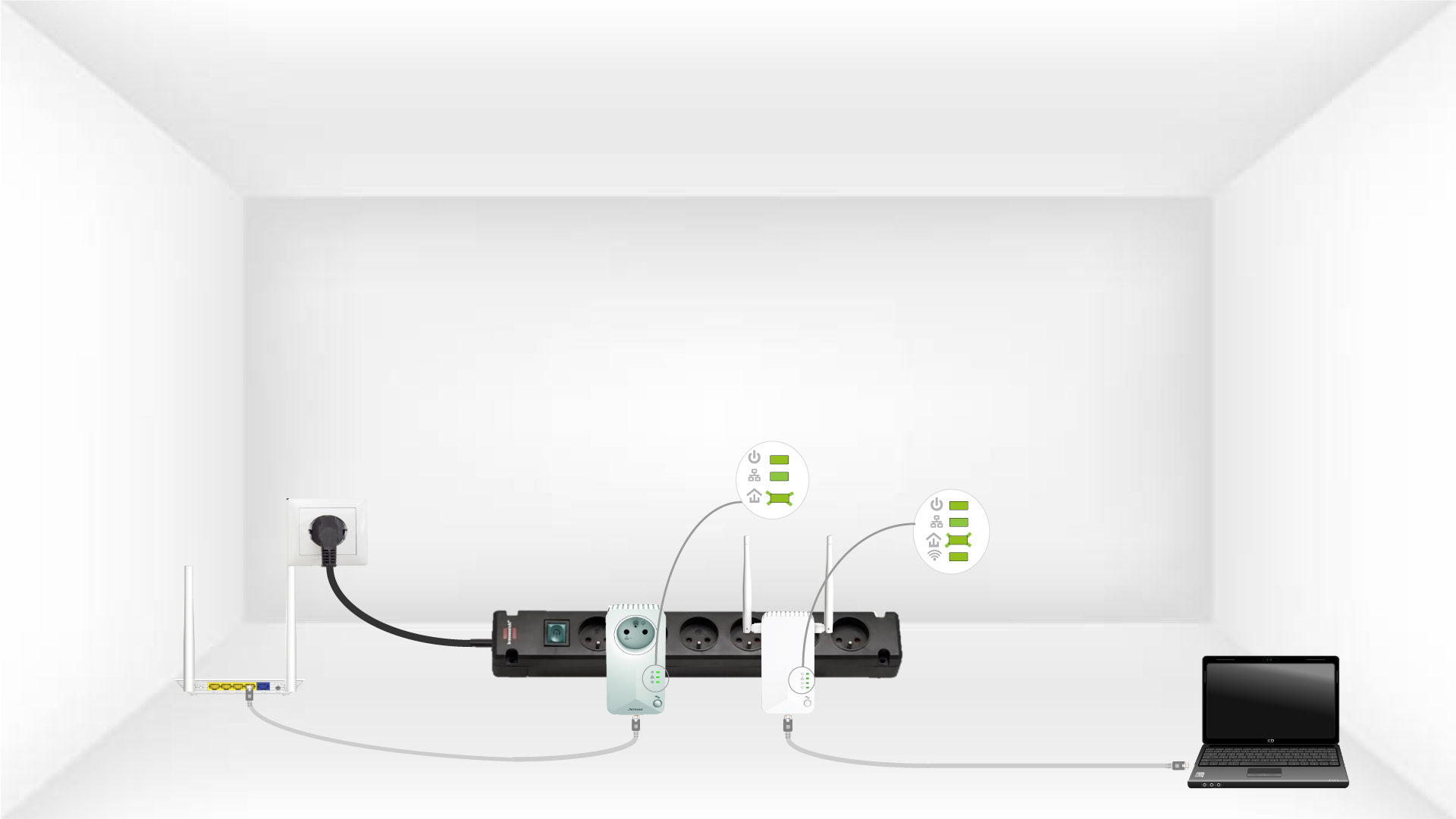
6 adaptera je resetirano
Sve LED diode moraju biti zelene na kraju operacija.
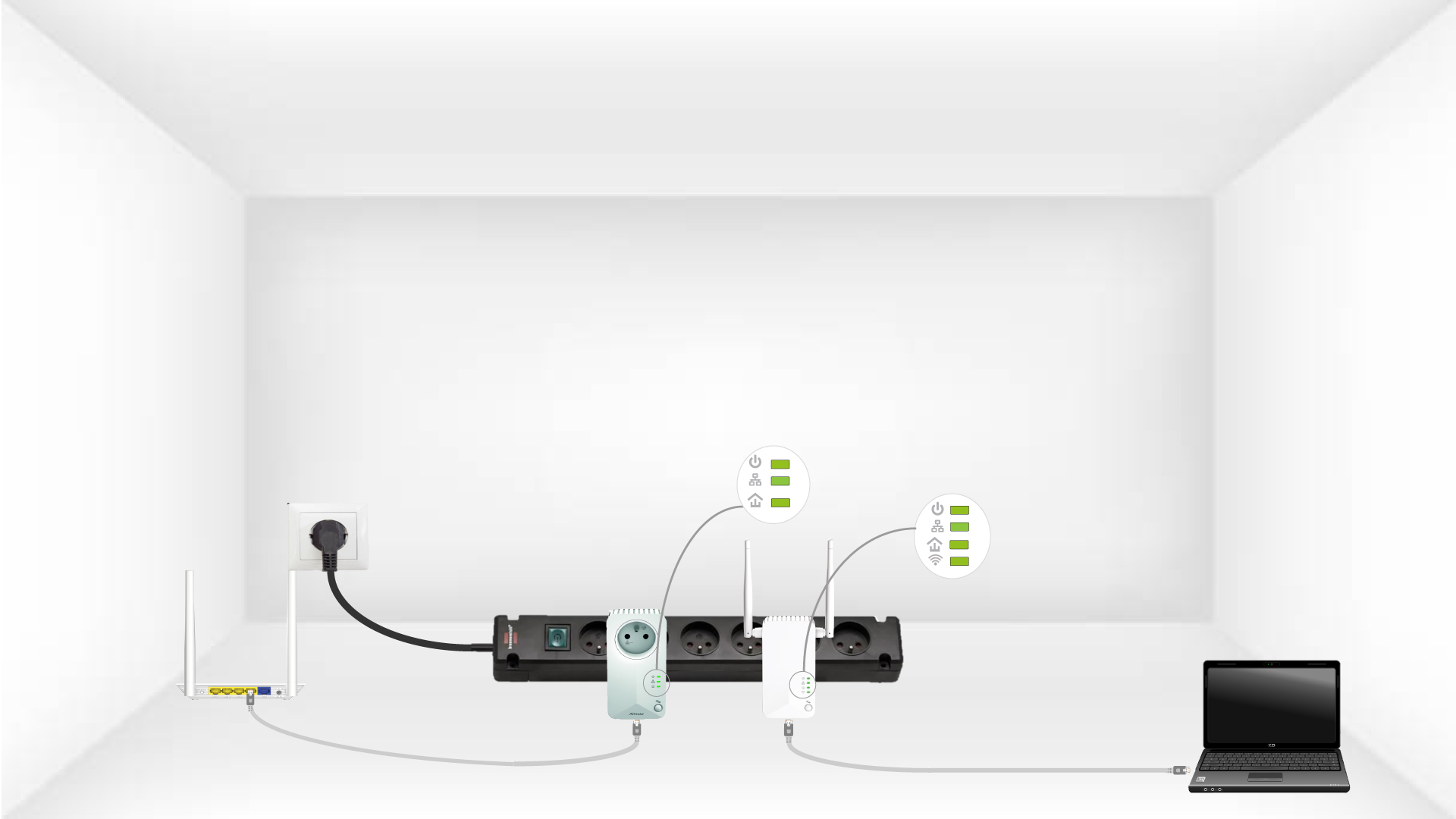
Ponovite isti postupak za treći dalekovod. Na istoj električnoj instalaciji možete imati do osam Powerline 500.
Nakon što resetirate sve uređaje, možete ih staviti u sobu gdje su vam potrebni.