Nema pronađenih stavki.
LEAP AIR | 4K Google TV s HDR10+
Nema pronađenih stavki.
Sva pitanja
Nema pronađenih stavki.
LEAP AIR | 4K Google TV s HDR10+
Nema pronađenih stavki.
Daljinski upravljač ne radi nakon provjere baterija, zašto?
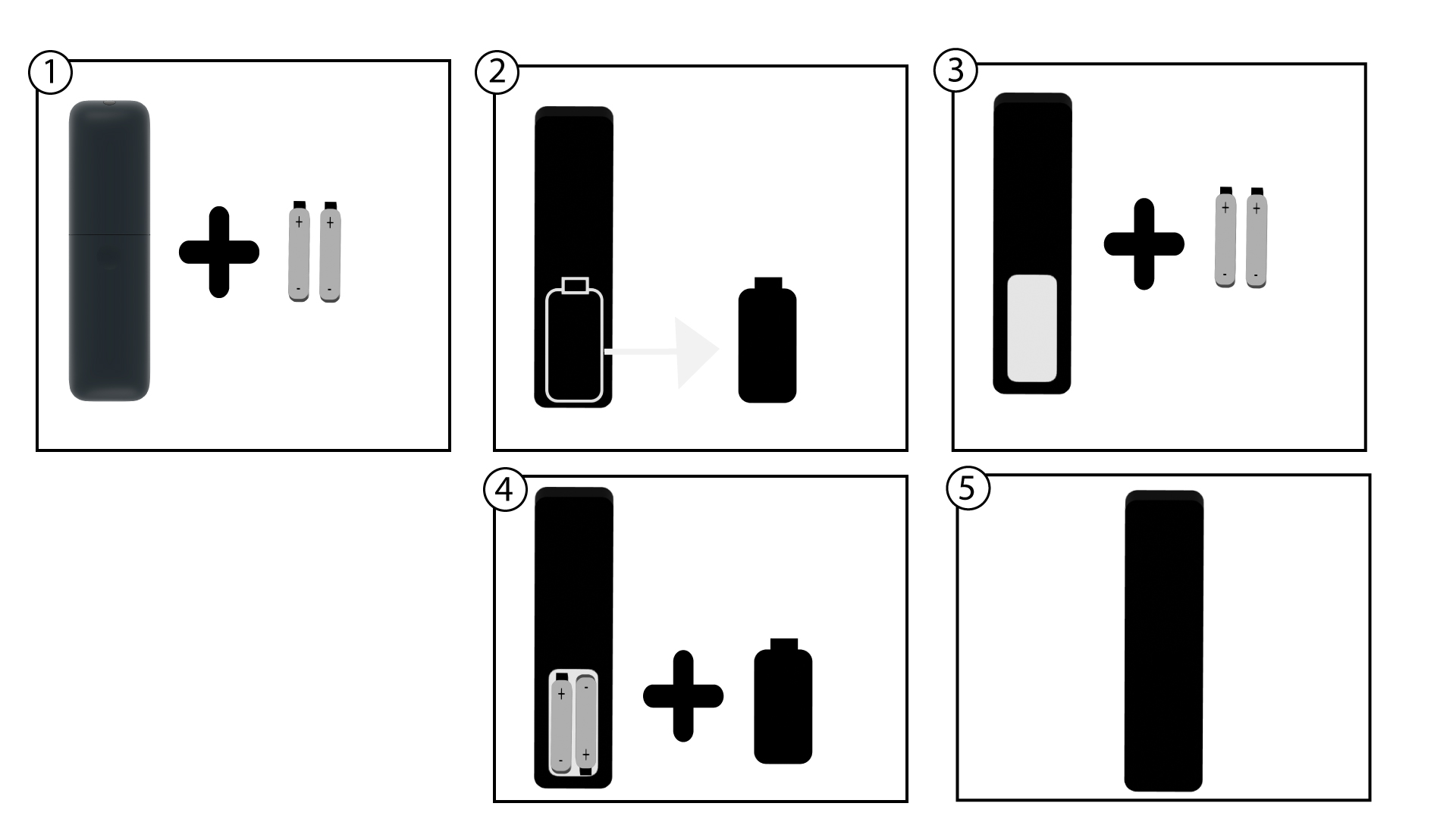
1 Promijenite baterije
Moguće je da baterije više ne rade. Molimo promijenite baterije.
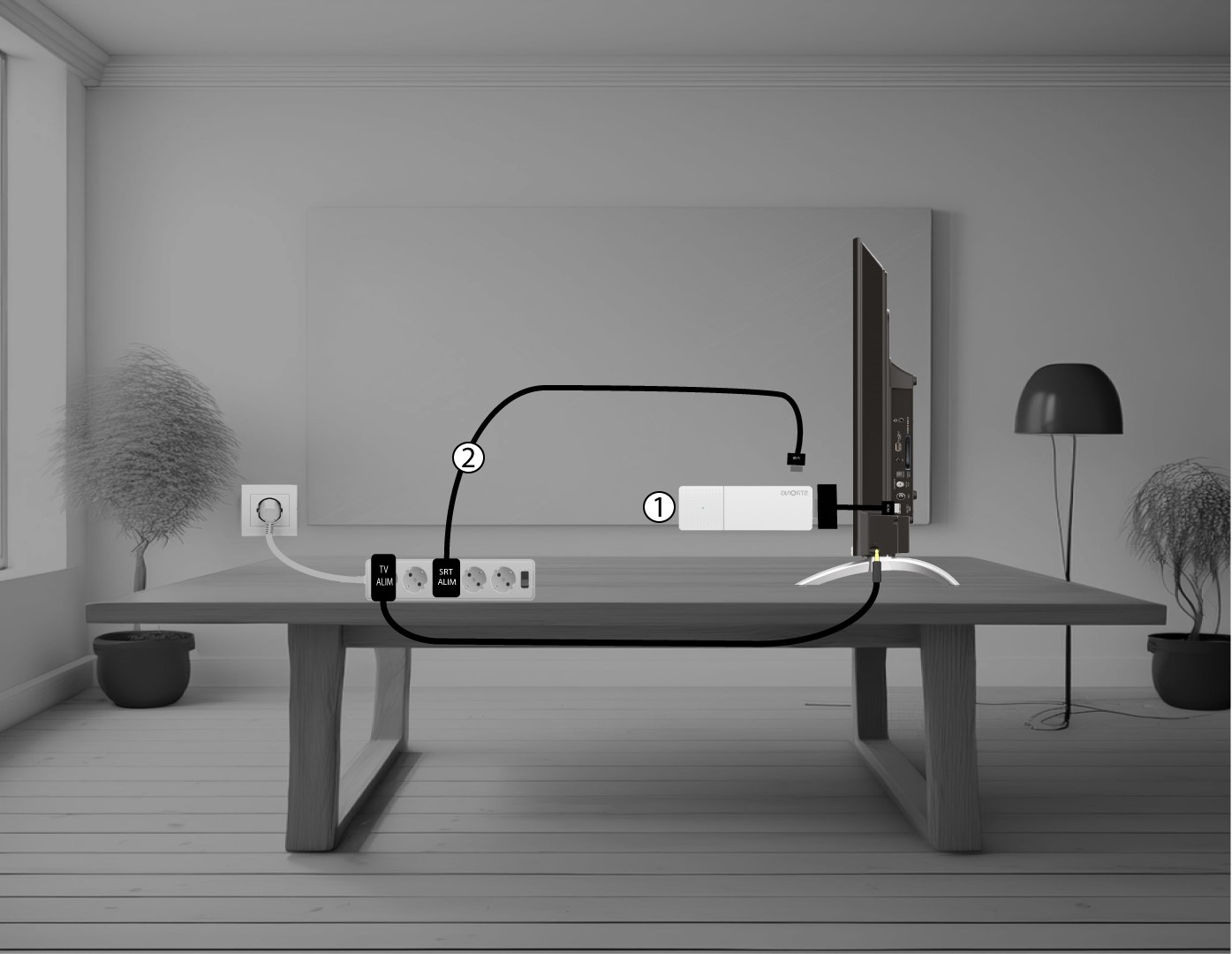
2 Ponovno pokrenite LEAP AIR
Ponovno pokrenite LEAP AIR isključivanjem kabela za napajanje koji se nalazi na desnoj strani uređaja.
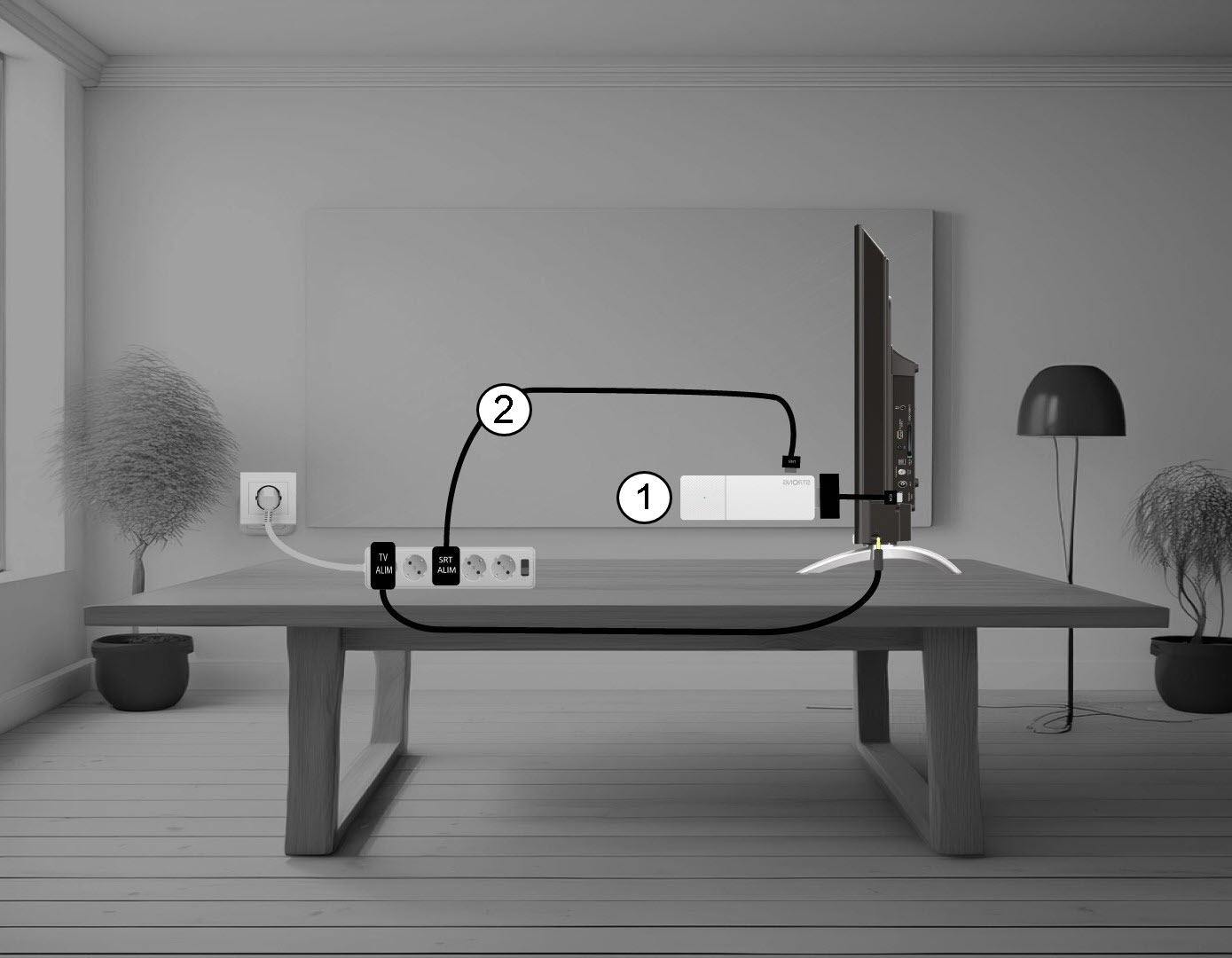
3 Uključite LEAP AIR
Zatim, priključite kabel i uključite uređaj.
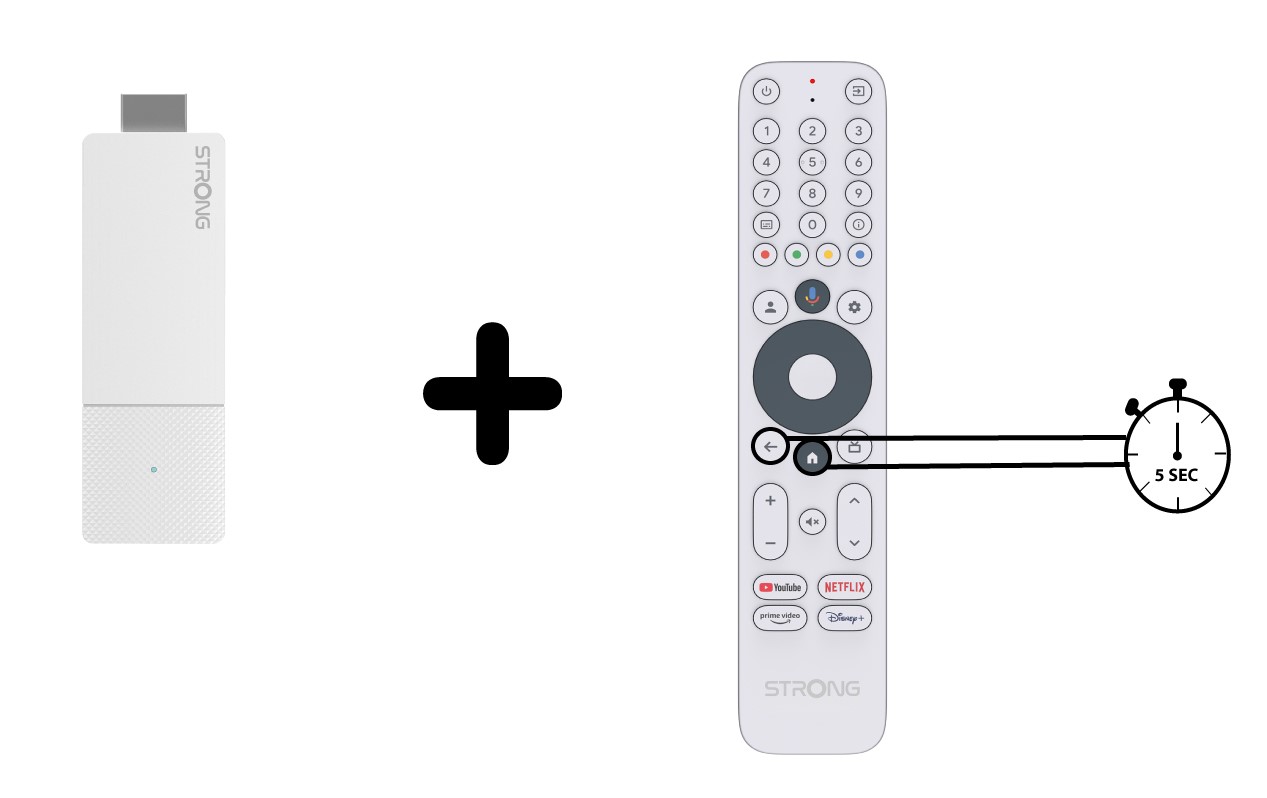
4 Uparite daljinski upravljač
Nakon ponovnog pokretanja morate ponovno upariti daljinski upravljač s uređajem. Da biste to učinili, istovremeno pritisnite tipke Return i Home 20 sekundi.