
4G prijenosna pristupna točka 150
Sva pitanja
4G prijenosna pristupna točka 150
Što znače različiti statusi SIM kartica u web sučelju?

Upozorenje: Prije spajanja na web sučelje provjerite je li SIM kartica ispravno umetnuta i je li PIN onemogućen ili
ušao.
Status 1 SIM kartice
Status svoje SIM kartice možete vidjeti na zaslonu 4G PRIJENOSNE 4G TOČKE 150:
Nakon što ste u web sučelju, možete primijetiti da se pored statusne linije SIM kartice može ispisati nekoliko statusa:
Nema SIM kartice ili SIM kartica nije važećaSIM kartica je umetnuta i prepoznata, ali ne radi zbog PIN koda. SIM kartica nije pravilno umetnuta uuređaj ili SIM kartica nije umetnuta u utor.
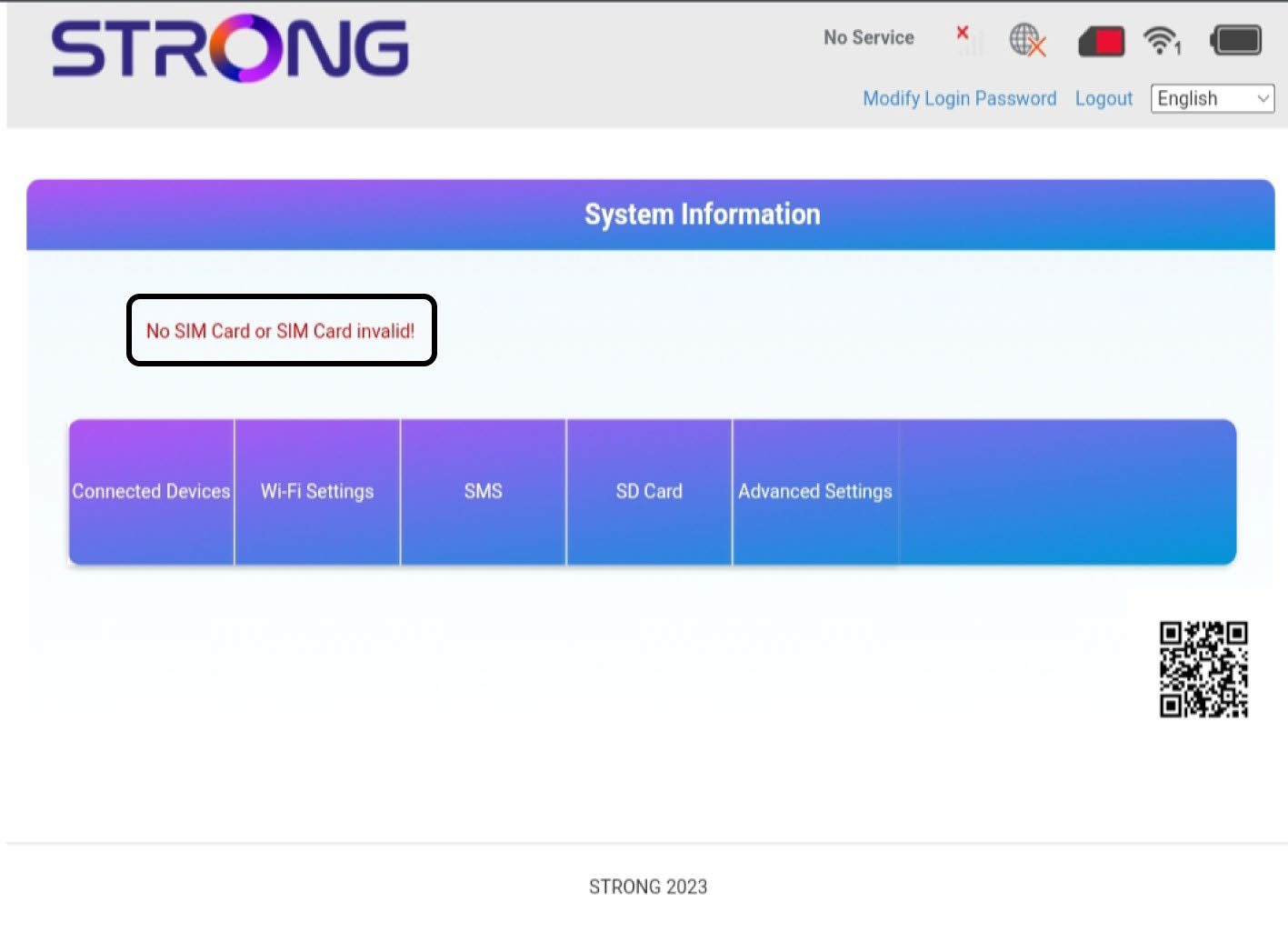
2 Status: Normalan
Normalno : SIM kartica je ispravno umetnuta u uređaj i otključana. Možete vidjeti glavnu stranicu web sučelja.

Upozorenje:
• Ako je SIM kartica zaključana PIN kodom, morate se povezati s web sučeljem kako biste ga unijeli i otključali SIM karticu.
• Ako SIM kartica nije prepoznata, provjerite je li zlatna strana vidljiva kada je SIM kartica umetnuta u utor.
• Ako SIM kartica nije pravilno postavljena, vratite je u utor i provjerite je li SIM kartica još uvijek u adapteru.