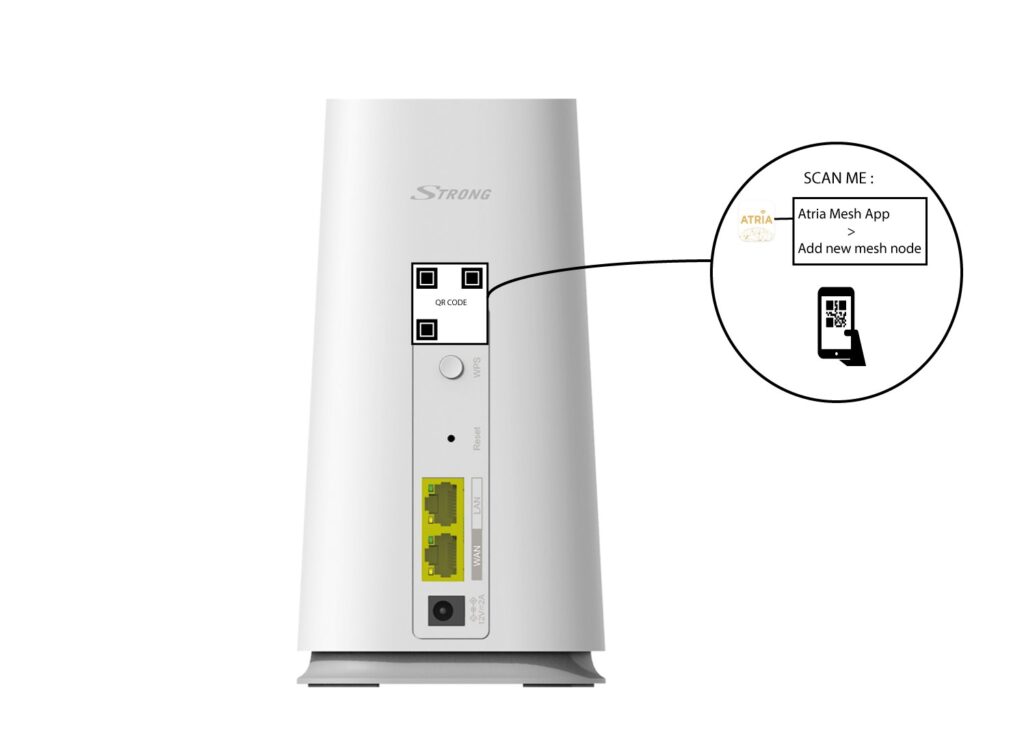
ATRIA Wi-Fi 5 Mesh 2100 (add-on)
Nem találtunk tárgyakat.
Nem találtunk tárgyakat.
Minden kérdés
ATRIA Wi-Fi 5 Mesh 2100 (add-on)
Nem találtunk tárgyakat.
Nem találtunk tárgyakat.
Hogyan adhatok hozzá új „ Mesh ” egységeket a nemrég beállított hálózathoz?
Nagyon egyszerű új „ mesh ” készülékeket hozzáadni a meglévő „ Mesh ” hálózathoz.
1.1. eset: WPS gomb
Ehhez nyomja meg 5 másodpercig a WPS gombot azon a „ Mesh ” készüléken, amely RJ45-es kábellel csatlakozik az „
” útválasztóhoz/modemhez.
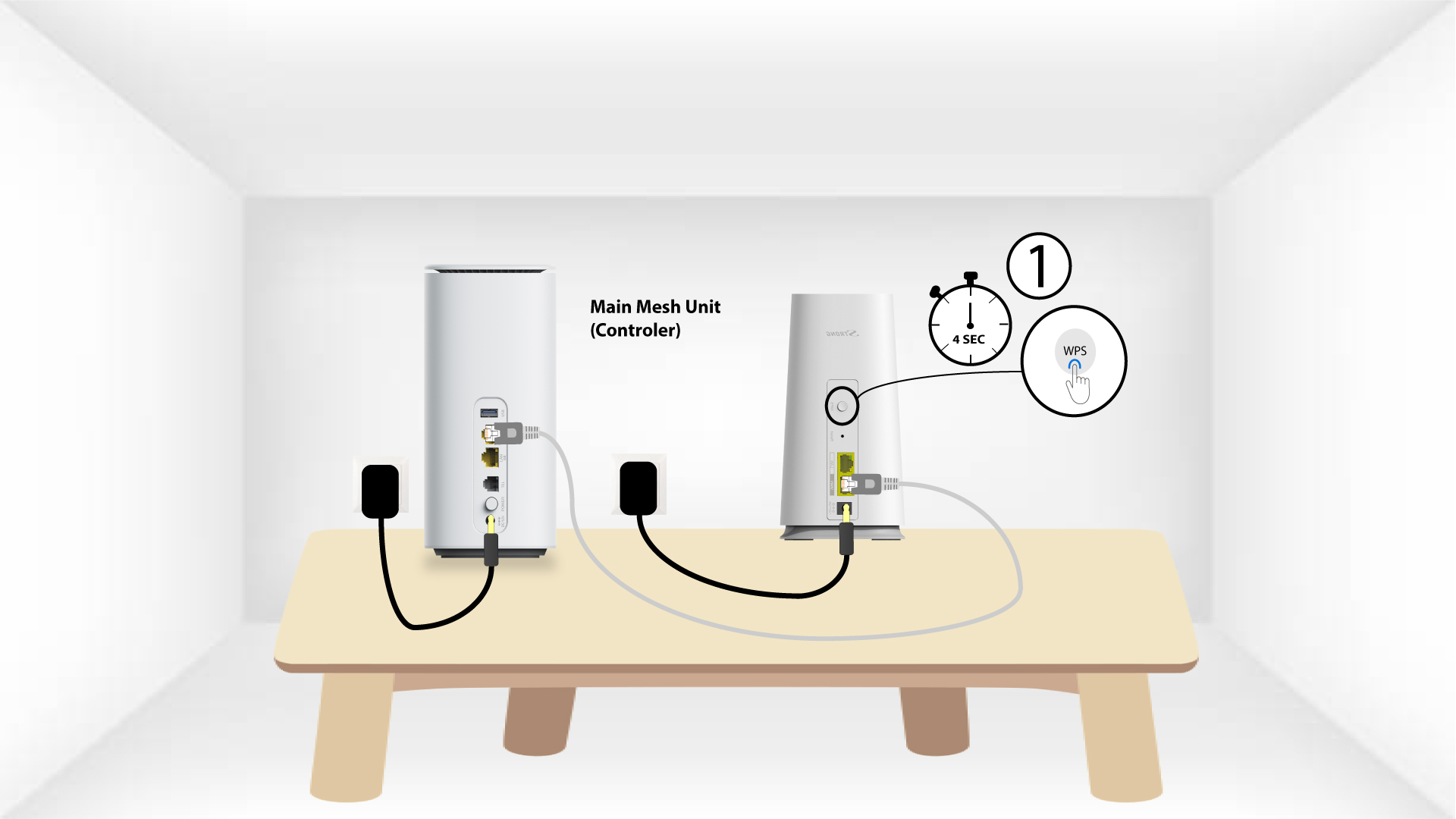
A második eszköz 2WPS-je
Ezután nyomja meg az új készülék WPS gombját 5 másodpercig.
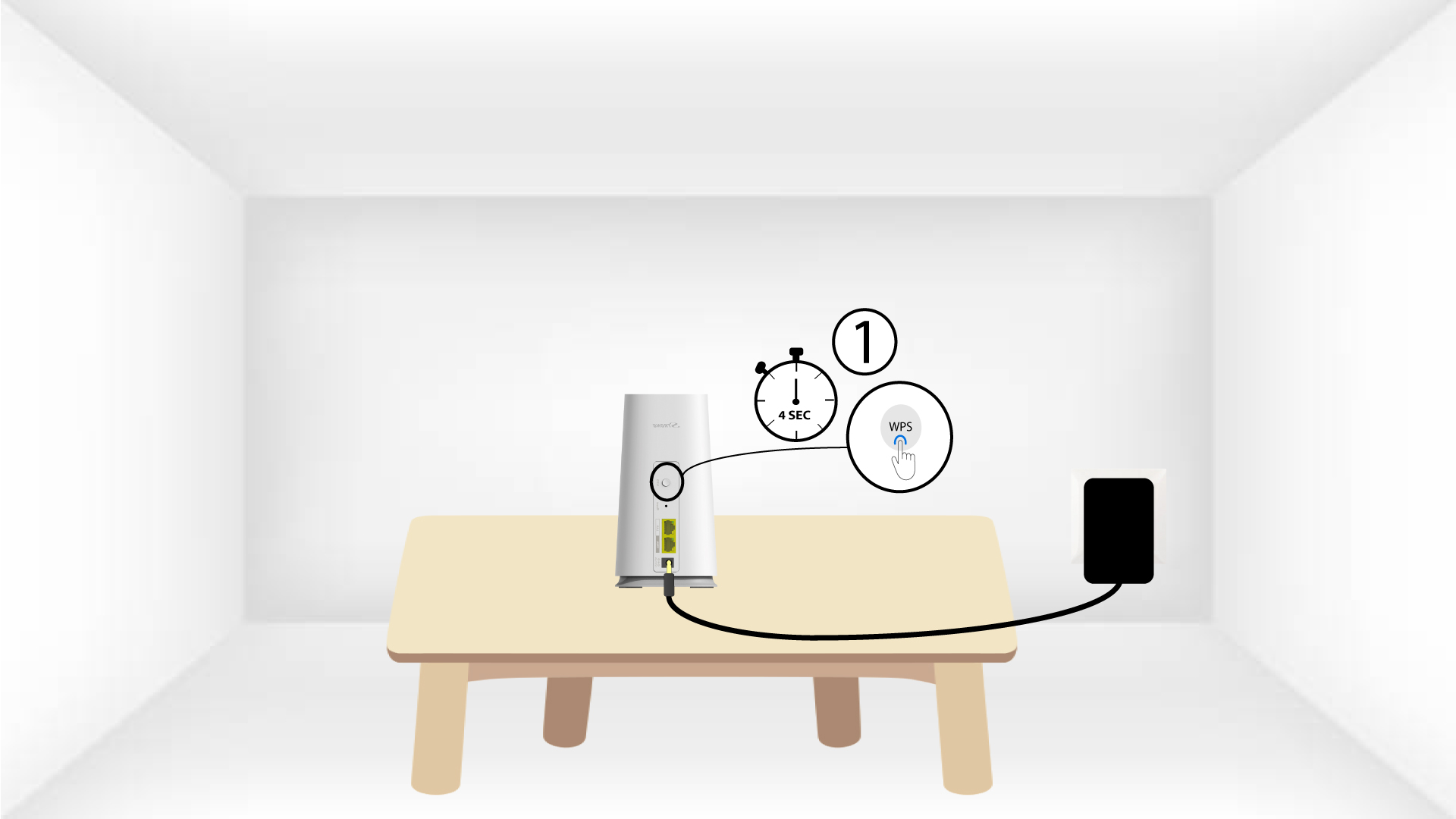
1.2. eset: Atria „ Mesh ” alkalmazás
Az „ Mesh ” csomópontot az Atria „ Mesh ” alkalmazáson keresztül is hozzáadhatja.
Ehhez csatlakozzon annak az „ Mesh ” eszköznek a Wi-Fi-hálózatához, amely az Ön útválasztójához/modemjéhez van csatlakoztatva.

2Atria„ Mesh ” alkalmazás
Ezután töltsd le az Atria „ Mesh ” alkalmazást.

3. Hitelesítő adatok
A csatlakozáshoz írja be a felhasználónevet és a jelszót (admin/admin).

4Új hozzáadása Mesh
Kattintson az „Új Mesh -csomópont hozzáadása” gombra.
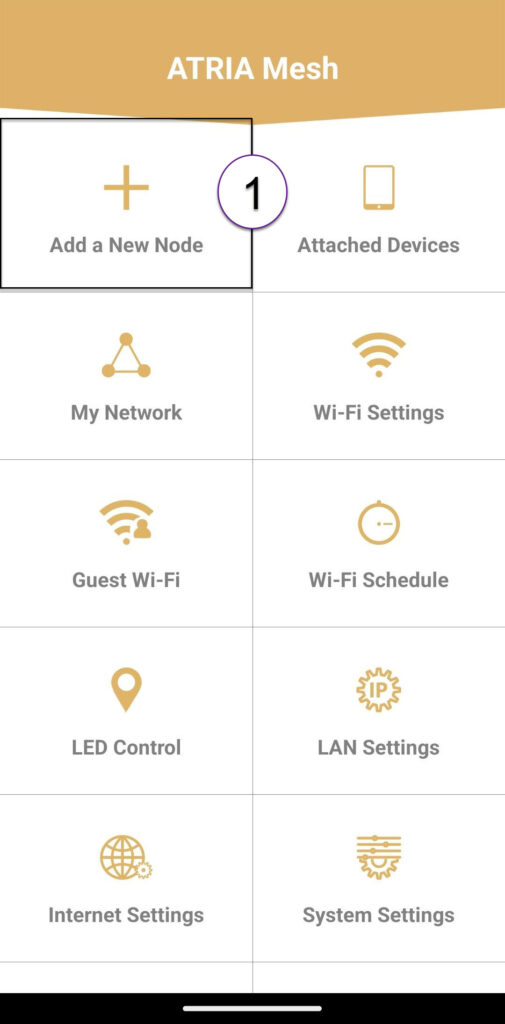
5QR-kód
Olvassa be a hozzáadni kívánt „ mesh ” hátoldalán található QR-kódot.