ATRIA Wi-Fi 5 Mesh 1200 (3 db-os csomag)
Minden kérdés
ATRIA Wi-Fi 5 Mesh 1200 (3 db-os csomag)
Hogyan állíthatok be/adhatok hozzá statikus IP-címet az Atria Mesh 1200 készülékemhez? (Alkalmazás)
Érdemes lehet statikus IP-címet beállítani az mesh vezérlőjéhez, hogy az Atria Mesh alkalmazáson belül könnyebben elérhesse a hálózatán található
webes felhasználói felületet.
A mesh hálózathoz csatlakozó eszközöknek is hozzárendelhet dedikált IP-címeket a
webes felhasználói felületen.
1. Csatlakozza készüléked Wi-Fi-hálózatához mesh
Ehhez csatlakozzon az „ mesh ” hálózat Wi-Fi-jéhez.

2. Nyissa megaz alkalmazást
Csatlakozz az Atria „ Mesh ” alkalmazáshoz.

3Network
Kattintson a „Saját hálózat” elemre.

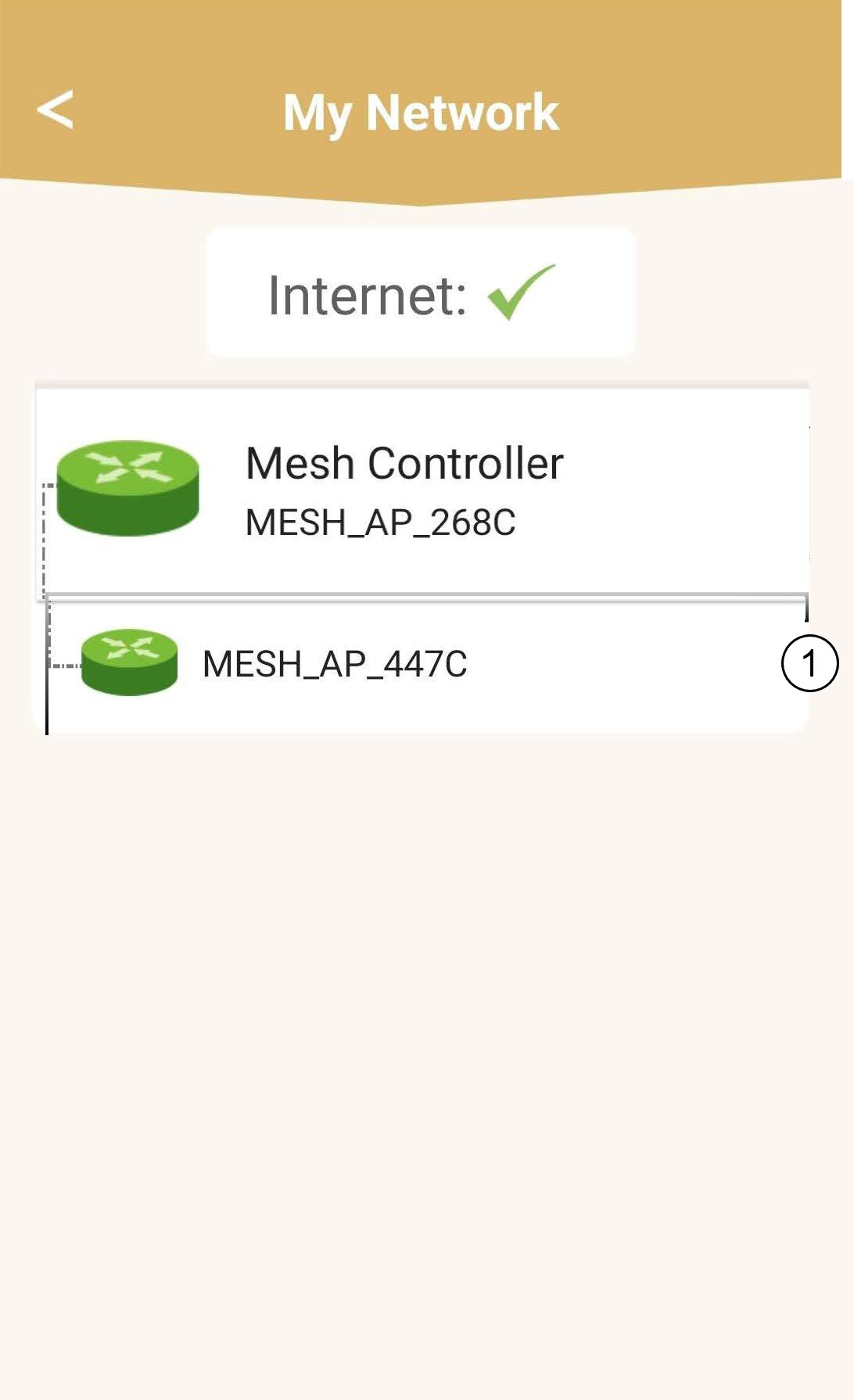
4. Válassza kia fő „ mesh ” egységet
Kattintson a listában az „ Mesh ” ügynök nevére.
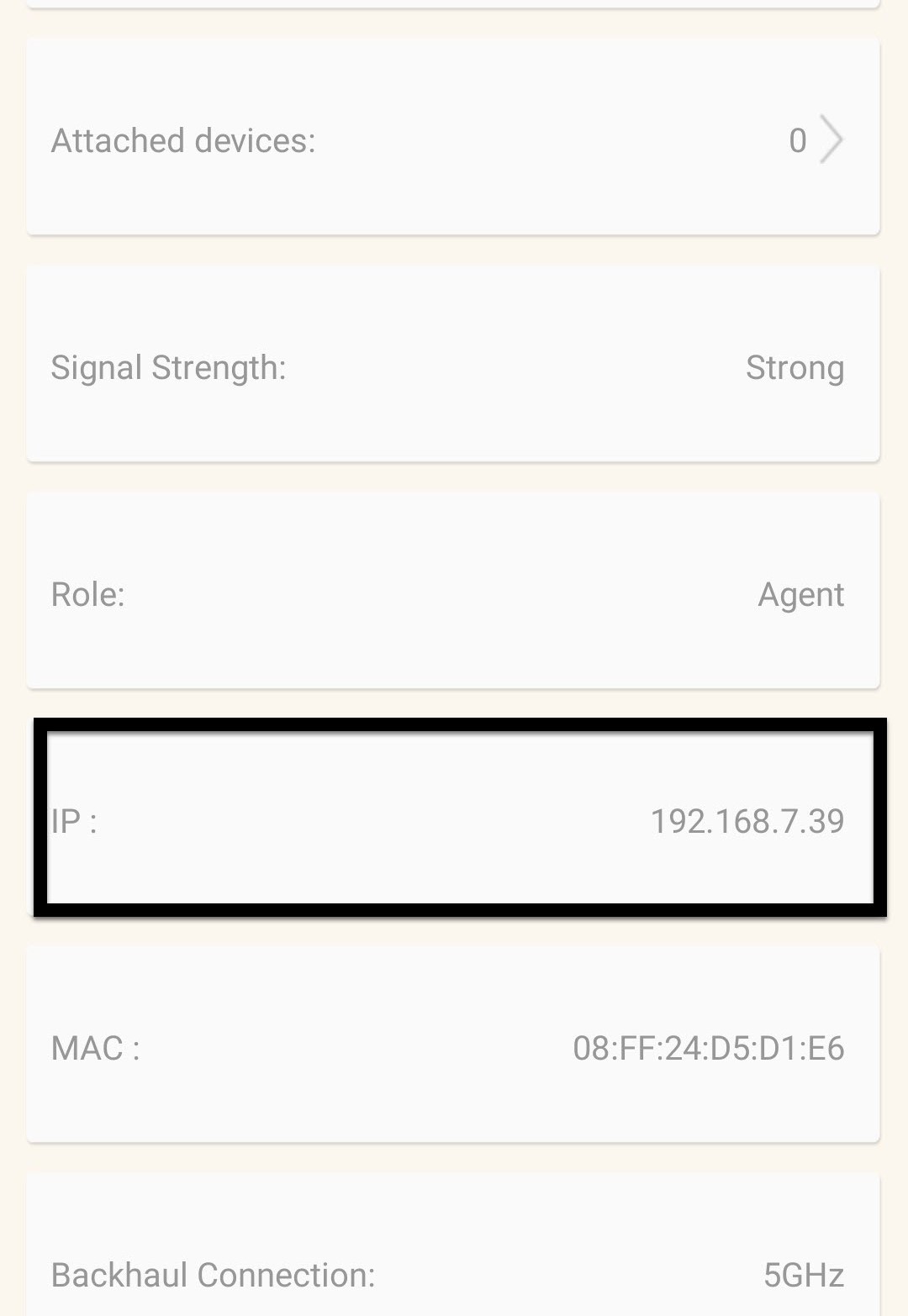
5. Az IP-cím megkeresése
Határozza meg az eszköz IP-címét és MAC-címét.
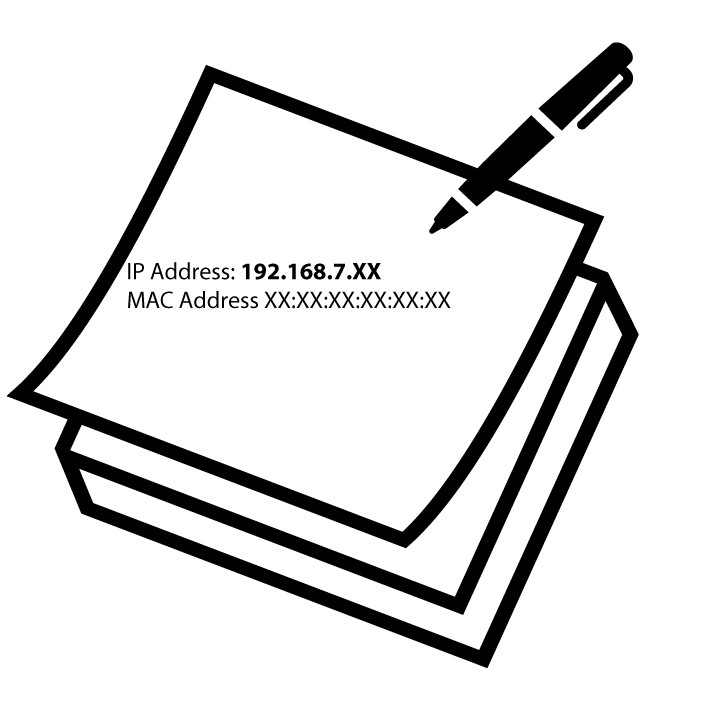
6. Írjale az IP-címet
Írja le az IP-címet és a MAC-címet.
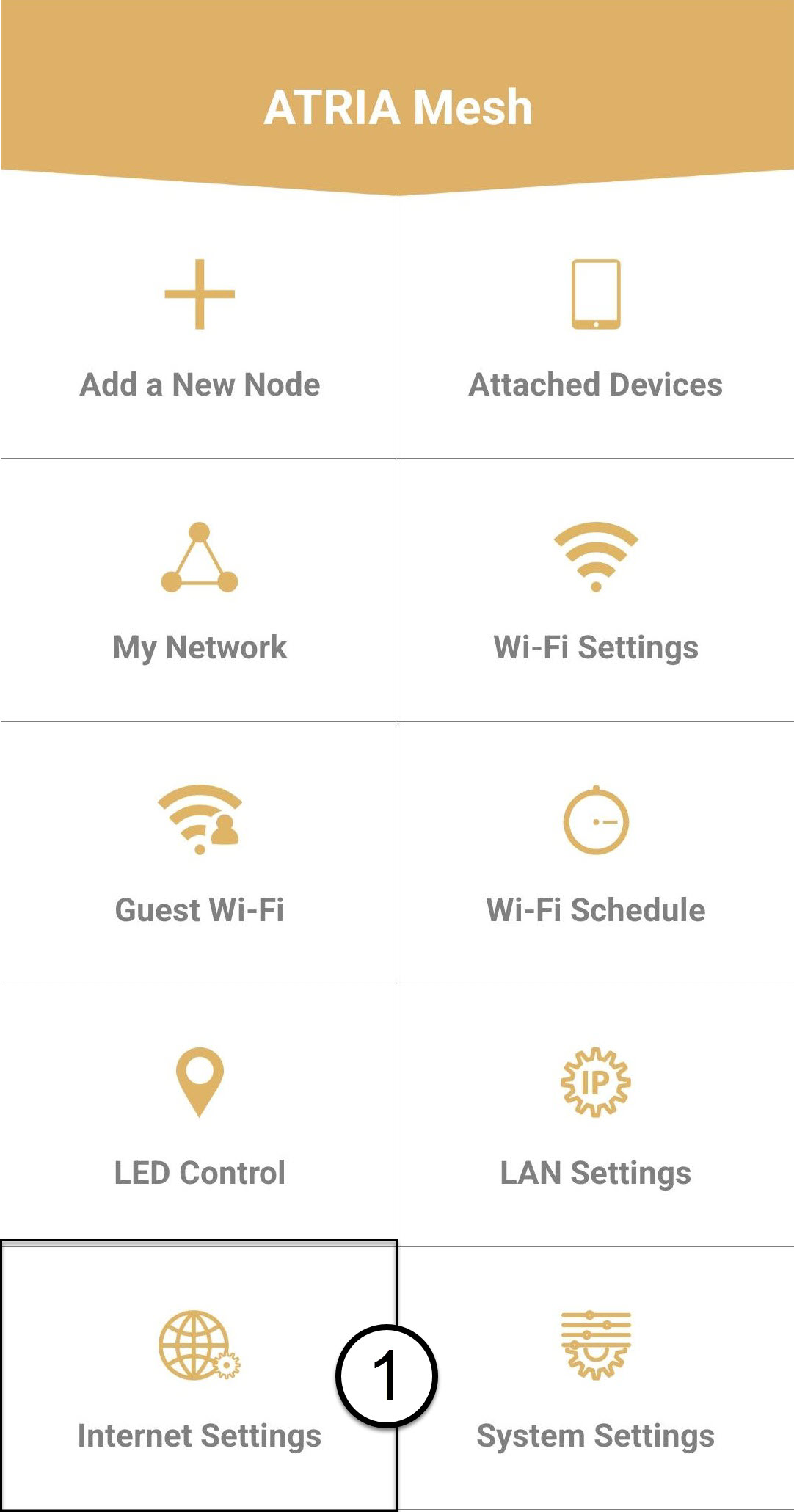
7. Internetbeállítások
Kattintson az „Internetbeállítások” gombra.
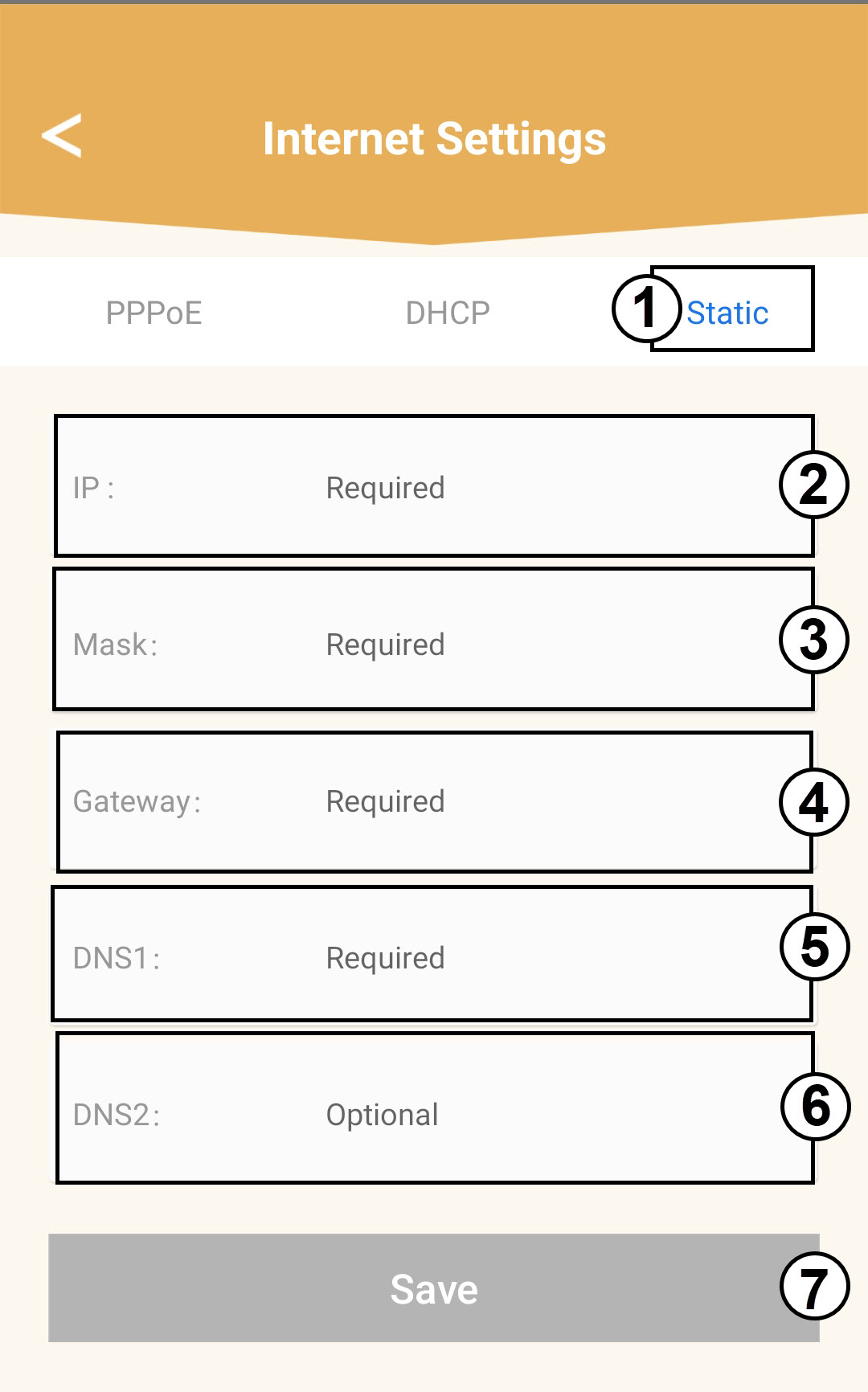
8. ÁllandóIP-cím
Válassza a „Statikus IP” lehetőséget. A „Mentés” gombra kattintás előtt adja meg az alábbi adatokat:
o IP: Adja meg az ügynök IP-címét
o Álarc: A mező automatikusan kitöltődik a megfelelő értékkel
o Átjáró: A mező automatikusan kitöltődik a megfelelő értékkel
o DNS1: Adja meg az elsődleges DNS-címet (ezt az információt a webes felhasználói felületen találja meg:
Hálózat > LAN -> Kézi DNS engedélyezése)
o DNS2: Adja meg a másodlagos DNS-címet (ezt az információt a webes felhasználói felületen találja meg:
: Hálózat > LAN -> Kézi DNS engedélyezése)