
ATRIA Wi-Fi 5 Mesh 1200 (3 db-os csomag)
Minden kérdés
ATRIA Wi-Fi 5 Mesh 1200 (3 db-os csomag)
Hogyan nevezzem el az „ Mesh ” egységeimet?
Az alábbi eljárás segítségével megadhatja az „ mesh ” készülékeinek nevét, hogy azok könnyen azonosíthatók legyenek.
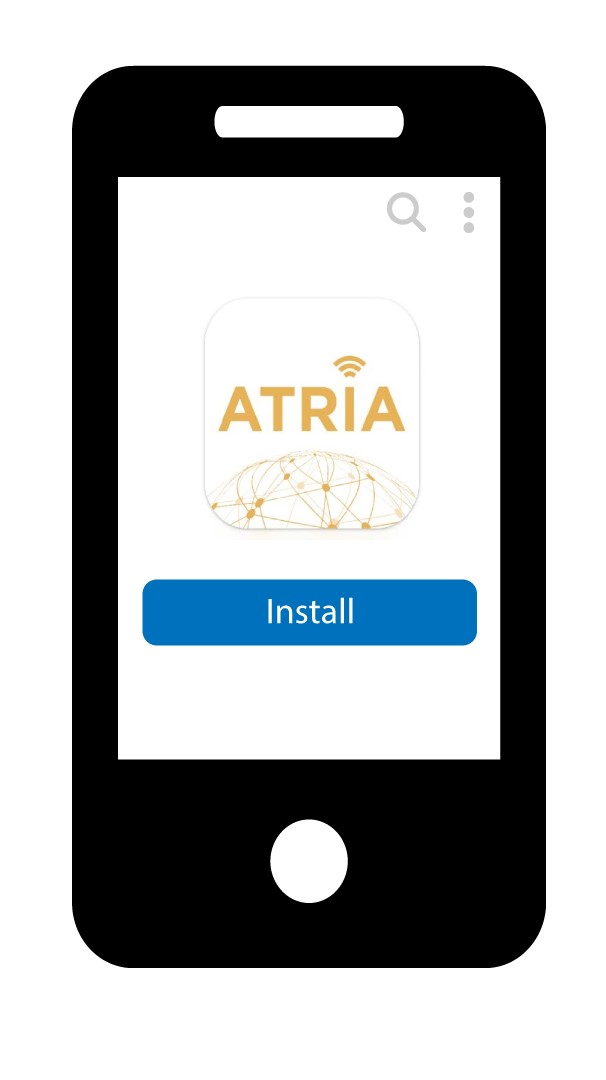
1. Töltsd leaz alkalmazást
Töltsd le az Atria „ Mesh ” alkalmazást.
2Csatlakozza következő Wi-Fi-hálózathoz: mesh
Csatlakozzon az „ mesh ” készülék Wi-Fi-hálózatához.

3. Csatlakozzaz alkalmazáshoz
Írja be a felhasználónevet és a jelszót, mielőtt a „Bejelentkezés” gombra kattintana.

4Ahálózatom
Kattintson a „Saját hálózat” gombra

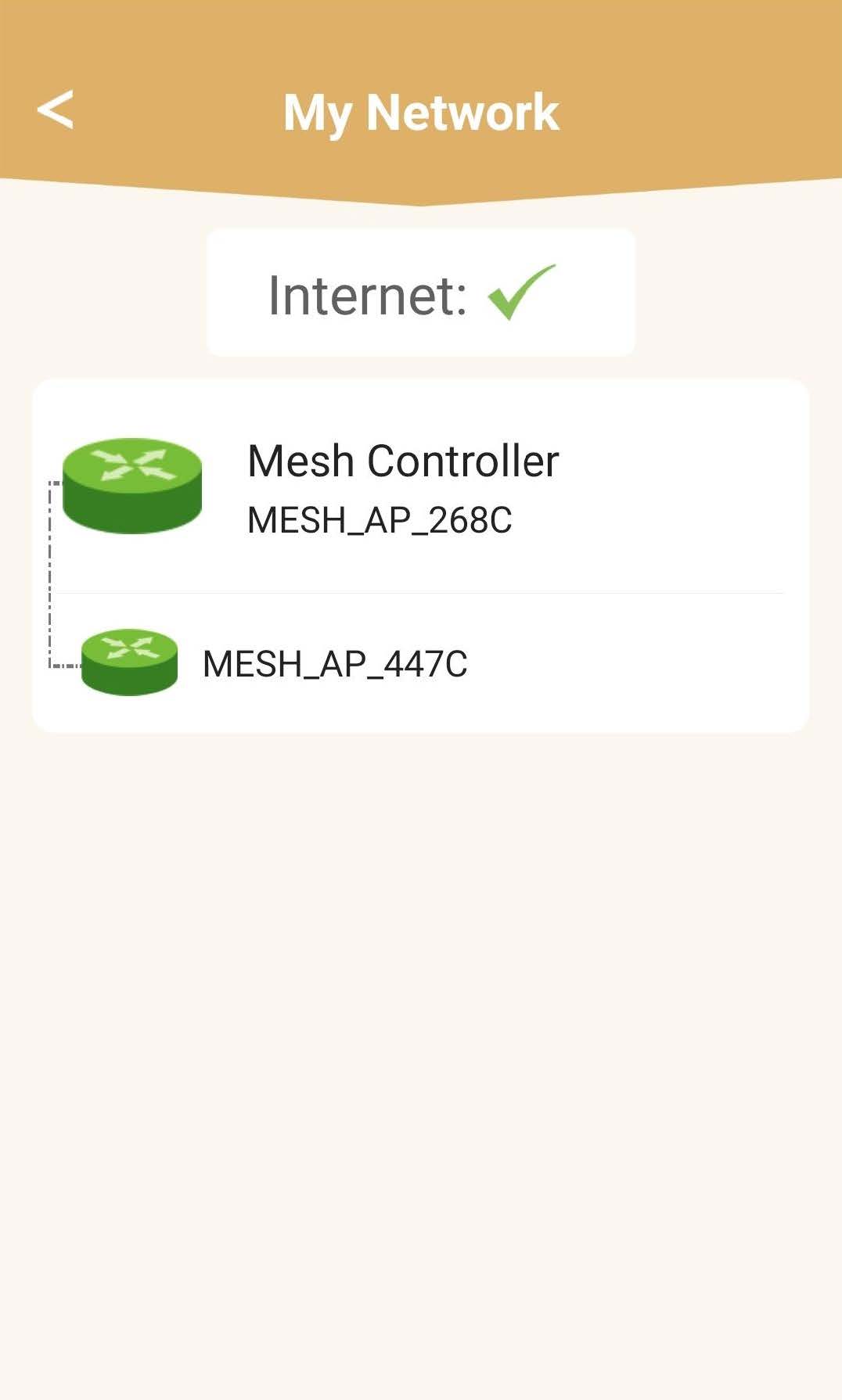
5 AMesh hálózat állapota
Megtekintheti az „ mesh ” készülékei által biztosított lefedettség állapotát.
Felhívjuk figyelmét, hogy amennyiben a mesh készülékek szürkén jelennek meg, az az adott készülék által biztosított lefedettség nem elegendő. Ebben az esetben módosítania kell a mesh készülék elhelyezkedését.
Ha a „ mesh ” egységek zöld színnel jelennek meg, az azt jelenti, hogy megfelelően működnek, és elegendő lefedettséget biztosítanak.
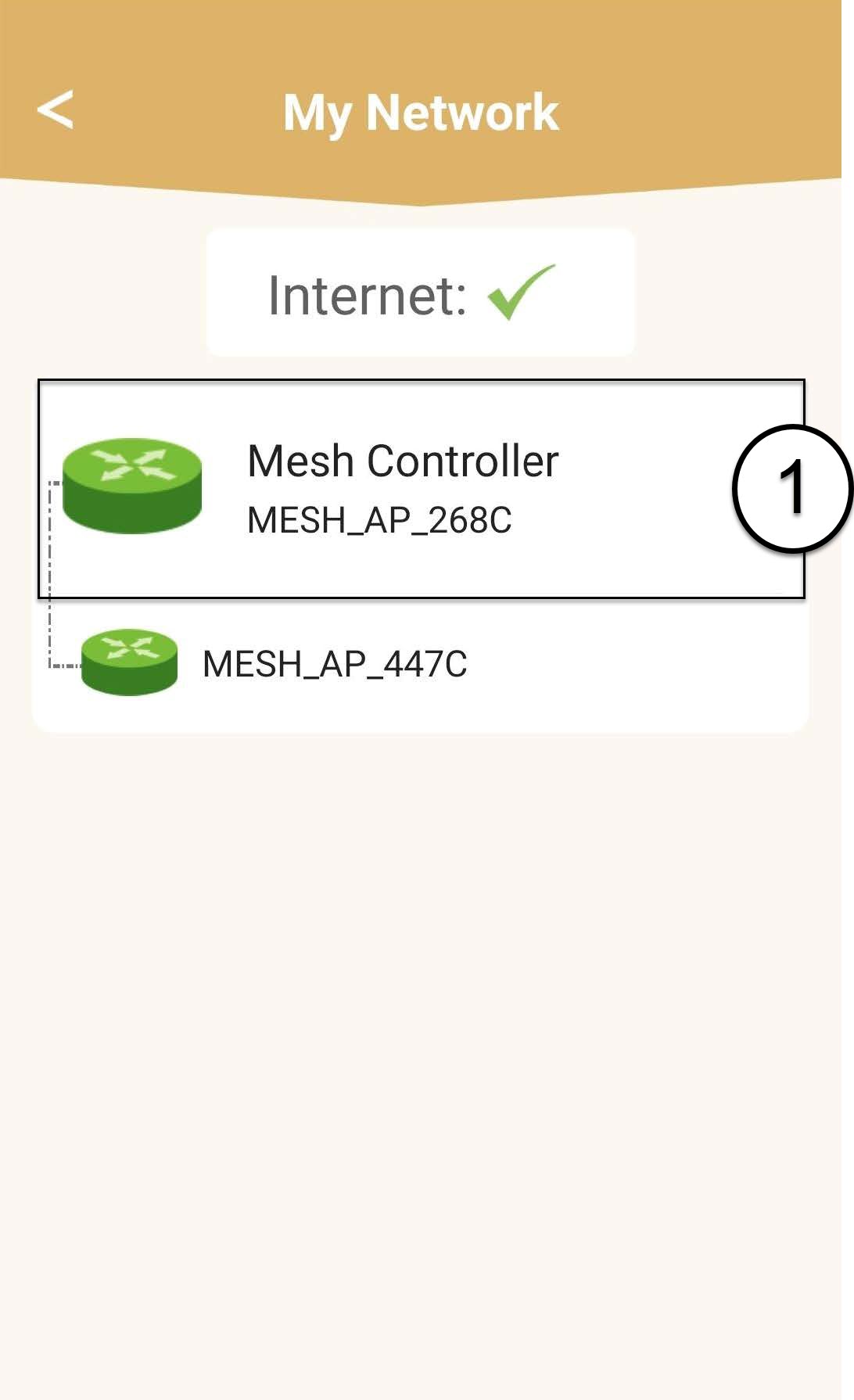
6. Fő„ mesh ” egység
Kattintson az „ mesh ” egység nevére az ehhez tartozó információk megtekintéséhez.
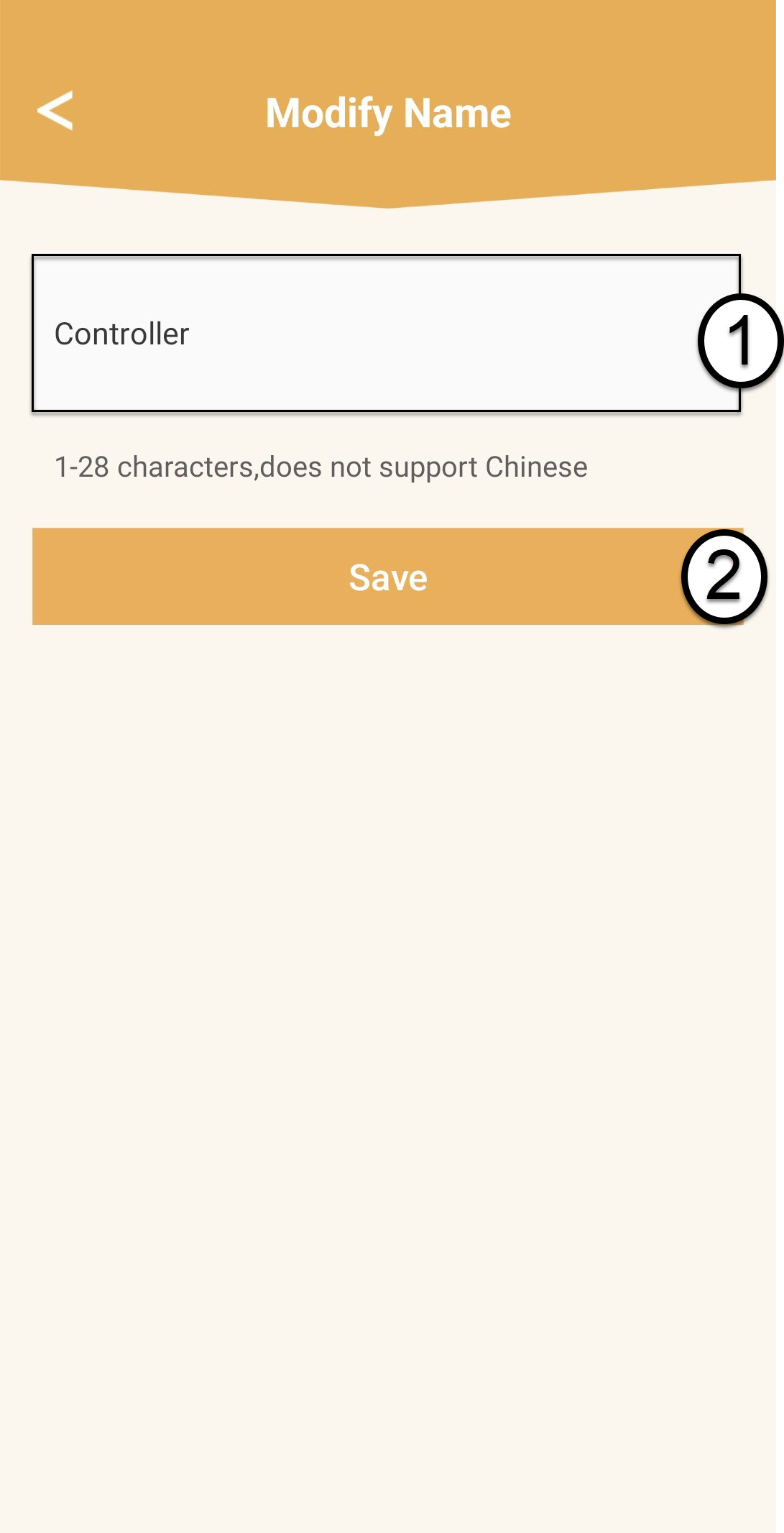
7. A „ mesh ” főegység nevének szerkesztése
Írjon be egy új nevet, majd kattintson a „Mentés” gombra.
Az „ mesh ” vezérlőt a következőképpen kell elnevezni: Mesh1200-Main-
A szoba neveAz „ mesh ” ügynököket a következőképpen kell elnevezni: Mesh1200-A szoba neve
8. Másodlagos„ mesh ” egység
A többi „ mesh ” egység esetében kattints a nevükre az adatok megtekintéséhez. Ezután írd be az új nevet, majd kattints a „Mentés” gombra.