4G AIRSPOT 220 Wi-Fi kijelzővel
Nem találtunk tárgyakat.
Nem találtunk tárgyakat.
Minden kérdés
4G AIRSPOT 220 Wi-Fi kijelzővel
Nem találtunk tárgyakat.
Nem találtunk tárgyakat.
Hogyan módosíthatom az admin jelszót?
1. Nyissa mega webes felhasználói felületet
A webes felhasználói felülethez való csatlakozáshoz kérjük, kövesse az alábbi cikkben leírt útmutatást: Hogyan érhetem el a webes felhasználói felületet?
2.Jelszó módosítása
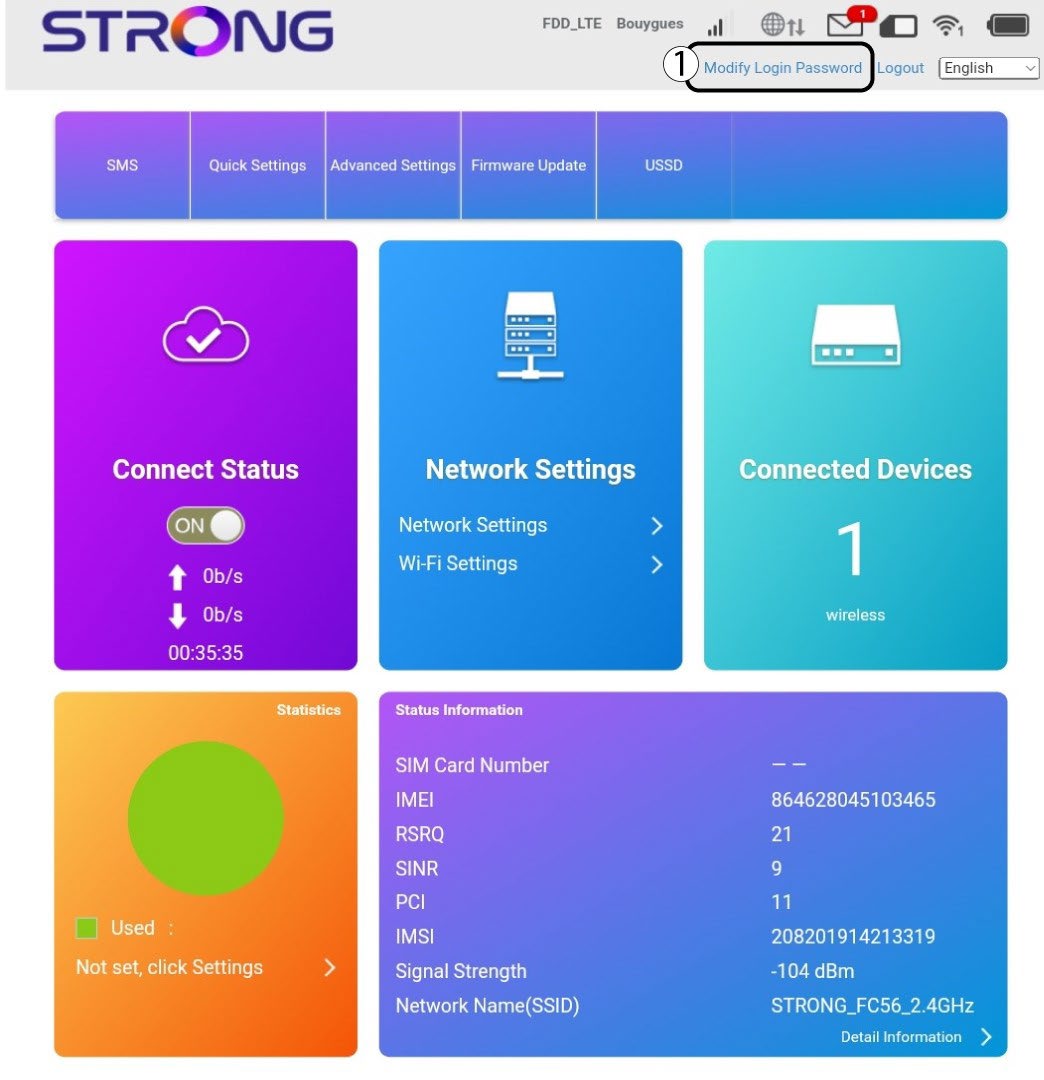
Miután ezt elvégezte, kattintson a felső sávban található „Bejelentkezési jelszó módosítása” gombra.
3. Adja megaz új adatokat
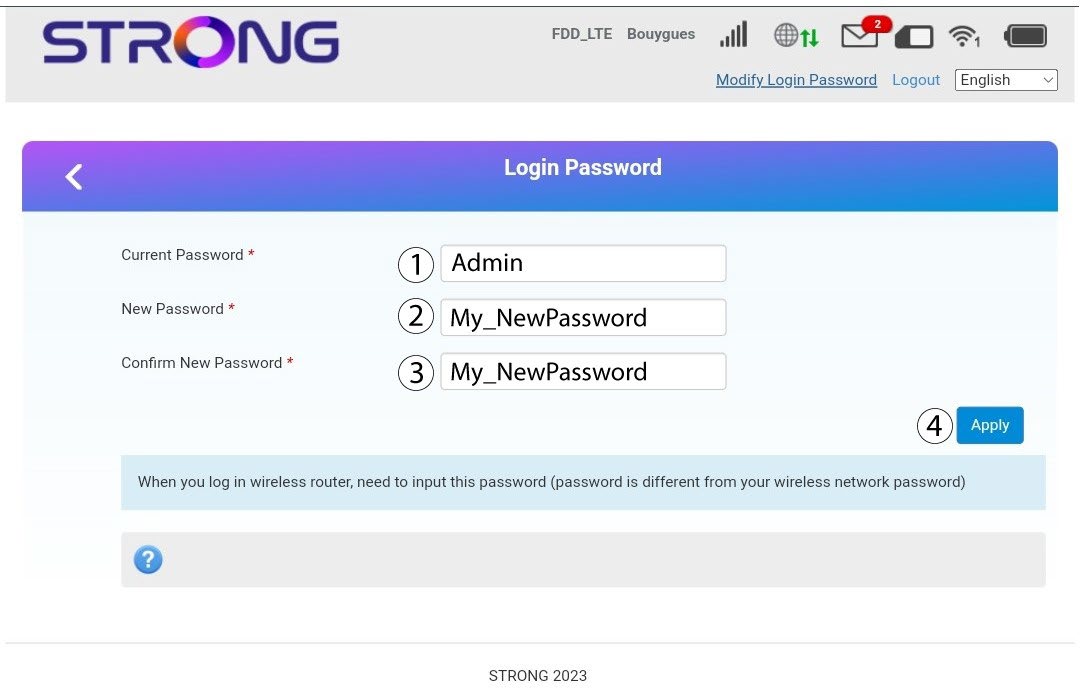
Az „Alkalmazás” gombra kattintás előtt adja meg az alábbi adatokat:
· Jelenlegi jelszó: Írja be a jelenlegi jelszót.
· New Password: Enter the new password. The new password can contain up to 32 characters including numbers, lower case, upper case, and special characters (! # $ * + , - . % : = ? @ [ ] ^ _ { | } ~).
· Új jelszó megerősítése: Írja be ugyanazt a jelszót, mint az előző mezőben.
4. Az adatok mentése
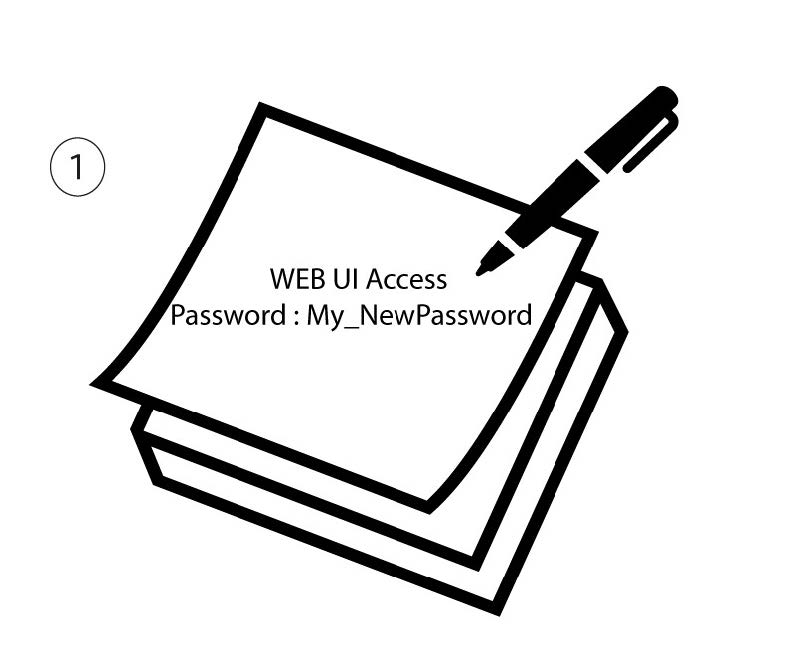
Írja le az új jelszót a webes felhasználói felület eléréséhez.