
Powerline 500 Wi-Fi háromdarabos csomag
Minden kérdés
Powerline 500 Wi-Fi háromdarabos csomag
Hogyan lehet egy új, nagy teljesítményű Powerline-terméket hozzáadni a meglévő, 1. szintű magas biztonsági szinttel rendelkező Powerline Wi-Fi-hálózathoz?
Mivel a meglévő hálózatát a „Magas biztonsági szint 1” konfigurációval állították be, egy termék hozzáadása egyszerűen „Plug & Play” módon történik. A terméken nincs szükség semmilyen beavatkozásra. Csak csatlakoztassa az új hálózati adaptert, és az automatikusan hozzáadódik a hálózathoz.
Általában a hálózati adaptereket kétes vagy hármas készletekben párosítják, így ha további hálózati termékeket szeretne hozzáadni a „Magas biztonsági szint 1” konfigurációval beállított hálózatához, kövesse az alábbi lépéseket.
1. Dugja beaz új adaptert egy konnektorba
Csatlakoztassa a kiegészítő eszközöket egy konnektorhoz.
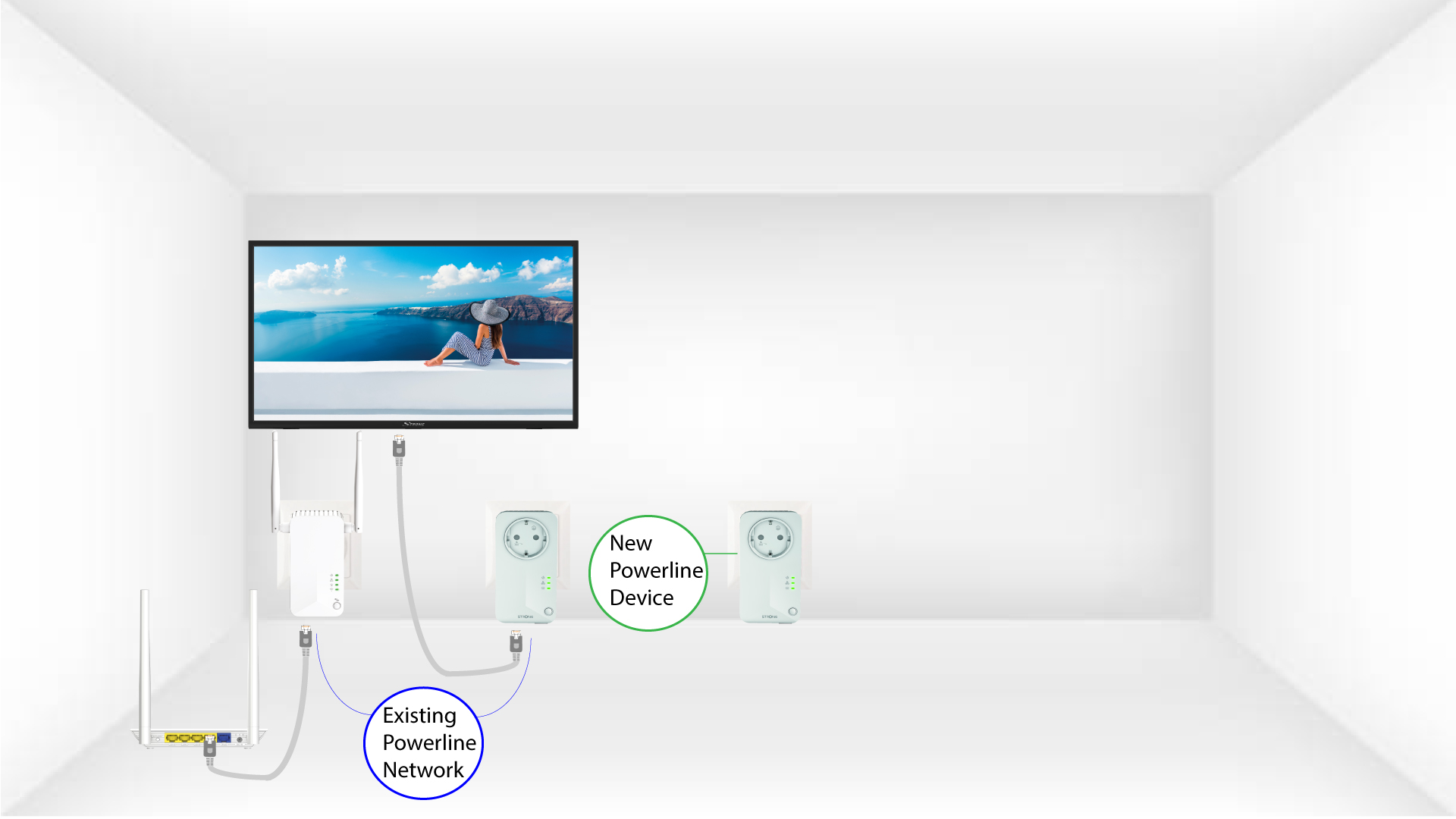
2. Csatlakoztassaaz adaptert az internethez
Csatlakoztassa a készüléket RJ45-ös csatlakozóval egy internetes útválasztóhoz/átjáróhoz.
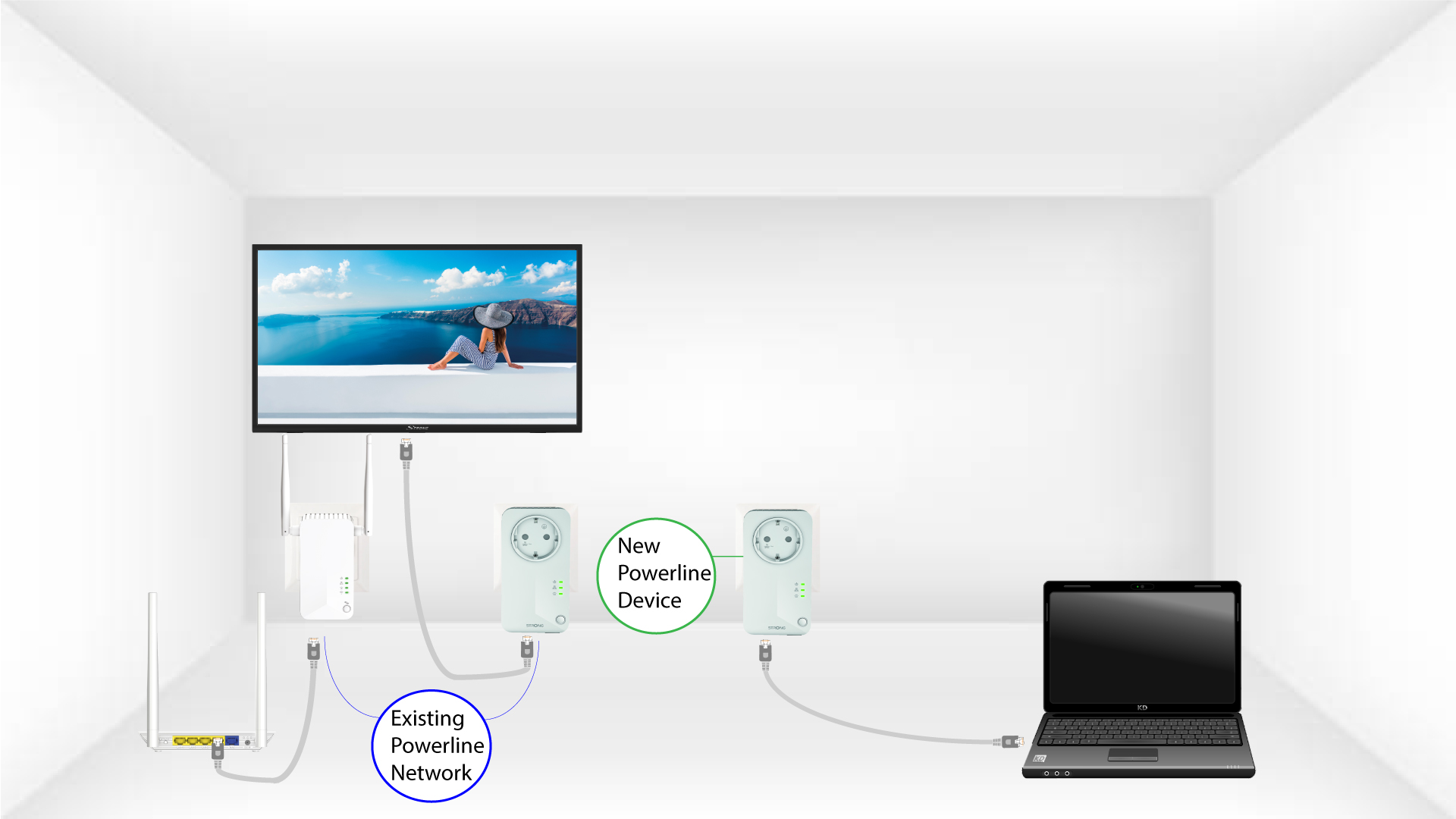
A 3 LEDzölden világít
Az új eszköz csatlakoztatása után az összes eszközön zölden világítanak az összes LED-ek.
