CPL 600 Duo Wi-Fi FR V2
Minden kérdés
CPL 600 Duo Wi-Fi FR V2
Nincs internet-hozzáférésem, és/vagy a „home” ikon LED-je nem világít.
Az adaptereket vissza kell állítania a gyári beállításokra. Az adapterek visszaállításához kövesse az alábbi lépéseket.
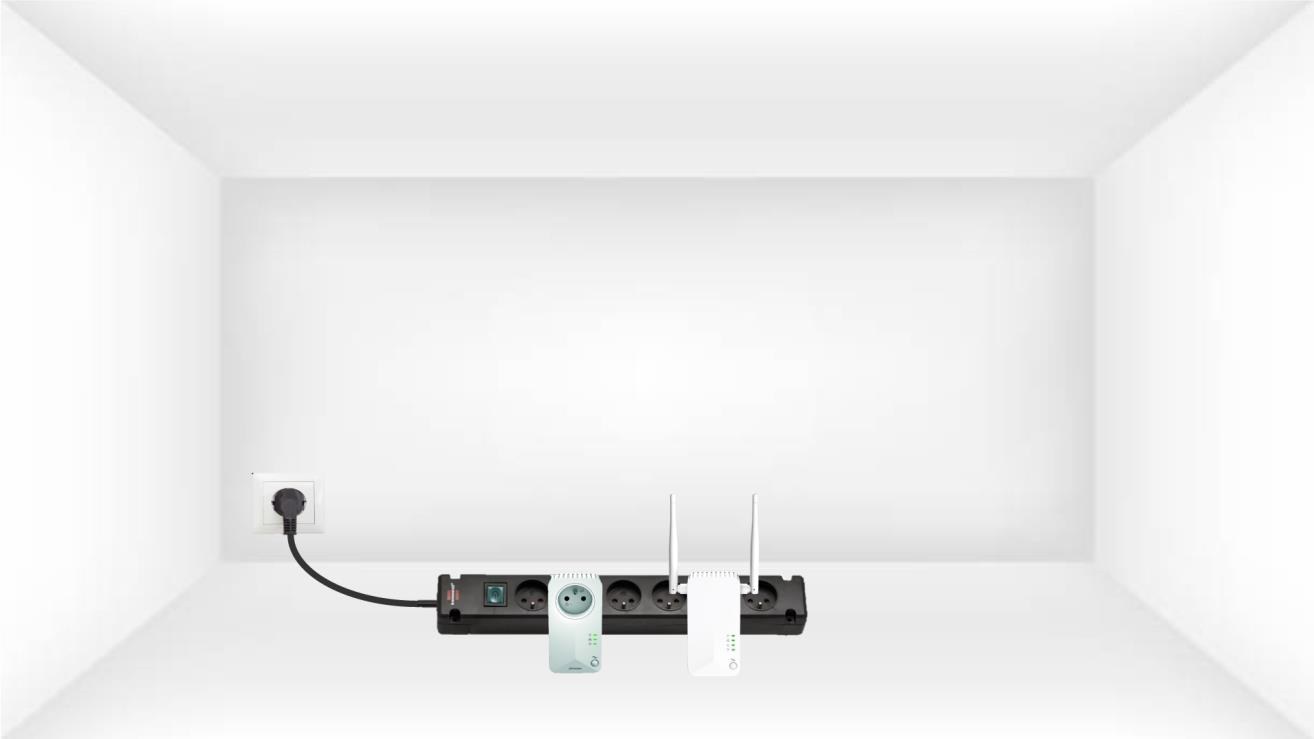
1. Csatlakoztassaaz adaptereket egy elosztóba
Csatlakoztassa az adaptereket egymás után egy többaljzatos elosztóhoz.
2. Csatlakoztassaaz adaptereket az internethez
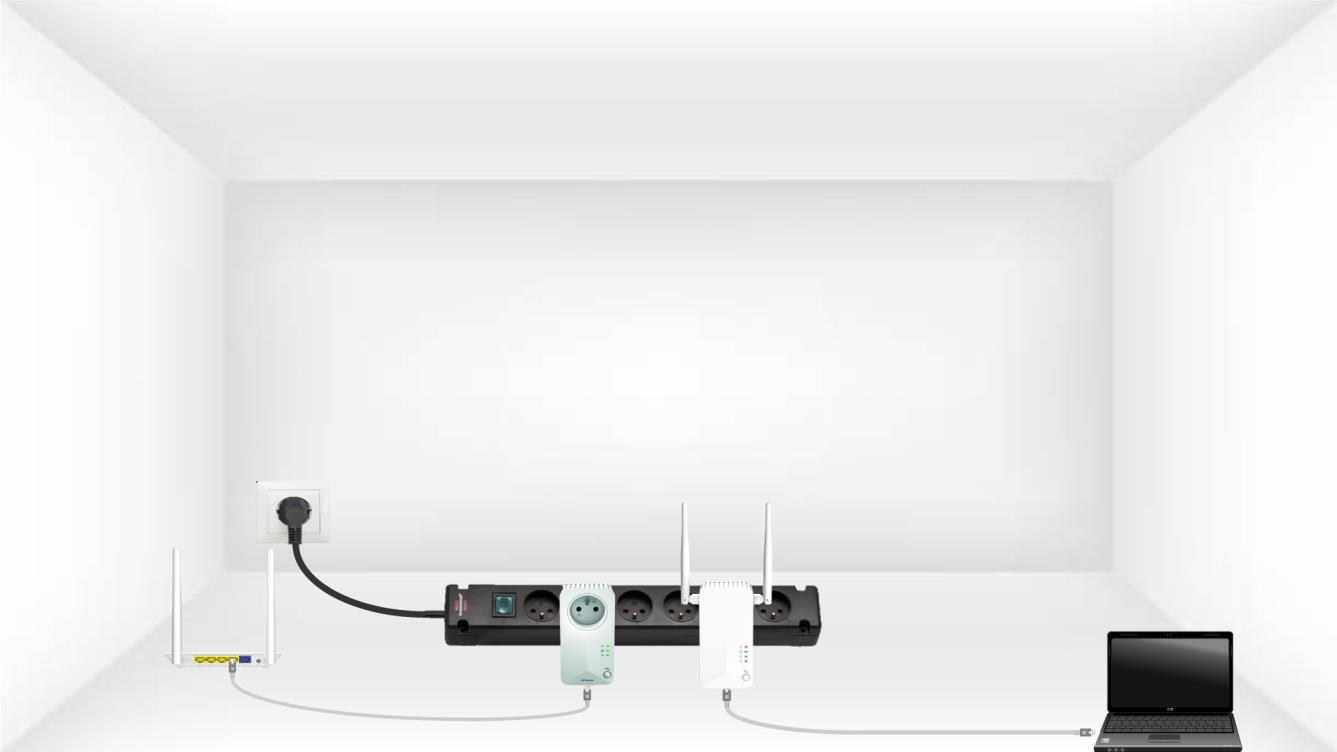
Csatlakoztassa az egyes adaptereket egy működő eszközhöz (internet-router/gateway, Android-set-top box, okos-TV, számítógép stb.) Ethernet-kábellel. Az eszközök között kommunikációnak kell lennie, ellenkező esetben az adapter automatikusan készenléti módba vált.
3. Nyomja mega „Connect & Secure” gombot (első eszköz)
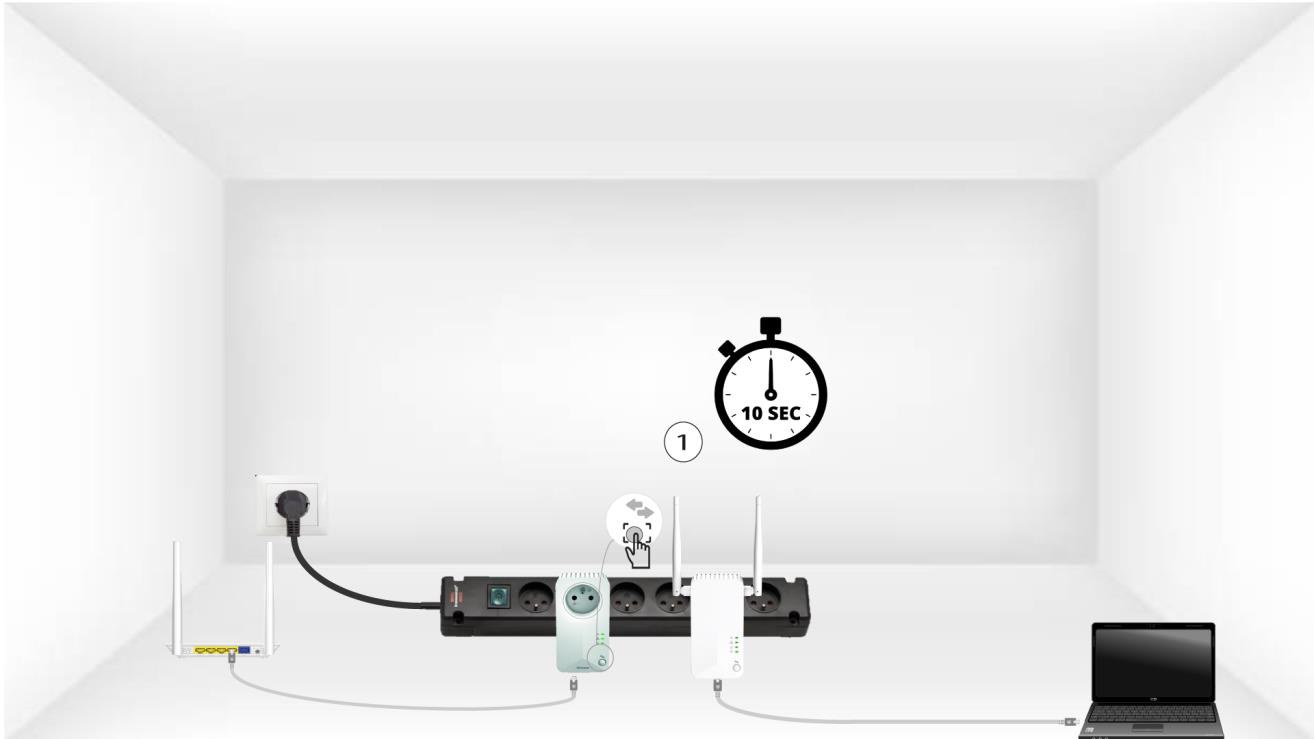
Miután az adaptert csatlakoztatta és az Ethernet-hálózathoz kapcsolta, egyszerűen nyomja meg az előlapon található „Connect & Secure” gombot 10 másodpercig.
4. Nyomja mega „Connect & Secure” gombot (második eszköz)
Nyomja meg a második eszköz előlapi „Connect & Secure” gombját 10 másodpercig. Erre legfeljebb két perc áll rendelkezésre.
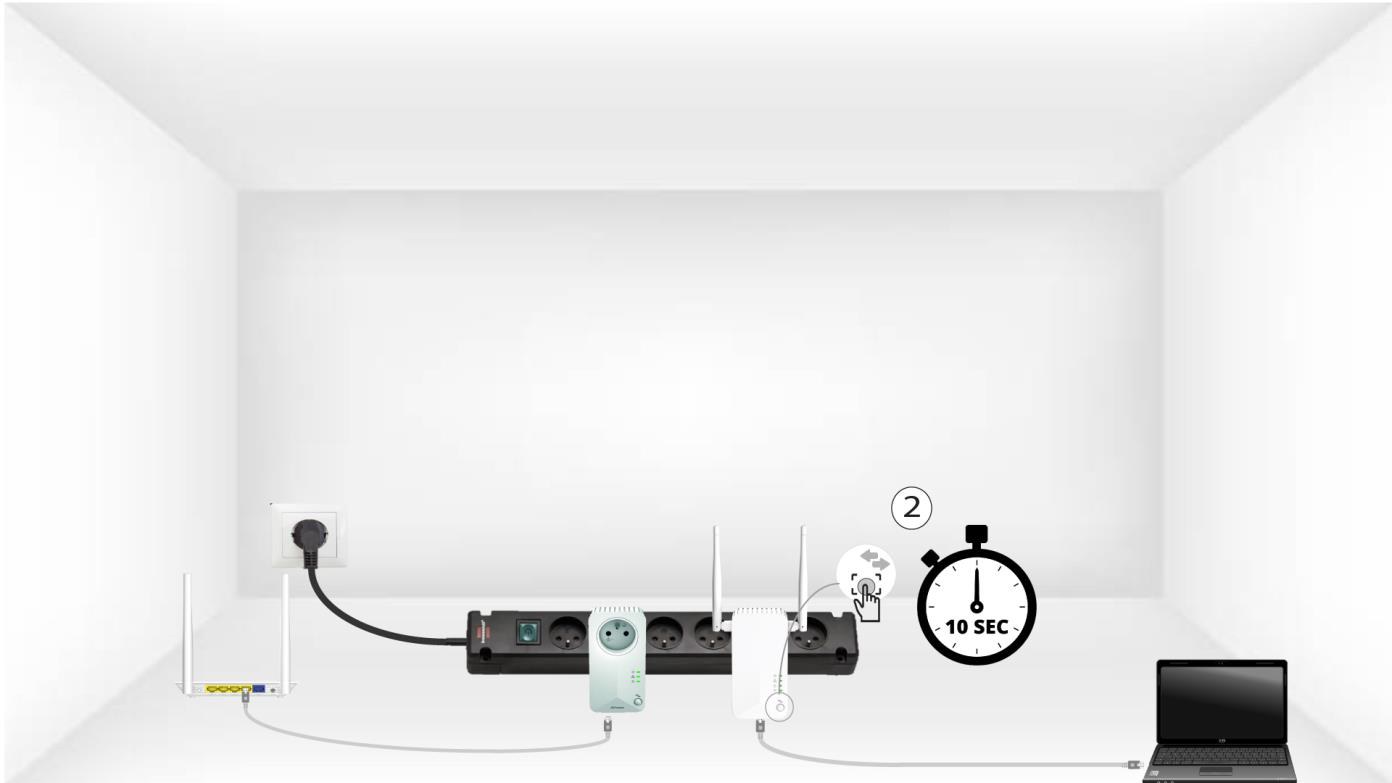
Az 5HomeLED villog
A házon lévő LED-ek villogni kezdenek.
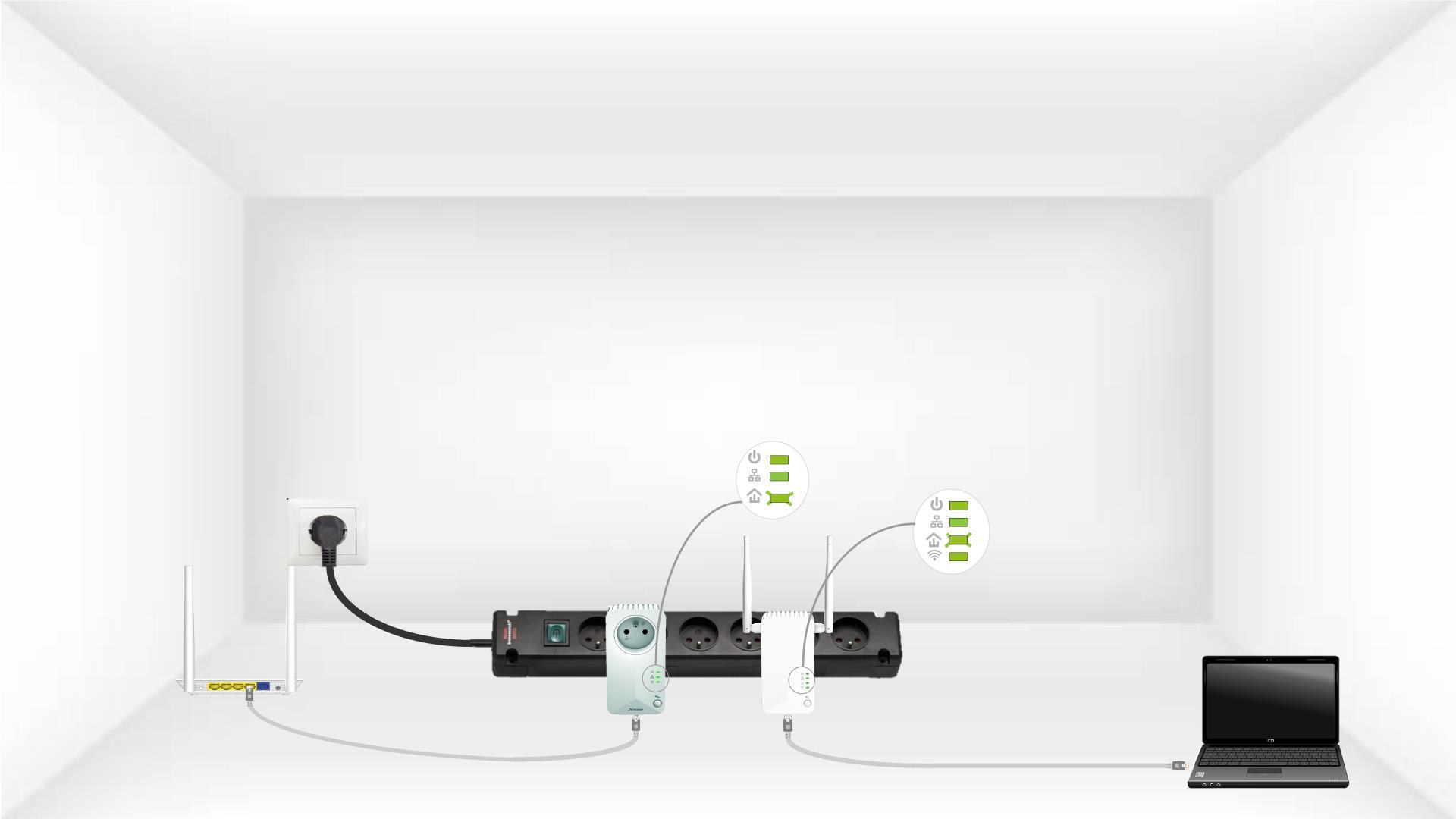
6. Azadapter visszaállt
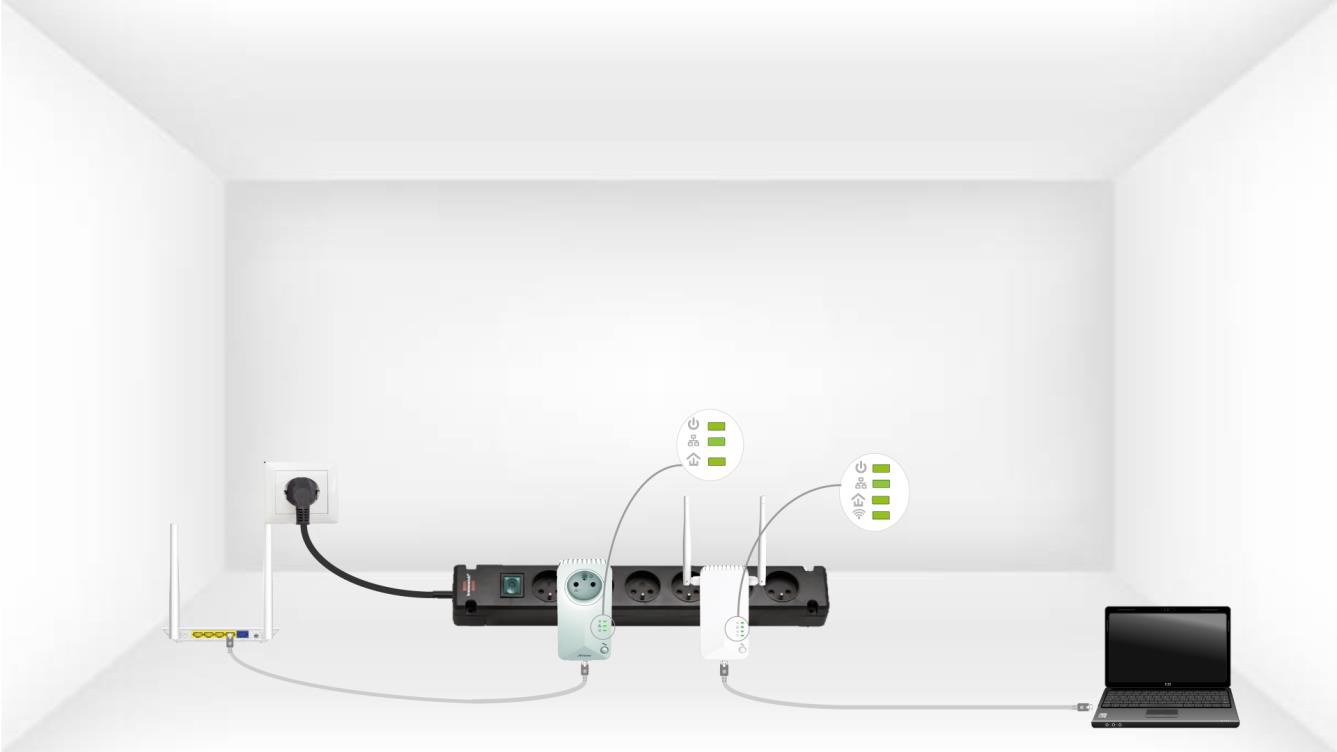
A műveletek befejeztével minden LED-nek zöldnek kell lennie