Repeater AX1800
Tutte le domande
Repeater AX1800
Come posso configurare il mio repeater?
Prima di configurare il tuo repeater, ti invitiamo a consultare la seguente procedura per individuare la posizione del tuo repeater: Qual è la posizione migliore per il mio repeater?
1. Accedereall'interfaccia utente web
Seguire una delle procedure riportate di seguito per connettersi all'interfaccia utente web:
- Come posso collegarmi all'interfaccia utente web dell'repeater? (Cavo RJ45)
- Come posso collegarmi all'interfaccia utente web dell'repeater? (Wi-Fi)
2. Selezionala modalità per il tuo repeater
Si aprirà la procedura guidata di configurazione di “ repeater ”. Selezionare “Wireless Extender ” e fare clic su “Avanti”.

3. Selezionail fuso orario
Selezionare il fuso orario dall'elenco se quello rilevato automaticamente non è corretto, quindi fare clic su Avanti.

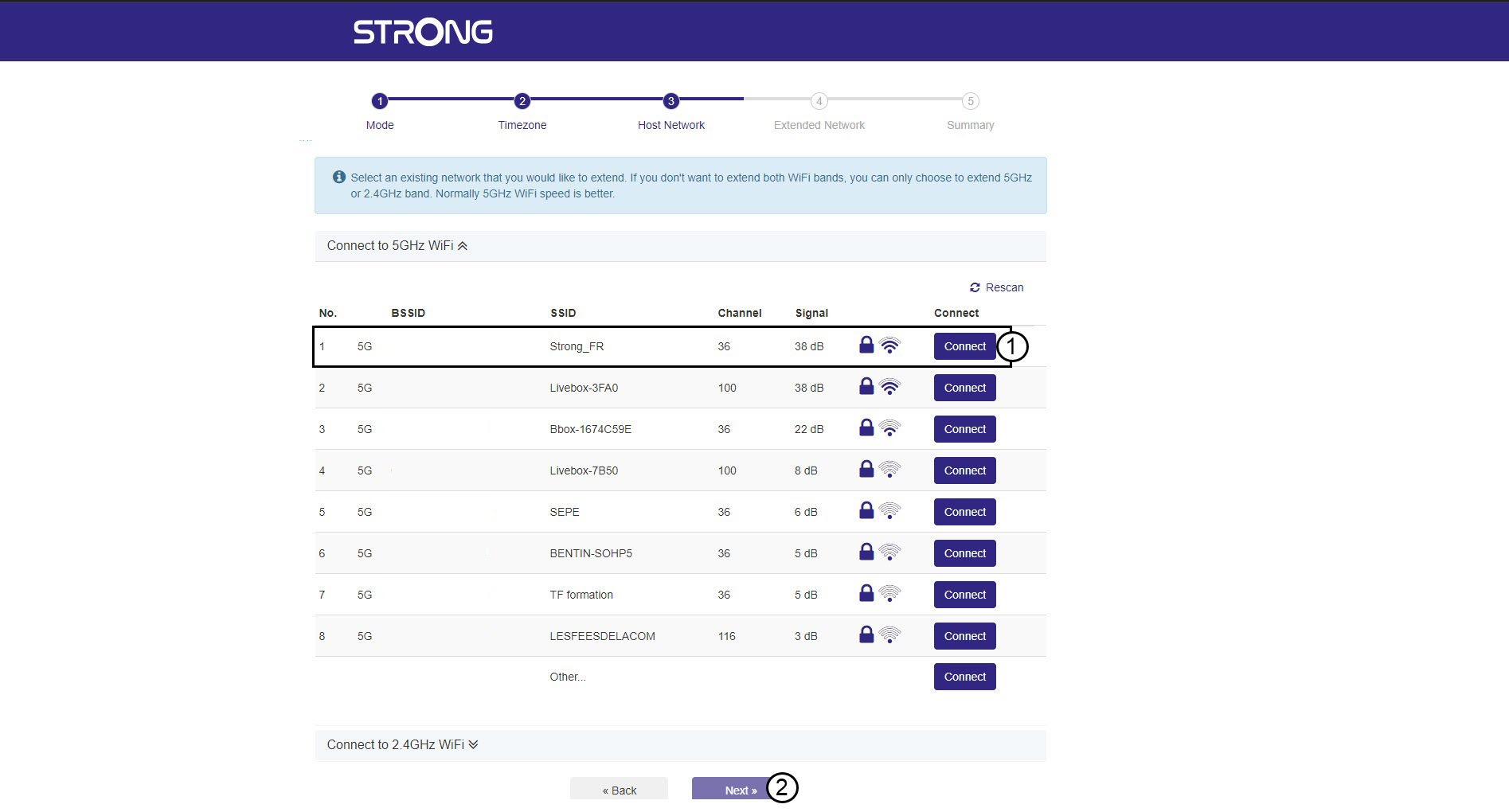
4. Scansionedella rete disponibile
Il tuo repeater eseguirà una scansione di tutte le reti Wi-Fi disponibili a 2,4 GHz e 5 GHz per individuare la rete di riferimento. Seleziona il nome della rete Wi-Fi del tuo router. Quindi, fai clic su "Connetti" e poi su "Avanti".
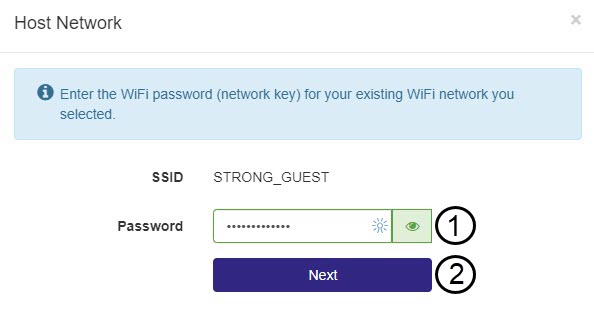
5. Inseriscila password della rete Wi-Fi ospitante
Inserisci la password Wi-Fi del tuo router e fai clic su Avanti.
Puoi cliccare sull'icona a forma di occhio per visualizzare la password che stai digitando.
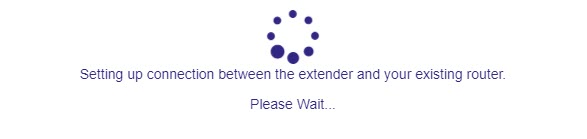
6. Attenderedurante la configurazione
Attendere, per favore, mentre l'repeater e si sta configurando.
7. Confermarela configurazione
Fare clic su Avanti per confermare la configurazione.
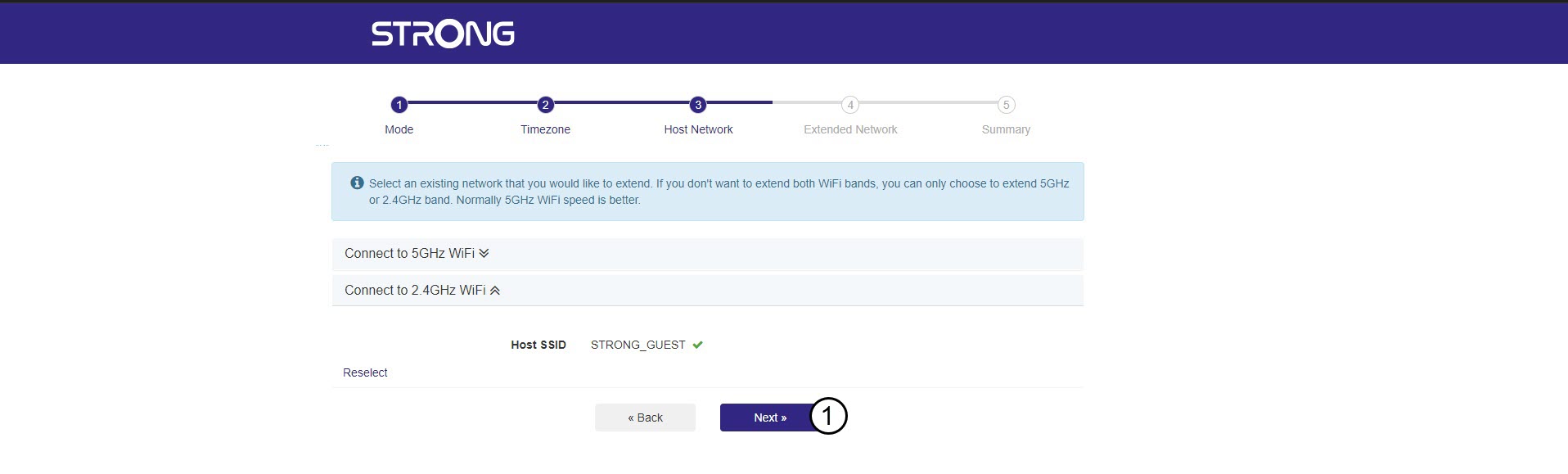
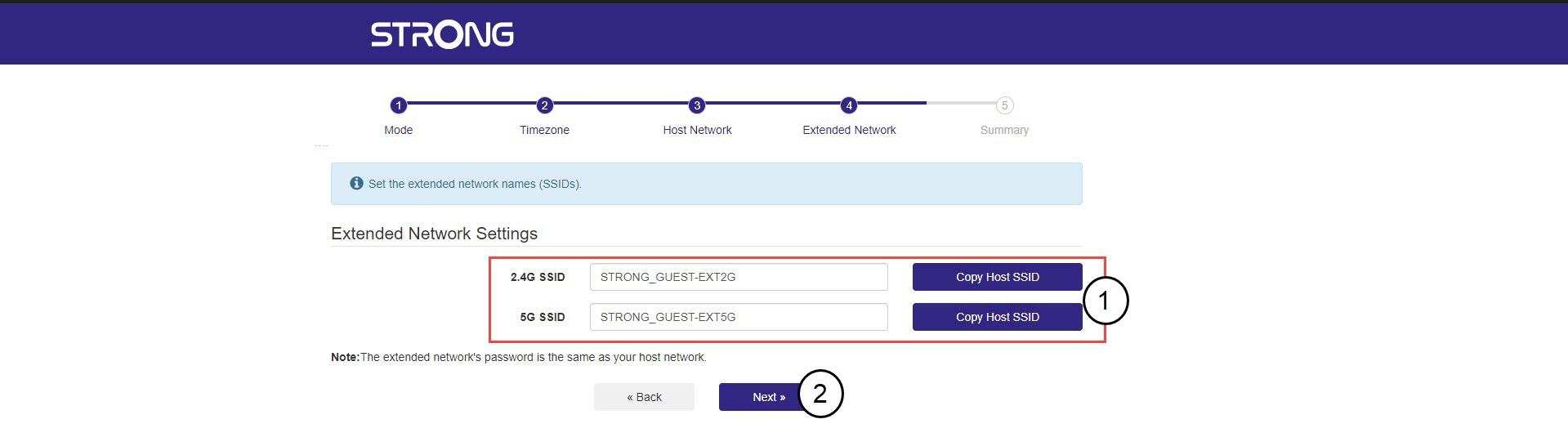
8. Annotarele informazioni relative alla rete
Annota le informazioni relative alle nuove reti Wi-Fi e fai clic su Avanti.