Nessun articolo trovato.
LEAP AIR | Google TV 4K con HDR10+
Nessun articolo trovato.
Tutte le domande
Nessun articolo trovato.
LEAP AIR | Google TV 4K con HDR10+
Nessun articolo trovato.
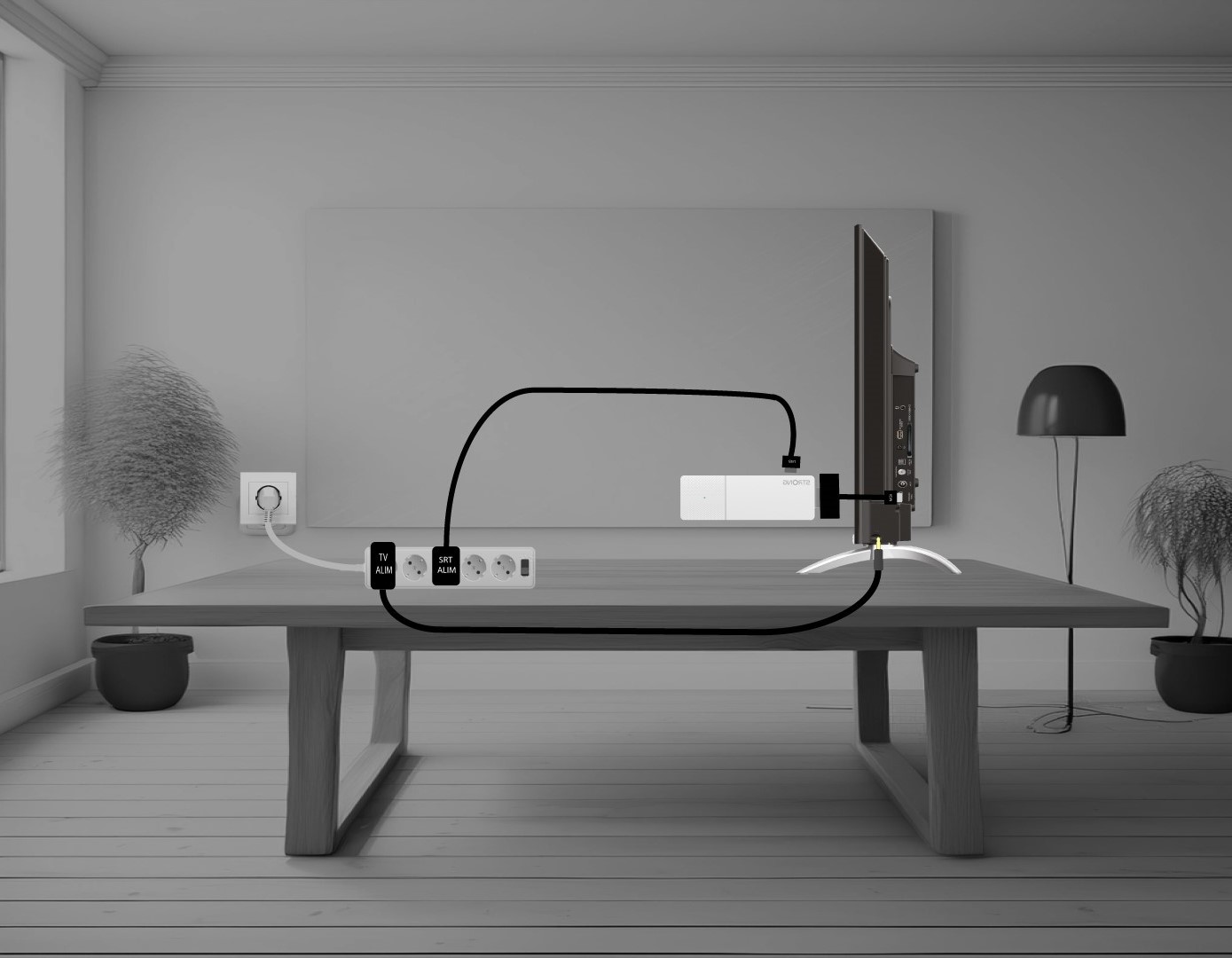
Come faccio a collegare il mio LEAP AIR alla TV?
Collega l'stick a HDMI al cavo HDMI e collegalo alla porta HDMI della TV (1). Quindi, inserisci il cavo USB nel LEAP AIR e collegalo alla presa di corrente (2), quindi collega la TV alla presa di corrente (3).