4G AIRHOME 210 UK antenne 4G fisse
Nessun articolo trovato.
Nessun articolo trovato.
Tutte le domande
4G AIRHOME 210 UK antenne 4G fisse
Nessun articolo trovato.
Nessun articolo trovato.
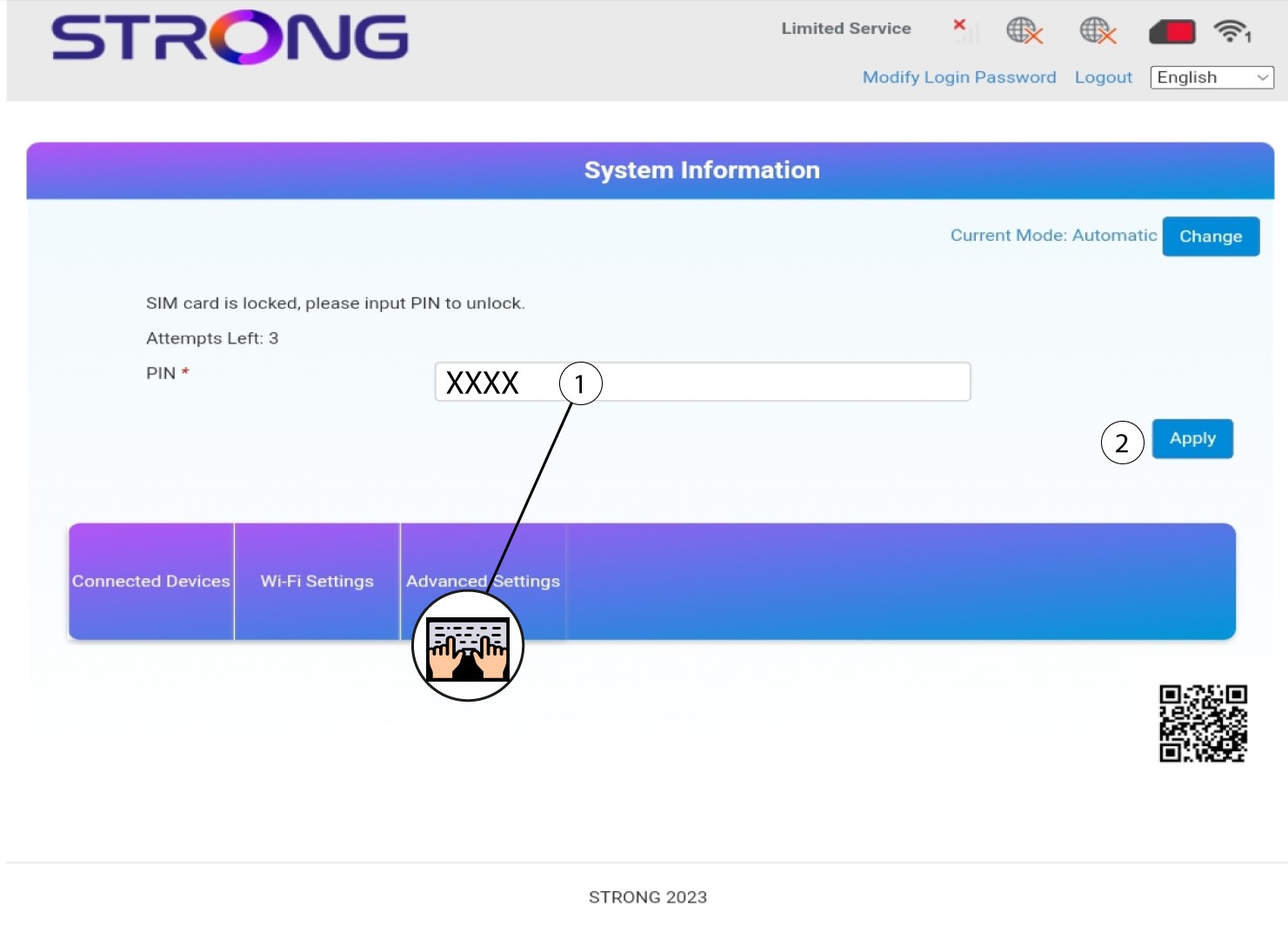
Come faccio a inserire il codice PIN della mia SIM?
1. Connettitialla rete Wi-Fi del tuo router
Per inserire il codice PIN della SIM, è necessario connettersi all'interfaccia utente web. A tal fine, inserisci nel tuo dispositivo l'SSID (nome della rete Wi-Fi) e la password Wi-Fi del router.

2. Accedereall'indirizzo IP dell'interfaccia utente web
A questo punto, inserisci il seguente indirizzo IP nel browser: 192.168.188.1

3. Inseriscile tue credenziali
Una volta digitato l'indirizzo IP, è necessario inserire la password e fare clic su "Accedi".

4. Inserisciil codice PIN
Inserisci il codice PIN della tua SIM e clicca su “Applica”.