
Universele Lijnversterker 300 V2
Geen items gevonden.
Geen items gevonden.
Alle vragen
Universele Lijnversterker 300 V2
Geen items gevonden.
Geen items gevonden.
Hoe krijg ik na de configuratie toegang tot de webinterface?
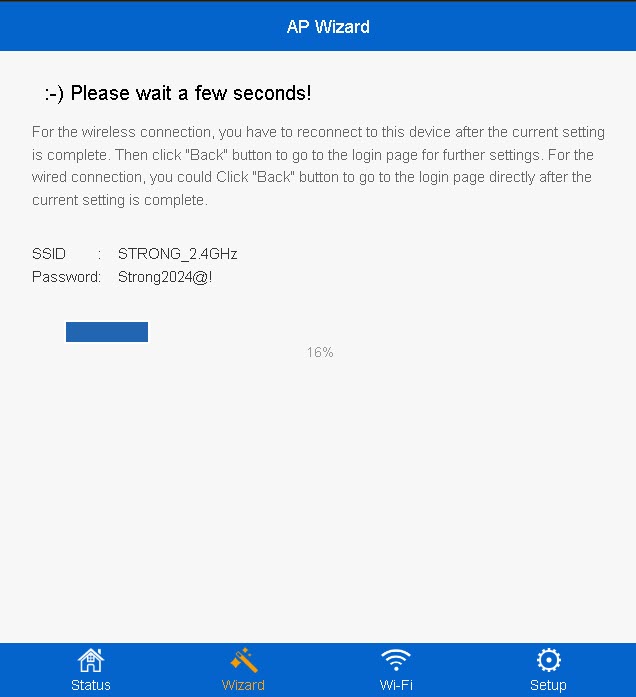
1. Maak verbindingmet het nieuwe wifi-netwerk van de repeater
Maak verbinding met het nieuwe wifi-netwerk van je repeater.
De gegevens van dit netwerk zijn ingevoerd in de samenvattingsstap van de configuratiewizard.
2Ganaar de webinterface
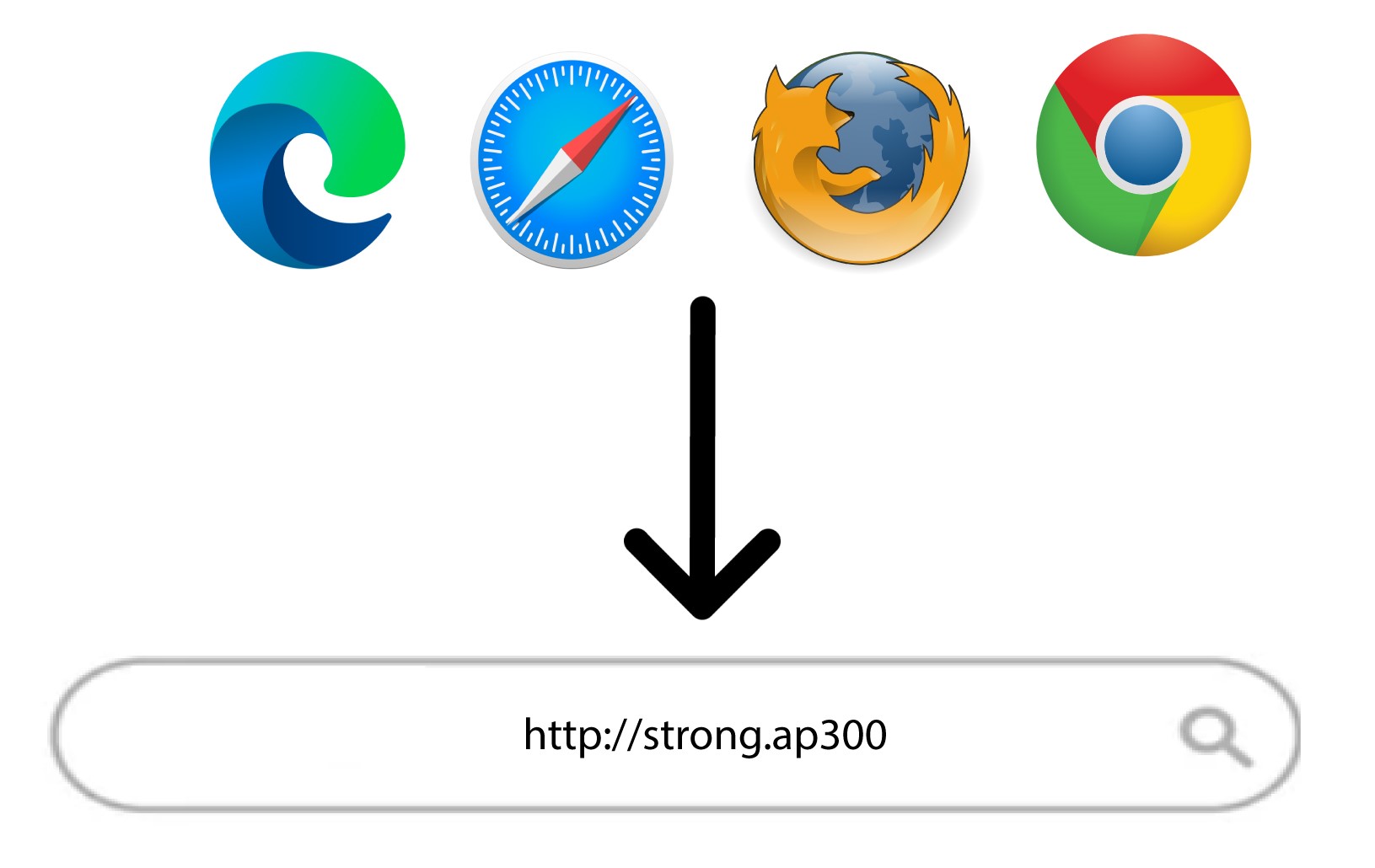
Ga naar de volgende URL: http://strong.ap300/
3Voeruw inloggegevens in
Voer uw beheerderswachtwoord in en klik op ‘Inloggen’.
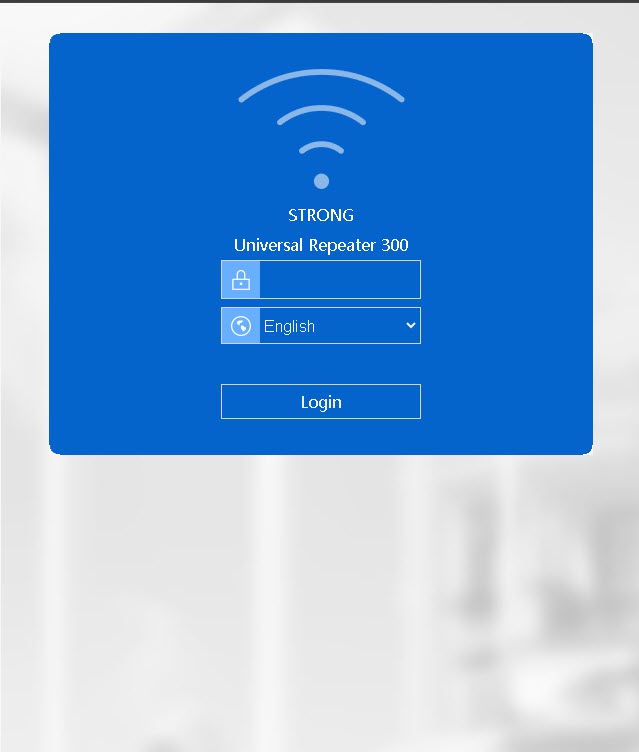

Waarschuwing: Houd er rekening mee dat als u het standaardbeheerderswachtwoord wijzigt, u het nieuwe wachtwoord dat u hebt ingesteld moet invoeren. Als u dit wachtwoord bent kwijtgeraakt, moet u uw apparaat terugzetten naar de fabrieksinstellingen.