
ATRIA Wi-Fi 5 Mesh 1200 (add-on)
Geen items gevonden.
Geen items gevonden.
Alle vragen
ATRIA Wi-Fi 5 Mesh 1200 (add-on)
Geen items gevonden.
Geen items gevonden.
Hoe stel ik mijn wifi- mesh -netwerk in (Geval 1: WPS-knop)
Raadpleeg de beknopte installatiehandleiding (QIG) die in de verpakking van uw product is meegeleverd om uw Mesh -netwerk te configureren.
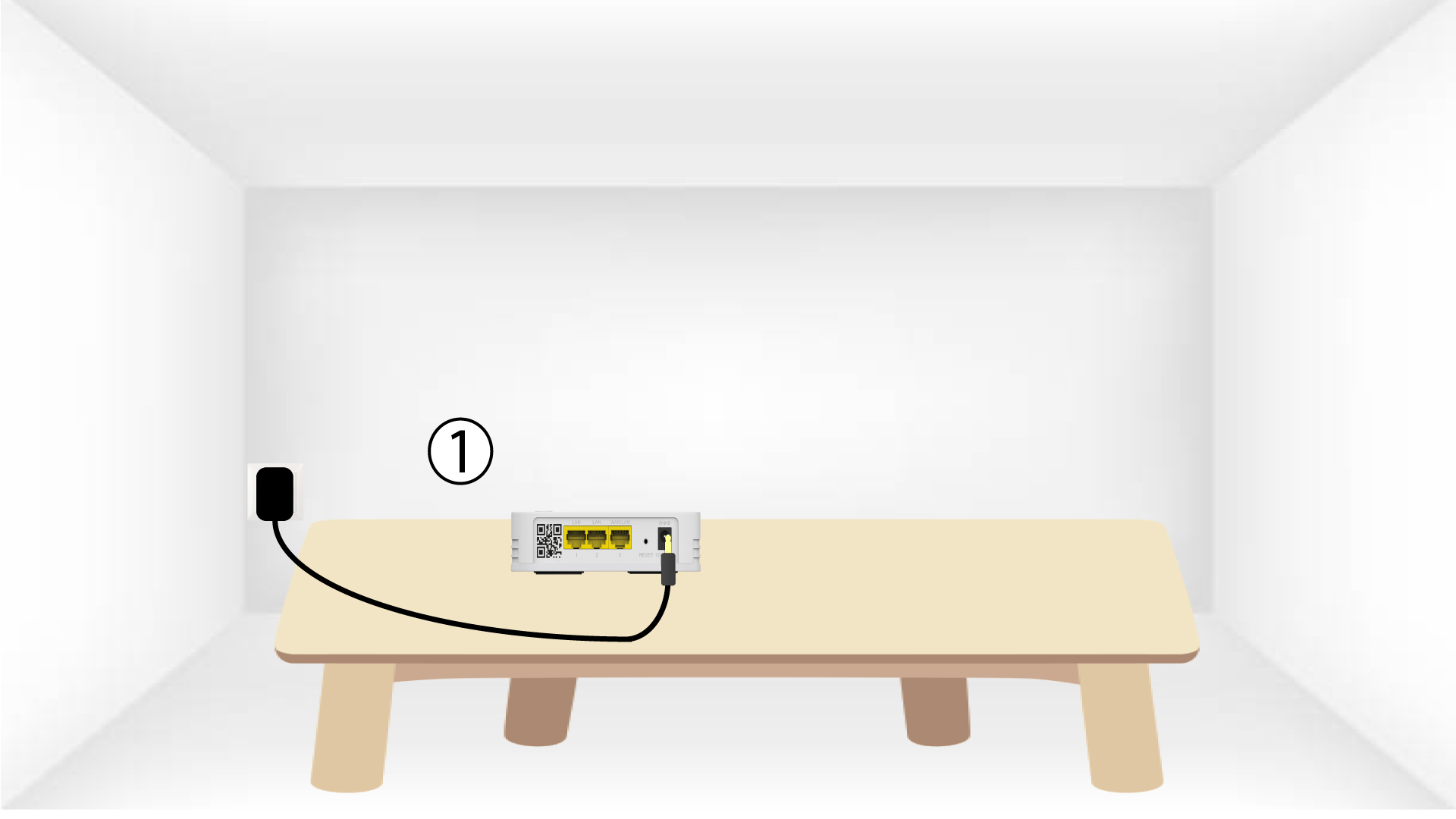
1. Sluithet apparaat aan
U moet het apparaat mesh aansluiten op het stopcontact om het in te schakelen (er zit geen aan/uit-knop op het apparaat) en het via een RJ45-kabel verbinden met
uw modem.

2Wachttijdens de configuratie
Vervolgens moet u een paar minuten wachten totdat het apparaat zichzelf heeft geconfigureerd.
3. Sluithet tweede apparaat aan
Je moet de tweede mesh -unit aansluiten.
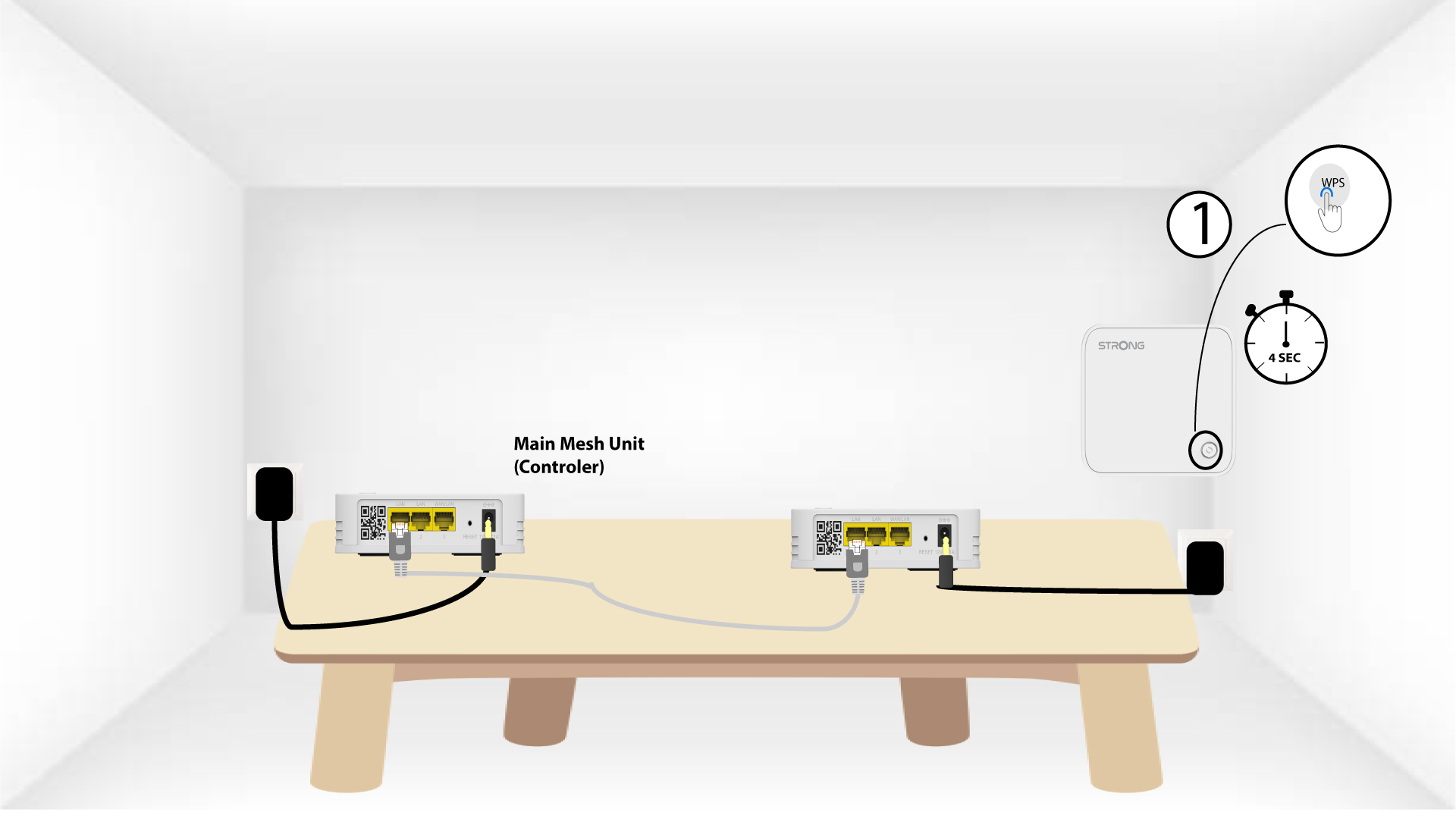
4. Schakelde WPS op het hoofdapparaat in mesh
Druk de WPS-knop minstens 4 seconden in op het Mesh -apparaat dat is aangesloten op uw modem/router.
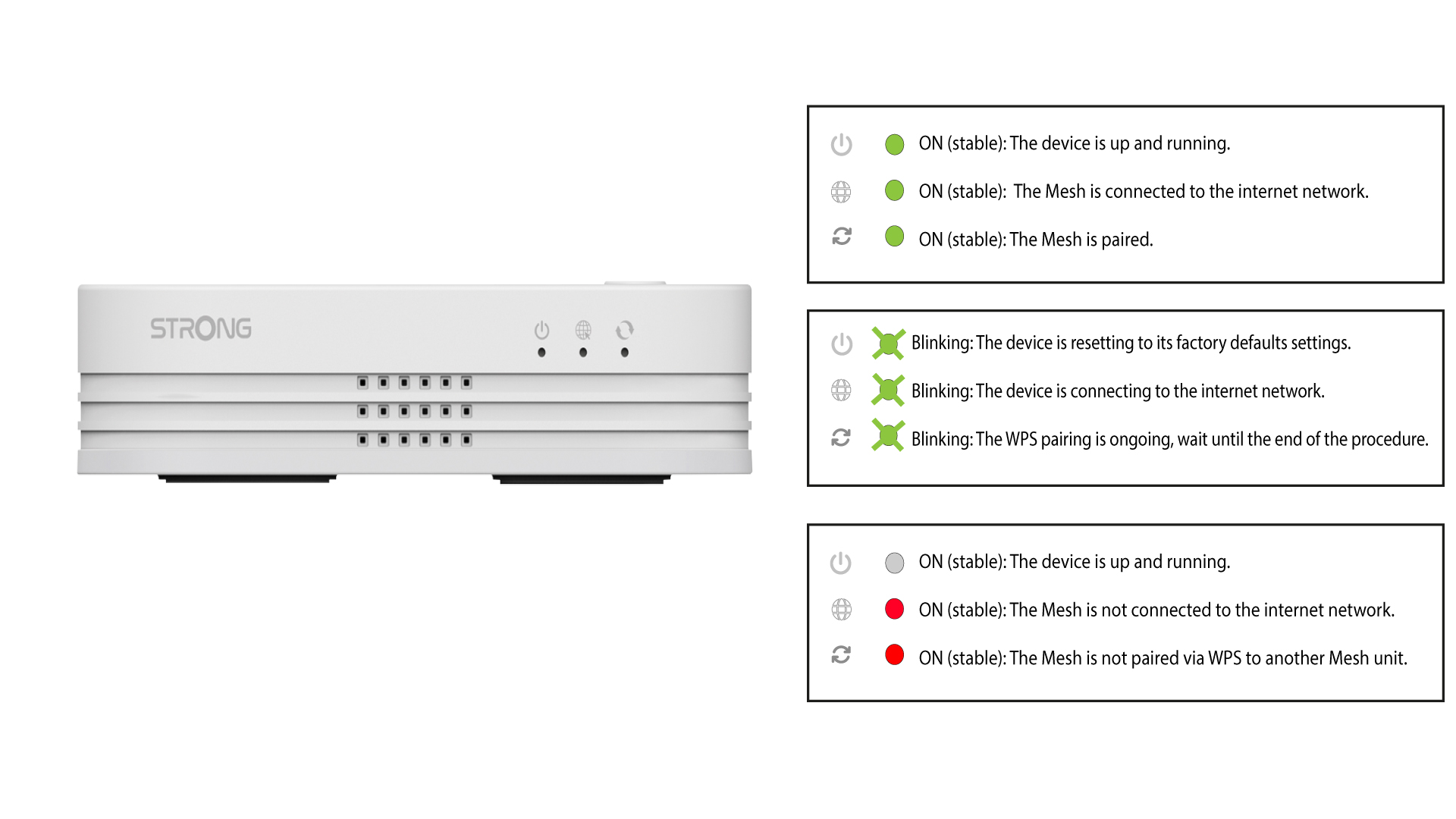
Na het activeren van de WPS gaat het lampje groen knipperen.
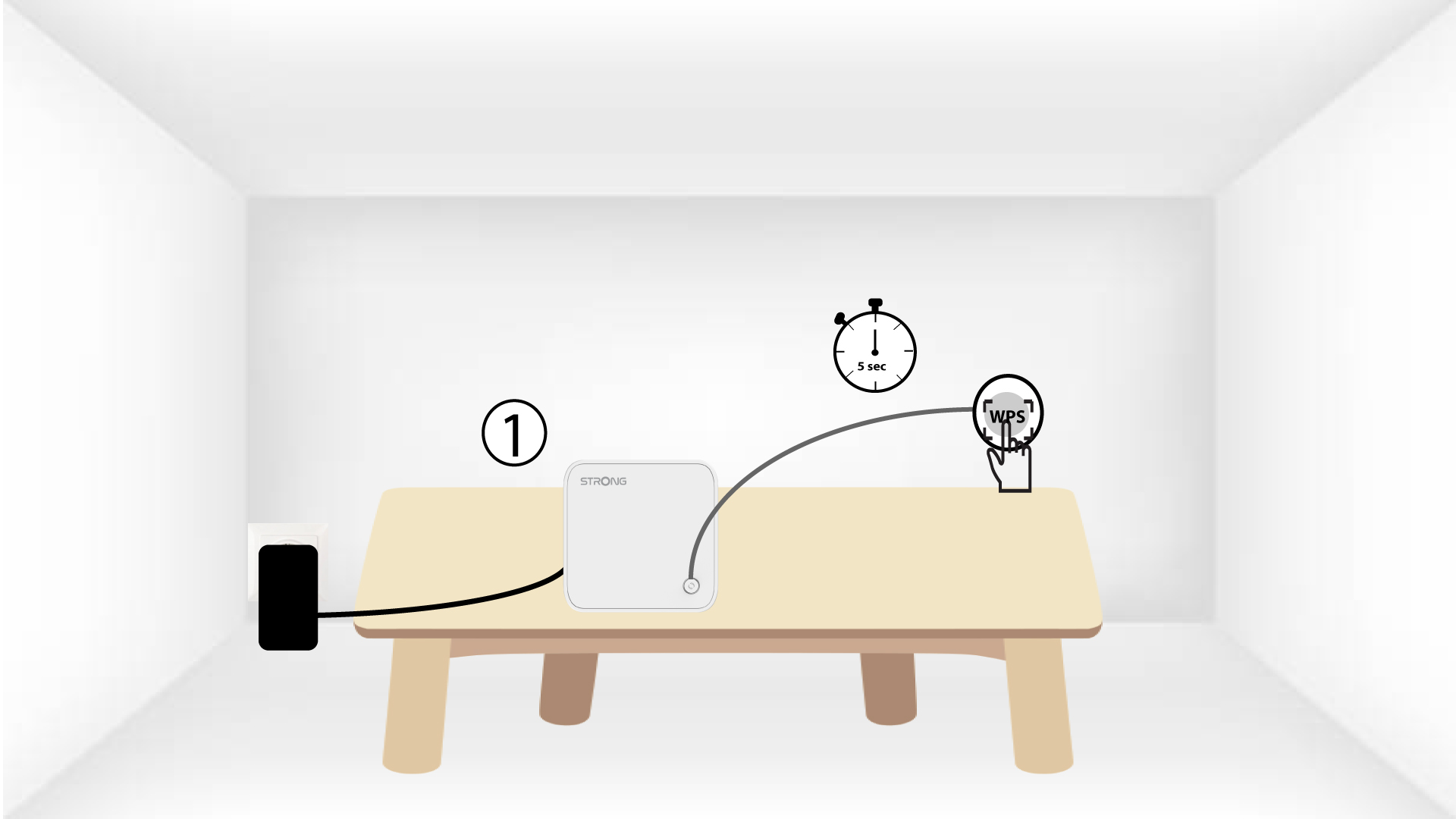
5. Schakelde WPS inop de tweede mesh
Druk de WPS-knop op het tweede Mesh -apparaat minstens 4 seconden in.
6 Apparatenworden gekoppeld
Lorem ipsum dolor sit amet, consectetur adipisicing elit. Culpa enim esse excepturi nemo nesciunt officia officiis optio.