
Dual-band repeater 750 UK
Geen items gevonden.
Geen items gevonden.
Alle vragen
Dual-band repeater 750 UK
Geen items gevonden.
Geen items gevonden.
Ik krijg geen toegang tot de webinterface (http://strong.ap750) nadat ik mijn repeater heb ingesteld. Hoe komt dat?

WAARSCHUWING: Het is normaal dat u na de installatie geen verbinding kunt maken met de webinterface, omdat de verbindingsgegevens zijn gewijzigd. Er worden namelijk twee wifi-netwerken aangemaakt zodra de installatie is voltooid. U moet verbinding maken met een van deze netwerken om toegang te krijgen tot de webinterface.
1. Sluitje router aanmet een RJ45-kabel
Sluit uw repeater via een RJ45-kabel aan op een computer.
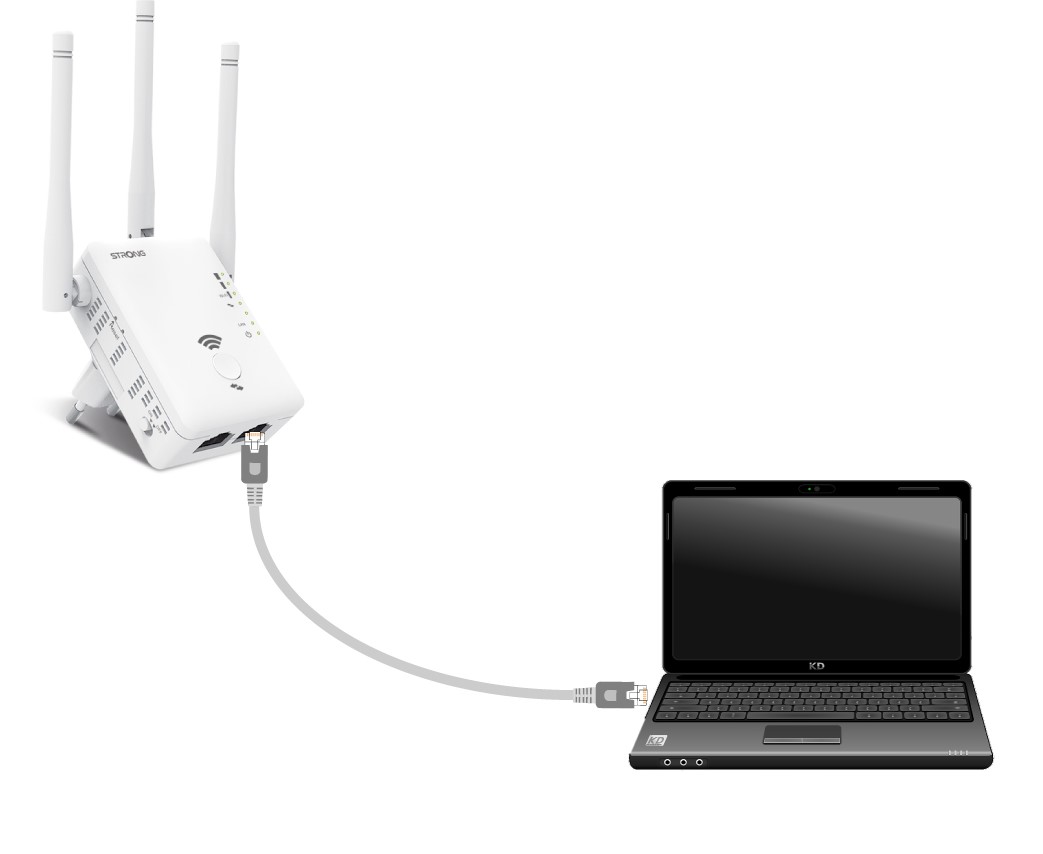
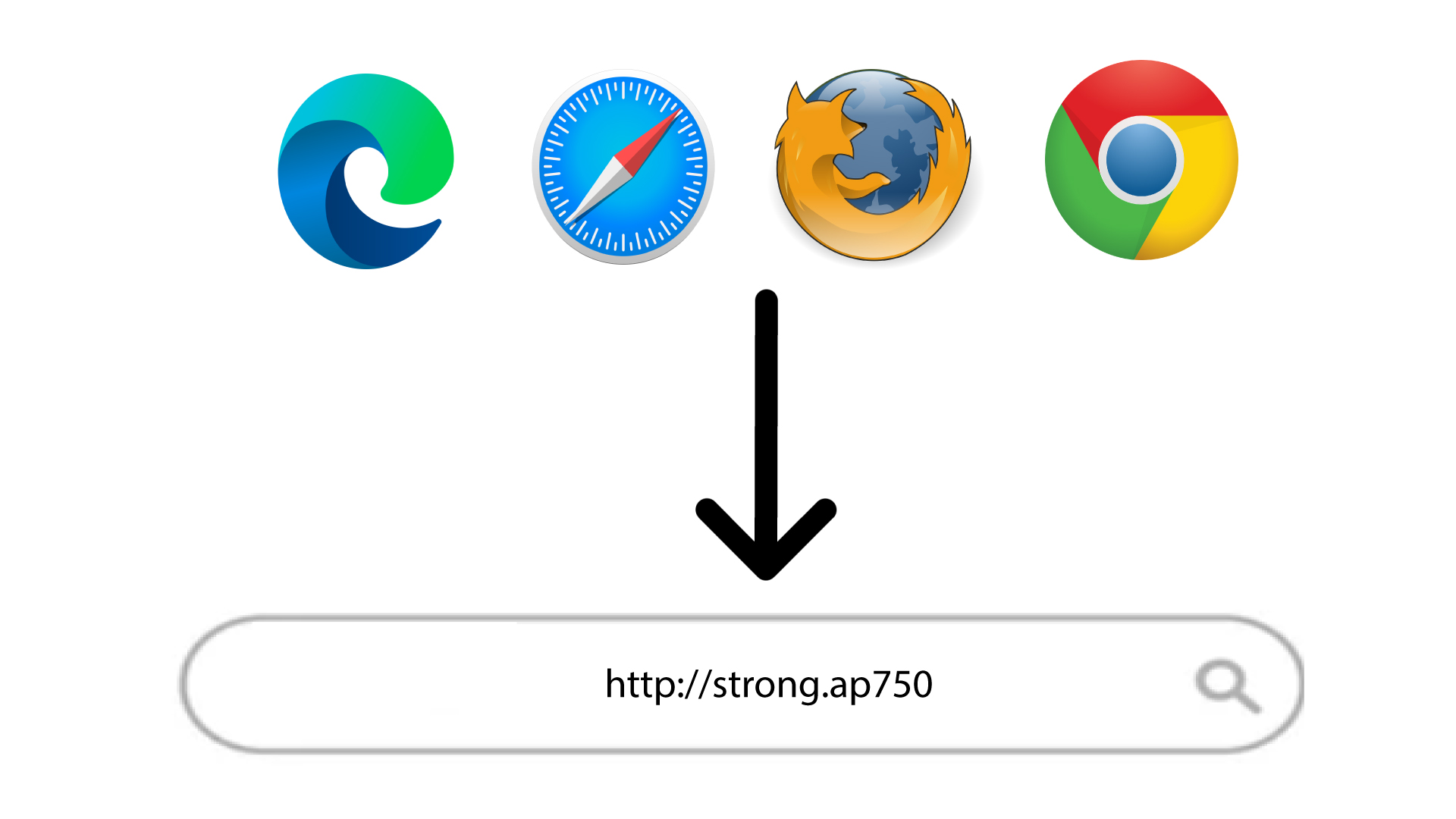
2. Ganaar de URL van de webinterface
Typ de URL in je browser.
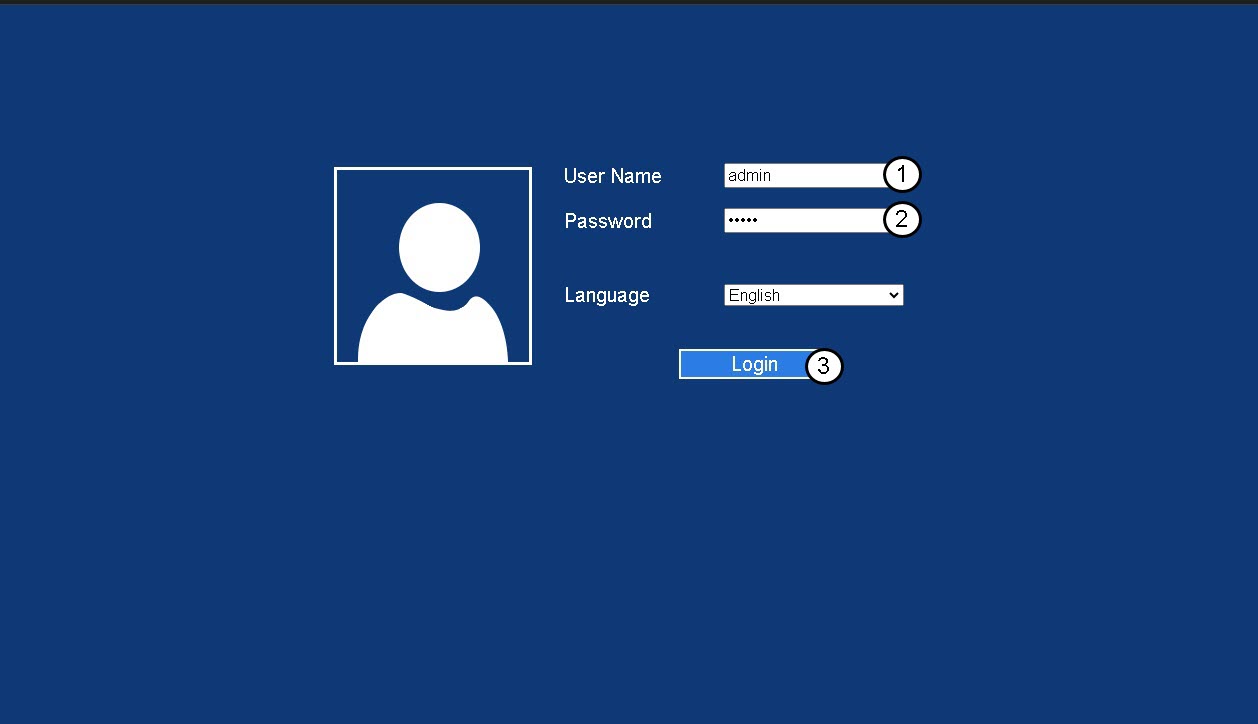
3. Inlogpagina
Voer uw beheerderswachtwoord in en klik op ‘Inloggen’.
4Zoekhet IP-adres van de router op
Zoek in de apparaatgegevens naar het IP-adres van de repeater
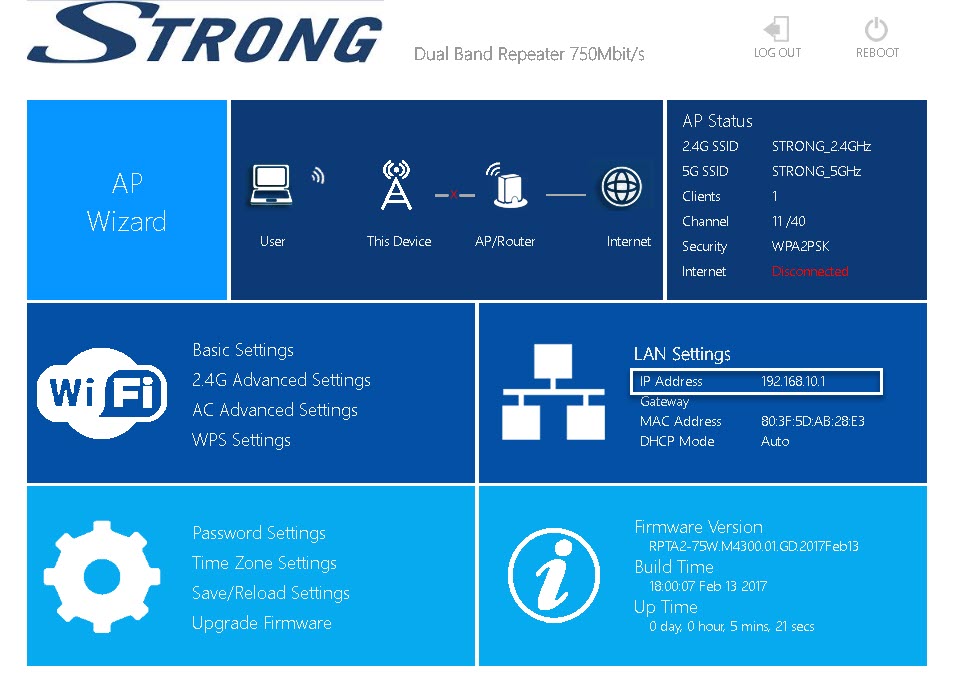
TIP: Het IP-adres van je repeater verandert zodra deze is geconfigureerd voor de wifi-host.