
Powerline 600 Triple Mini UK
Alle vragen
Powerline 600 Triple Mini UK
Ik heb geen toegang tot internet en/of het LED-lampje van het „home“-pictogram brandt niet.
U moet de adapters terugzetten naar de fabrieksinstellingen. Volg de onderstaande stappen om de adapters terug te zetten naar de fabrieksinstellingen.
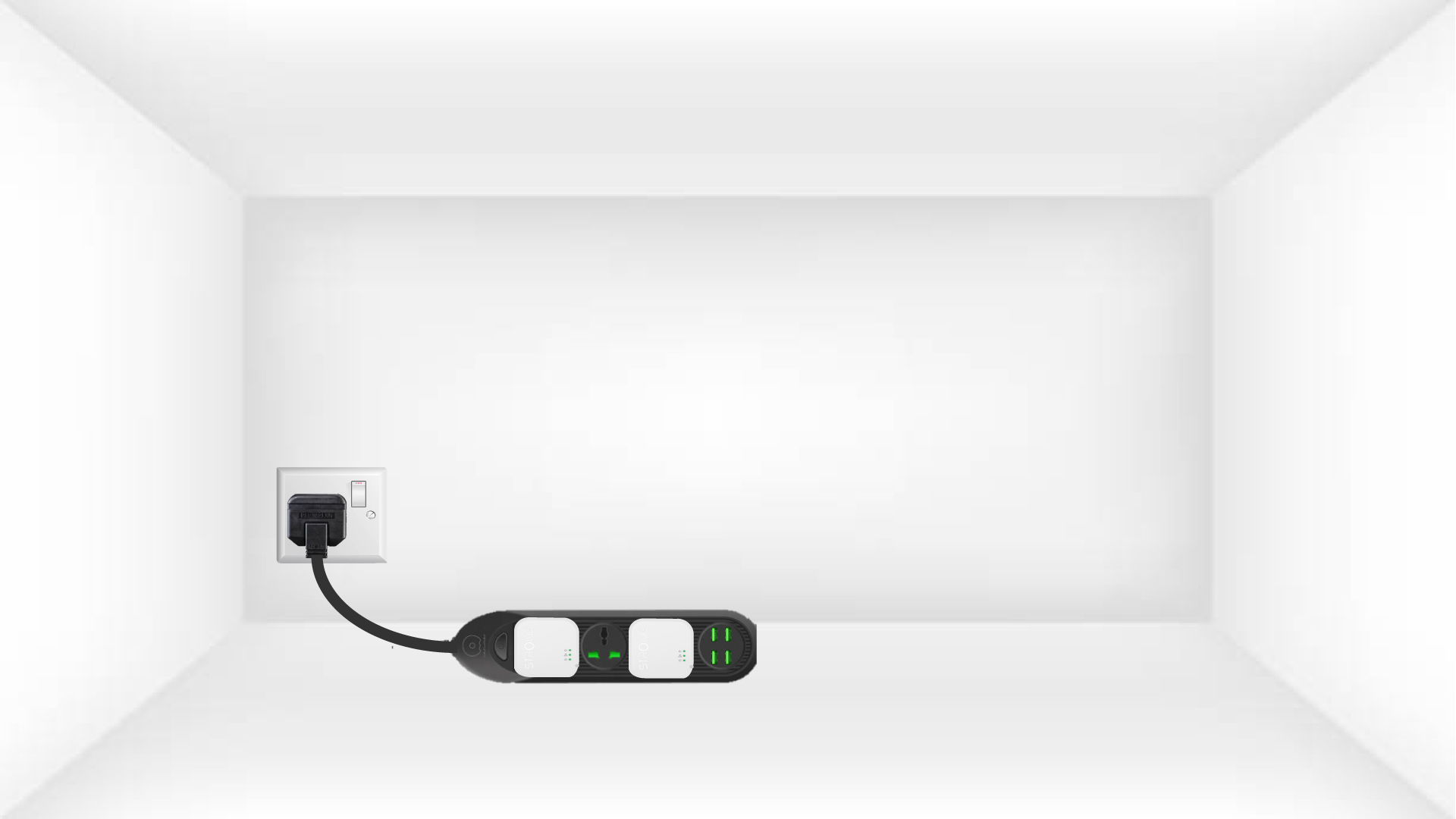
1. Sluitde adapters aanop een stekkerdoos
Sluit de adapters één voor één aan op een stekkerdoos.
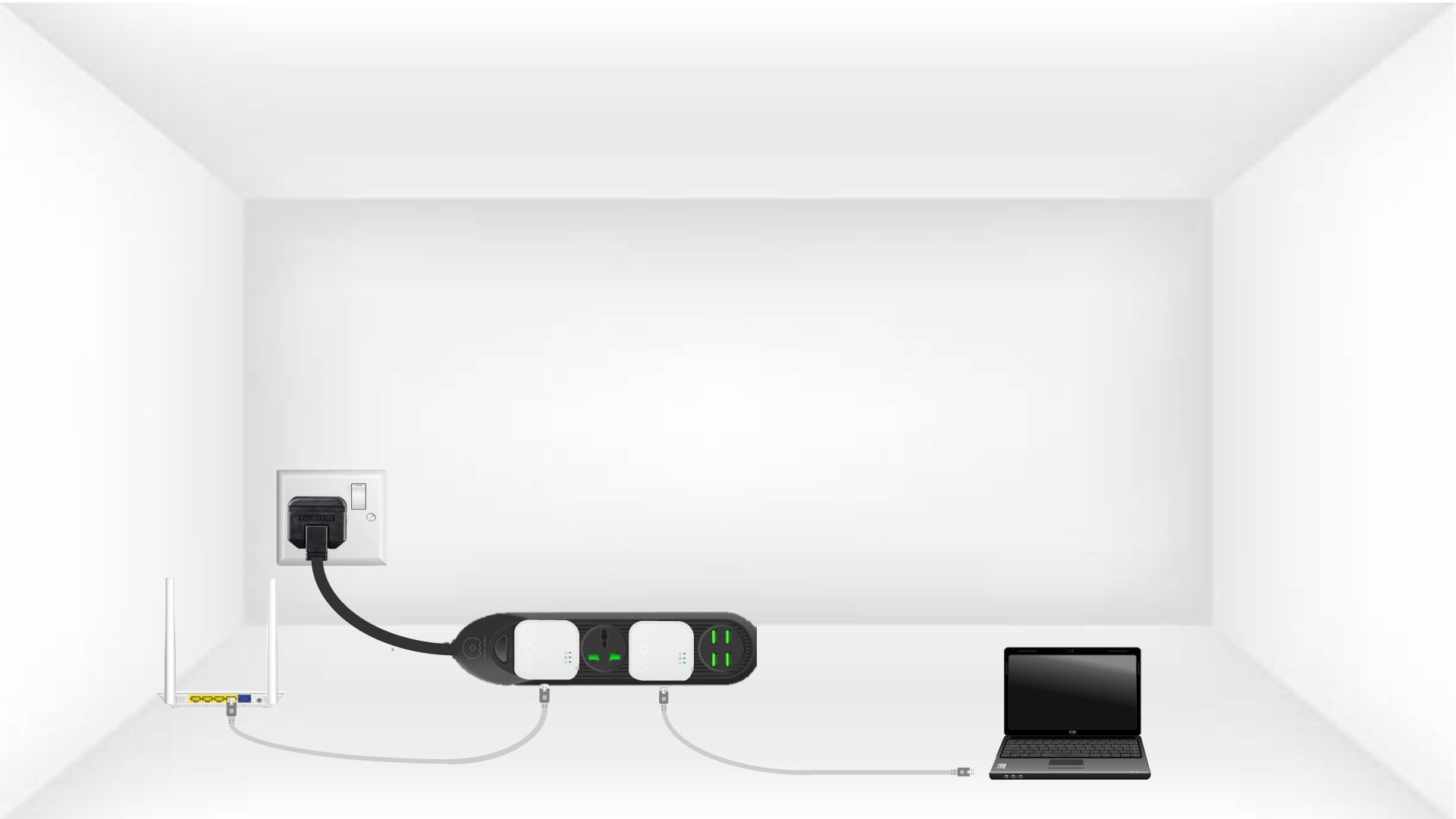
2. Sluitde adapters aanop het internet
Sluit elke adapter met een ethernetkabel aan op een werkend apparaat (internetrouter/gateway, Android-box, smart-tv, computer, enz.). Er moet communicatie tussen de apparaten plaatsvinden, anders schakelt de adapter automatisch over naar de stand-bymodus.
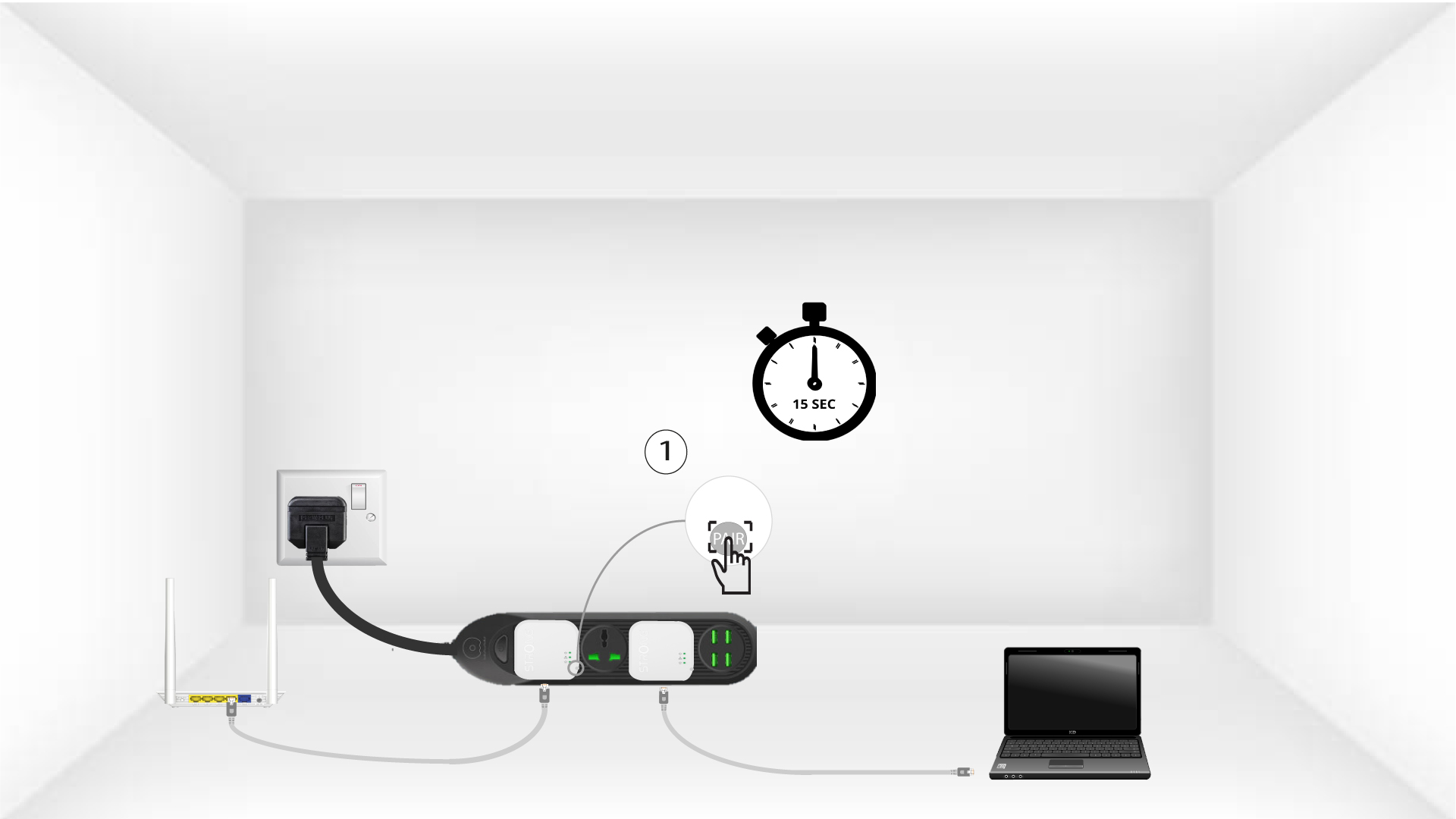
3. Druk opde knop ‘Connect & Secure’ (eerste adapter)
Zodra de adapter is aangesloten en verbinding heeft met het ethernetnetwerk, hoeft u alleen maar de knop ‘Connect & Secure’ aan de rechterkant van het apparaat 15 seconden ingedrukt te houden.
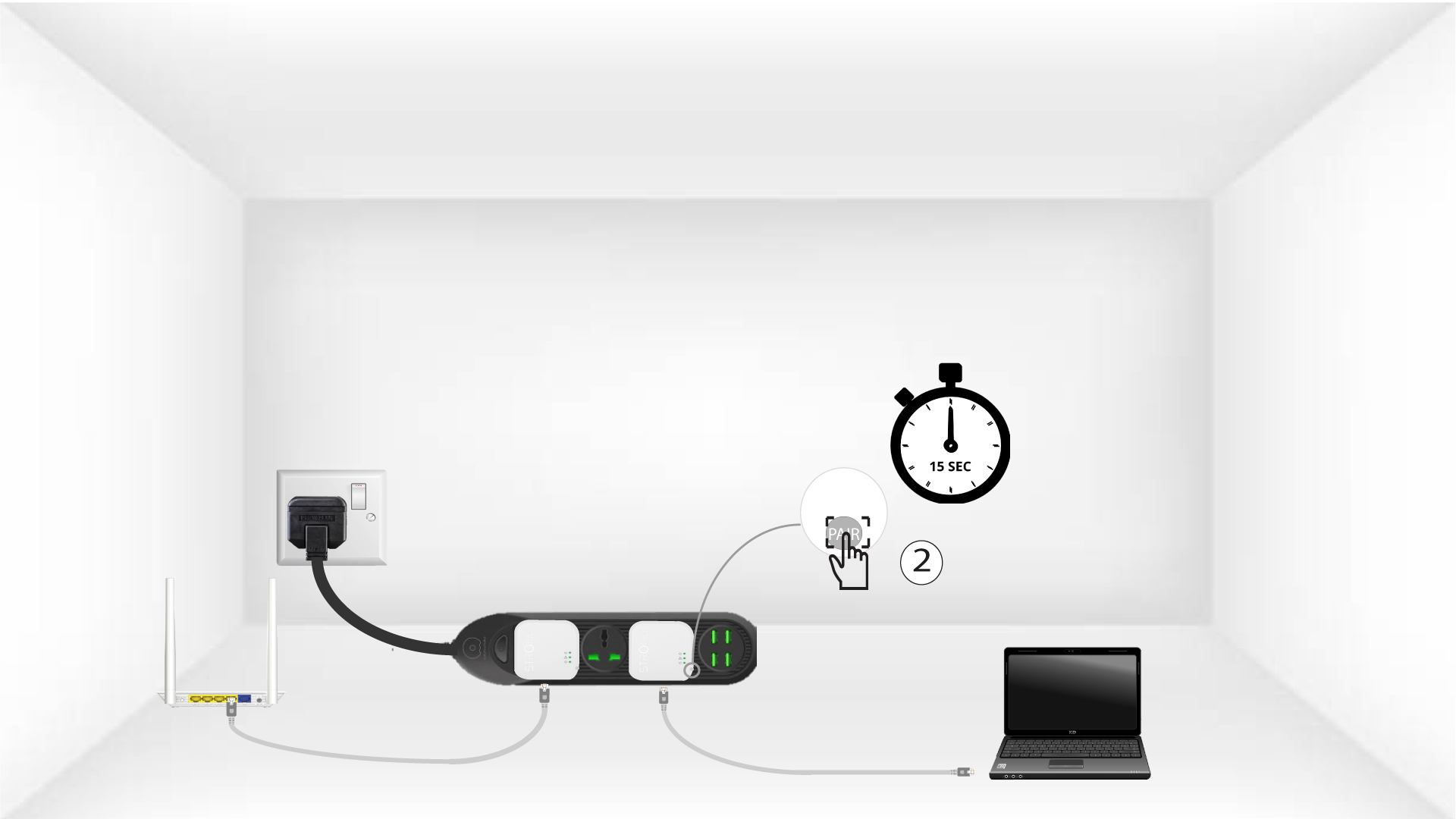
4. Druk opde knop ‘Connect & Secure’ (tweede adapter)
Houd de knop‘Connect & Secure’aan de rechterkant van het tweede apparaat 15 seconden ingedrukt.
5Homr-LED knippert
Het LED-lampje van het huis-pictogram zou moeten gaan knipperen.
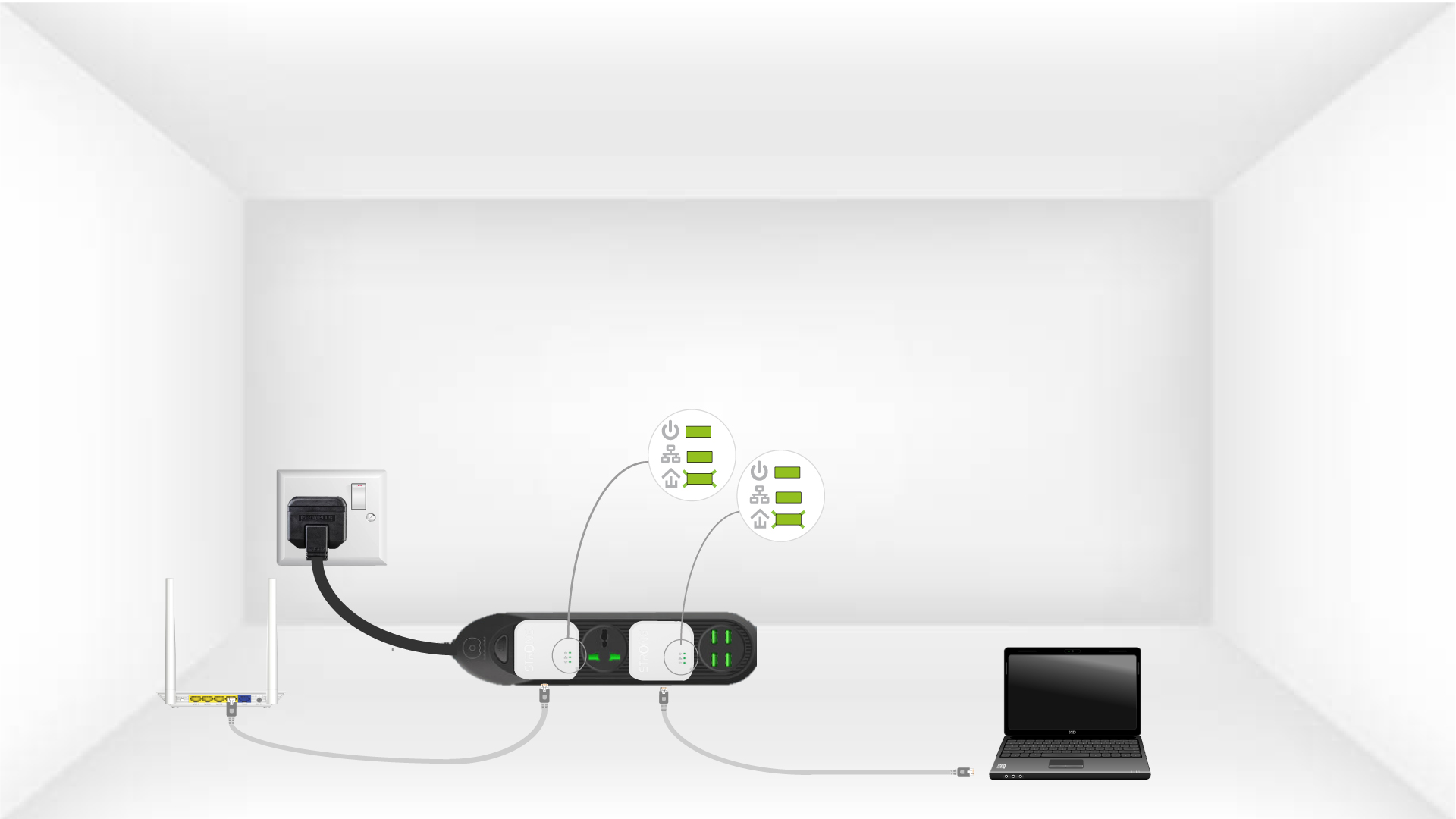
6. De adapterszijn opgeruimd
Aan het einde van de handelingen moeten alle LED’s groen branden.
Herhalen
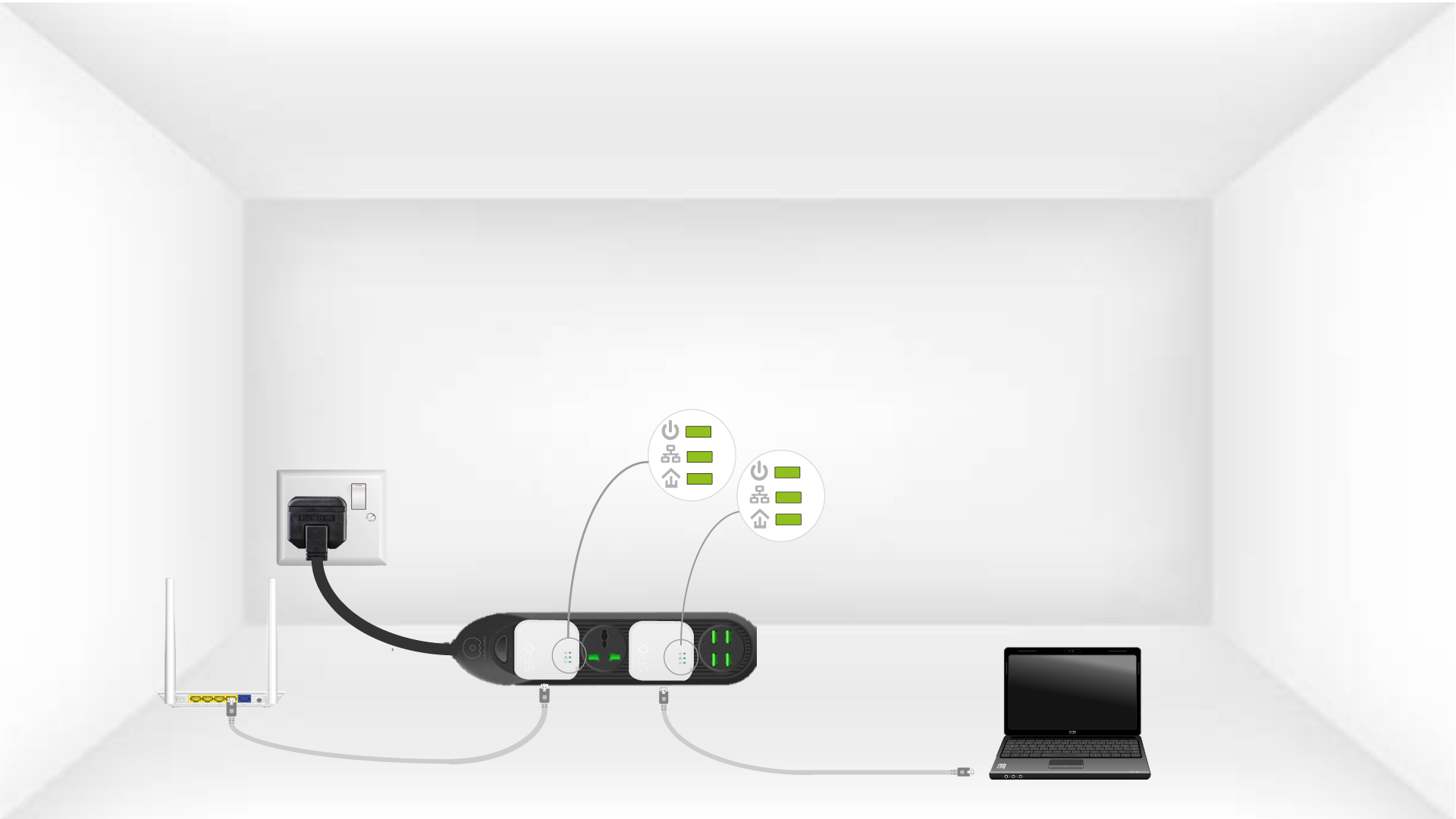
Herhaal dezelfde handeling voor een derde powerline. Je kunt maximaal acht Powerline 600 Mini op dezelfde elektrische installatie aansluiten.
Nadat je alle apparaten hebt gekoppeld, kun je ze in de kamer plaatsen waar je ze nodig hebt.