
PLW600MDUO
Geen items gevonden.
Geen items gevonden.
Alle vragen
PLW600MDUO
Geen items gevonden.
Geen items gevonden.
Hoe stel je beveiligingsniveau 2 in op je powerline -producten?
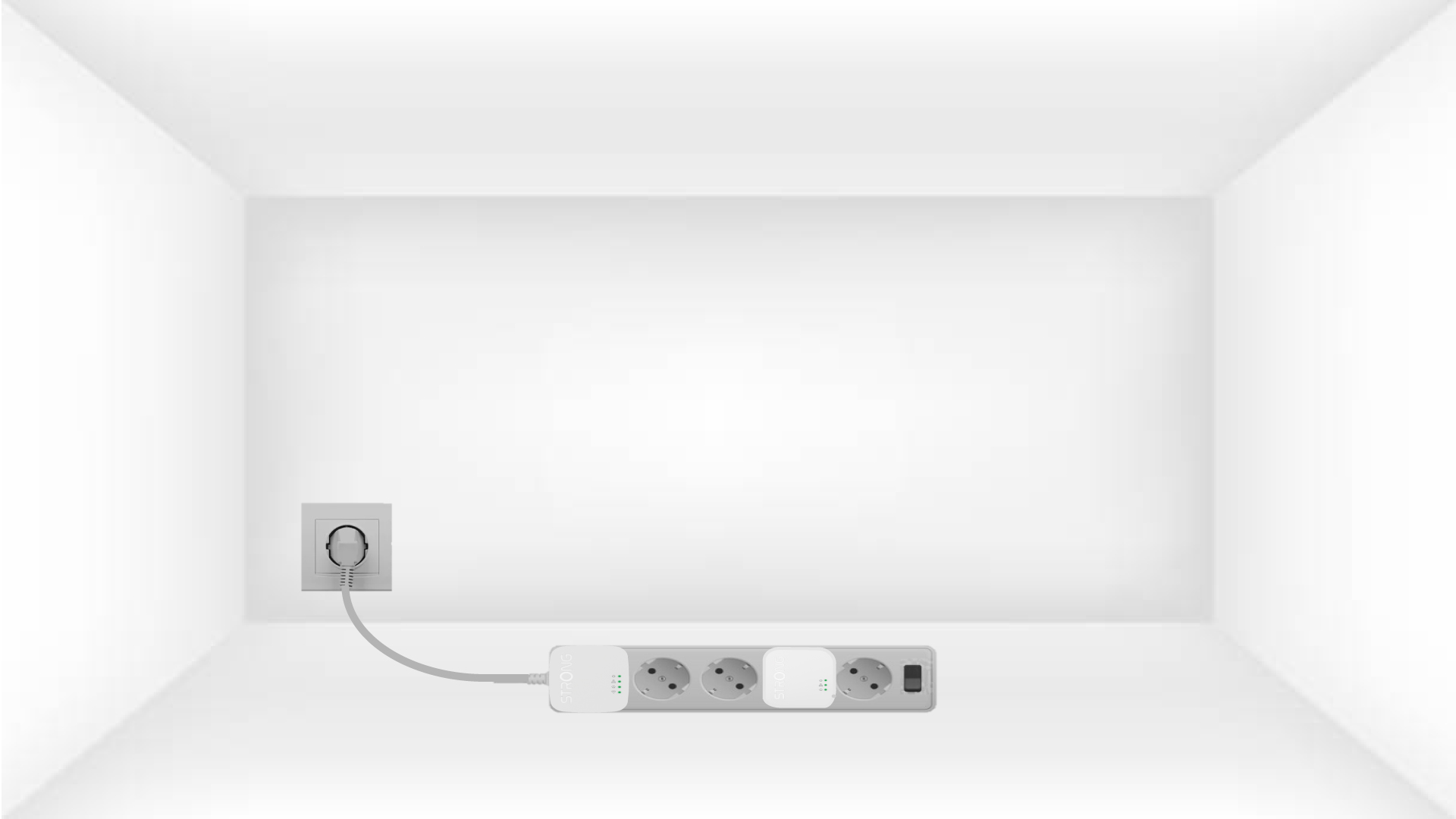
1. Sluitde adapters aanop een stekkerdoos
Take a power strip and plug all the powerline adapters into it.
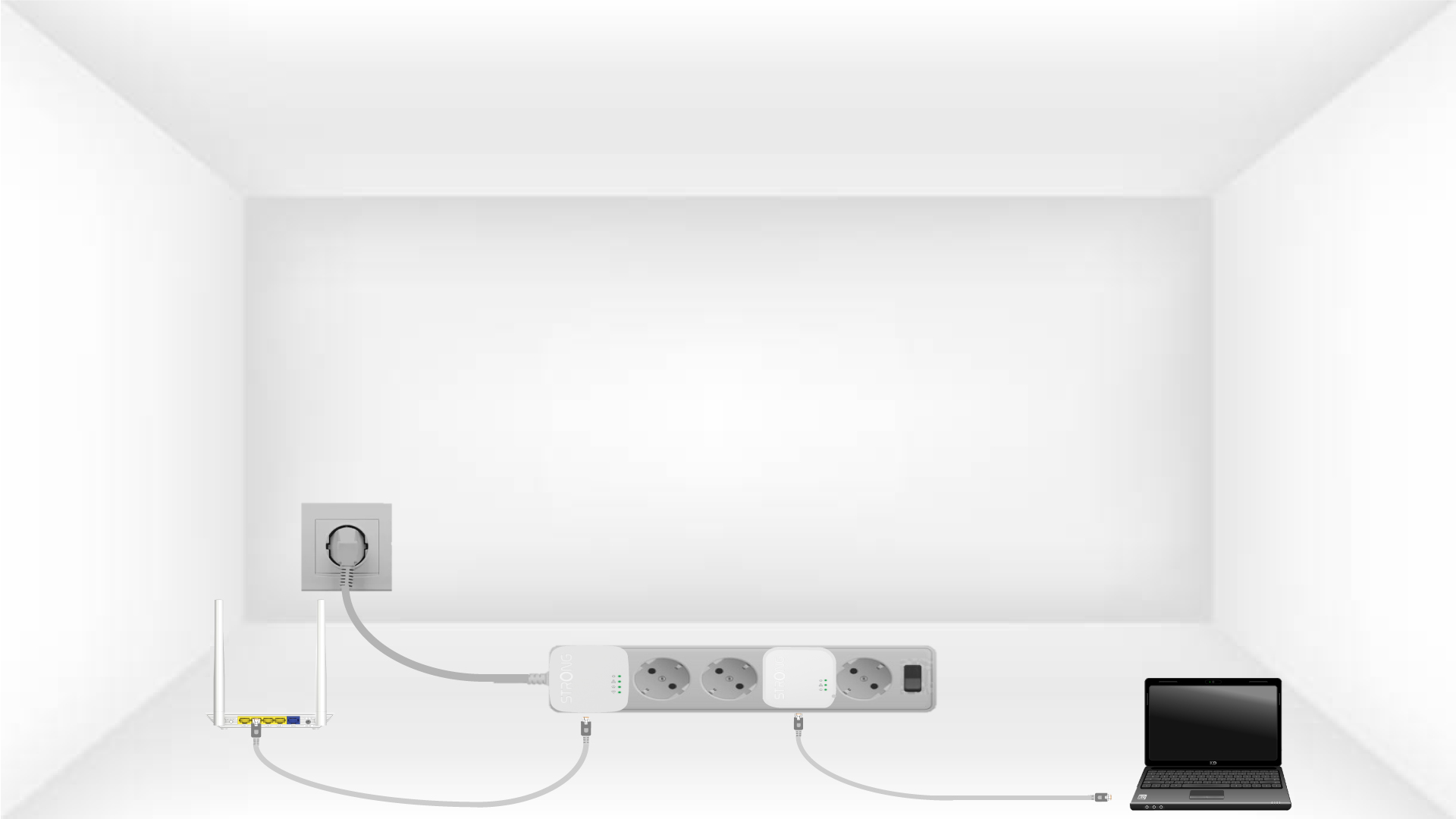
2. Sluitde adapters aanop het internet
Connect one of the powerline adapters to the Internet gateway/router with an RJ45 cable.
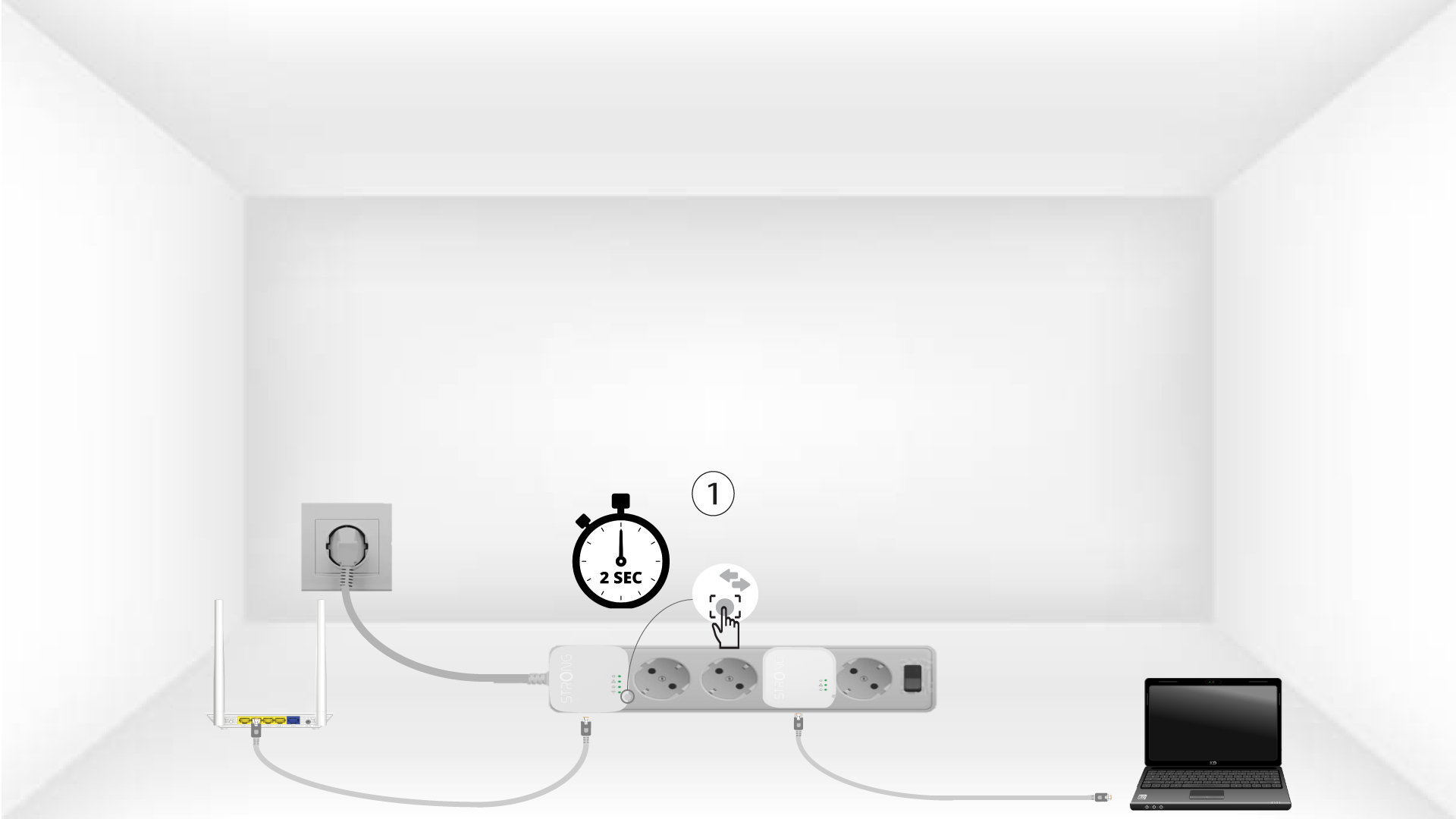
3. Druk opde knop ‘Connect & Secure’ (eerste apparaat)
Press the Connect & Secure button on the first device for 2 seconds.
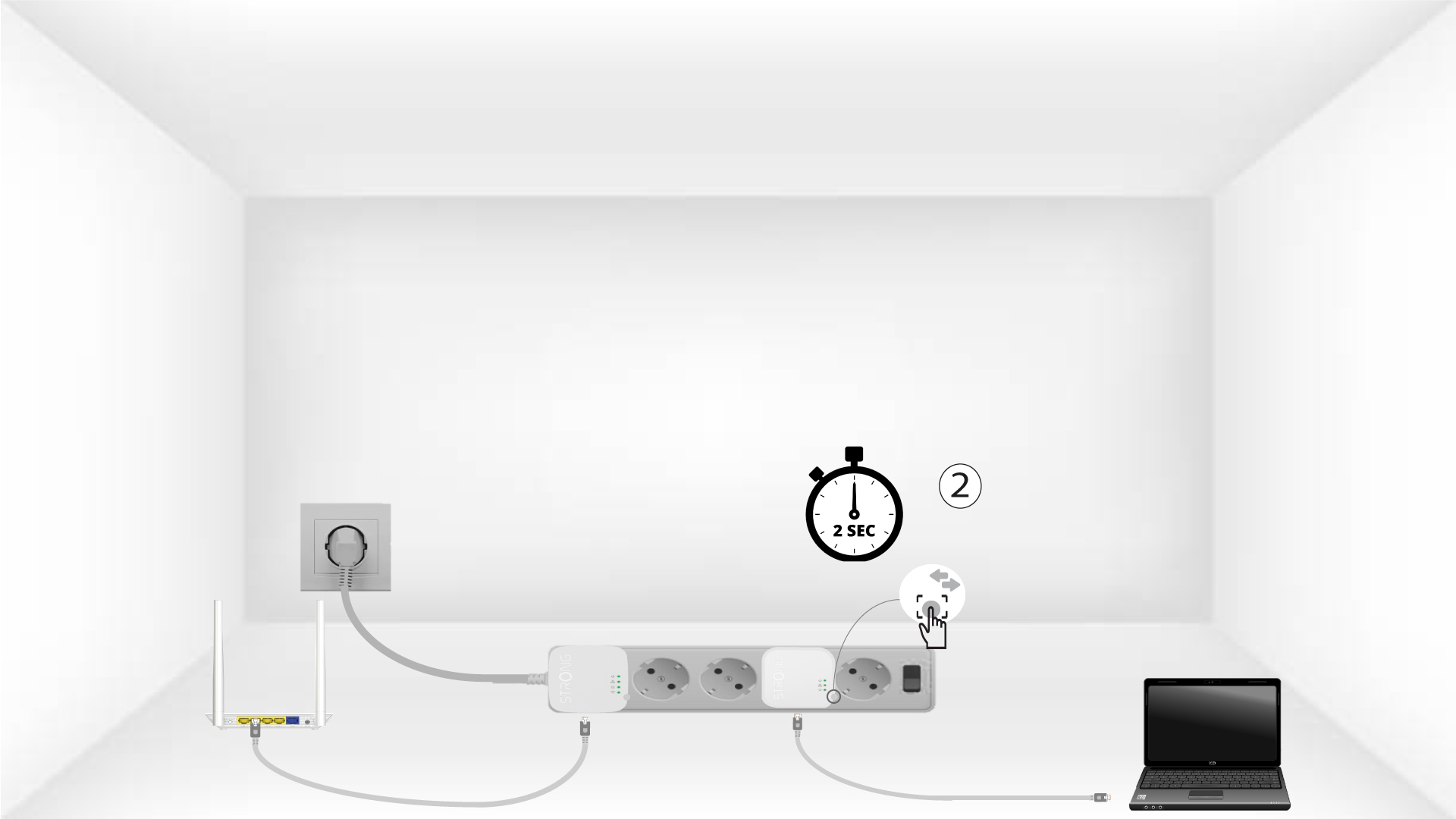
4. Druk opde knop ‘Connect & Secure’ (tweede apparaat)
Press the Connect & Secure button on the second device for 2 seconds. You have up to two minutes to do it.
5The home LED blinks
The home LED should blink on both devices.
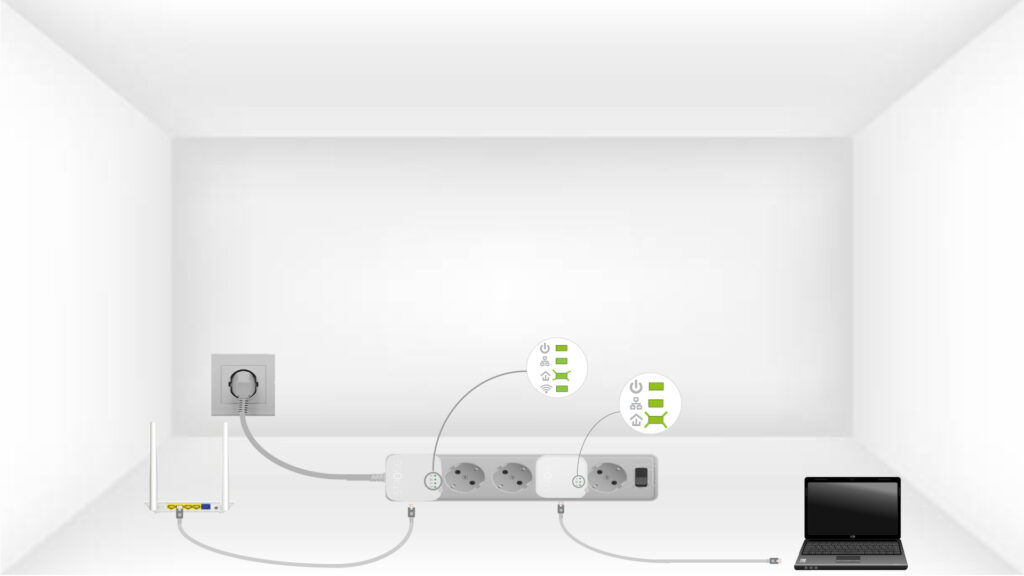
6Deversleutelingssleutel is ingesteld
Uw unieke versleutelingssleutel is nu ingesteld en alle LED’s van de apparaten zouden nu groen moeten branden.
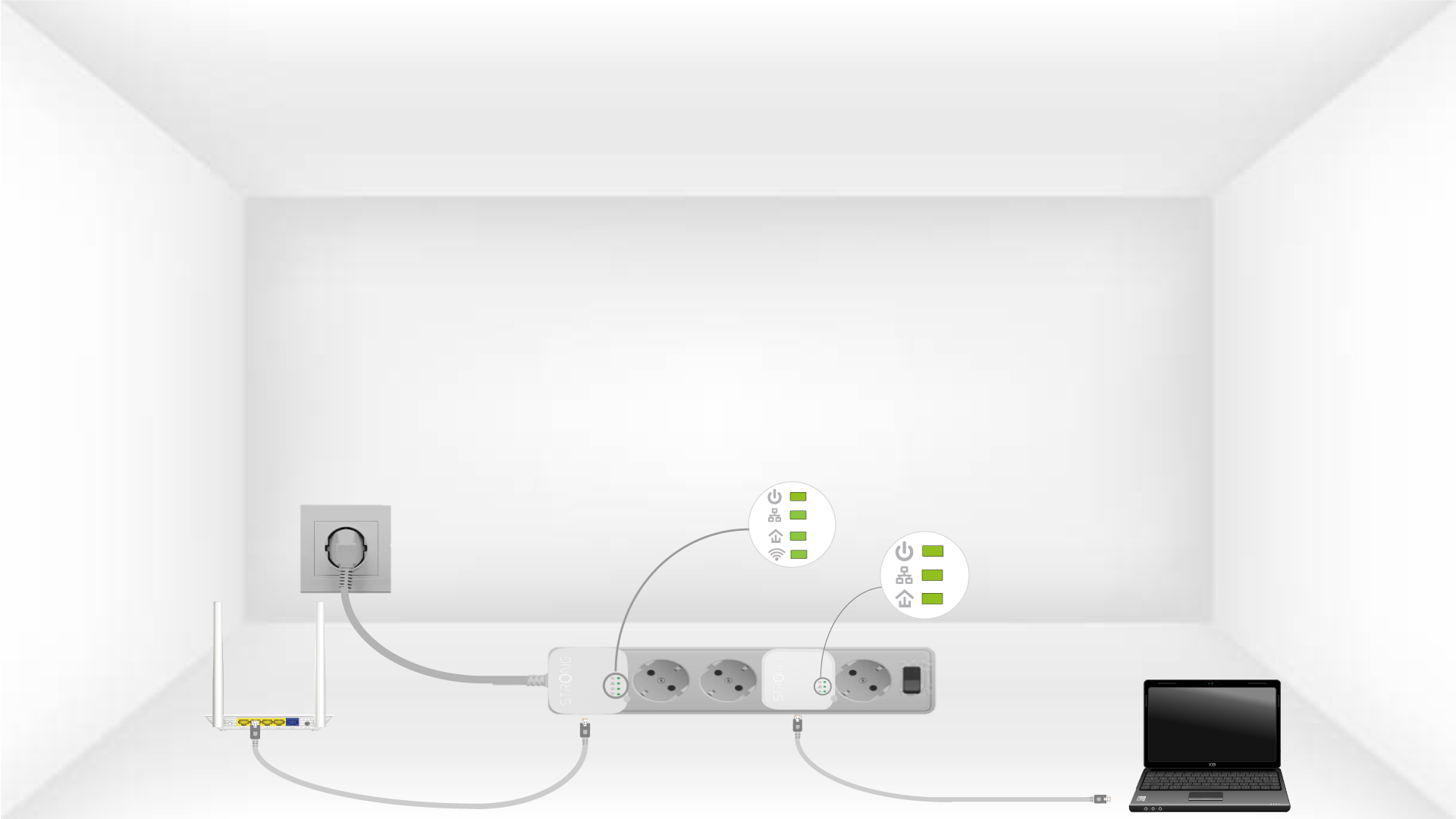
Now, install the adapters in the rooms where you need them. We strongly recommend not plugging the adapters into a power strip.