
ATRIA Wi-Fi 5 Mesh System 2100 UK ( add-on )
Alle spørsmål
Hvordan får jeg tilgang til nettgrensesnittet?
For å få tilgang til nettgrensesnittet må du være koblet til Wi-Fi-nettverket på enheten din etter at du har koblet til Mesh med RJ45-kabelen.
1 Tilkobling til Wi-Fi
For å gjøre dette, skriv inn SSID-en (Wi-Fi-nettverksnavnet) og Wi-Fi-passordet til ruteren på enheten din:

2 IP-adressen til nettleserens brukergrensesnitt
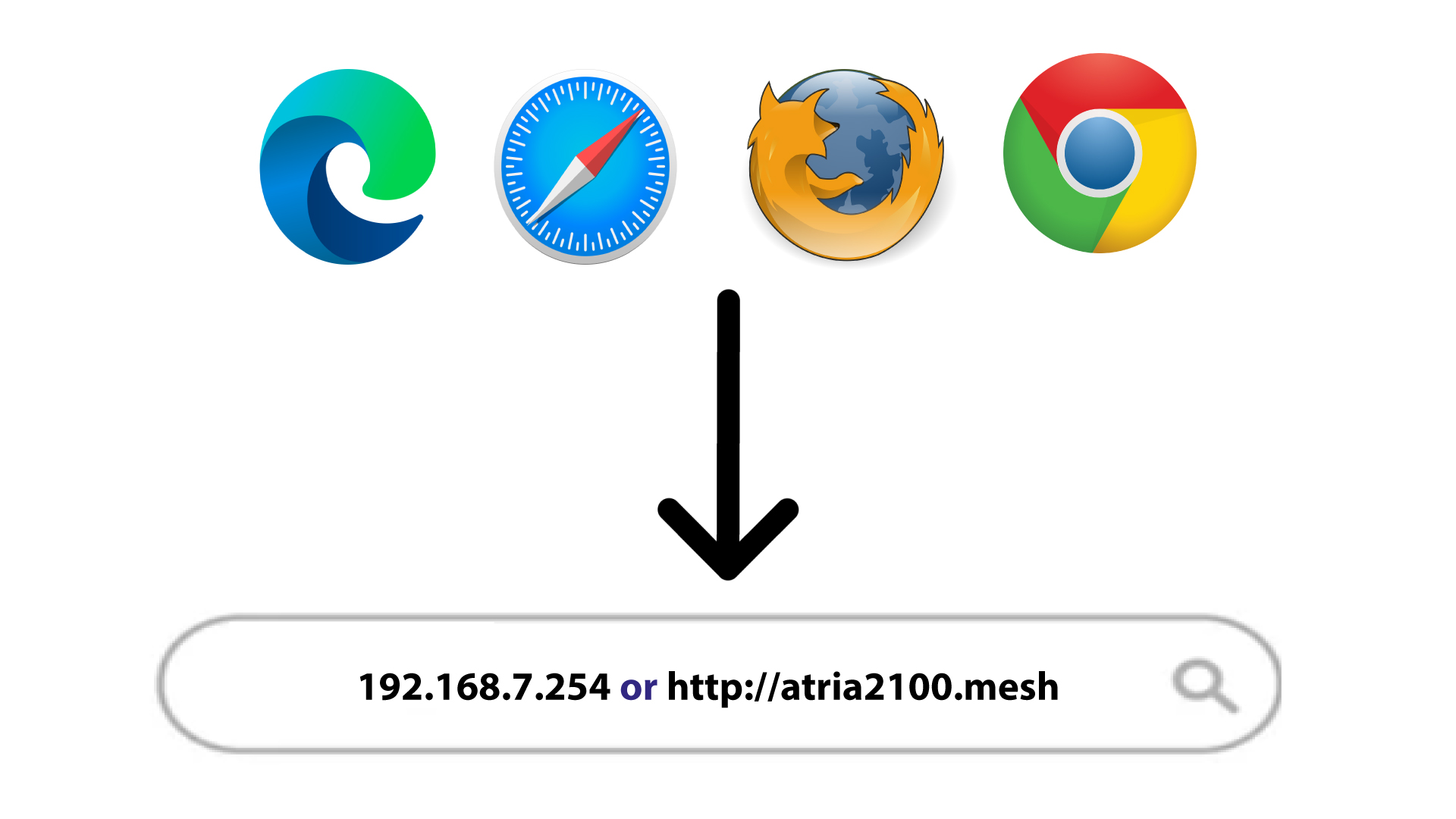
Skriv deretter inn følgende IP-adresse i nettleseren din: 192.168.7.254 eller skriv inn følgende adresse: http: mesh
3 legitimasjonsbevis
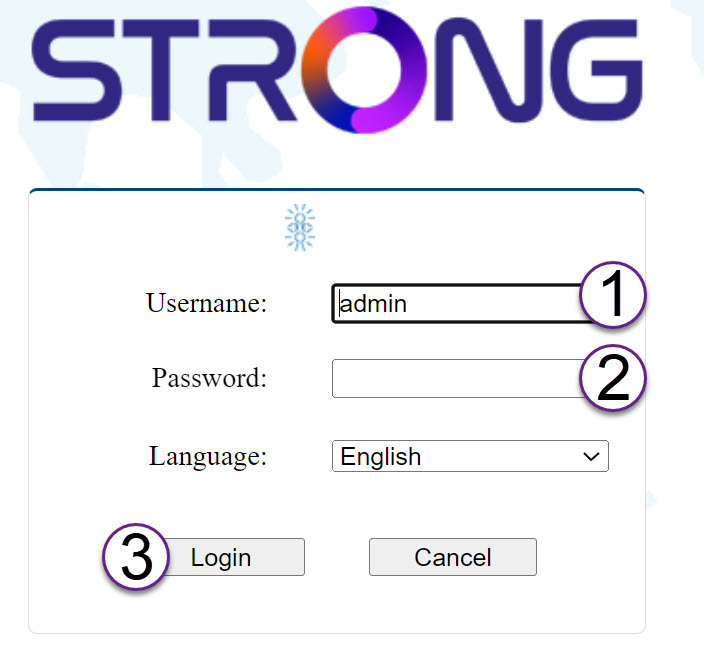
Du må oppgi brukernavn (admin) og passord (admin) (vær oppmerksom på at etter den første tilkoblingen oppretter du ditt personlige administratorpassord, noe som betyr at passordet som er skrevet på produktetiketten ikke lenger vil fungere).
Klikk deretter på Logg inn .
4 Pop-up
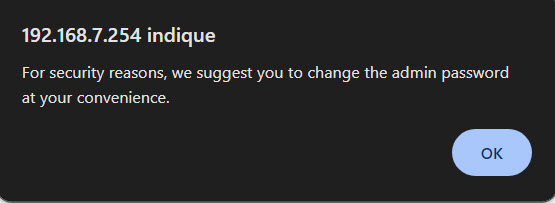
Klikk på OK i popup-meldingen som vises.
5 Hovedside
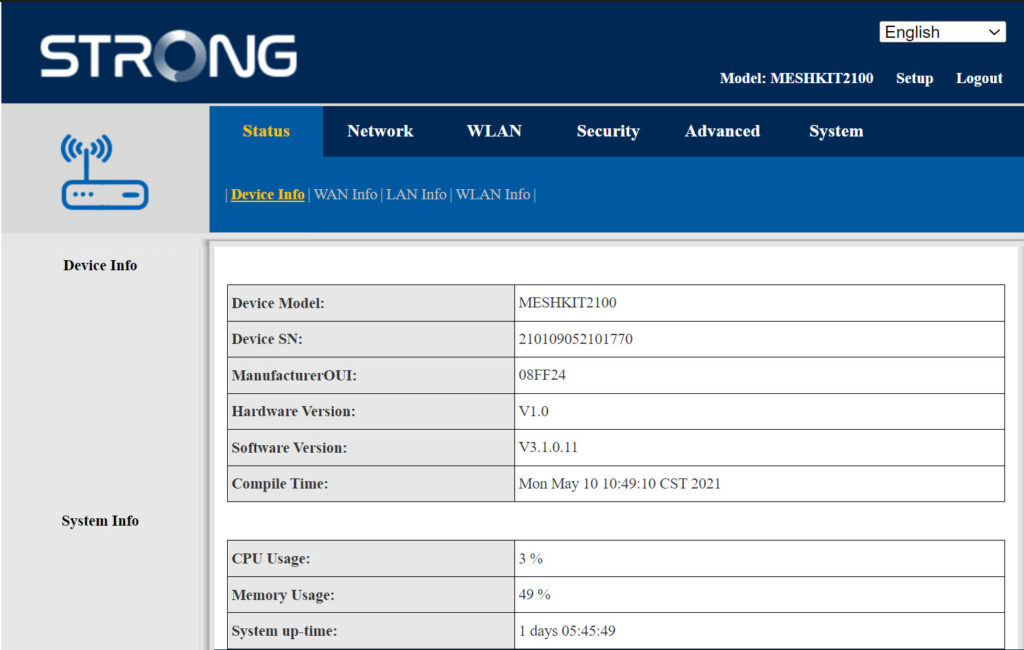
Du er nå på hovedsiden til nettgrensesnittet.
Du må kanskje endre administratorpassordet for nettgrensesnittet etter din første tilkobling. Se følgende instruksjoner for å gjøre dette.
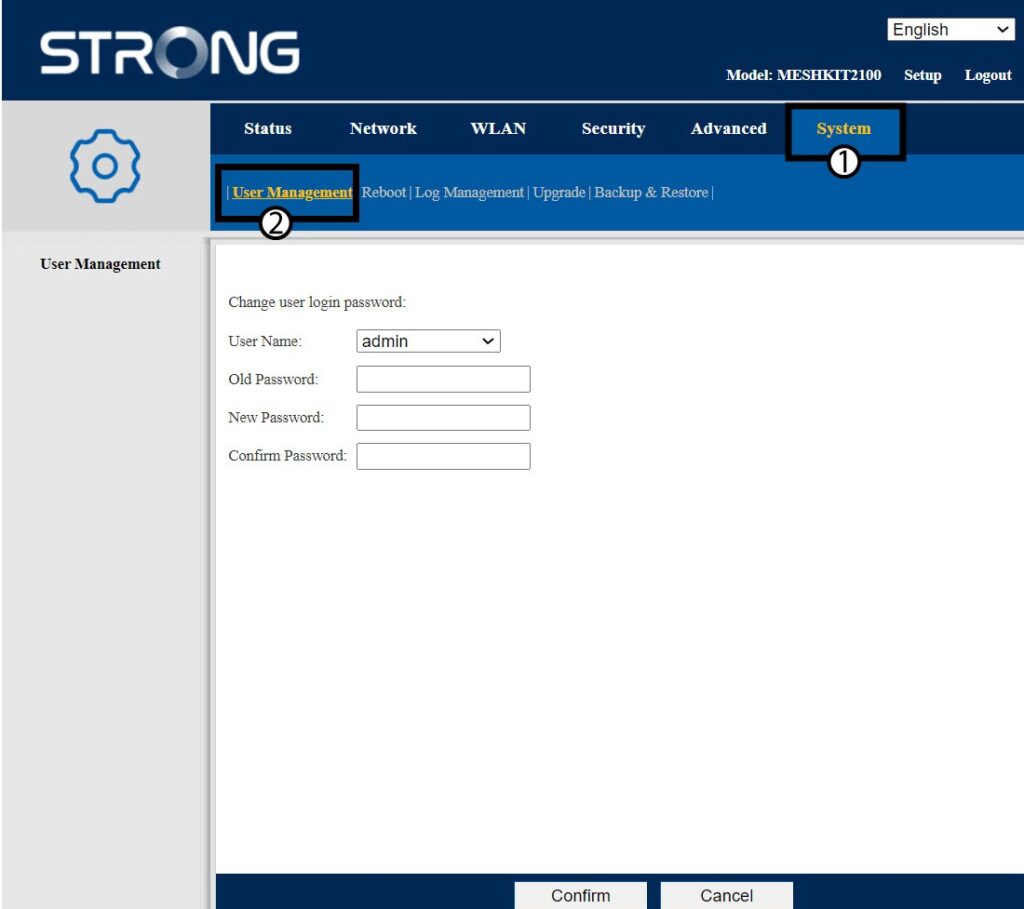
6 Brukeradministrasjon
Klikk på System- og brukeradministrasjon .
7 Endre passord
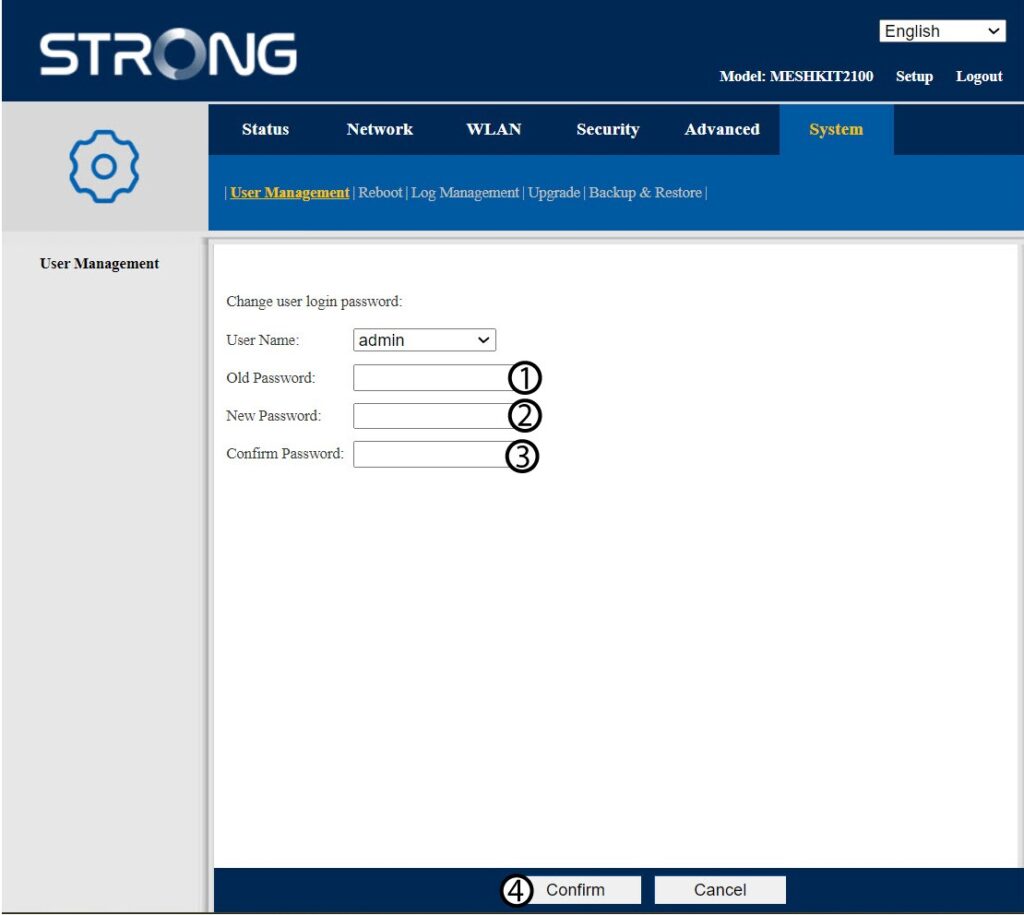
Skriv inn følgende informasjon før du klikker på Bekreft :
- Gammelt passord: Skriv inn det gamle administratorpassordet
- Nytt passord: Skriv inn et nytt passord.
- Bekreft passord: Skriv inn samme passord som i forrige trinn.
8 Skriv ned den nye informasjonen
Skriv ned det nye passordet på et ark og teip det under ruteren.


Advarsel : Vær oppmerksom på at du må skrive inn et passord på mellom 8 og 32 tegn som inneholder store bokstaver, små bokstaver, tall og minst ett spesialtegn (@, $, !, %, *, ?, &)