
4G+ AIRSPOT 510 Mobil Wi-Fi
Ingen gjenstander funnet.
Ingen gjenstander funnet.
Alle spørsmål
4G+ AIRSPOT 510 Mobil Wi-Fi
Ingen gjenstander funnet.
Ingen gjenstander funnet.
Hvordan får jeg tilgang til nettgrensesnittet for første gang?
For å få tilgang til nettgrensesnittet må du være koblet til Wi-Fi-nettverket til ditt 4G PORTABLE HOTSPOT 900 WITH A DISPLAY etter at du har plassert SIM-kortet i sporet.
1 Koble til ruterens Wi-Fi-nettverk
For å gjøre dette, skriv inn SSID-en (Wi-Fi-nettverksnavnet) og Wi-Fi-passordet til ruteren på enheten din.

2 Åpne påloggingssiden for nettgrensesnittet
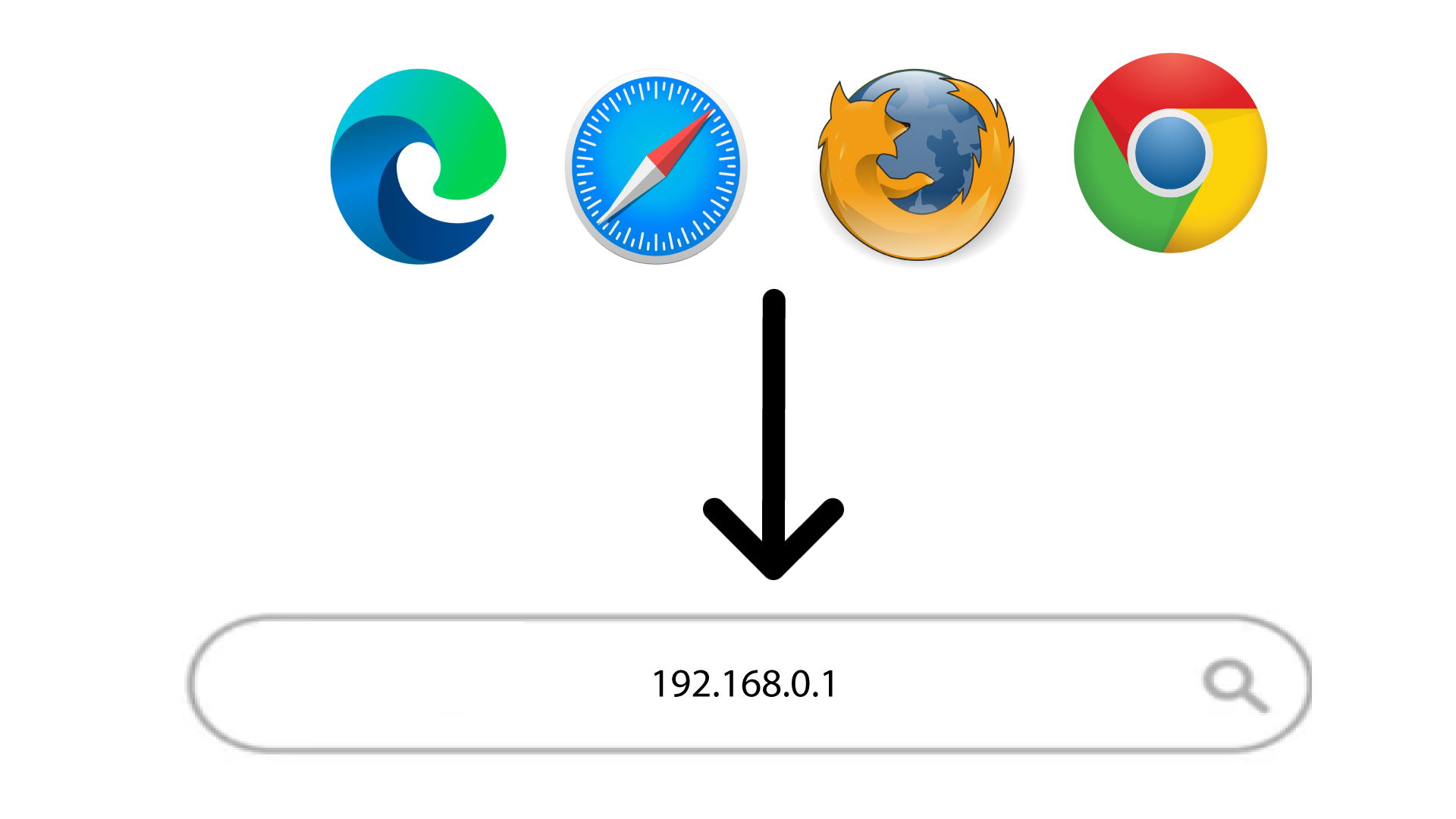
Skriv deretter inn følgende IP-adresse i nettleseren din: 168.0.1
3 Konfigurer administratorpassordet ditt
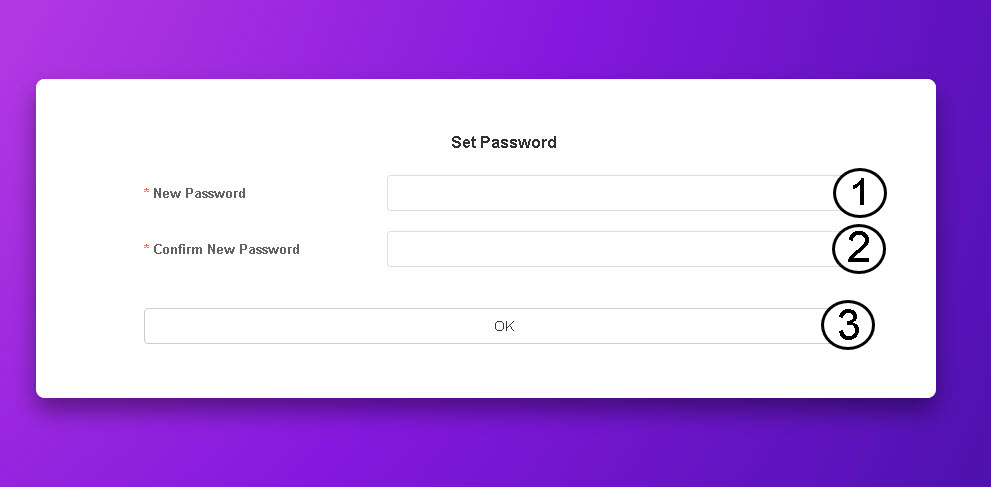
Når du har funnet IP-adressen, må du opprette administratorpassordet ditt. For å angi det nye passordet, skriv inn følgende informasjon før du klikker på OK :
- Nytt passord: Skriv inn et passord som inneholder minst 8 tegn og inkluderer en kombinasjon av store bokstaver, små bokstaver, tall og spesialtegn. Bare følgende spesialtegn er tillatt: @$%*&.
- Bekreft nytt passord: Skriv inn samme passord som i forrige felt.
TIPS: Klikk på øyeikonet for å vise passordet ditt.