
4G AIRHOME 210 UK med faste 4G-antenner
Ingen gjenstander funnet.
Ingen gjenstander funnet.
Alle spørsmål
4G AIRHOME 210 UK med faste 4G-antenner
Ingen gjenstander funnet.
Ingen gjenstander funnet.
Hvordan endrer jeg administratorpassordet?
1 Få tilgang til nettgrensesnittet
For å koble til nettgrensesnittet, følg retningslinjene i: Hvordan får jeg tilgang til nettgrensesnittet?
2 Endre påloggingspassord
Når dette er gjort, klikker du på Endre påloggingspassord i den øverste linjen .
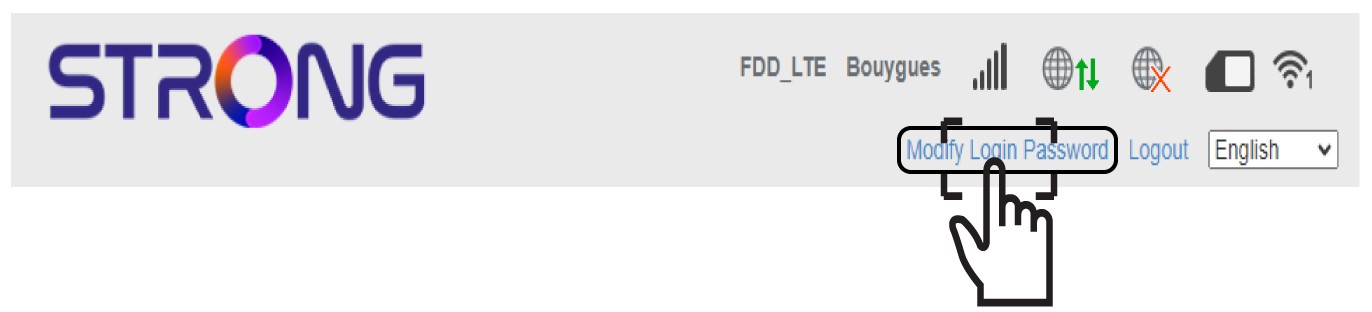
3 Skriv inn det nye administratorpassordet
Skriv inn følgende informasjon før du klikker på Bruk :
- Gjeldende passord: Skriv inn gjeldende passord.
- Nytt passord: Skriv inn det nye passordet.
- Bekreft nytt passord: Skriv inn samme passord som i forrige felt.

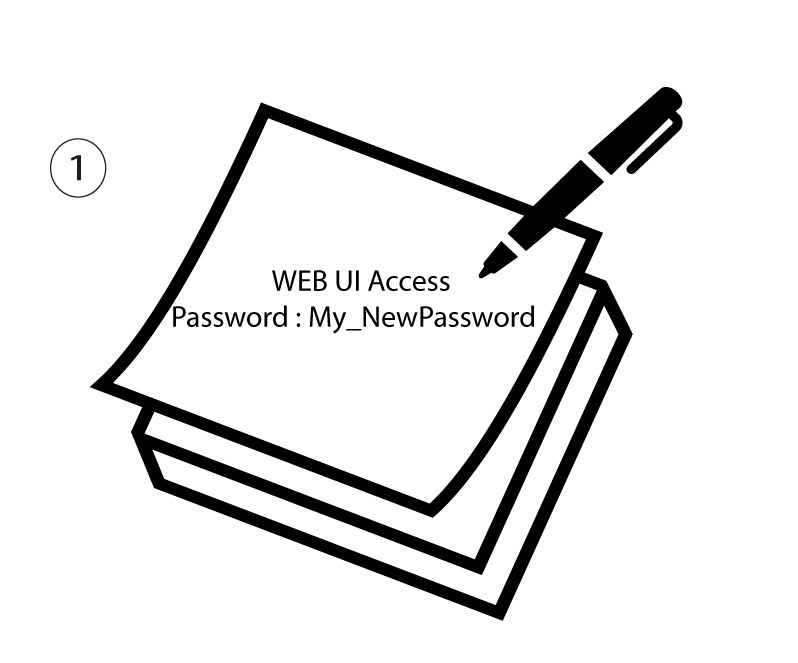
4 Skriv ned det nye passordet
Skriv ned det nye passordet for å få tilgang til nettgrensesnittet.
The new password can contain up to 32 characters including numbers, lower case, upper case, and special characters (! # $ * + , - . % : = ? @ [ ] ^ _ { | } ~).