CPL 600 Duo Wi-Fi FR V2
Ingen gjenstander funnet.
Ingen gjenstander funnet.
Alle spørsmål
CPL 600 Duo Wi-Fi FR V2
Ingen gjenstander funnet.
Ingen gjenstander funnet.
Hvordan legge til et nytt, sterkt strømnettprodukt til ditt eksisterende strømnett-Wi-Fi-nettverk med høyt sikkerhetsnivå 1?
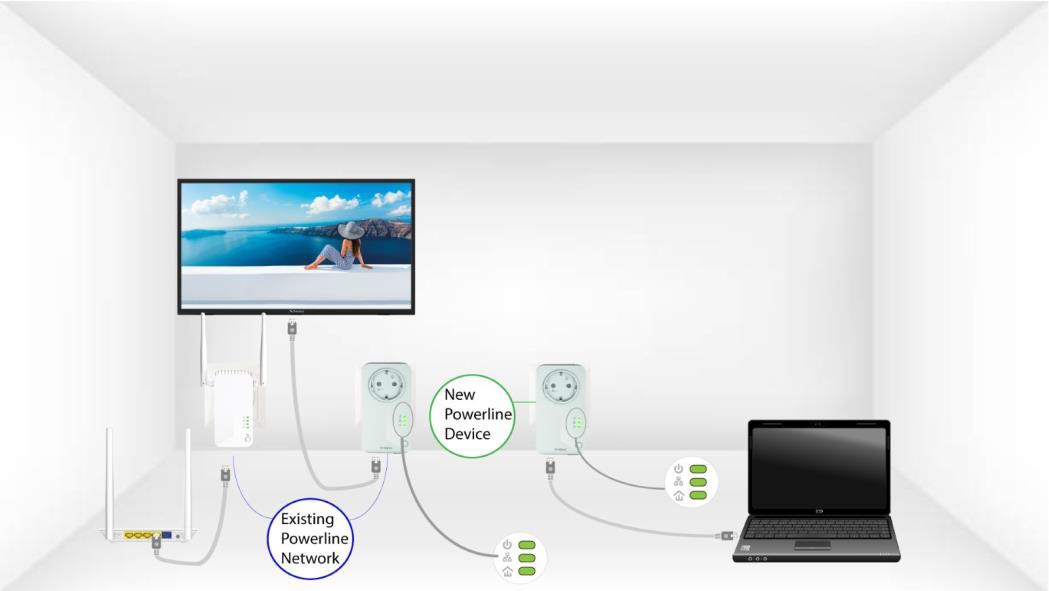
Siden det eksisterende nettverket ditt er satt opp med konfigurasjonen Høyt sikkerhetsnivå 1, er det ganske enkelt Plug & Play å legge til et produkt. Det kreves ingen handling på produktet. Bare koble til det nye strømnettproduktet, så legges det automatisk til nettverket.
Vanligvis er strømnettadaptere paret med sett på to eller tre, så hvis du trenger å legge til flere strømnettprodukter i nettverket ditt som er konfigurert med høyt sikkerhetsnivå 1, må du følge trinnene nedenfor.
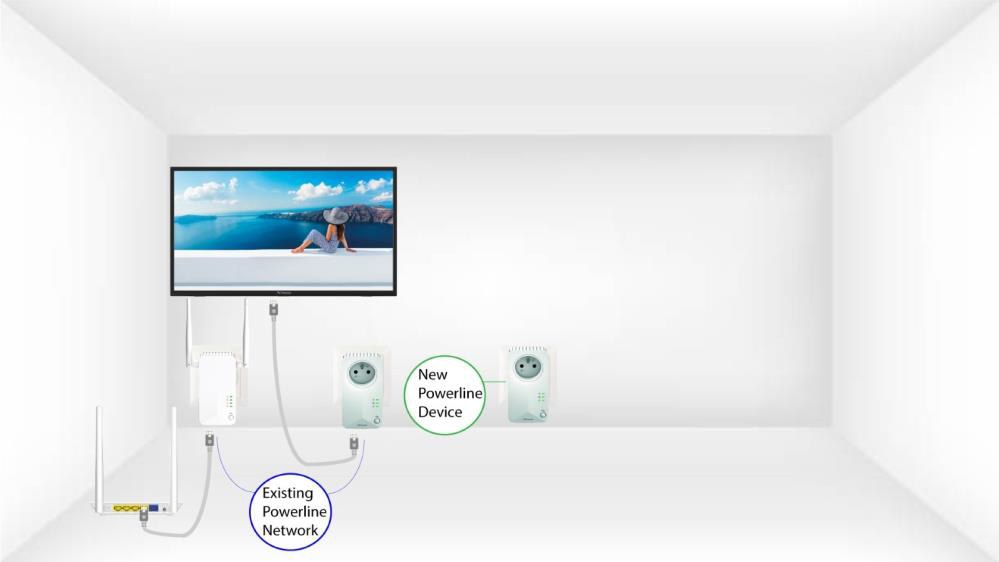
1 Koble den nye enheten til en stikkontakt
Koble tilleggsenheten(e) til en stikkontakt.
2 Koble adapterne til Internett
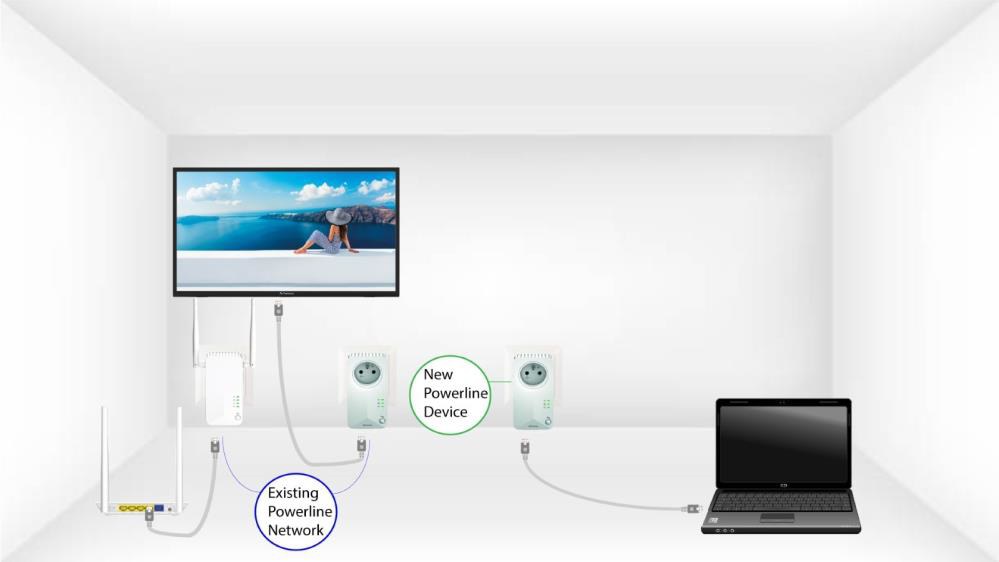
Koble enheten til en internettruter/gateway med RJ45.
3 Den nye adapteren er satt opp
Etter at den nye enheten er koblet til, lyser alle LED-lampene grønt på alle enhetene.