Nie znaleziono żadnych elementów.
LEAP NEVE | Telewizor 4K z systemem Google TV i technologią Dolby Vision
Nie znaleziono żadnych elementów.
Wszystkie pytania
Nie znaleziono żadnych elementów.
LEAP NEVE | Telewizor 4K z systemem Google TV i technologią Dolby Vision
Nie znaleziono żadnych elementów.
Jak zaktualizować moje urządzenie?
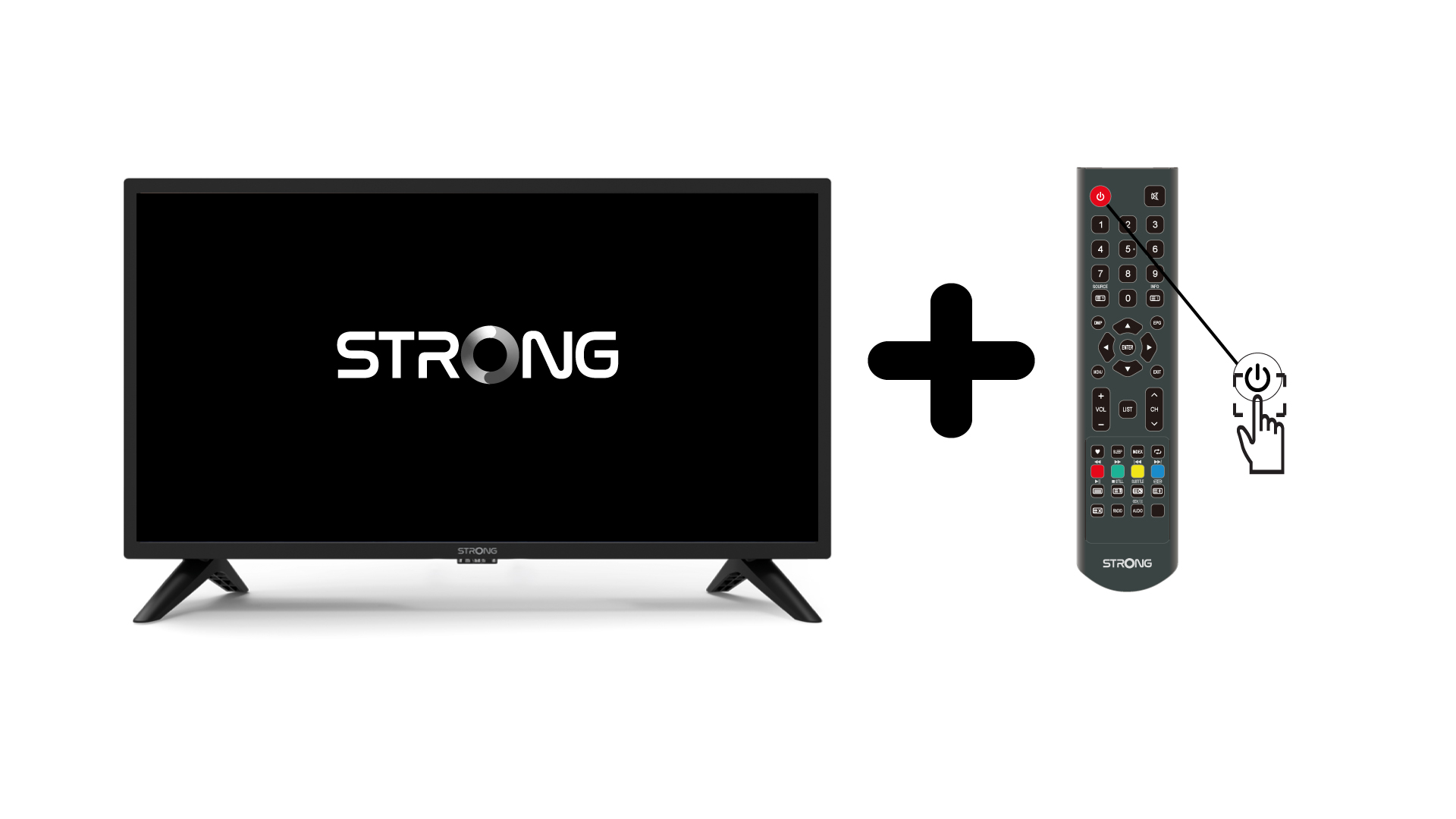
1.Włącz telewizor i urządzenie
Włącz telewizor i swoje urządzenie.
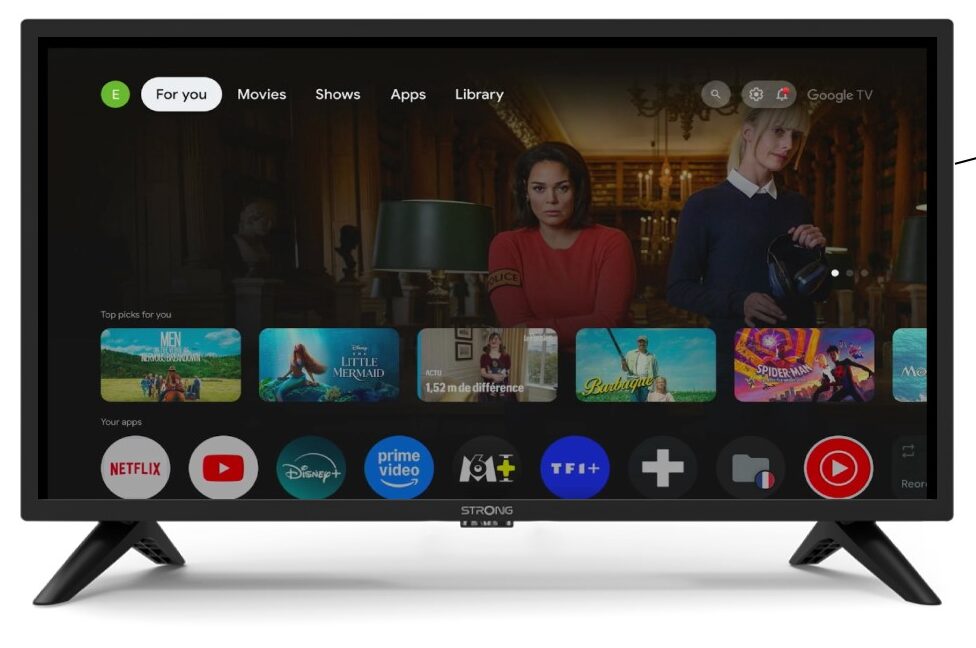
2. Ustawienia
Przejdź do ustawień na stronie głównej swojego urządzenia.
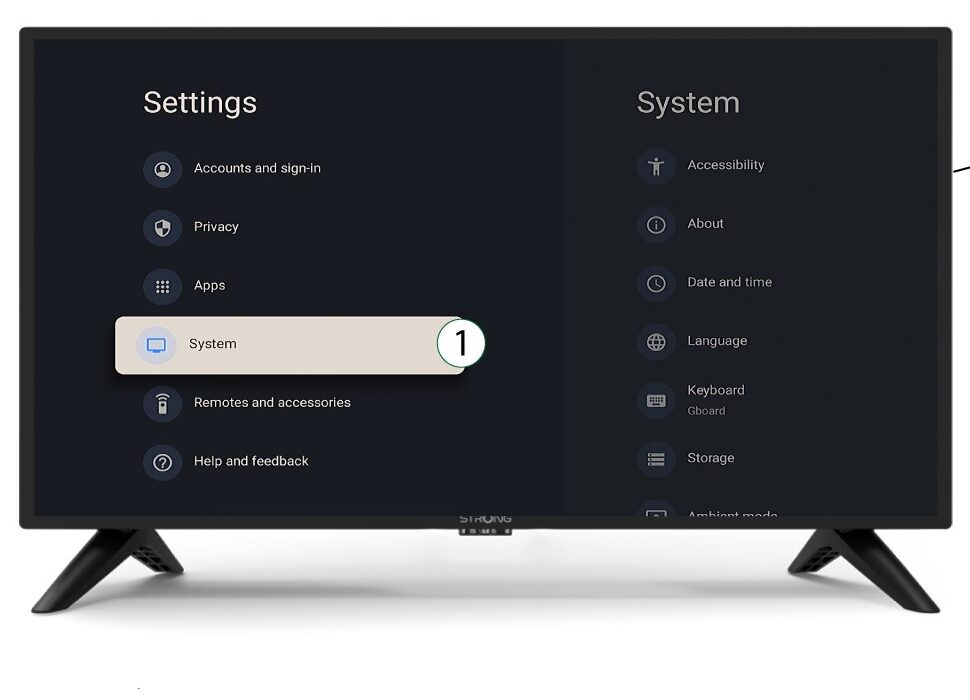
3System
W menu „Ustawienia” wybierz opcję „System” i naciśnij przycisk OK.
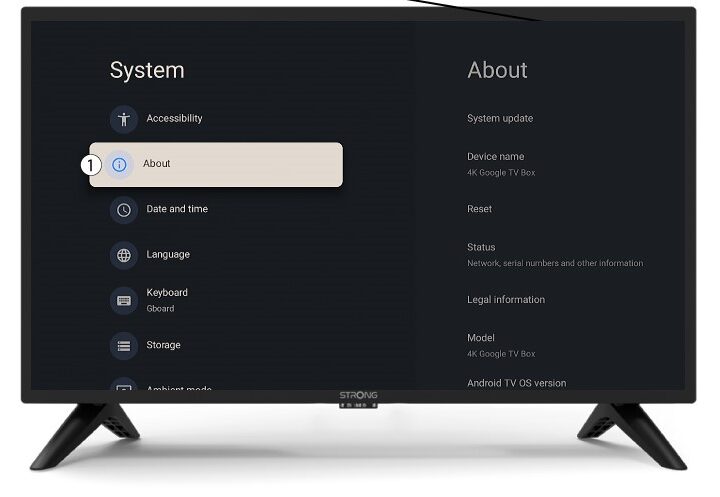
4O nas
Wybierz opcję „O programie” w menu systemowym i naciśnij przycisk OK.
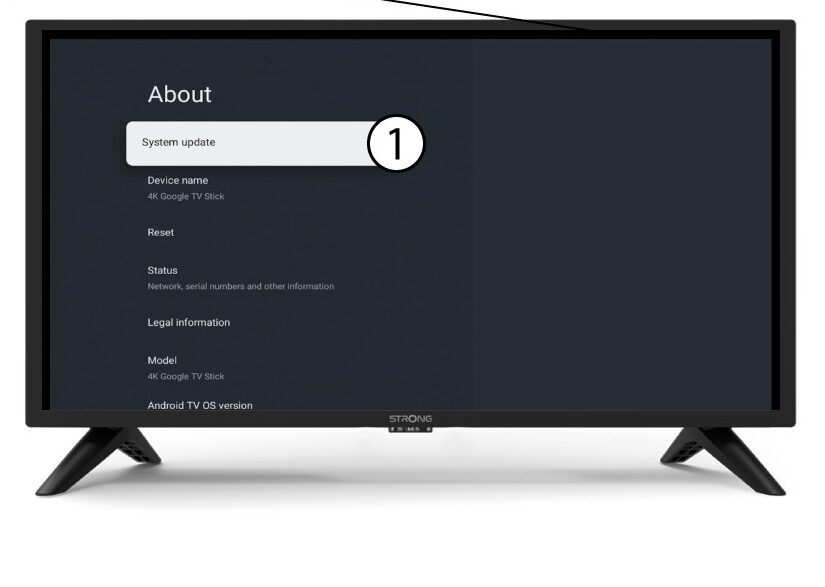
5. Aktualizacja systemu
Wybierz opcję „Aktualizacja systemu”.
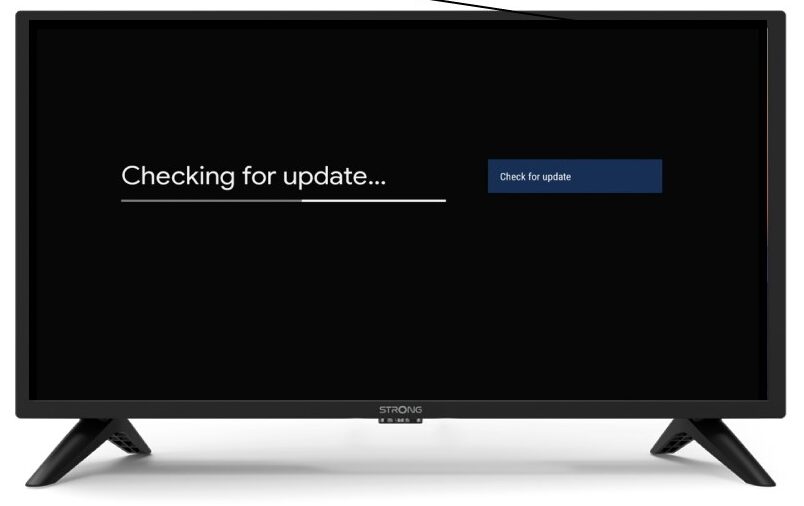
6. Wyszukiwanie nowej wersji oprogramowania
Rozpocznie się sprawdzanie, czy masz zainstalowaną najnowszą aktualizację. Proszę poczekać, aż proces się zakończy. Nowa wersja oprogramowania zostanie pobrana automatycznie.