
Nenhum item encontrado.
Nenhum item encontrado.
CÂMARA SMART HOME 2K+
Todas as perguntas
Nenhum item encontrado.
Nenhum item encontrado.
CÂMARA SMART HOME 2K+
Como posso fazer uma reinicialização total na minha câmara (sem utilizar a aplicação)?
Se não conseguir utilizar a aplicação, pode reiniciar a câmara através do botão presente no dispositivo.
Para tal, tem de seguir os passos abaixo.
1. Encontreo botão de reinicialização
Gire a lente da câmara para localizar o botão de reinicialização.
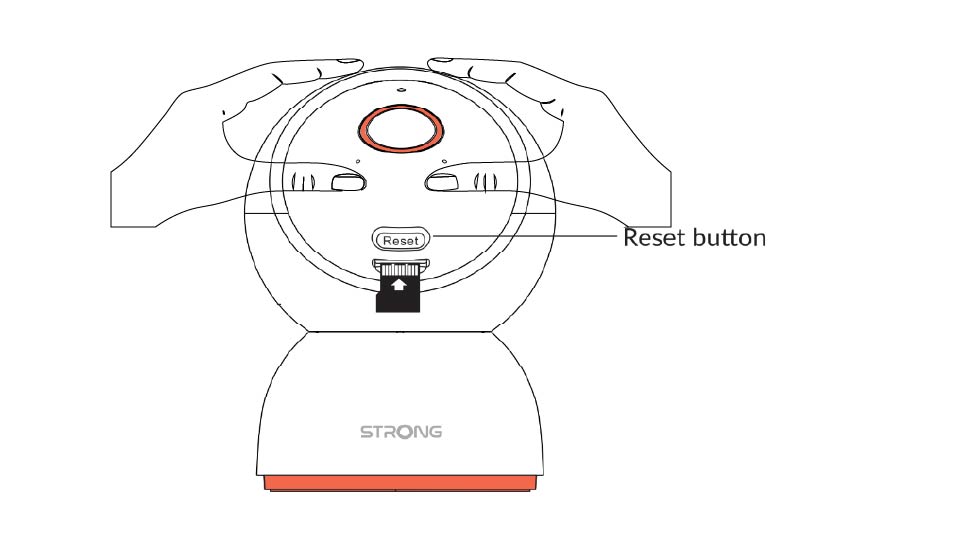
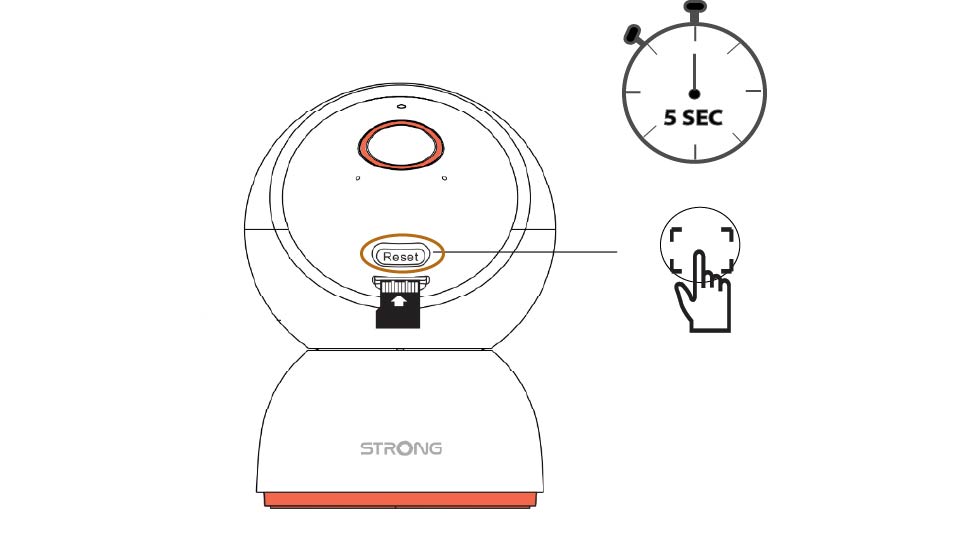
2. Primao botão de reinicialização
Mantenha o botão premido durante 5 segundos.
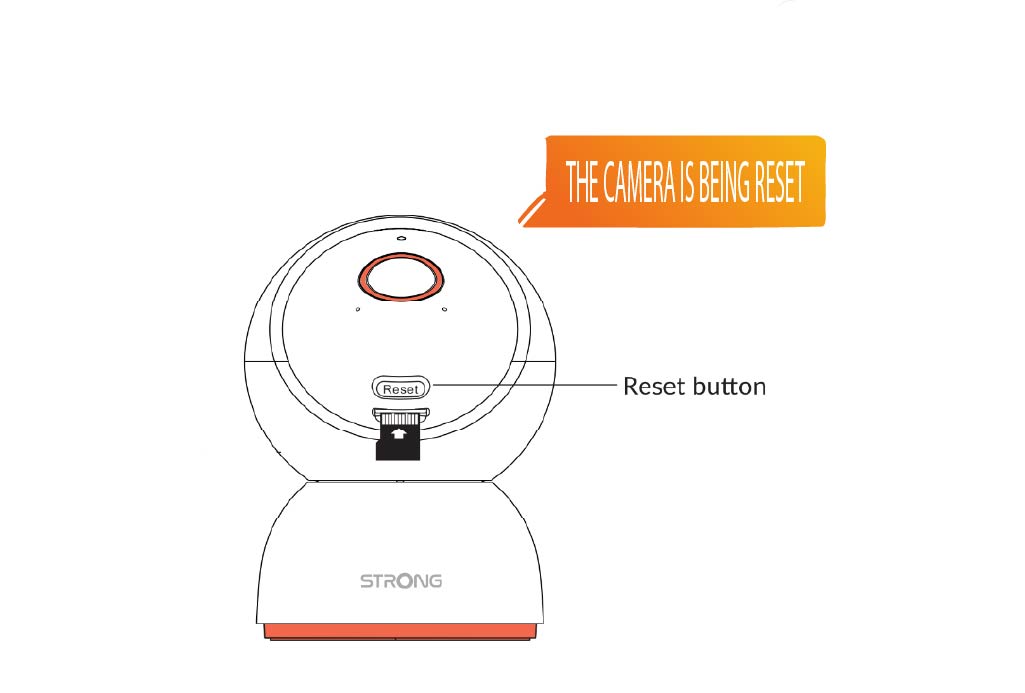
3. Aguardea mensagem de reinicialização
Depois de concluir este passo, ouvirá: «A câmara está a ser reiniciada.» A câmara irá então reiniciar-se automaticamente.
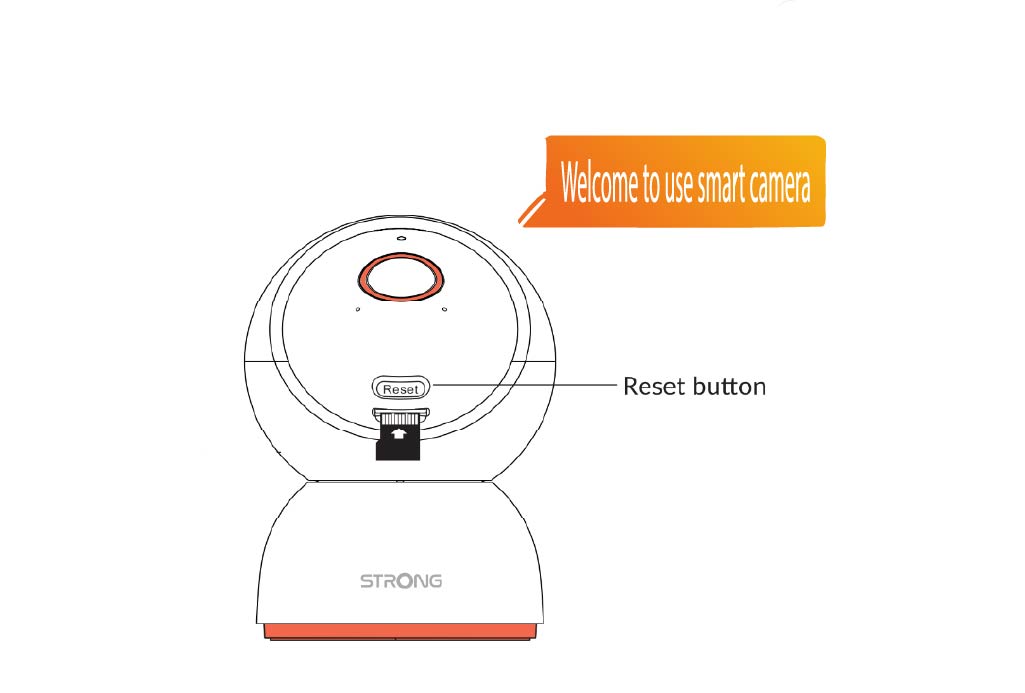
4Mensagem de boas-vindas
Quando estiver pronto, aparecerá a mensagem: «Bem-vindo à câmara inteligente.»
DICA: Assim que a reinicialização estiver concluída, abra a aplicação e adicione novamente a câmara.