Nenhum item encontrado.
LEAP 41 | Google TV 4K com HDR10+
Nenhum item encontrado.
Todas as perguntas
Nenhum item encontrado.
LEAP 41 | Google TV 4K com HDR10+
Nenhum item encontrado.
Como posso repor o dispositivo para as definições de fábrica?
1Liguea televisão e o recetor
Ligue a televisão e o decodificador.
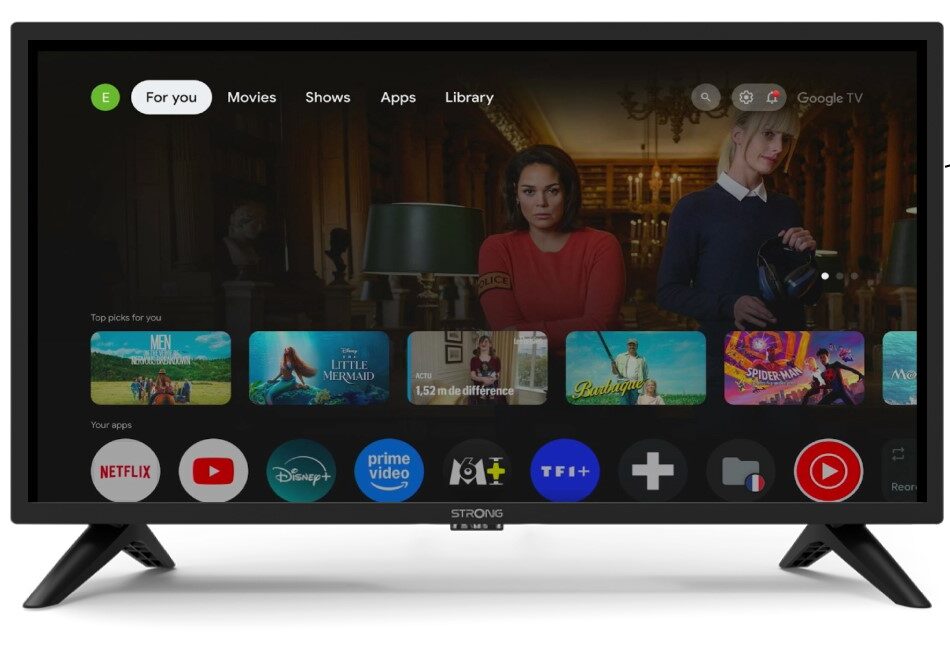
2Definições
Prima o ícone da roda dentada no seu comando à distância.
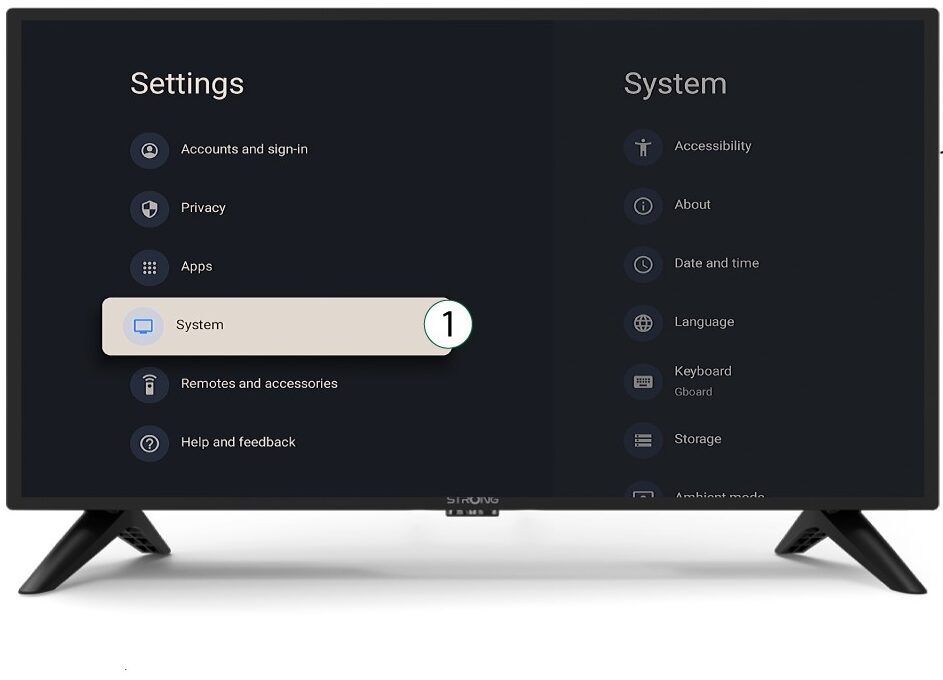
3System
No menu «Definições», selecione «Sistema » e prima «OK».
4Sobre
Selecione «Sobre» no menu do sistema e prima «OK».
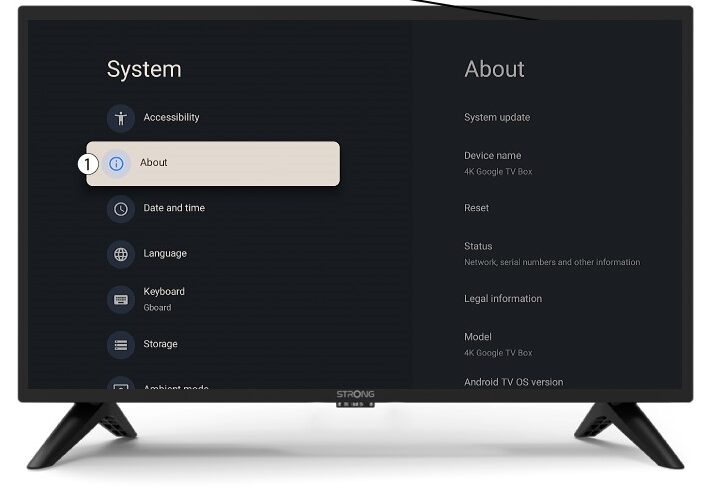
5Reiniciar
Selecione «Repor».
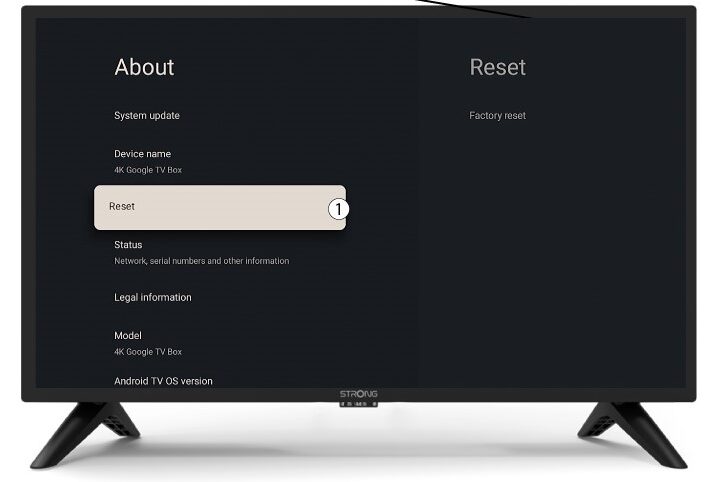
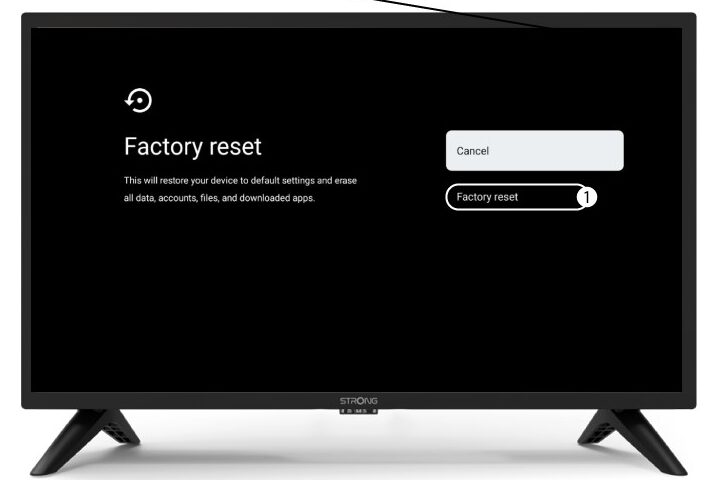
6. Reposição às predefinições de fábrica
Selecione «Redefinição de fábrica » e prima «OK».
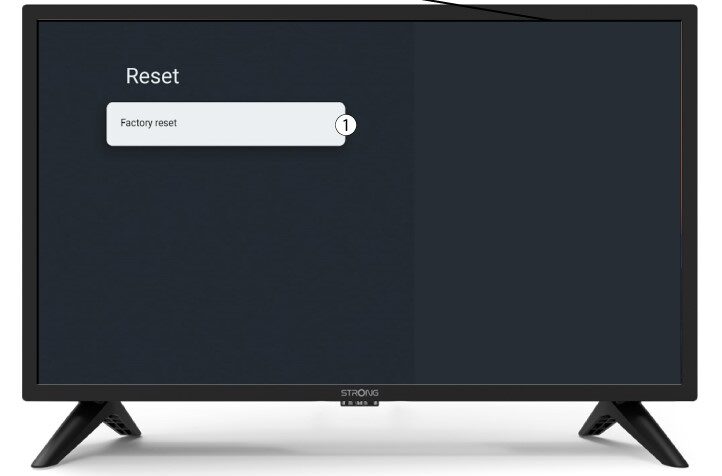
7Confirmarreinicialização
Selecione «Reinicialização de fábrica» na página «Reinicialização de fábrica».