
Pacote triplo Powerline 500 | PL500TRI
Nenhum item encontrado.
Nenhum item encontrado.
Todas as perguntas
Pacote triplo Powerline 500 | PL500TRI
Nenhum item encontrado.
Nenhum item encontrado.
Como adicionar um novo produto « powerline » da Strong à sua rede Wi-Fi existente « powerline » com o Nível de Segurança Elevado 1?
Como adicionar um novo produto « powerline » à sua rede « powerline » existente com um nível de segurança elevado
Como a sua rede atual foi configurada com o Nível de Segurança Elevado 1, adicionar um produto é simplesmente «Plug & Play». Não é necessário realizar qualquer ação no produto. Basta ligar o novo produto « powerline » e este será automaticamente adicionado à rede.
Normalmente, os adaptadores « powerline » são emparelhados em conjuntos de dois ou três; por isso, se precisar de adicionar produtos « powerline » adicionais à sua rede configurada com o Nível de Segurança Elevado 1, deve seguir os passos abaixo.
1Ligueo dispositivo adicional
Ligue o(s) dispositivo(s) adicional(is) a uma tomada elétrica.
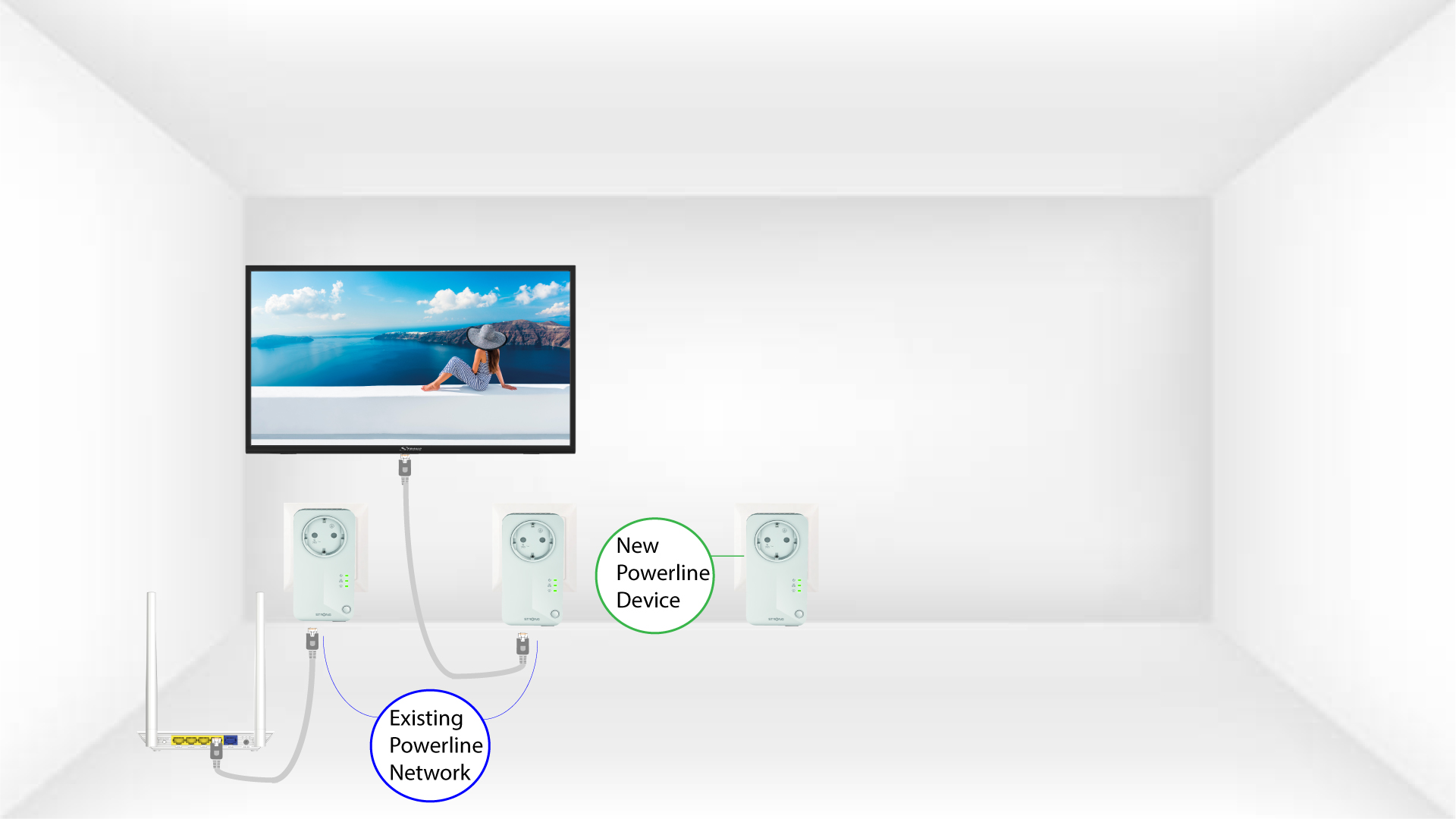
2Ligueo powerline a um dispositivo através de uma ligação RJ45
Ligue o dispositivo a um router/gateway de Internet através de uma ligação RJ45.

3Todosos LEDs estão verdes
Depois de ligar o novo dispositivo, todos os LEDs ficam verdes em todos os dispositivos.
