
Pacote triplo Powerline 500 | PL500TRI
Nenhum item encontrado.
Nenhum item encontrado.
Todas as perguntas
Pacote triplo Powerline 500 | PL500TRI
Nenhum item encontrado.
Nenhum item encontrado.
Como configurar o Nível de Segurança Elevado 2 nos seus produtos « powerline »?
1. Coloqueos adaptadores numa extensão
Pega numa extensão e liga todos os adaptadores powerline a ela.

2Ligueo adaptador ao router
Ligue um dos adaptadores « powerline » ao gateway/router de Internet através de um conector RJ45.

3. Emparelharo primeiro adaptador
Em seguida, prima o botão «CONNECT & SECURE» durante 2 segundos no primeiro dispositivo.

4. Ligueo segundo adaptador
Prima o botão «CONNECT & SECURE» no segundo dispositivo durante 2 segundos. Tem até dois minutos para o fazer.

5 OLED «Home» pisca
A luz LED de «Home» deve piscar nos dois dispositivos.
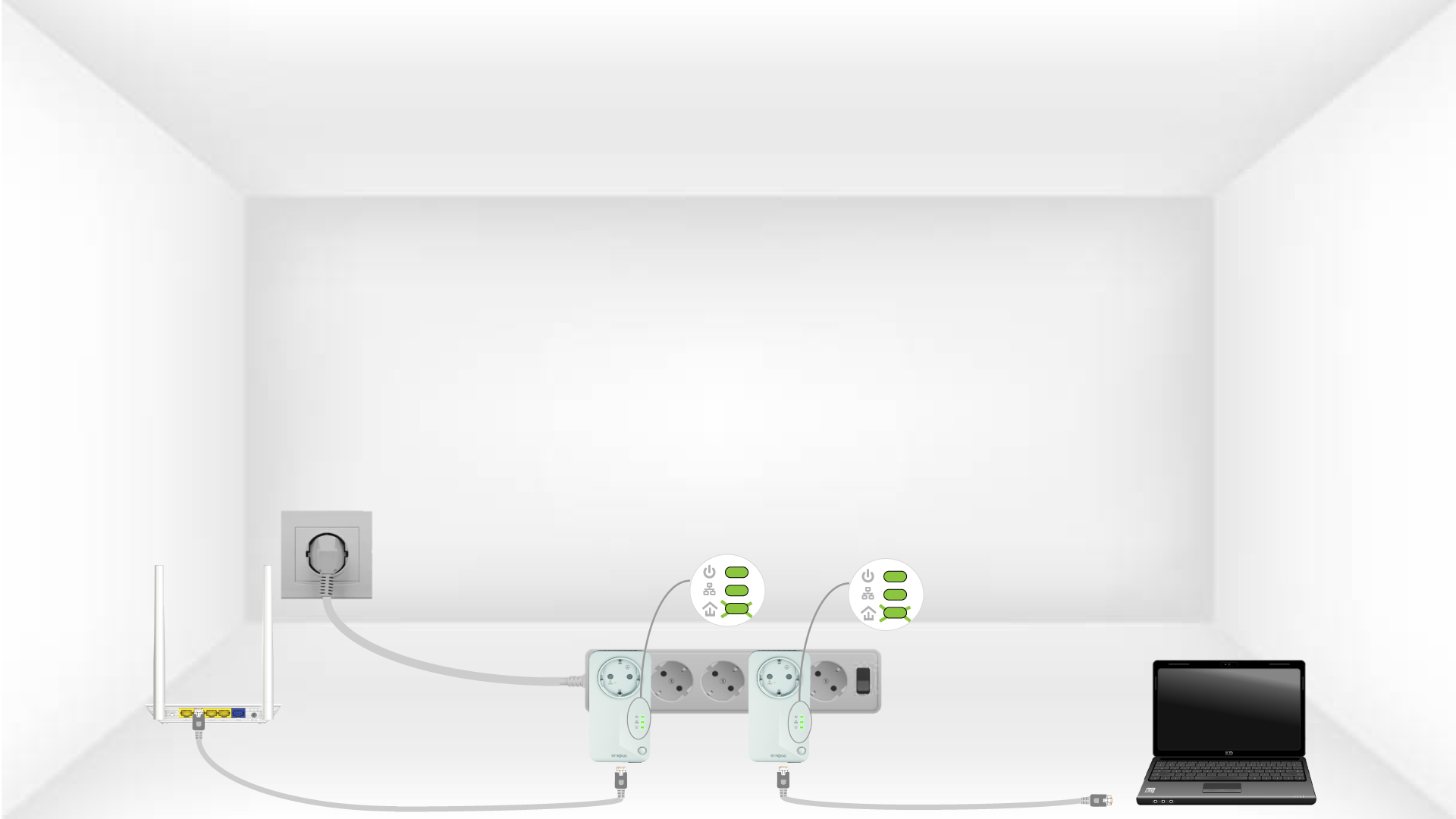
6É definida uma chave de encriptação única
A sua chave de encriptação exclusiva já está definida e todos os LEDs dos dispositivos devem estar verdes.

Para mais informações sobre a configuração de alta segurança:
- Como configurar novos produtos « powerline » com o Nível de Segurança Elevado 2 na sua rede « powerline » já existente?
- Como escolher a configuração de alto nível de segurança adequada para a sua rede powerline ?