Nenašli sa žiadne položky.
4K GOOGLE TV BOX S3+ | DOLBY VISION ATMOS
Nenašli sa žiadne položky.
Všetky otázky
Nenašli sa žiadne položky.
4K GOOGLE TV BOX S3+ | DOLBY VISION ATMOS
Nenašli sa žiadne položky.
Ako môžem pridať alebo zmeniť poradie aplikácie na úvodnej obrazovke?
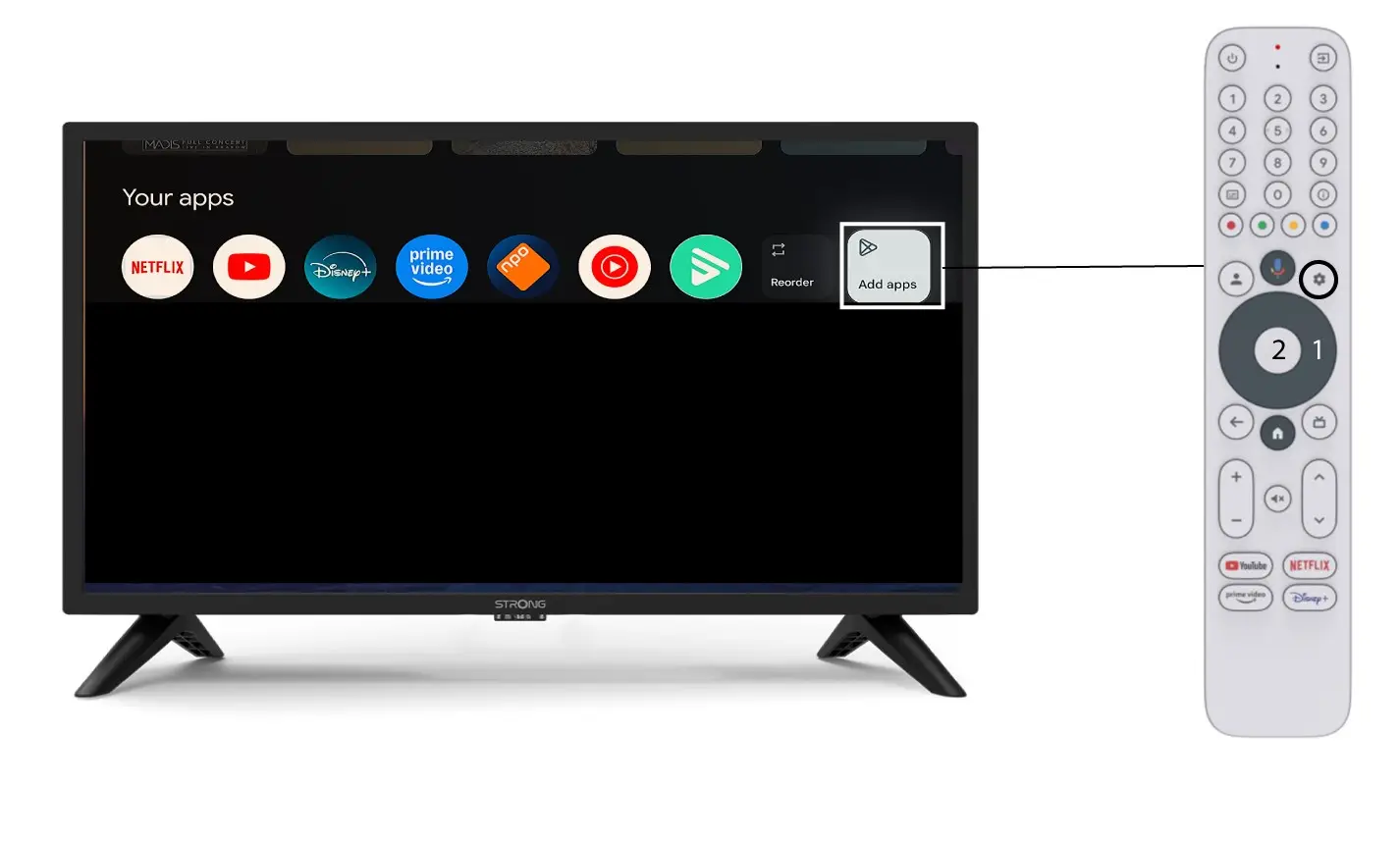
1Prípad1: Pridanie aplikácie
Ak chcete pridať aplikáciu na domovskú obrazovku, prejdite na tlačidlo „Pridať aplikácie“, ktoré sa nachádza na konci zoznamu aplikácií už prítomných na domovskej obrazovke, a stlačte „OK“.
2Zoznam aplikácií
Potom sa otvorí zoznam aplikácií, vyberte si požadovanú aplikáciu a stlačte tlačidlo OK na diaľkovom ovládači.
Upozorňujeme, že aplikácie nie je možné odstrániť zo zoznamu obľúbených. Ak chcete, aby aplikácia zmizla z tejto stránky, musíte ju odinštalovať.

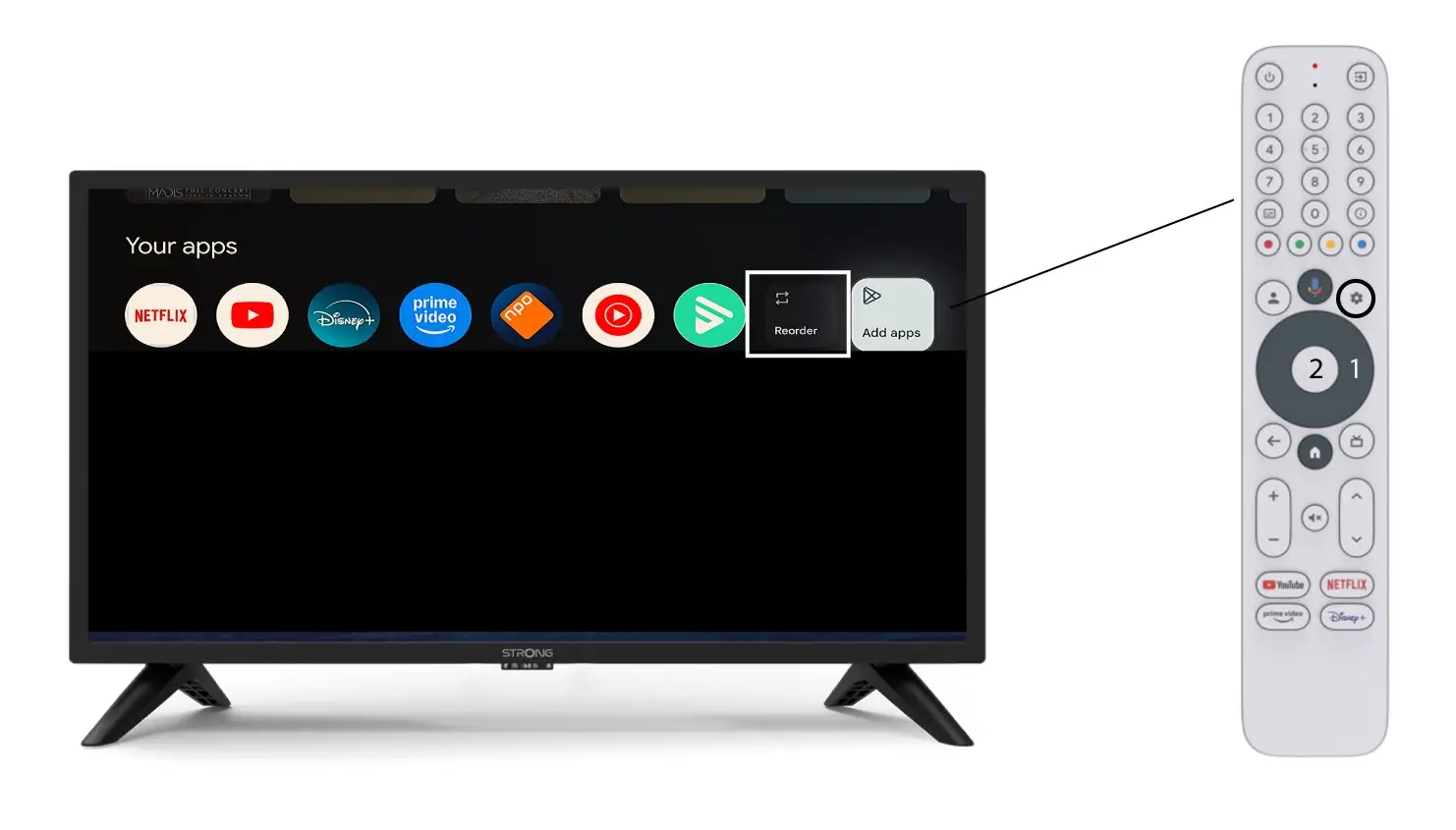
3Prípad2: Zmena poradia aplikácií
Ak chcete zmeniť poradie aplikácií zobrazených na úvodnej stránke, kliknite na „Zmeniť poradie“.