Nenašli sa žiadne položky.
LEAP AIR | 4K Google TV s HDR10+
Nenašli sa žiadne položky.
Všetky otázky
Nenašli sa žiadne položky.
LEAP AIR | 4K Google TV s HDR10+
Nenašli sa žiadne položky.
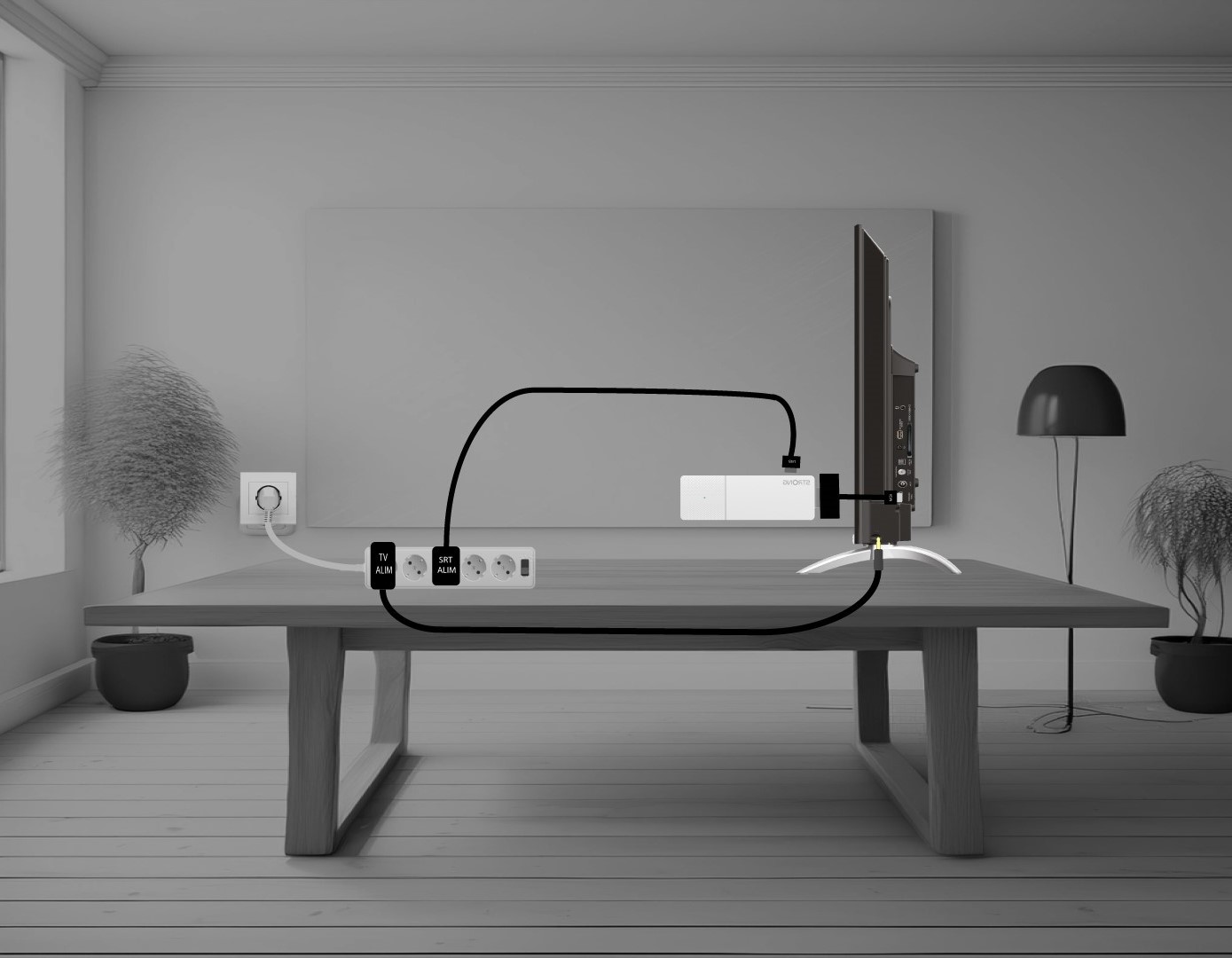
Ako pripojím zariadenie LEAP AIR k televízoru?
Spojte zariadenie HDMI stick s káblom HDMI a pripojte ho k portu HDMI na televízore (1). Následne zapojte USB kábel do zariadenia LEAP AIR, pripojte ho do zásuvky (2) a zapojte televízor do zásuvky (3).