Powerline 500 Duo | POWERL500DUO
Všetky otázky
Powerline 500 Duo | POWERL500DUO
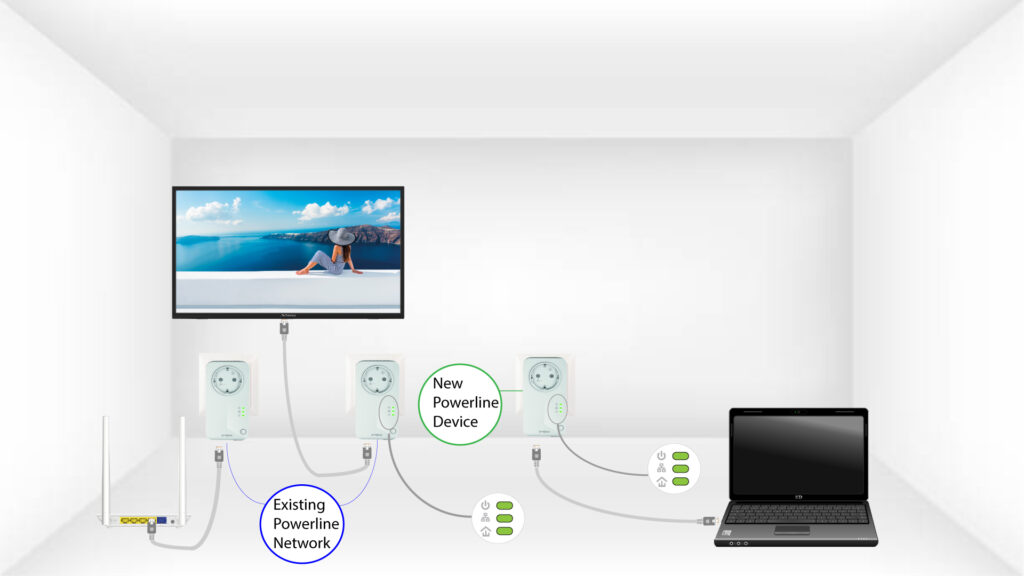
Ako pridať nový produkt „ powerline “ do vašej existujúcej siete „ powerline “ s vysokou úrovňou zabezpečenia 1?
Keďže vaša súčasná sieť je nakonfigurovaná na vysokú úroveň zabezpečenia 1, pridanie nového zariadenia prebieha jednoducho podľa princípu „Plug & Play“. Na zariadení nie je potrebné vykonávať žiadne kroky. Stačí pripojiť nové zariadenie typu „ powerline “ a automaticky sa pridá do siete.
Adaptéry powerline sa zvyčajne spárujú v skupinách po dvoch alebo troch, takže ak potrebujete do svojej siete, ktorá je nakonfigurovaná s vysokou úrovňou zabezpečenia 1, pridať ďalšie produkty powerline , musíte postupovať podľa nižšie uvedených krokov.
Pozrite si ďalšie často kladené otázky1. Pripojteďalšie zariadenie
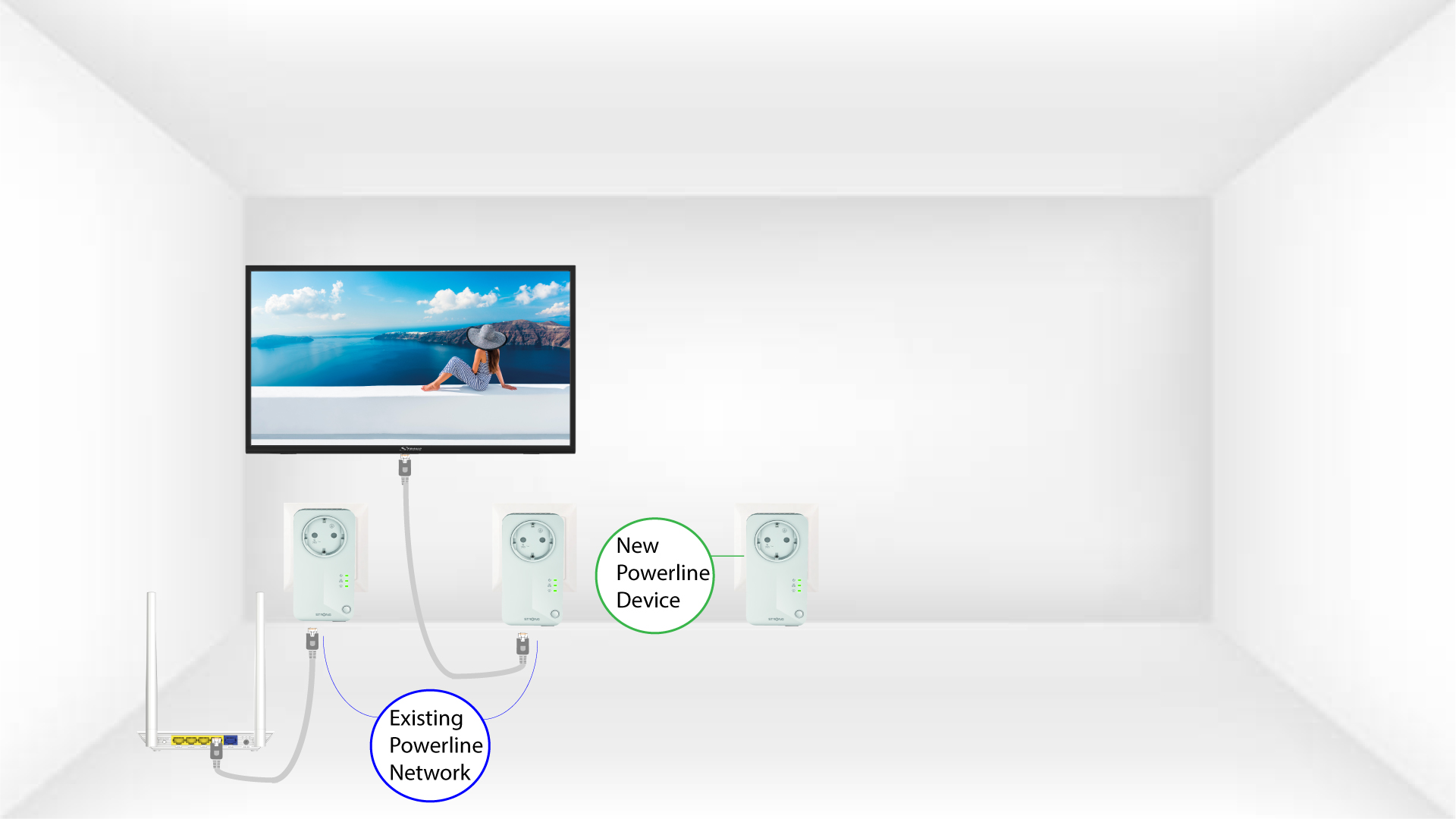
Zapojte ďalšie zariadenia do elektrickej zásuvky.
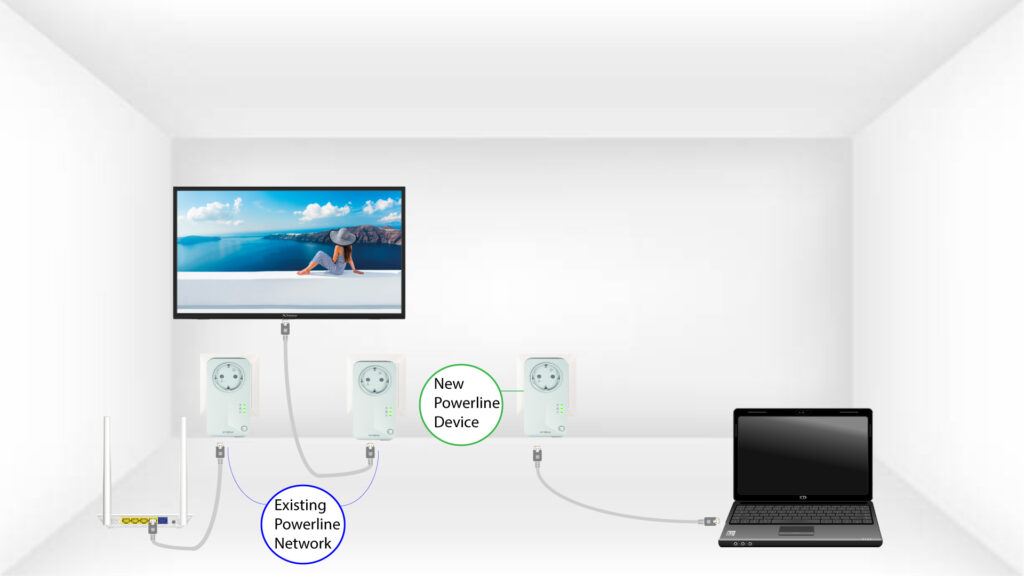
2. Pripojtezariadenie „ powerline “ k zariadeniu pomocou konektora RJ45
Pripojte zariadenie k internetovému routeru/bráne pomocou konektora RJ45.
3VšetkyLED diódy svietia zeleno
Po pripojení nového zariadenia svietia všetky LED diódy na všetkých zariadeniach na zeleno.