
ATRIA Mesh extender kit 1200 UK
Všetky otázky
ATRIA Mesh extender kit 1200 UK
Ako zmeniť heslo správcu (webové rozhranie)
1Pripojte sak sieti Wi-Fi vášho mesh
Na to zadajte do svojho zariadenia SSID (názov siete Wi-Fi) a heslo k Wi-Fi routera:

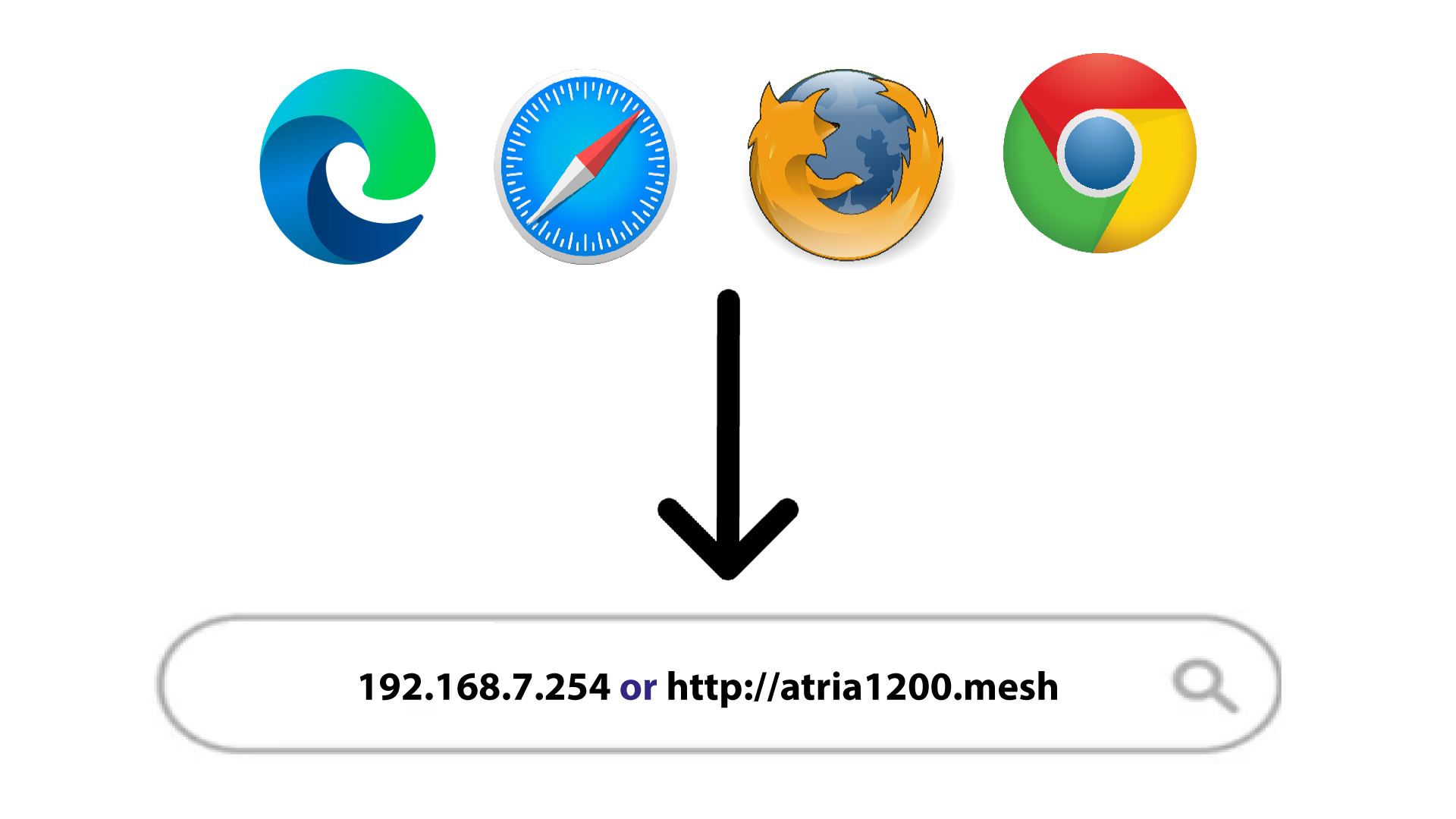
2Prejditena IP adresu
Potom zadajte do prehliadača nasledujúcu IP adresu: 192.168.7.254 alebo zadajte nasledujúcu adresu: http://atria1200.mesh
3Zadajtesvoje prihlasovacie údaje
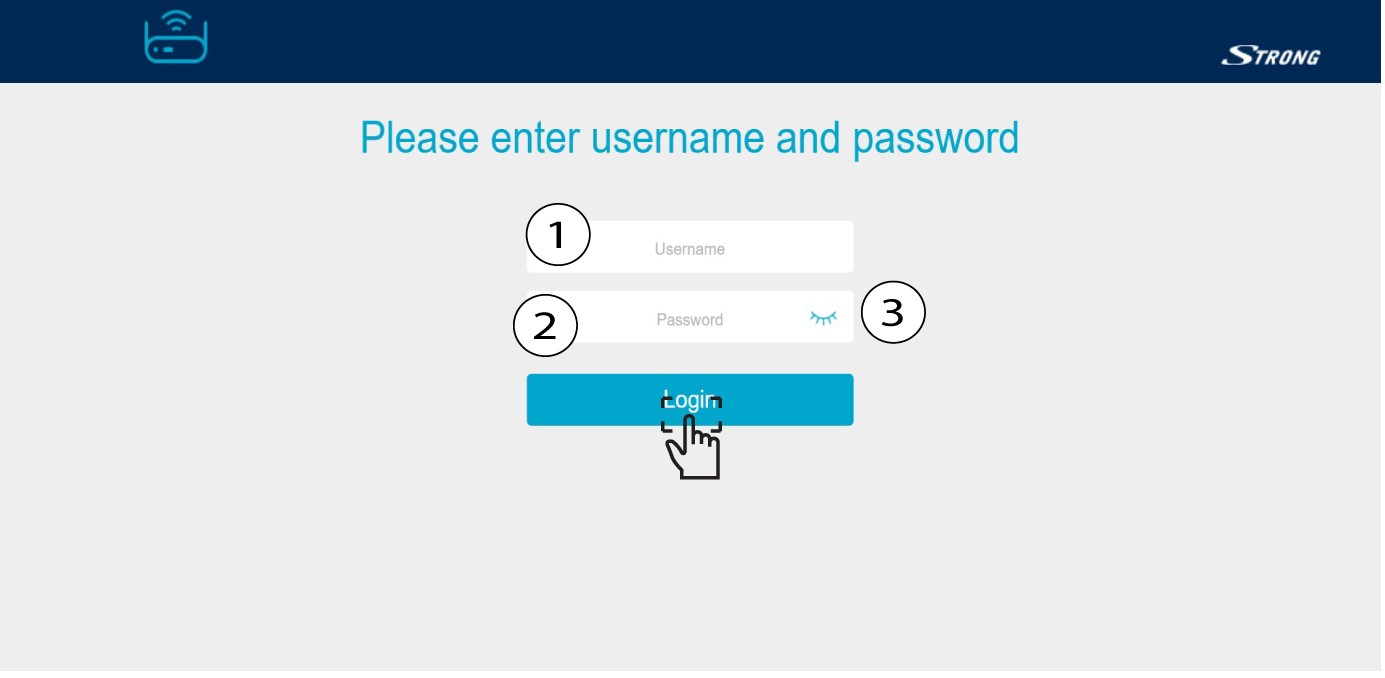
Musíte zadať používateľské meno (admin) a heslo (admin). Potom kliknite na „Prihlásiť sa“.
4Nastavenia systému
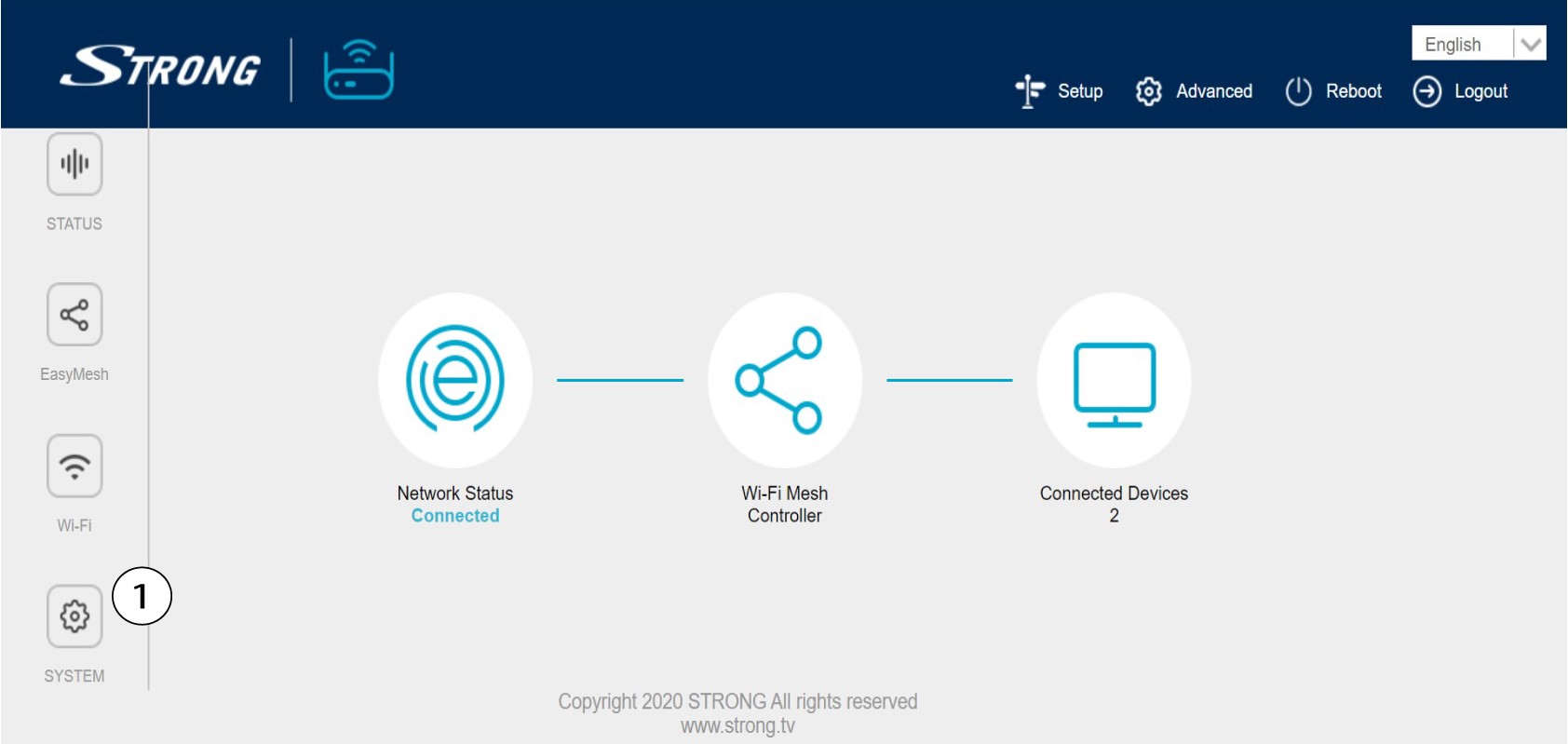
Nachádzate sa teraz na hlavnej stránke webového rozhrania. Po prvom prihlásení môže byť potrebné zmeniť administrátorské heslo webového rozhrania; postup nájdete v nasledujúcich pokynoch. Na to kliknite na položku „Systém“ v ľavom paneli.
5. Úpravahesla správcu
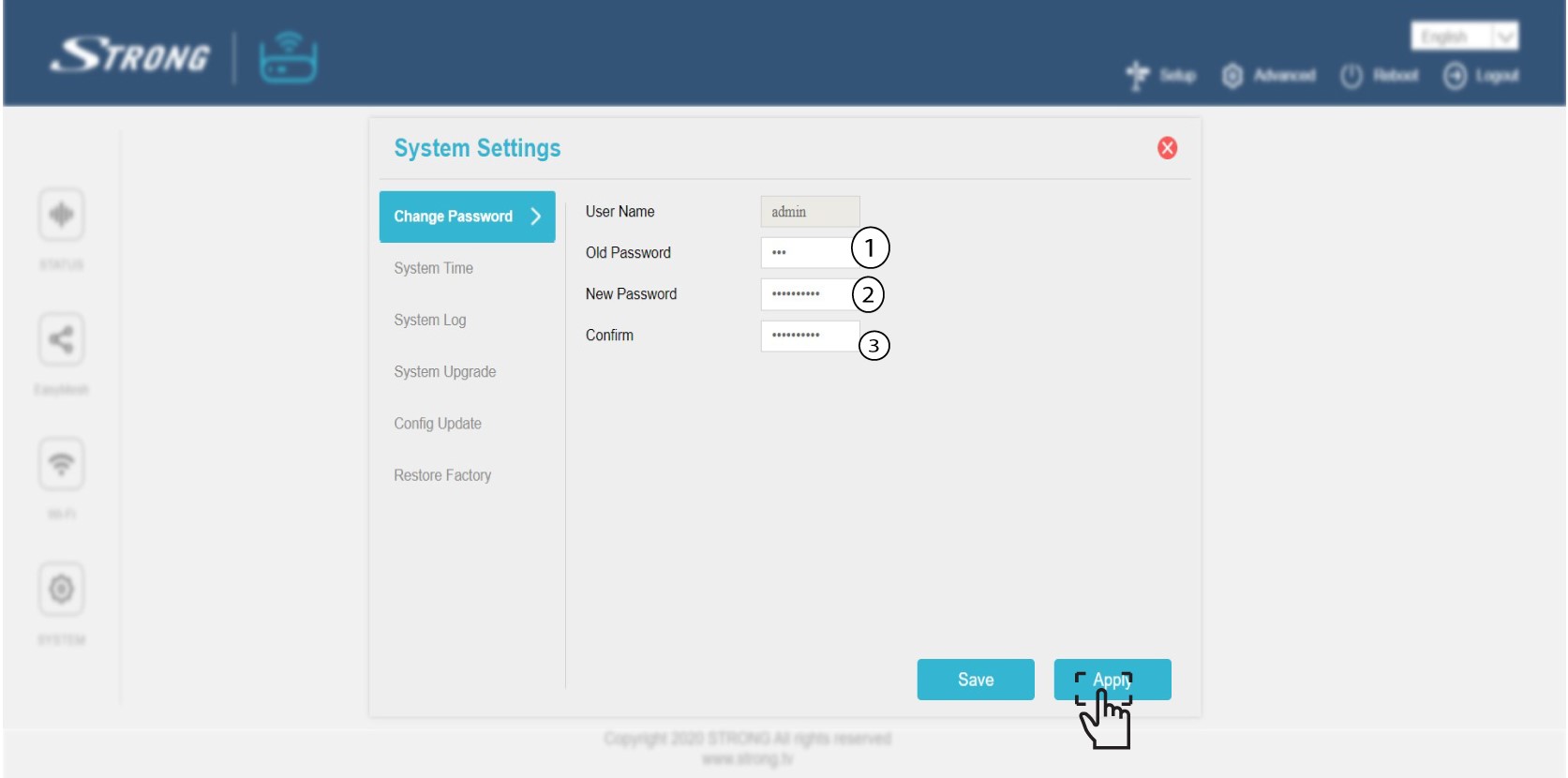
Pred kliknutím na tlačidlo Potvrdiť zadajte nasledujúce údaje:
o Staré heslo: Zadajte staré administrátorské heslo
o Nové heslo: Zadajte nové heslo.
o Potvrďte heslo: Zadajte rovnaké heslo ako v predchádzajúcom kroku.
Upozornenie: Nezabudnite, že heslo musí obsahovať 8 až 32 znakov , ktoré obsahuje veľké písmená, malé písmená, čísla a aspoň jeden špeciálny znak (@, $, !, %, *, ?, &)
6. Zapíštesi nové heslo
Zapíšte si nové heslo na kúsok papiera a prilepte ho pod svoj „ mesh “.
