
CPL 600 Trio FR
Nenašli sa žiadne položky.
Nenašli sa žiadne položky.
Všetky otázky
CPL 600 Trio FR
Nenašli sa žiadne položky.
Nenašli sa žiadne položky.
Ako nastaviť vysokú úroveň zabezpečenia 2 na vašich zariadeniach powerline ?
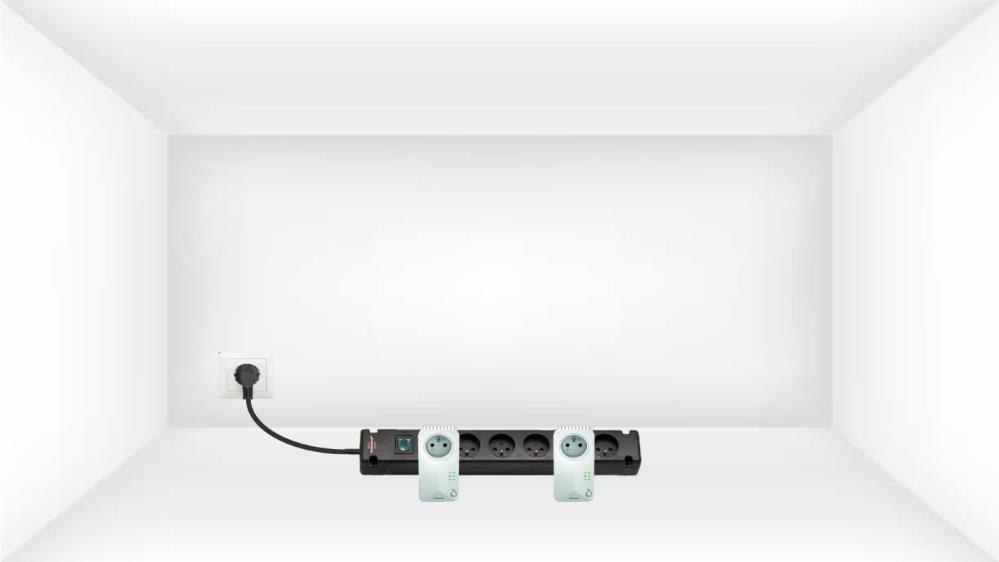
1. Pripojteadaptéry k predlžovačke
Vezmite si predlžovací kábel s viacerými zásuvkami a zapojte do neho všetky adaptéry powerline .
2. Pripojteadaptéry k internetu
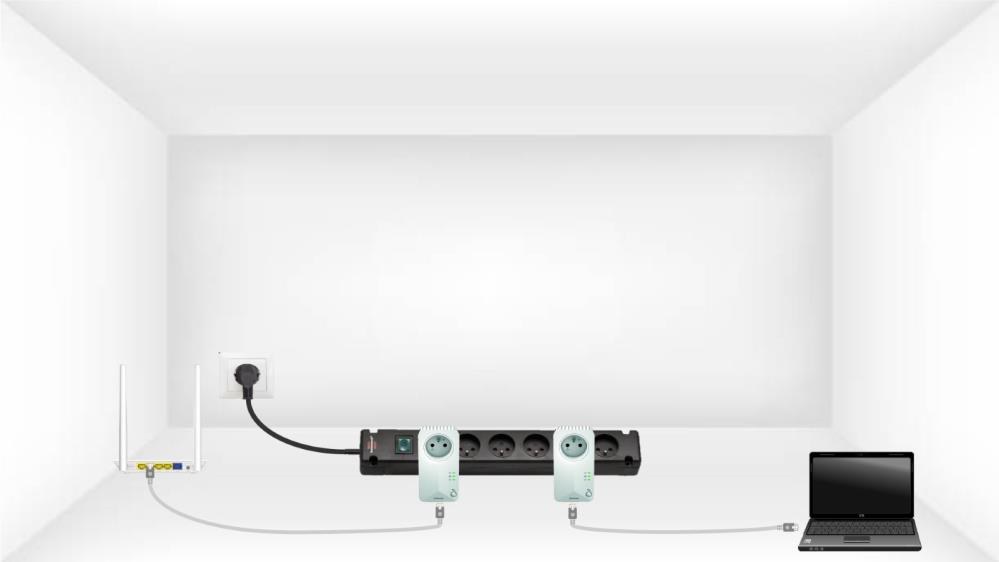
Pripojte jeden z CPL adaptérov k internetovej bráne/routeru pomocou kábla RJ45.
3Stlačtetlačidlo „Connect & Secure“ (prvý adaptér)
Potom stlačte na prvom zariadení tlačidlo „CONNECT & SECURE“ a podržte ho stlačené 2 sekundy.

4Stlačtetlačidlo „Connect & Secure“ (druhý adaptér)
Stlačte tlačidlo„CONNECT & SECURE“ na druhom zariadení a podržte ho stlačené 2 sekundy. Na vykonanie tejto operácie máte k dispozícii maximálne dve minúty.

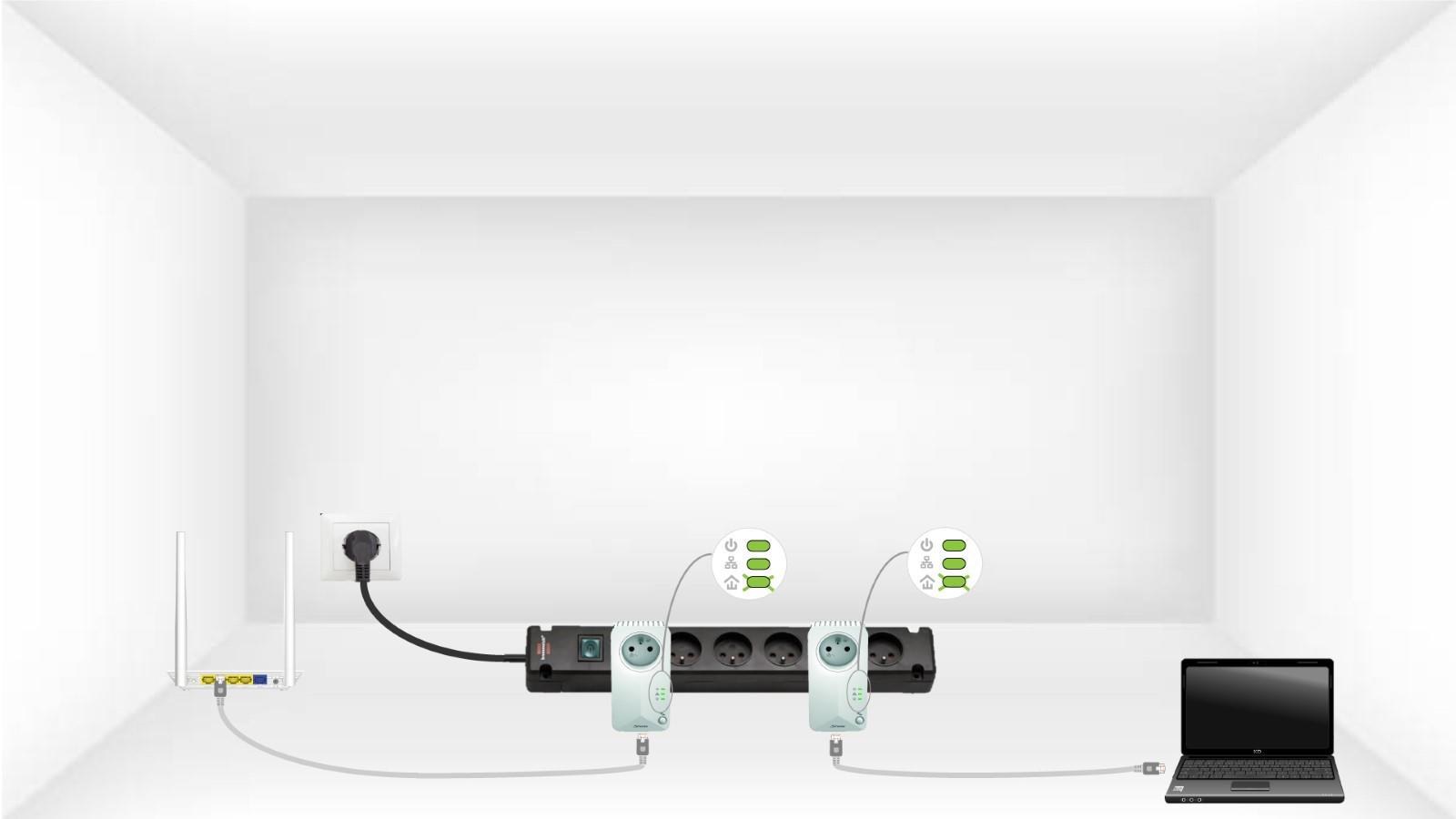
5 DomovskáLED bliká
Kontrolka „Home“ by mala na oboch zariadeniach blikať.
6. Nastavil sa novýšifrovací kľúč
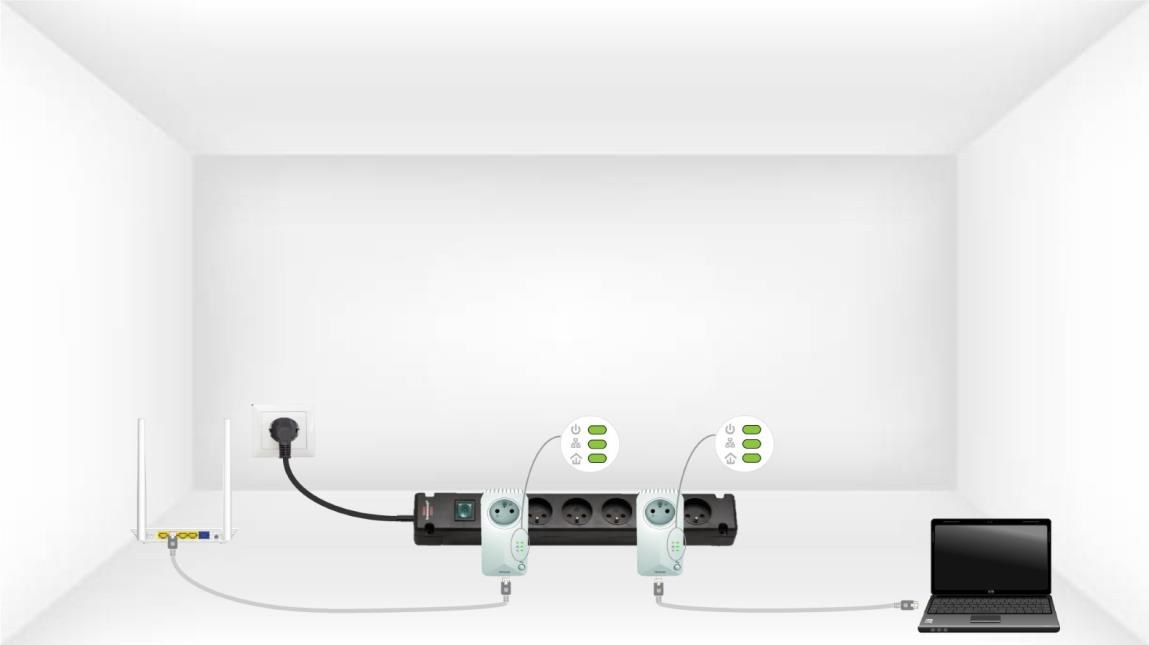
Váš jedinečný šifrovací kľúč je teraz nastavený a všetky LED diódy zariadení by mali svietiť zeleno.
Teraz musíte adaptéry nainštalovať v miestnostiach, kde ich potrebujete. Dôrazne odporúčame, aby ste adaptéry nepripájali do predlžovacej šnúry.