
Powerline 1000 Duo Wi-Fi Mini UK
Všetky otázky
Powerline 1000 Duo Wi-Fi Mini UK
Ako nastaviť vysokú úroveň zabezpečenia 2 na vašich zariadeniach powerline ?
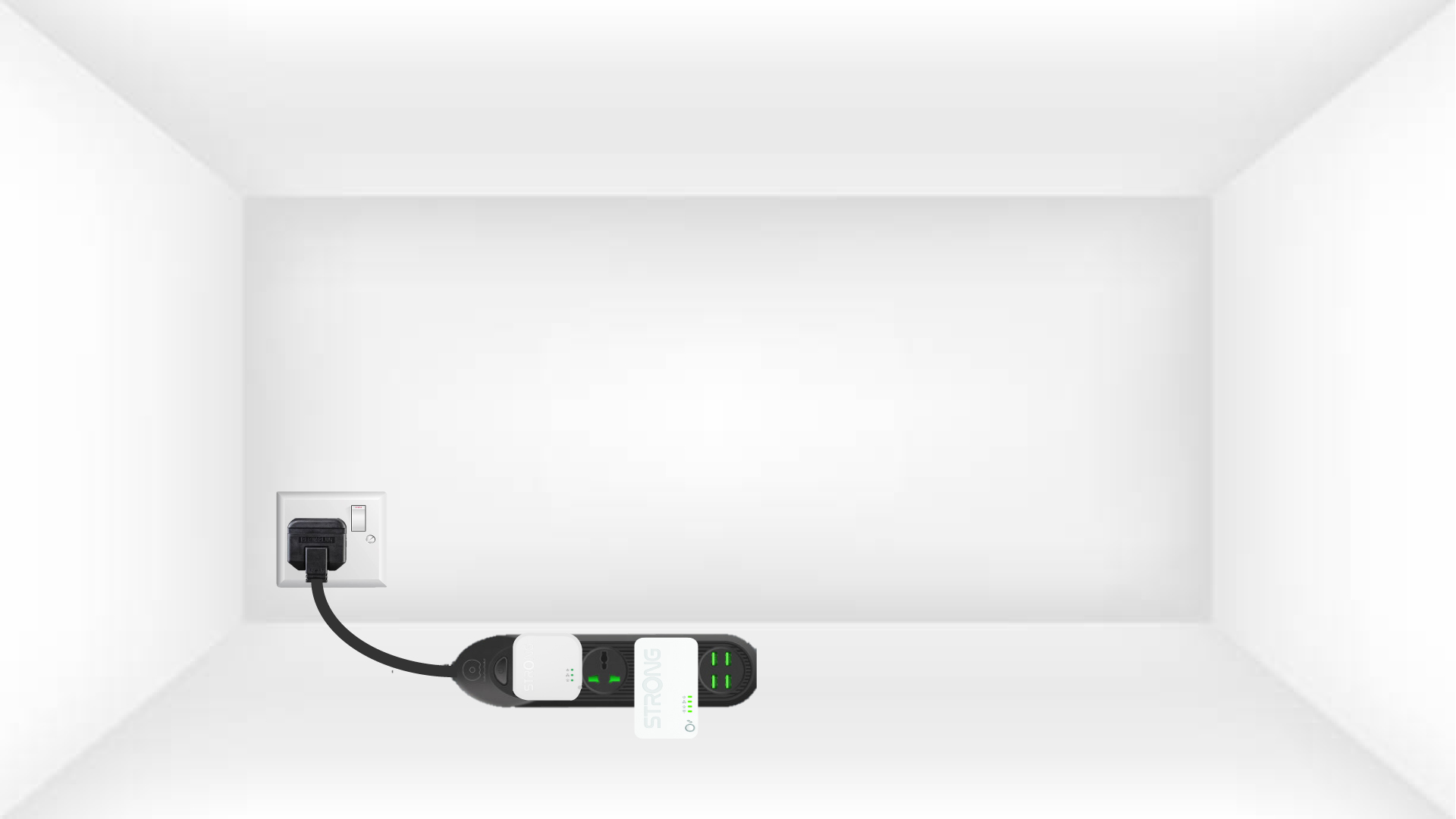
1. Pripojteadaptéry k predlžovačke
Vezmite si predlžovací kábel s viacerými zásuvkami a zapojte do neho všetky adaptéry powerline .
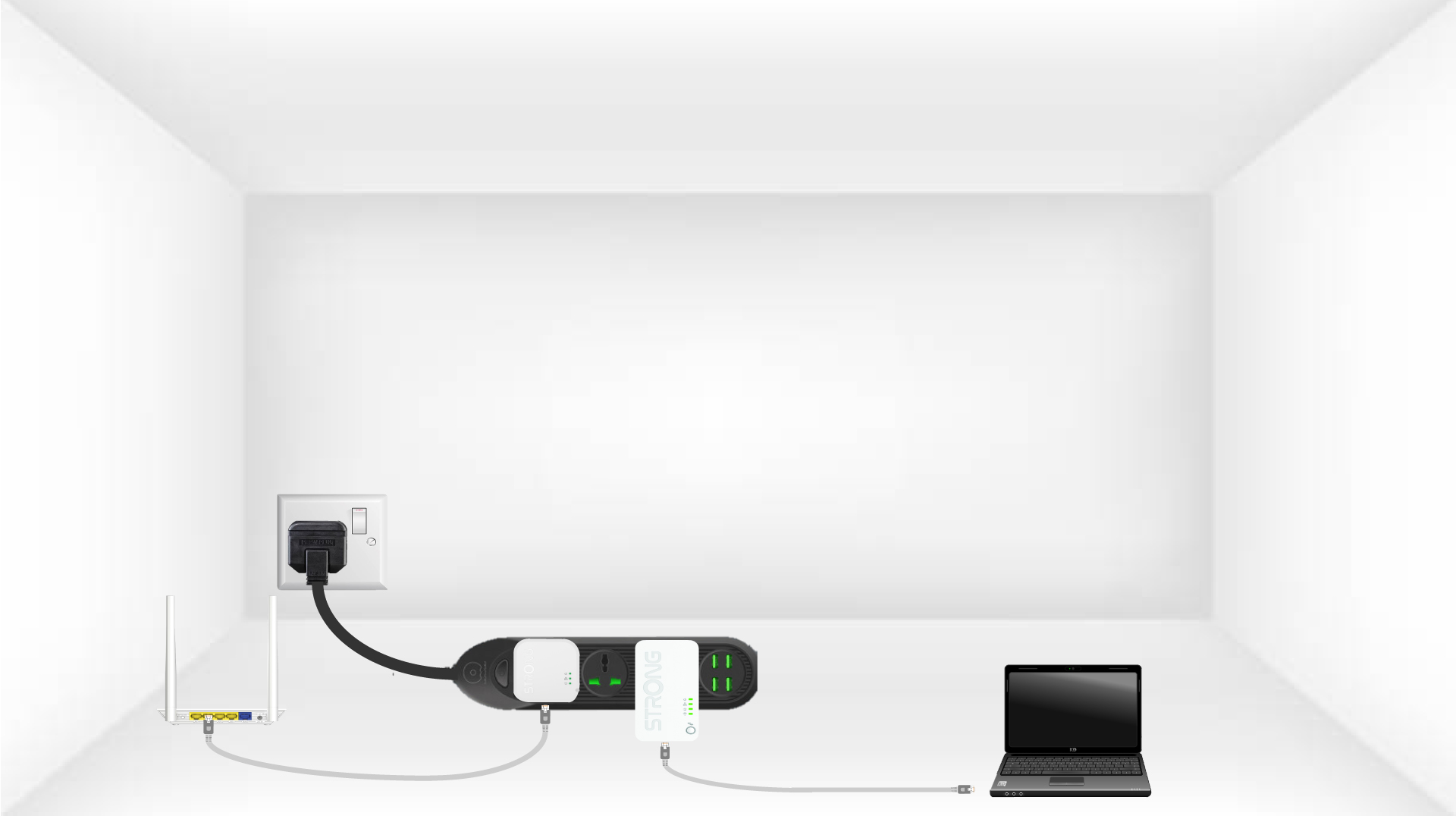
2. Pripojteadaptéry k internetu
Pripojte jeden z adaptérov k internetovej bráne/routeru pomocou kábla RJ45.
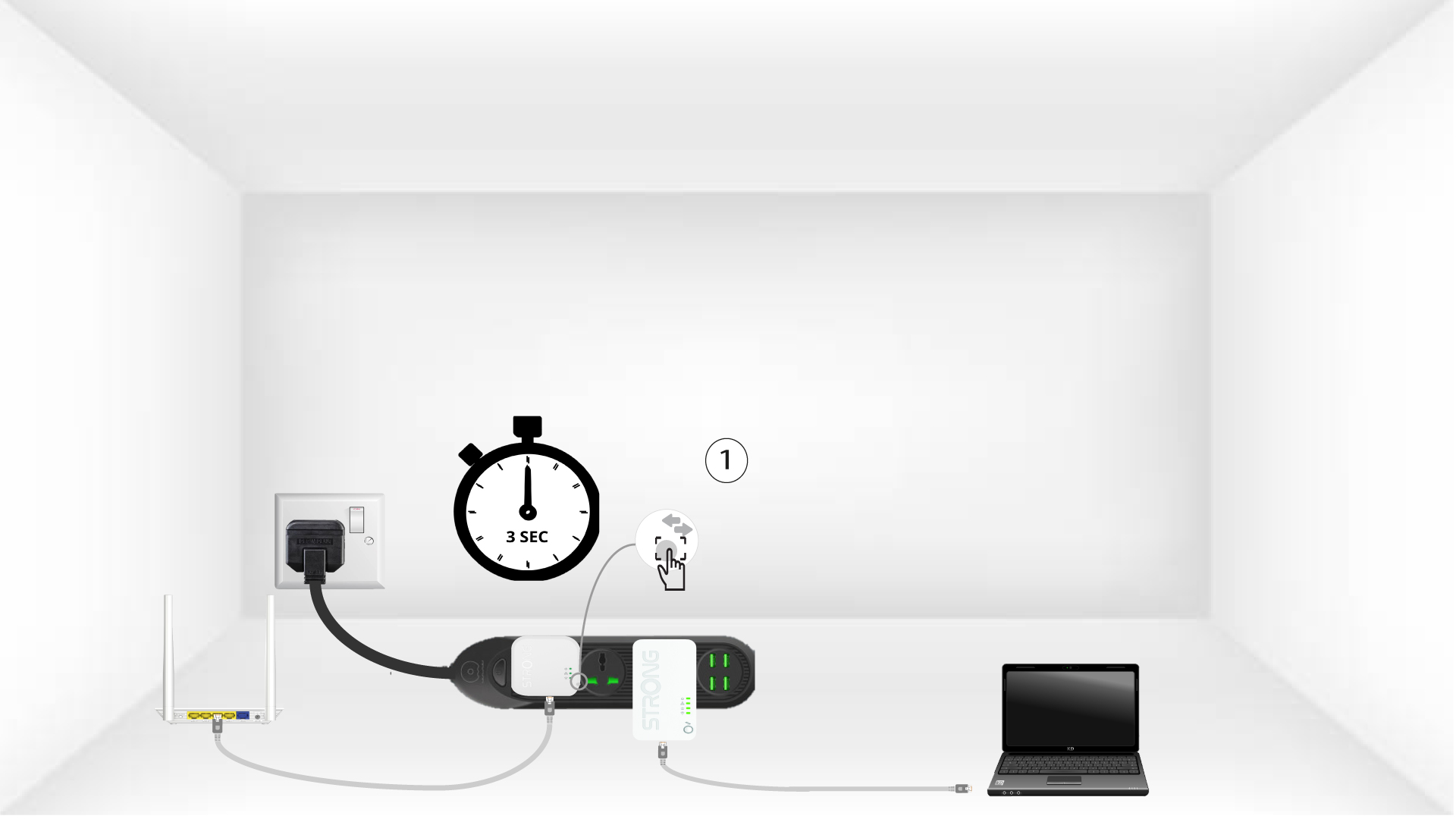
3Stlačtetlačidlo „Connect & Secure“ (prvý adaptér)
Potom stlačte na prvom zariadení tlačidlo „CONNECT & SECURE“ a podržte ho stlačené po dobu 3 sekúnd.
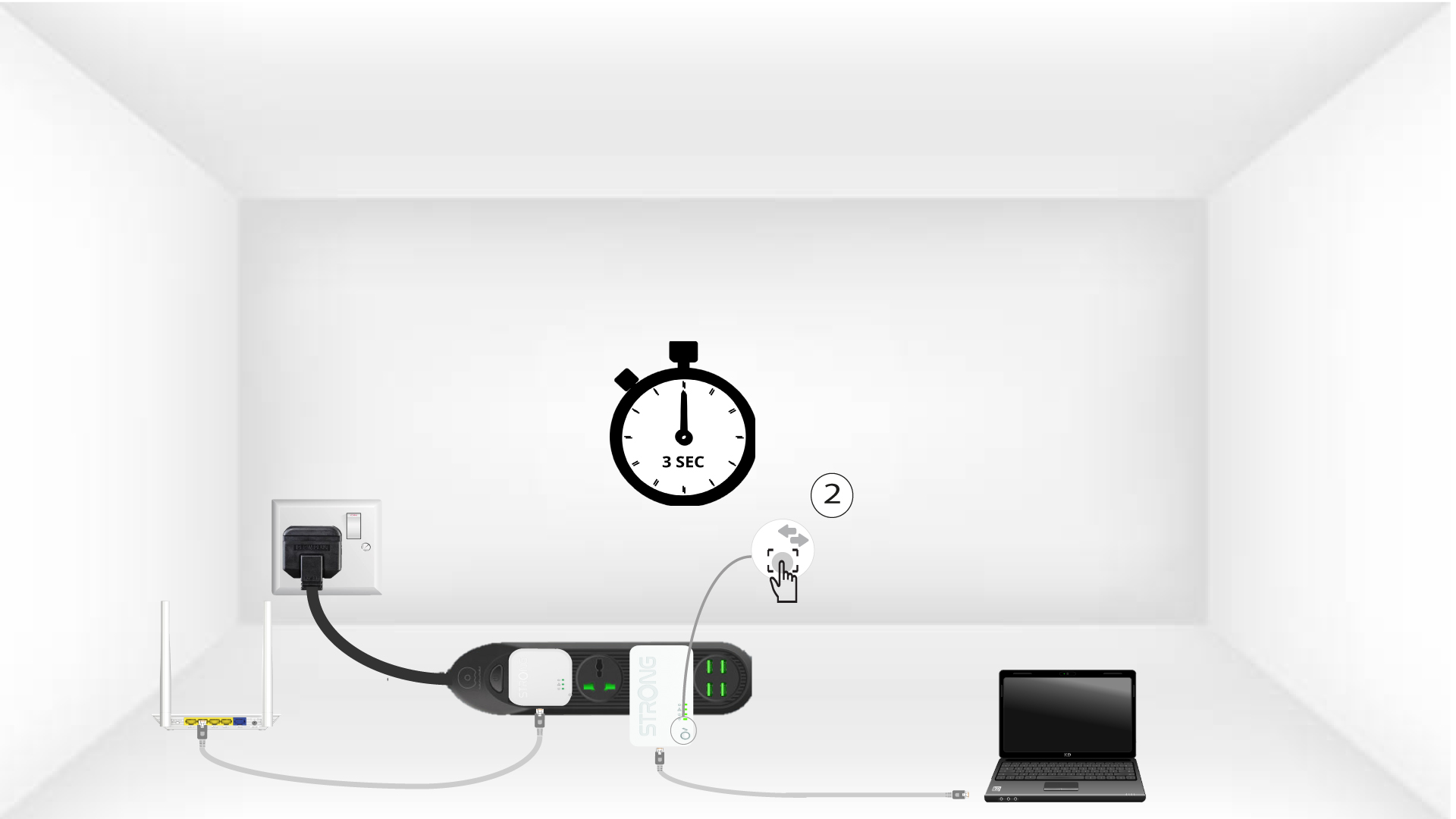
4Stlačtetlačidlo „Connect & Secure“ (druhý adaptér)
Potom stlačte tlačidlo „CONNECT & SECURE“ na novom zariadení a podržte ho stlačené tri sekundy, aby ste ho pridali do siete. Na stlačenie tlačidla máte k dispozícii maximálne dve minúty.
5 DomovskáLED bliká
Kontrolka „Home“ na zariadeniach by mala začať blikať zelenou farbou.
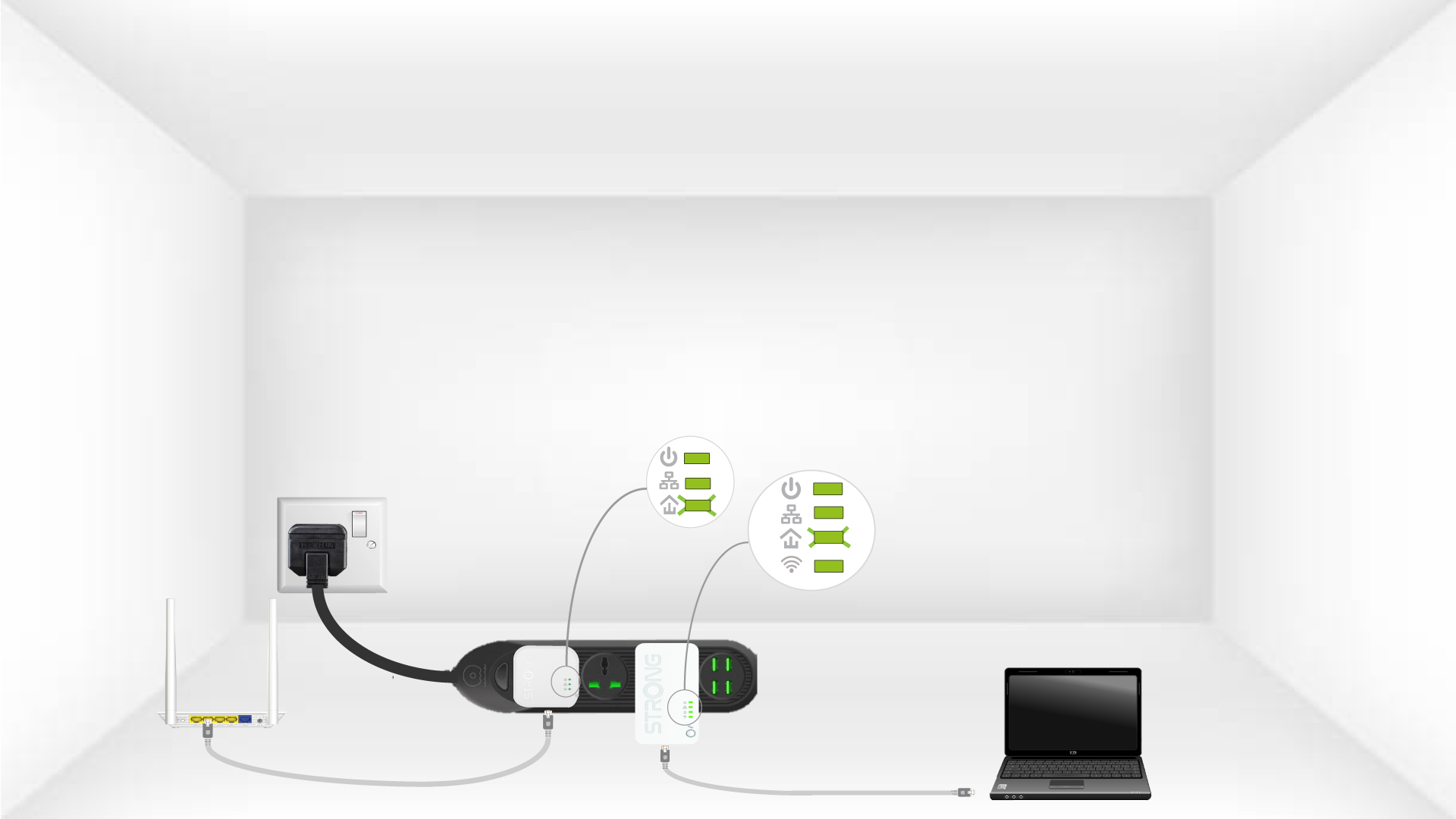
6. Je nastavený jedinečnýšifrovací kľúč
Váš jedinečný šifrovací kľúč je teraz nastavený a všetky LED diódy zariadení by mali svietiť zeleno.
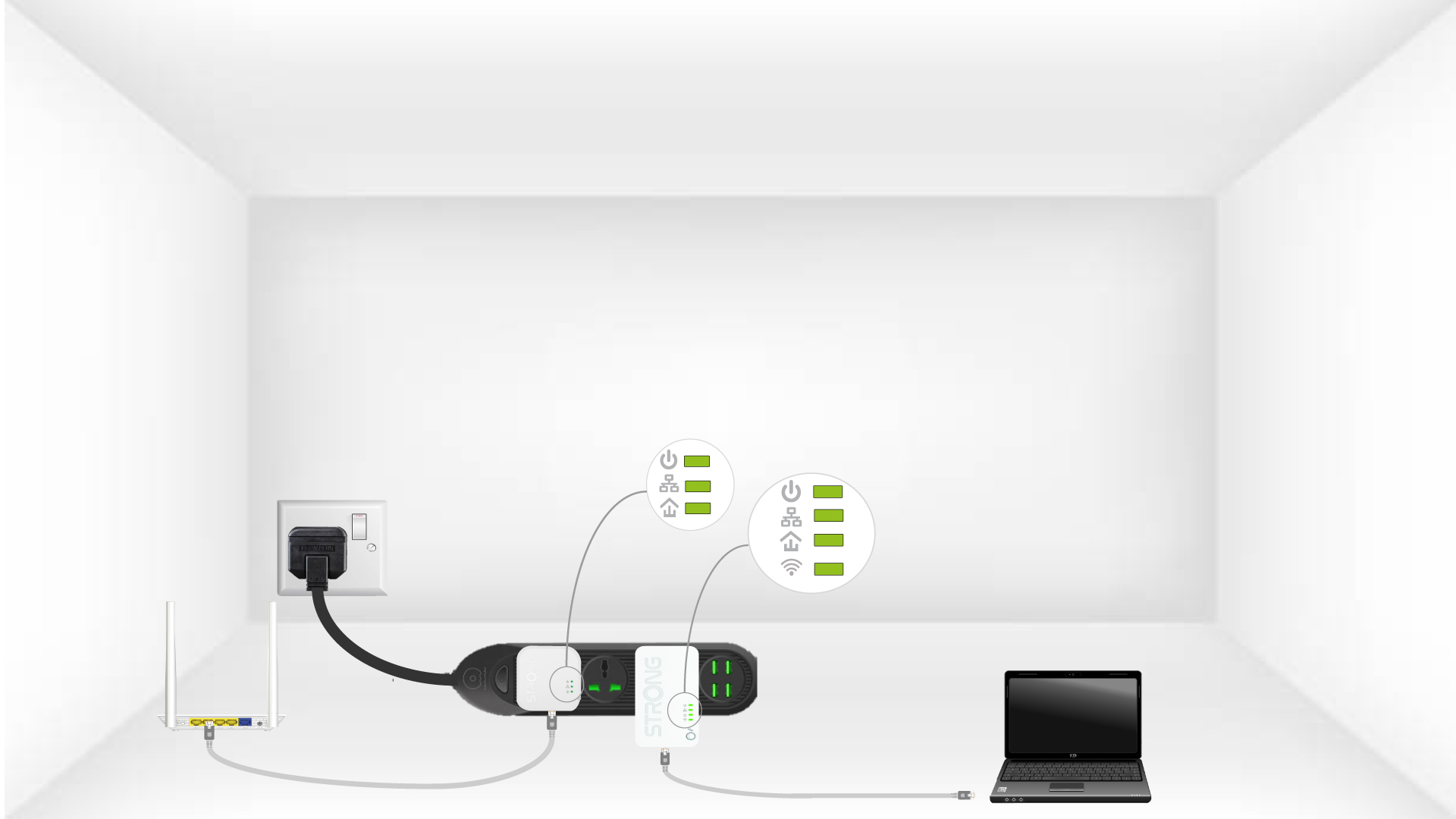
Teraz musíte adaptéry nainštalovať v miestnostiach, kde ich potrebujete. Dôrazne odporúčame, aby ste adaptéry nepripájali do predlžovacej šnúry.