
Dvojpásmový opakovač 750 V2
Nenašli sa žiadne položky.
Nenašli sa žiadne položky.
Všetky otázky
Dvojpásmový opakovač 750 V2
Nenašli sa žiadne položky.
Nenašli sa žiadne položky.
Po nastavení môjho opakovača nemám prístup k webovému rozhraniu (http://strong.ap750). Prečo?

UPOZORNENIE: Je normálne, že sa po dokončení nastavenia nemôžete pripojiť k webovému rozhraniu, pretože sa zmenili údaje o pripojení. Po dokončení nastavenia sa totiž vytvoria dve siete Wi-Fi. Na prístup k webovému rozhraniu sa musíte pripojiť k jednej z týchto sietí.
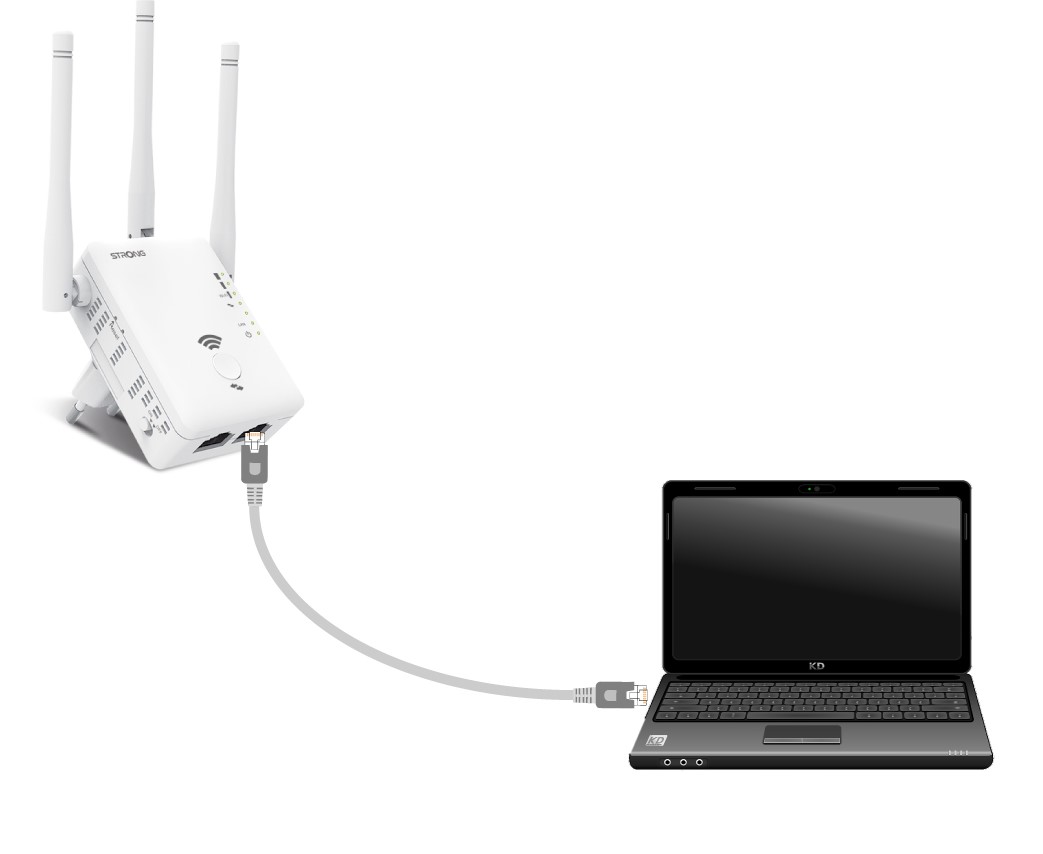
1. Pripojterouter pomocou kábla RJ45
Pripojte svoj opakovač k počítaču pomocou kábla RJ45.
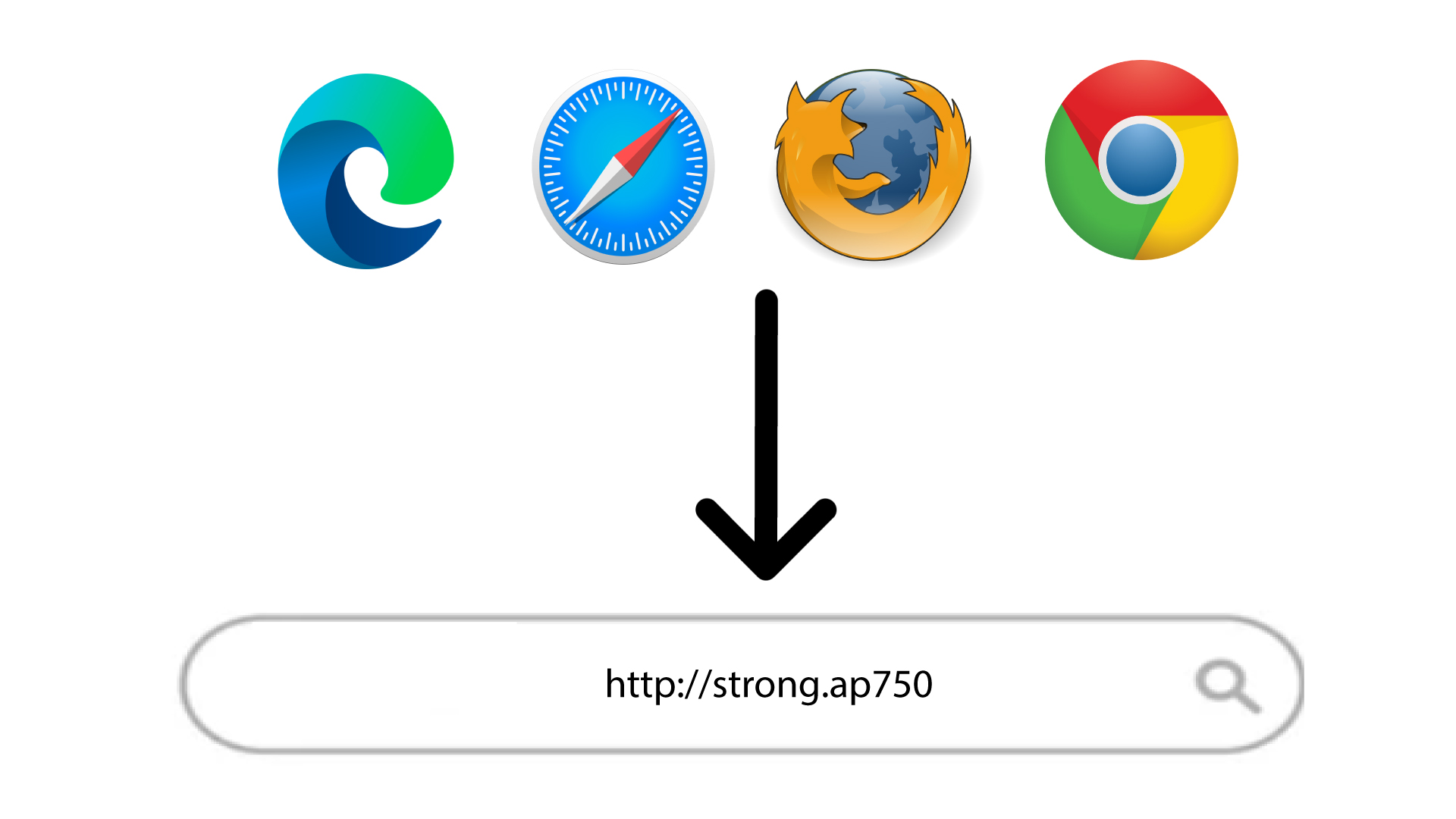
2Prejditena URL webového používateľského rozhrania
Zadajte adresu URL do prehliadača.
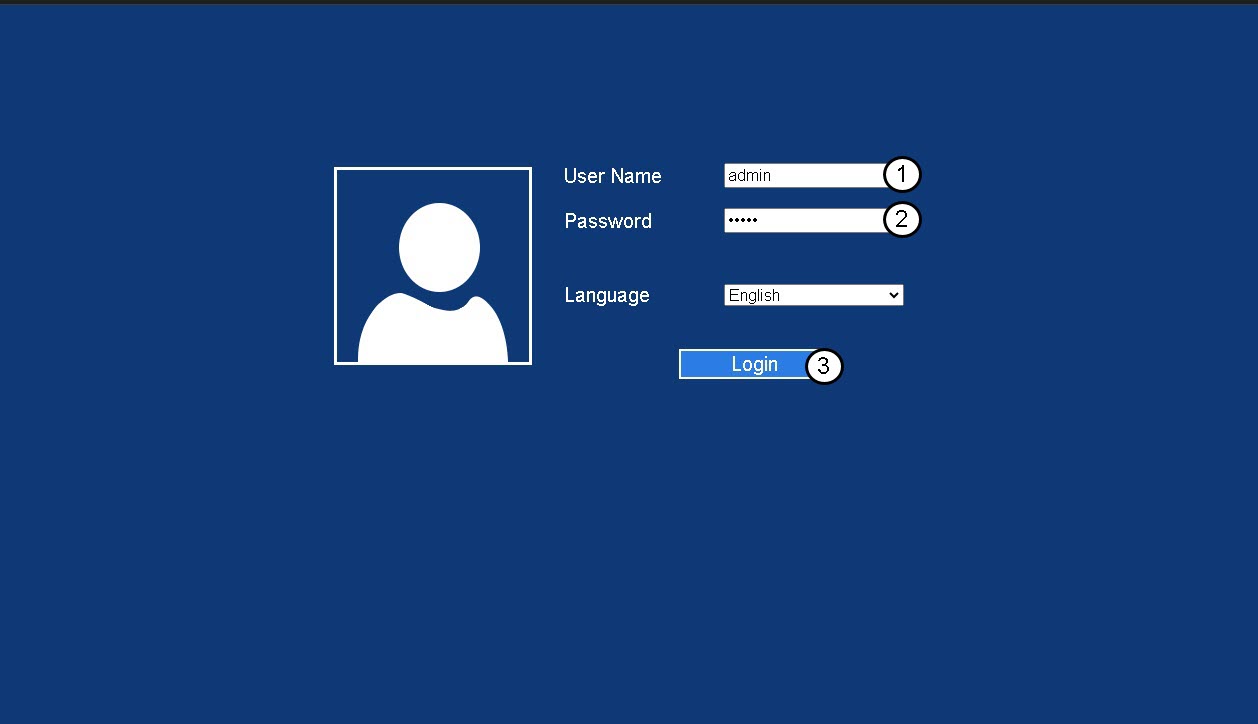
3Stránka prihlásenia
Zadajte svoje administrátorské heslo a kliknite na „Prihlásiť sa“.
4. ZistiteIP adresu routera
V informáciách o zariadení vyhľadajte IP adresu opakovača
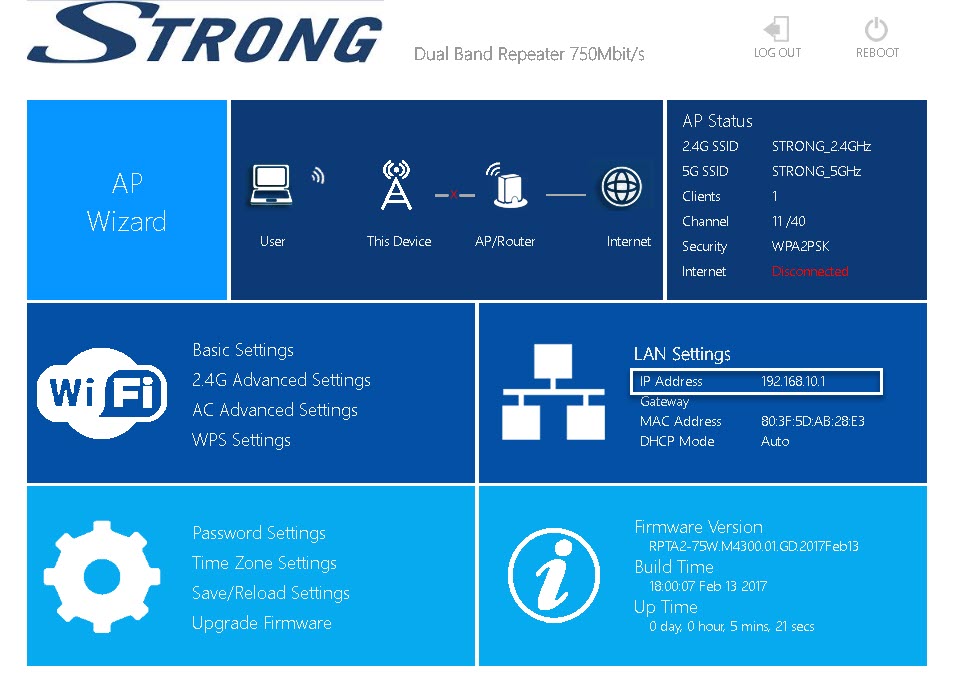
TIP: IP adresa vášho opakovača sa zmení, akonáhle ho nakonfigurujete na Wi-Fi hostiteľa.