
Powerline 600 Duo UK V2
Všetky otázky
Powerline 600 Duo UK V2
Nemám prístup k internetu a/alebo LED kontrolka pri ikone „domov“ nesvieti.
Musíte obnoviť továrenské nastavenia adaptérov. Na obnovenie továrenských nastavení adaptérov postupujte podľa nižšie uvedených krokov.
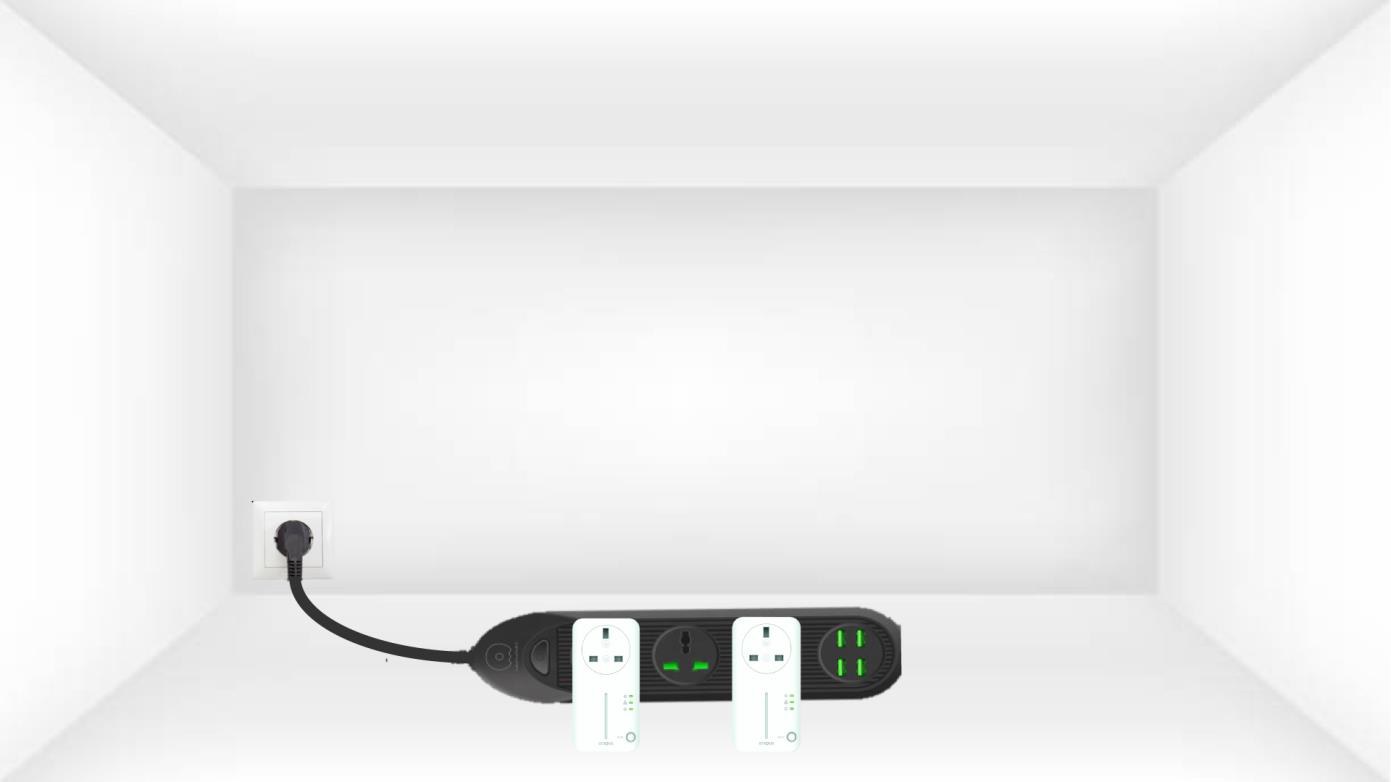
1. Pripojteadaptéry k predlžovacej zásuvke
Pripojte adaptéry jeden po druhom k predlžovačke.
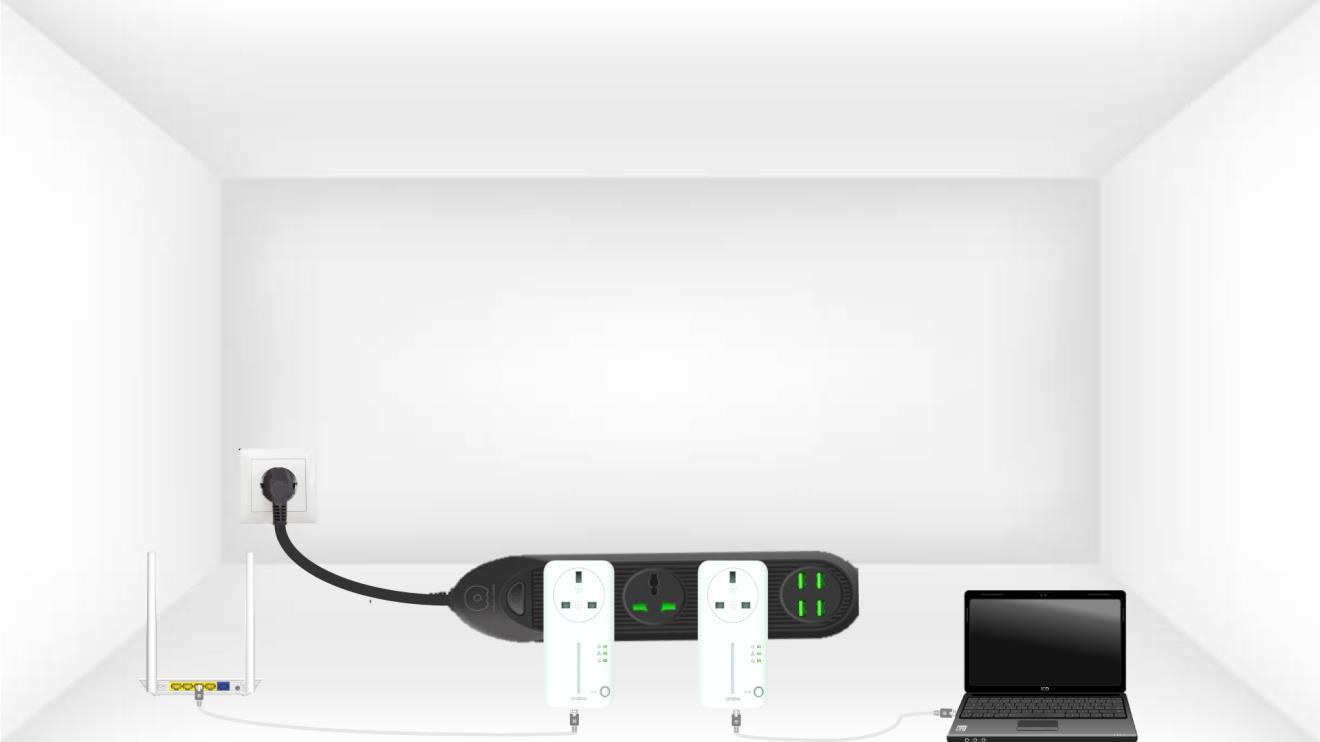
2. Pripojteadaptéry k internetu
Každý adaptér pripojte ethernetovým káblom k fungujúcemu zariadeniu (internetový router/brána, Android box, Smart TV, počítač atď.). Medzi zariadeniami musí prebiehať komunikácia, inak sa adaptér automaticky prepne do pohotovostného režimu.
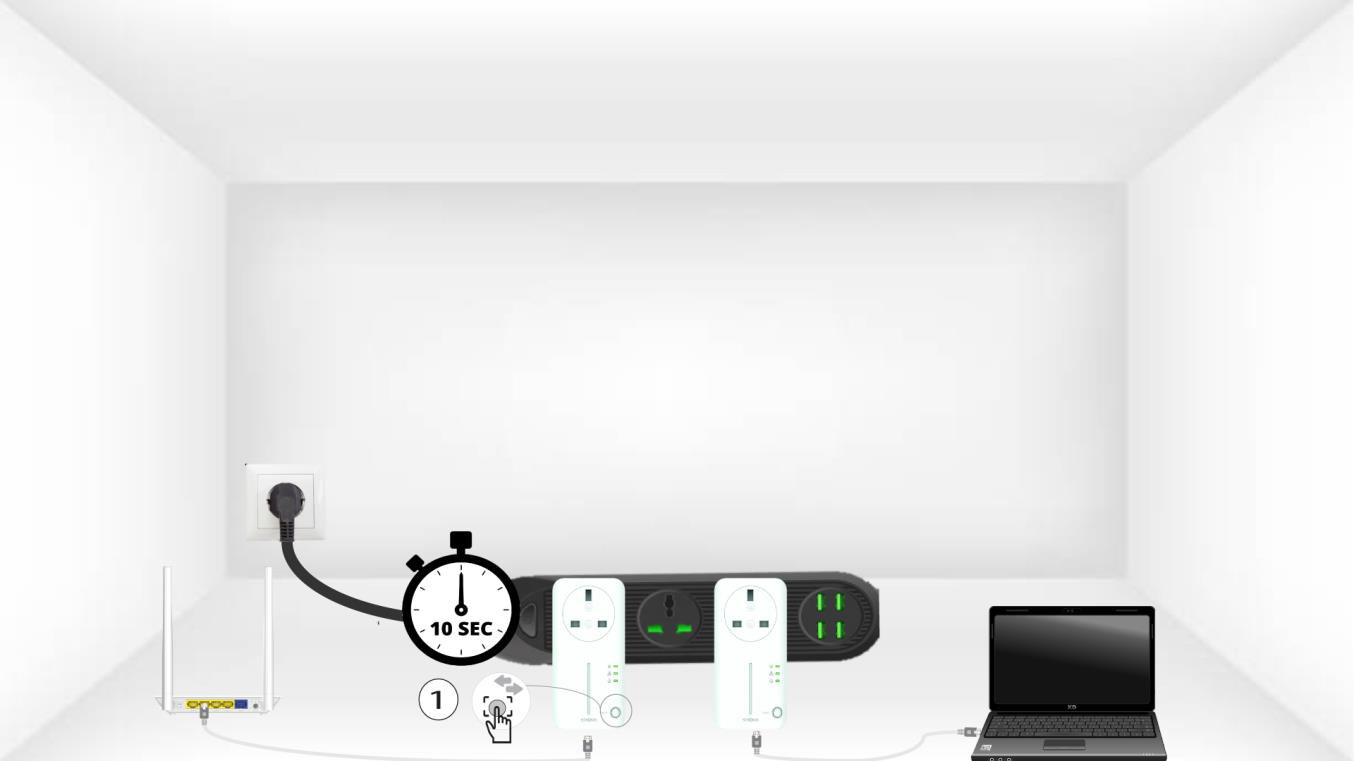
3Stlačtetlačidlo „Connect & Secure“ (prvý adaptér)
A) Po zapojení adaptéra do zásuvky a pripojení k sieti Ethernet stačí stlačiť tlačidlo „Connect & Secure“ na prednom paneli a podržať ho stlačené 10 sekúnd.
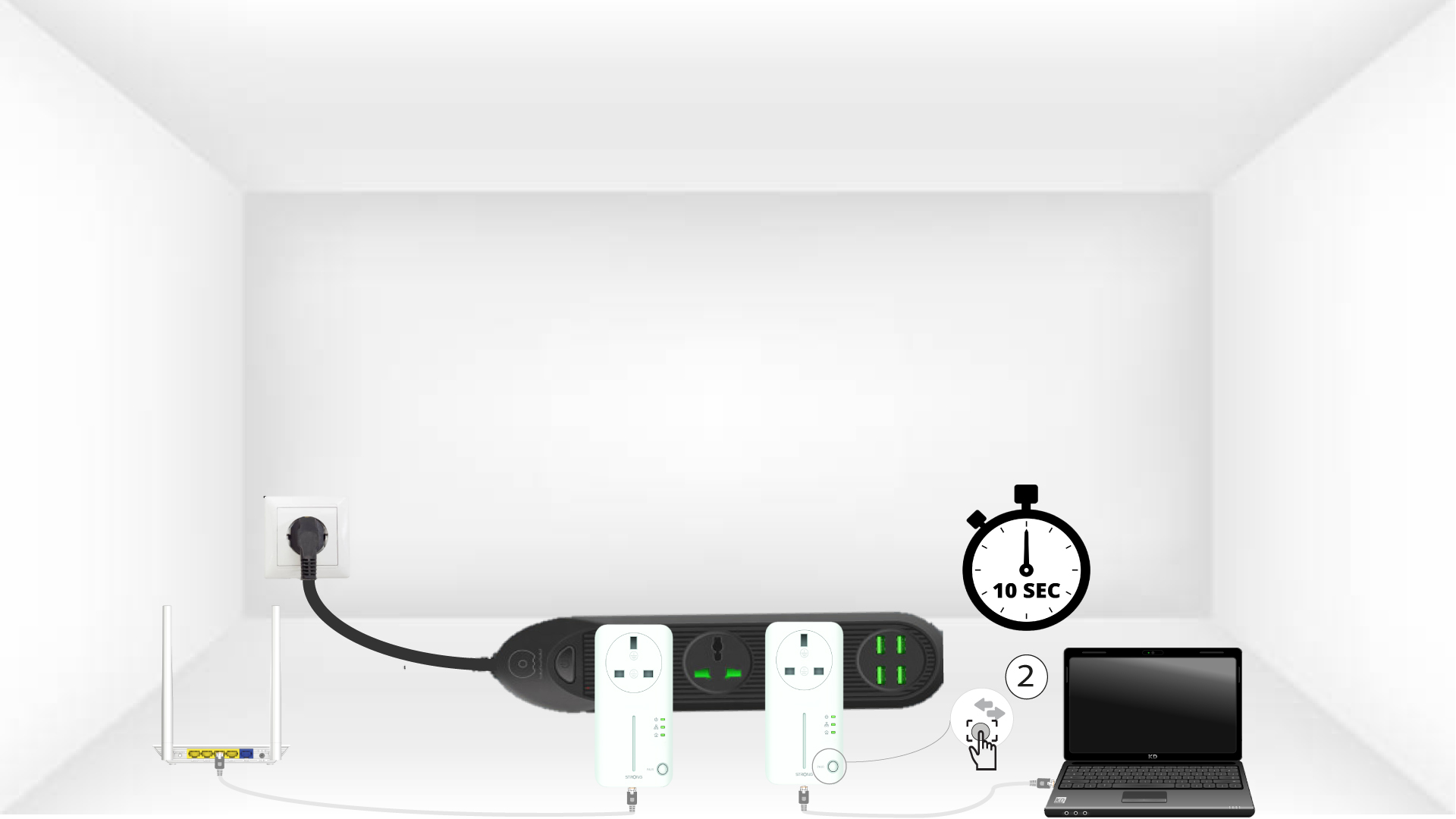
4Stlačtetlačidlo „Connect & Secure“ (druhý adaptér)
Stlačte tlačidlo „Connect & Secure“ na prednom paneli druhého zariadenia a podržte ho stlačené 10 sekúnd. Na stlačenie tlačidla máte k dispozícii maximálne dve minúty.
5 DomovskáLED bliká
Na zariadeniach by mala začať blikať LED dióda s ikonou domova.
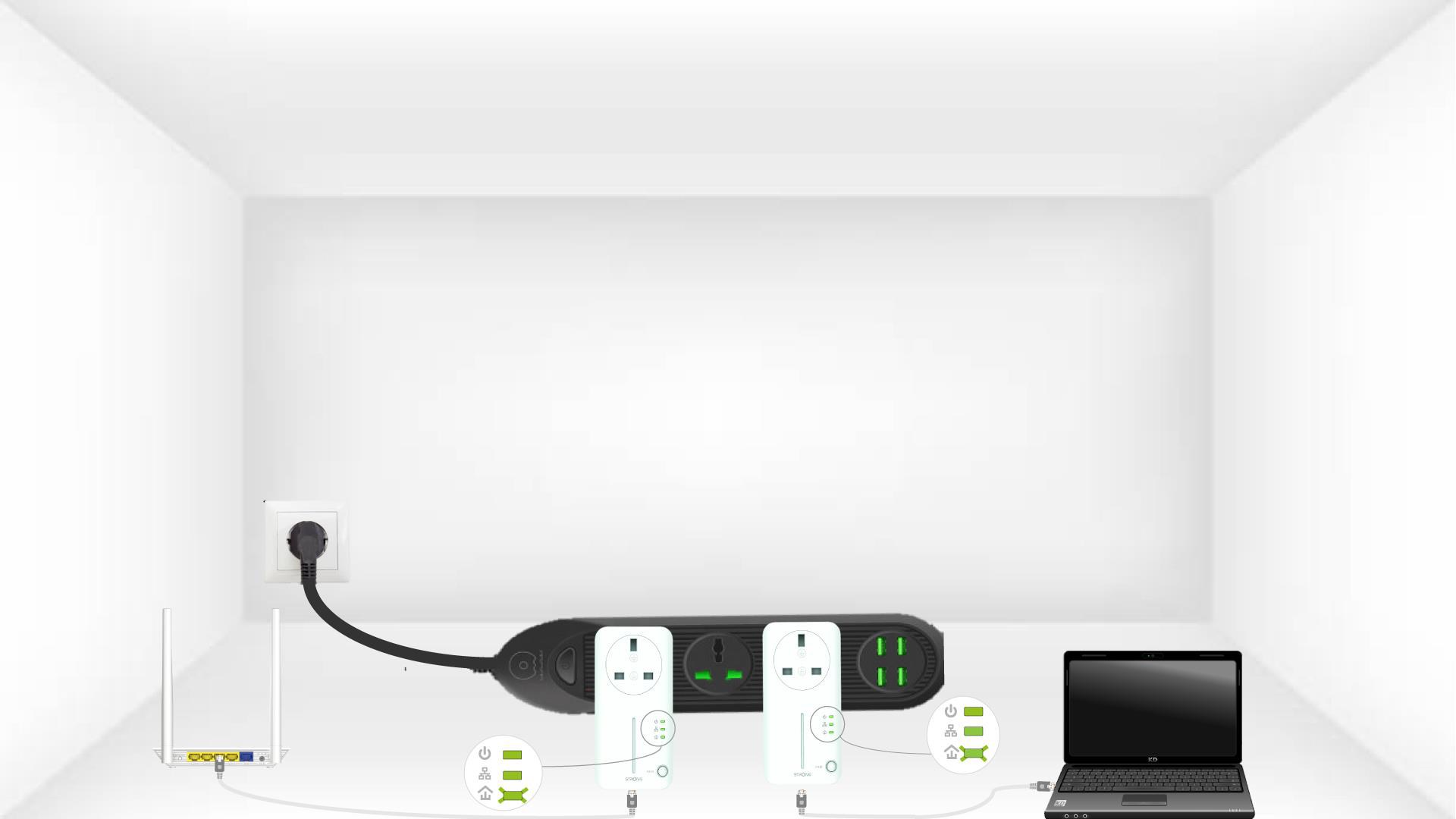
6. Adaptérysú vynulované
Po ukončení operácií musia všetky LED diódy svietiť zeleno.
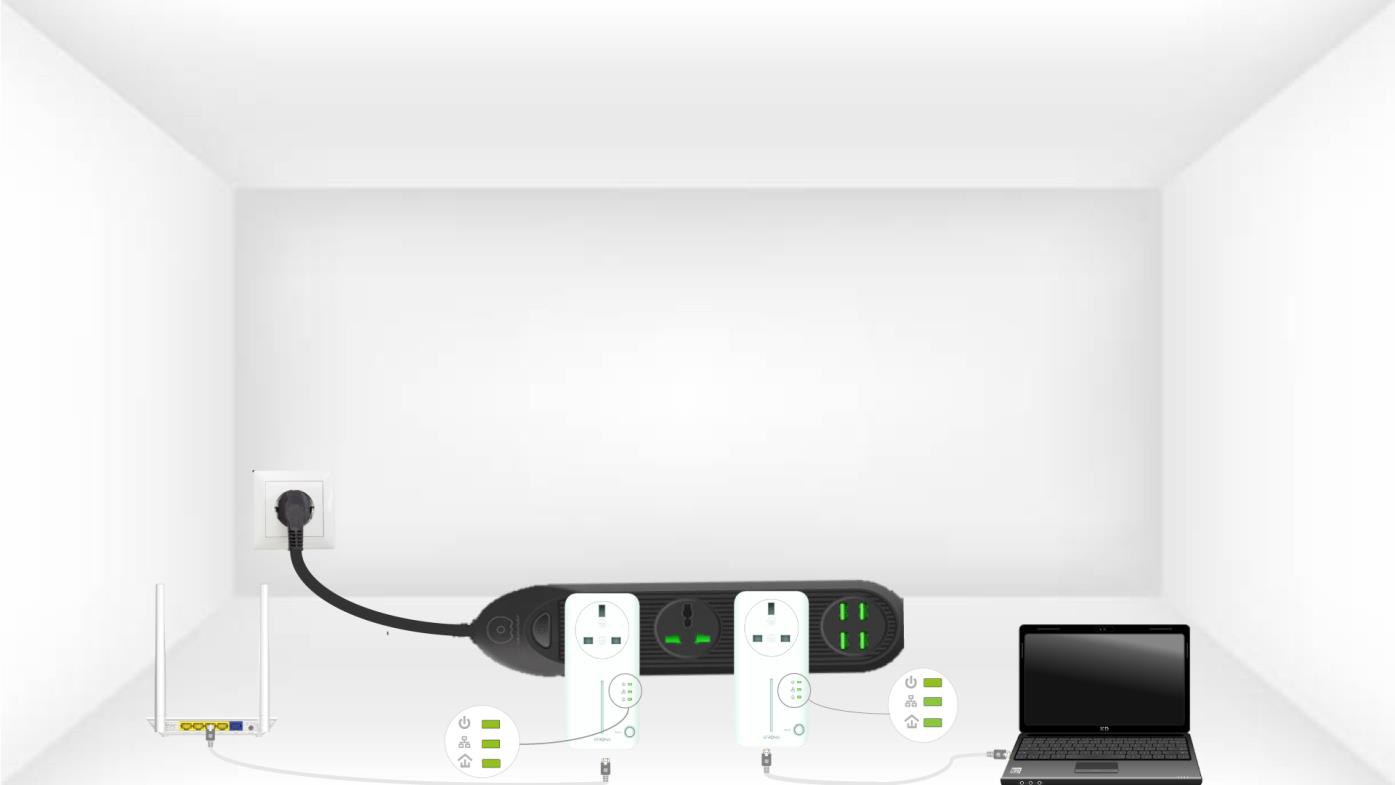
Zopakujte rovnaký postup pre tretie zariadenie powerline. V rámci jednej elektrickej inštalácie môžete mať až 8 zariadení Powerline 600.
Po spárovaní všetkých zariadení ich môžete umiestniť do miestnosti, kde ich potrebujete.