
Powerline 600 Duo Wi-Fi UK V2
Všetky otázky
Powerline 600 Duo Wi-Fi UK V2
Nemám prístup k internetu a/alebo LED kontrolka na ikone „domov“ nesvieti.
Nemám prístup k internetu a/alebo LED kontrolka pri ikone „domov“ nesvieti.
Musíte obnoviť továrenské nastavenia adaptérov. Na obnovenie továrenských nastavení adaptérov postupujte podľa nižšie uvedených krokov.
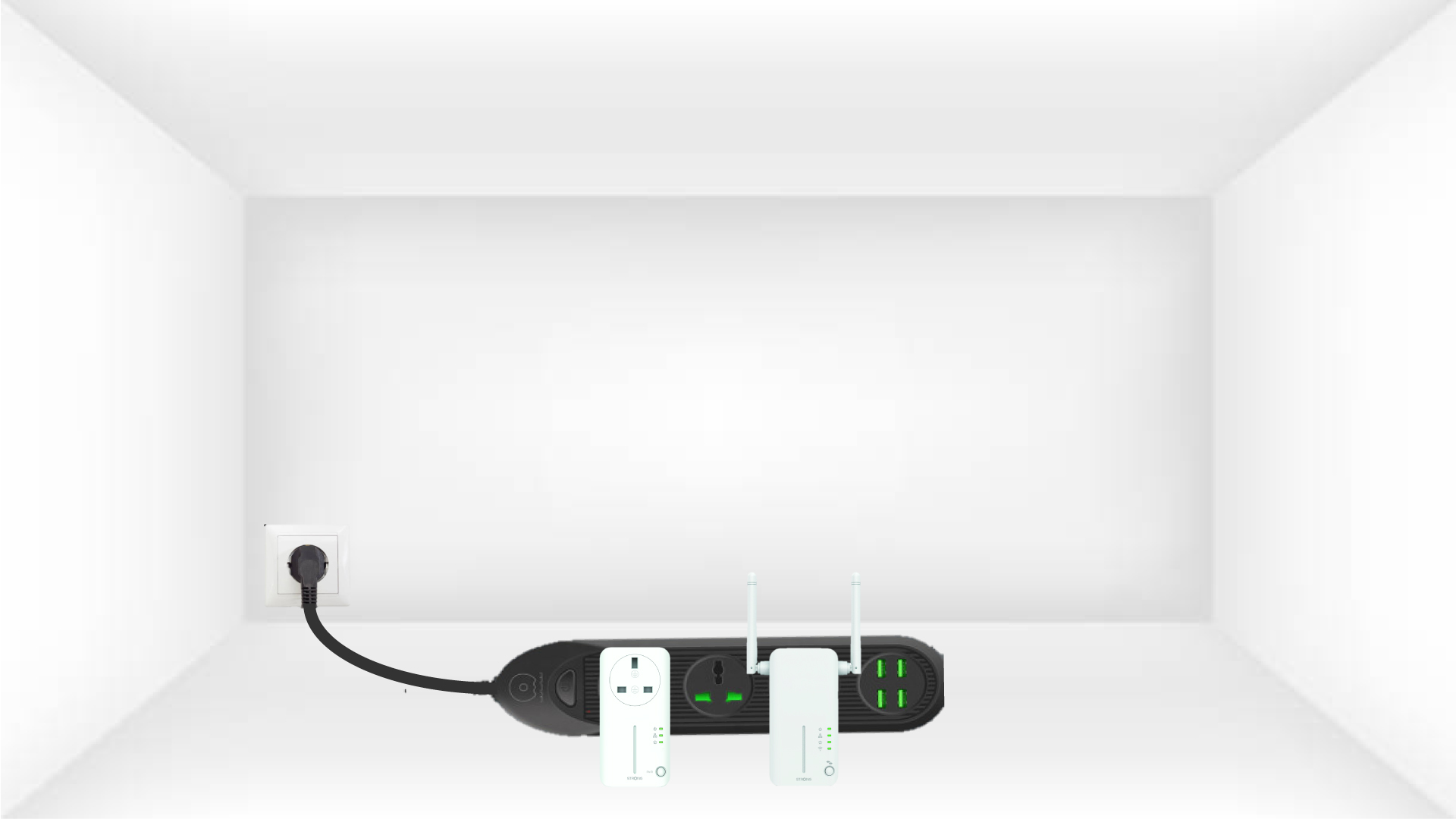
1. Pripojteadaptéry k predlžovačke
Pripojte adaptéry jeden po druhom k predlžovačke.
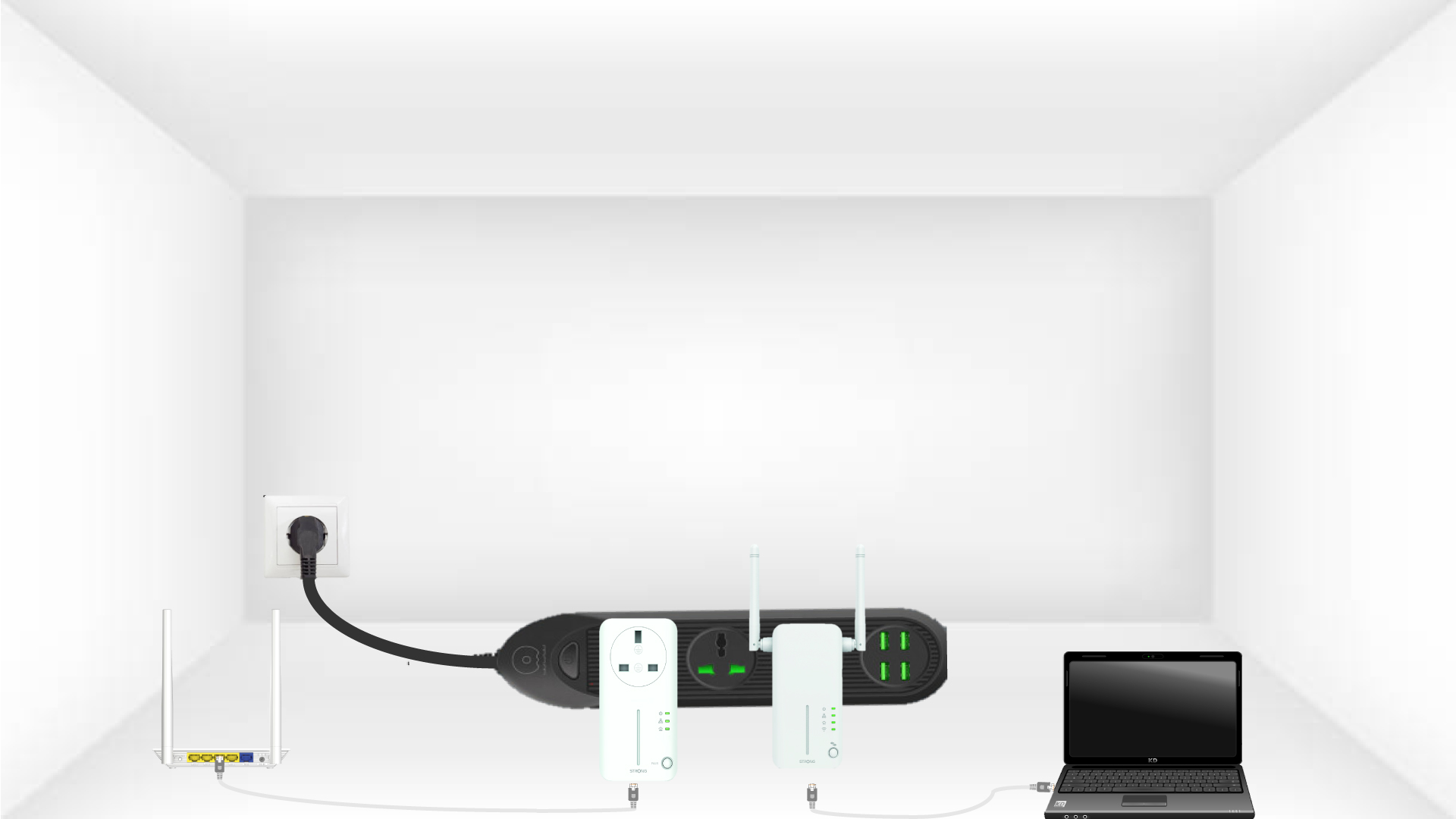
2. Pripojteadaptéry k internetu
Každý adaptér pripojte ethernetovým káblom k funkčnému zariadeniu (internetový router/brána, Android box, Smart TV, počítač atď.). Medzi zariadeniami musí prebiehať komunikácia, inak sa adaptér automaticky prepne do pohotovostného režimu.
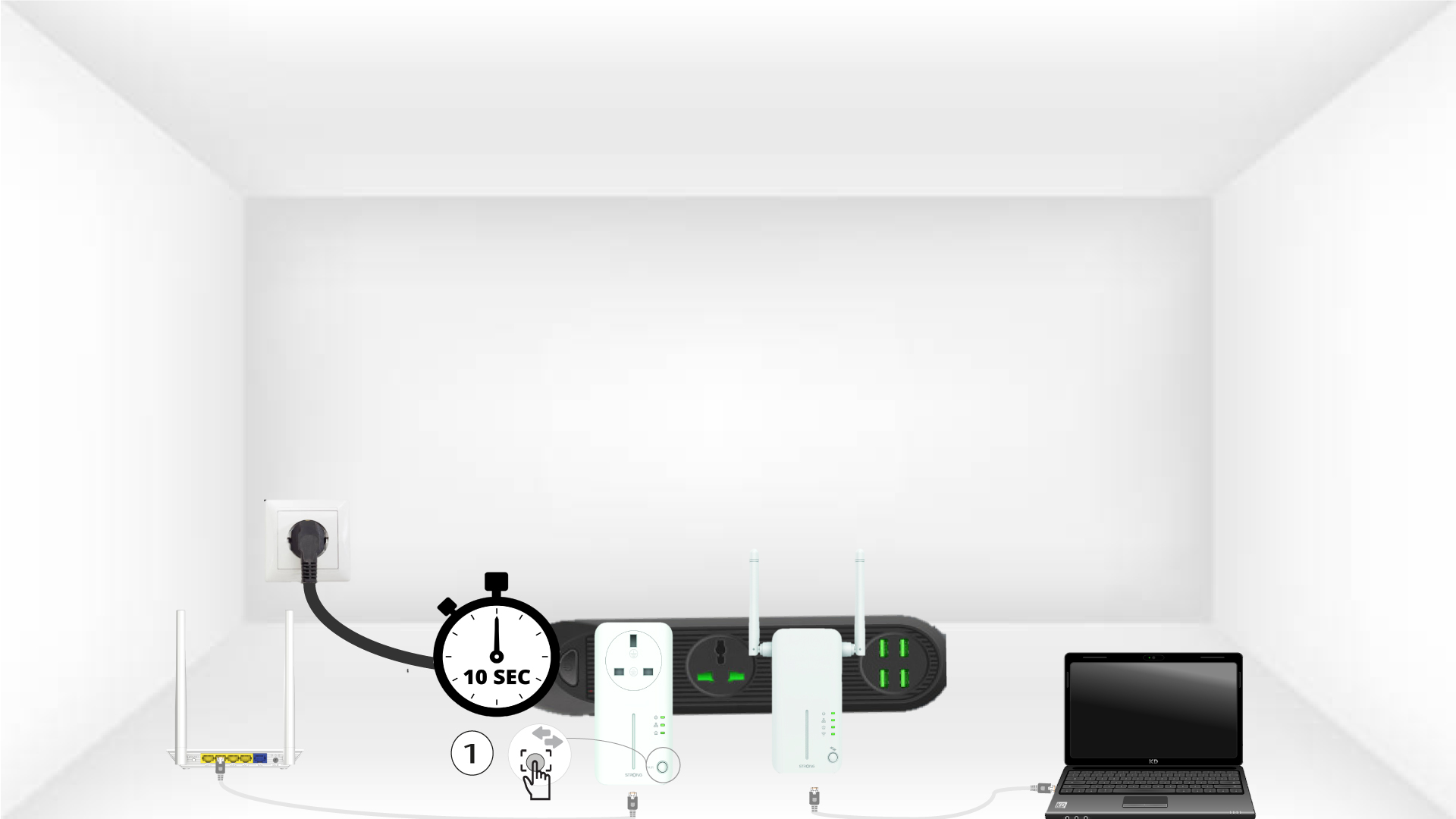
3Stlačtetlačidlo „Connect & Secure“ (prvý adaptér)
Akonáhle je adaptér zapojený do zásuvky a pripojený k sieti Ethernet, stačí stlačiť tlačidlo „Connect & Secure“ na prednom paneli a podržať ho stlačené po dobu 10 sekúnd.
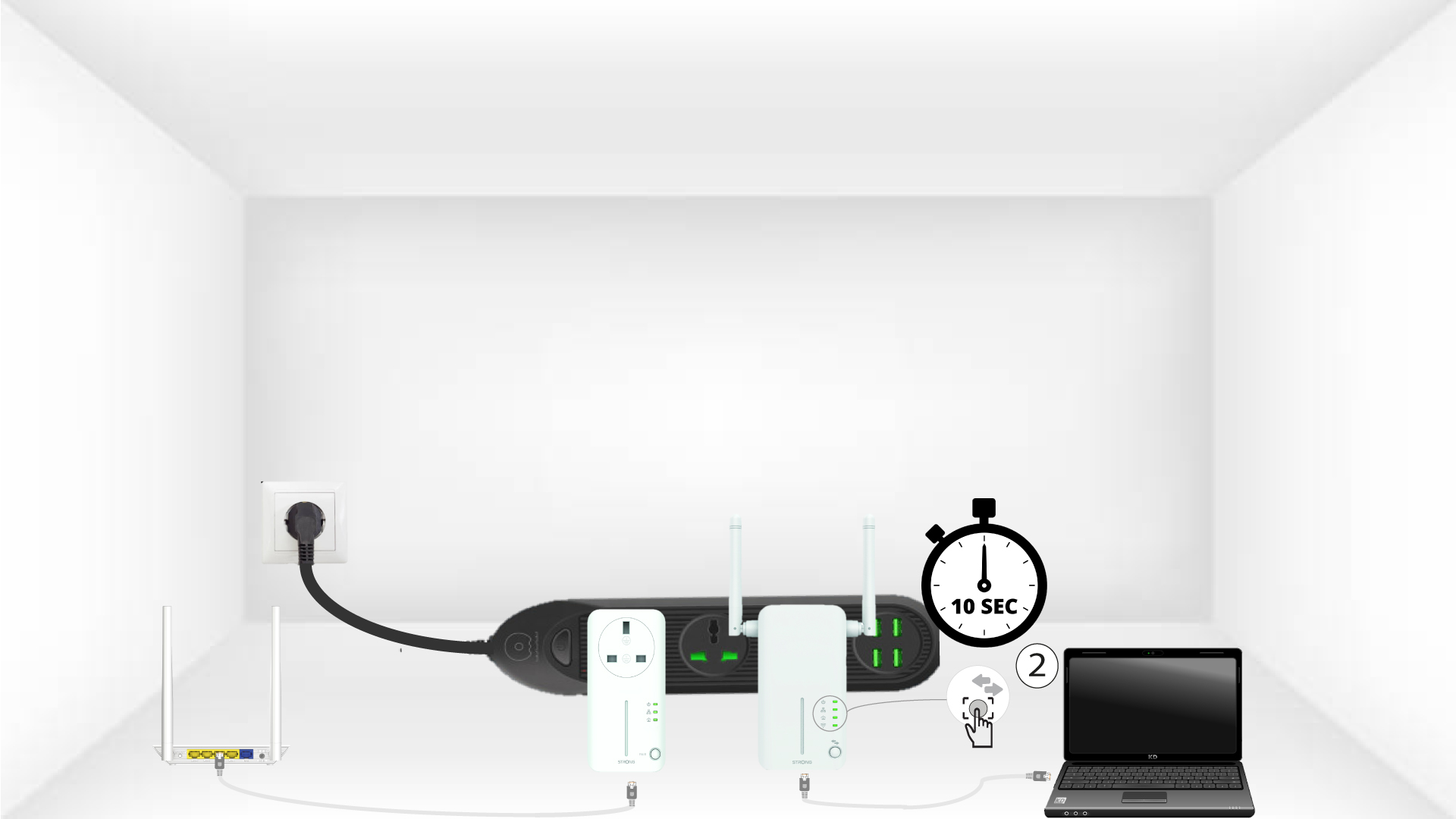
4Stlačtetlačidlo „Connect & Secure“ (druhý adaptér)
Stlačte tlačidlo „Connect & Secure“ na prednom paneli druhého zariadenia a podržte ho stlačené 10 sekúnd. Na vykonanie tejto operácie máte k dispozícii maximálne dve minúty.
5 DomovskáLED bliká
Domáce LED diódy by mali začať blikať.
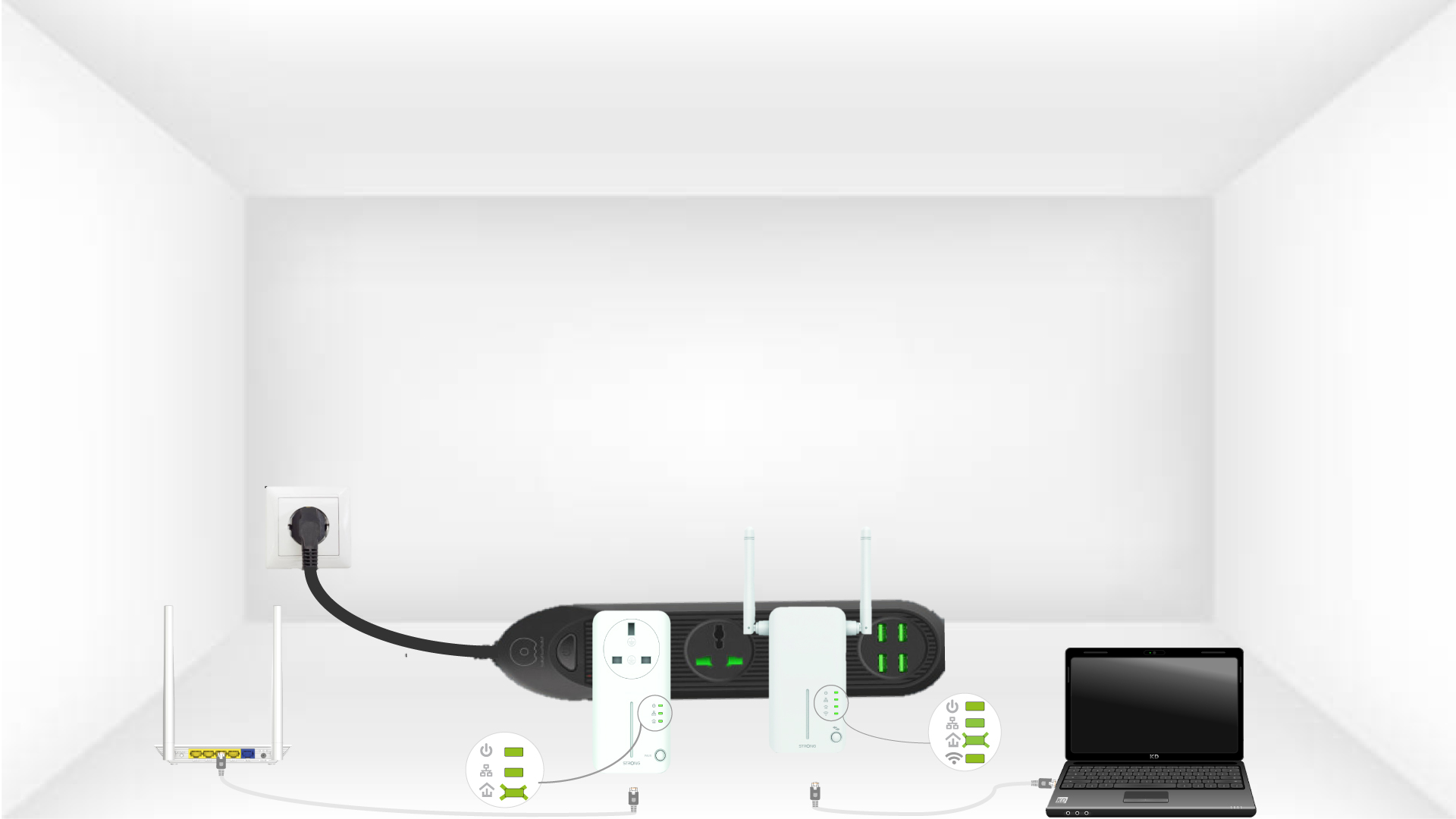
6. Adaptérysú vynulované
Po ukončení operácií musia všetky LED diódy svietiť zeleno.
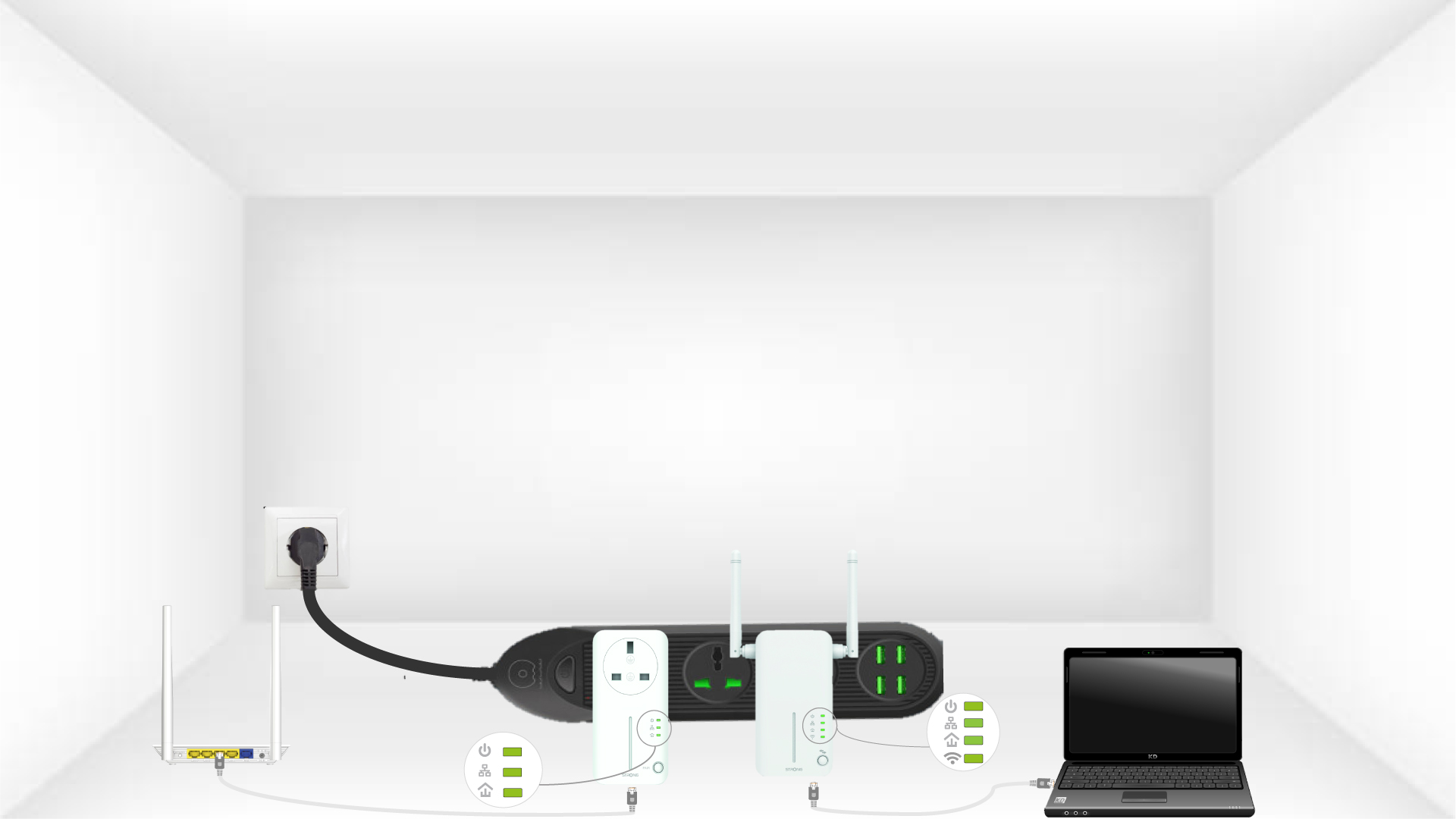
Zopakujte rovnaký postup pre tretí powerline. Na jednej elektrickej inštalácii môžete mať až osem Powerline 600.
Po resetovaní všetkých zariadení ich môžete umiestniť do miestnosti, kde ich potrebujete.