CPL 600 Duo Wi-Fi FR V2
Všetky otázky
CPL 600 Duo Wi-Fi FR V2
Prečo dochádza k výpadkom mojej Wi-Fi siete s frekvenciou 2,4 GHz a ako môže pomôcť zmena kanála na 1, 6 alebo 11?
Prečo dochádza k výpadkom mojej Wi-Fi siete s frekvenciou 2,4 GHz a ako môže pomôcť zmena kanála na 1, 6 alebo 11?
Aby ste minimalizovali rušenie, odporúčame nastaviť kanál Wi-Fi na hodnotu 1, 6 alebo 11. Tieto kanály sú od seba dostatočne vzdialené, aby sa navzájom neprekrývali, čo znižuje pravdepodobnosť rušenia zo strany iných sietí a zariadení v okolí. Výberom jedného z týchto kanálov môžete zlepšiť stabilitu a výkon vášho Wi-Fi pripojenia.
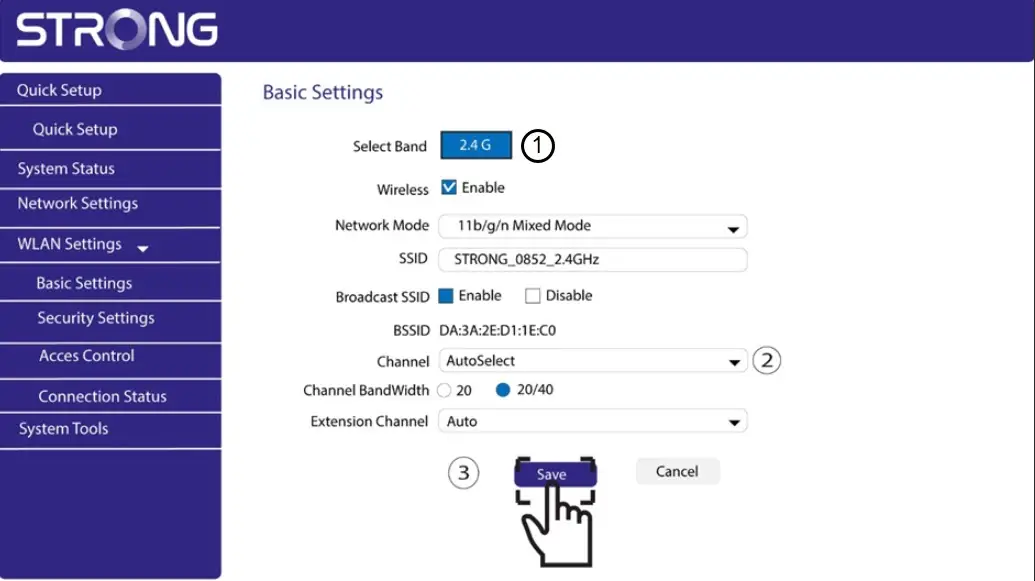
Ak chcete zmeniť kanál, otvorte nastavenia zariadenia Wi-Fi typu „ Powerline “ prostredníctvom jeho webového rozhrania. Vyhľadajte časť „Nastavenia WLAN > Základné nastavenia“ a vyberte kanál 1, 6 alebo 11.
1. Pripojtesa k sieti Wi-Fi
Na to zadajte do svojho zariadenia SSID a heslo routera.

2ZadajteIP adresu webového rozhrania
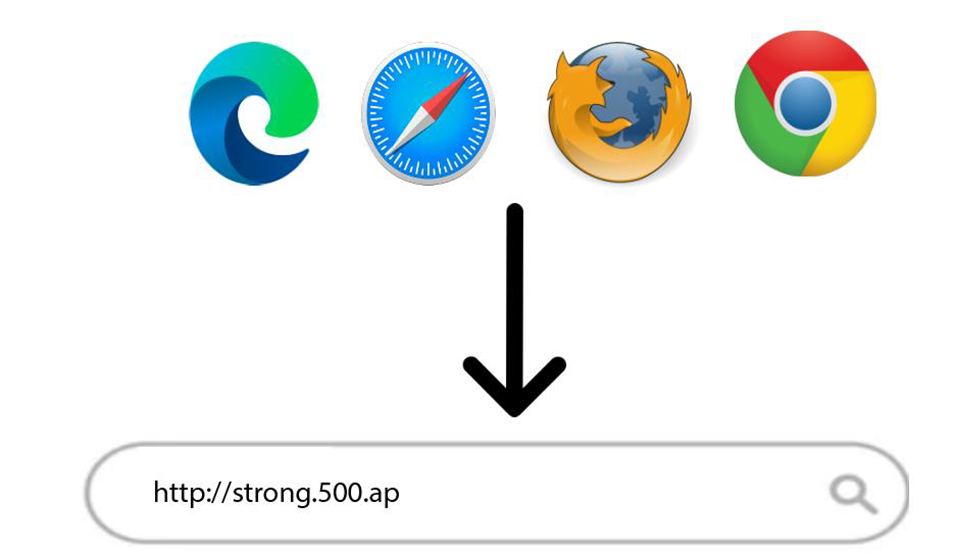
Potom zadajte do prehliadača túto IP adresu: http://strong.500.ap
3Stránka prihlásenia
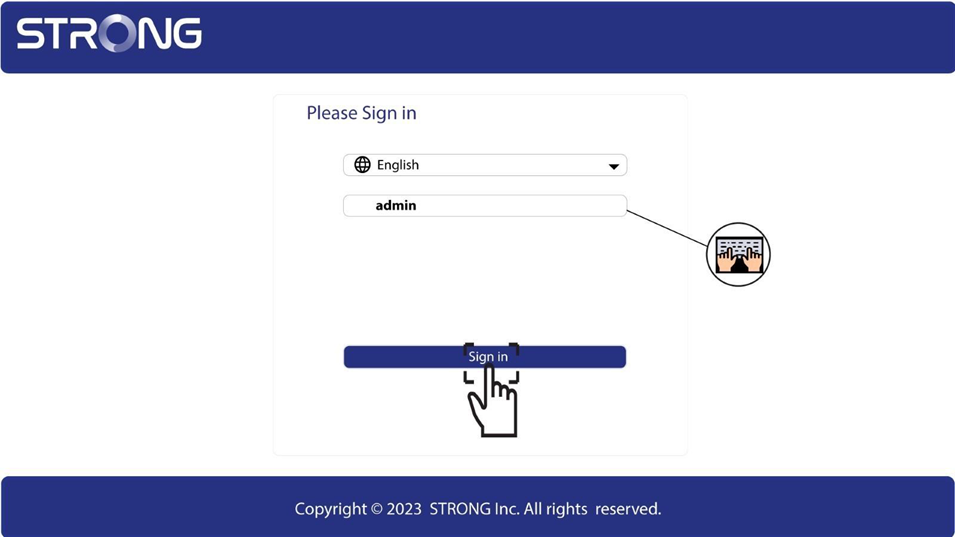
Keď sa dostanete na stránku s uvedenou IP adresou, kliknite na ňu a zadajte používateľské meno (admin). Potom kliknite na „Prihlásiť sa“.
4. Nastavenia WLAN
Kliknite na položky „Nastavenia WLAN“ a „Základné nastavenia“.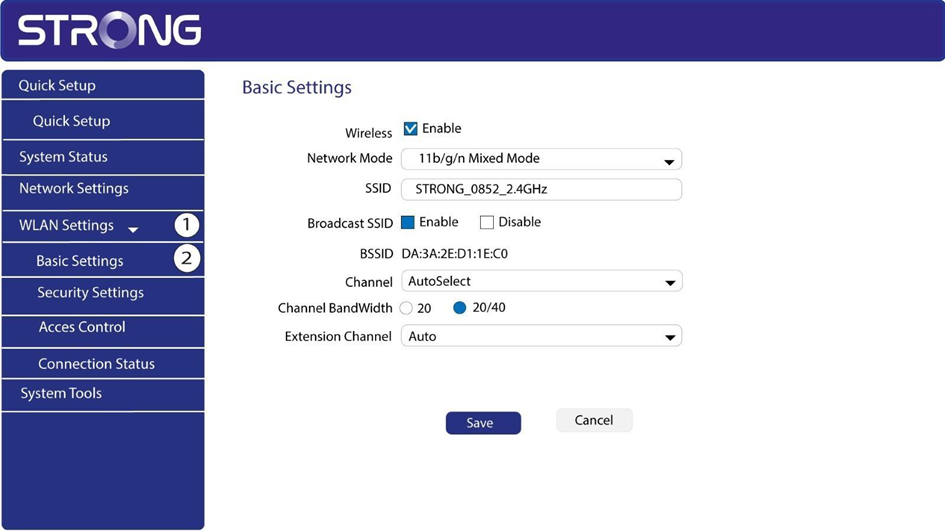
5. Vybertesieťové pásmo
Vyberte sieťové pásmo 2,4 GHz. Následne vyberte kanál z roletového zoznamu (1, 6 alebo 11) a kliknite na Uložiť.