
Универзални репетитор 300 В2
Нема пронађених ставки.
Нема пронађених ставки.
Сва питања
Нема пронађених ставки.
Нема пронађених ставки.
Како да приступим веб корисничком интерфејсу?
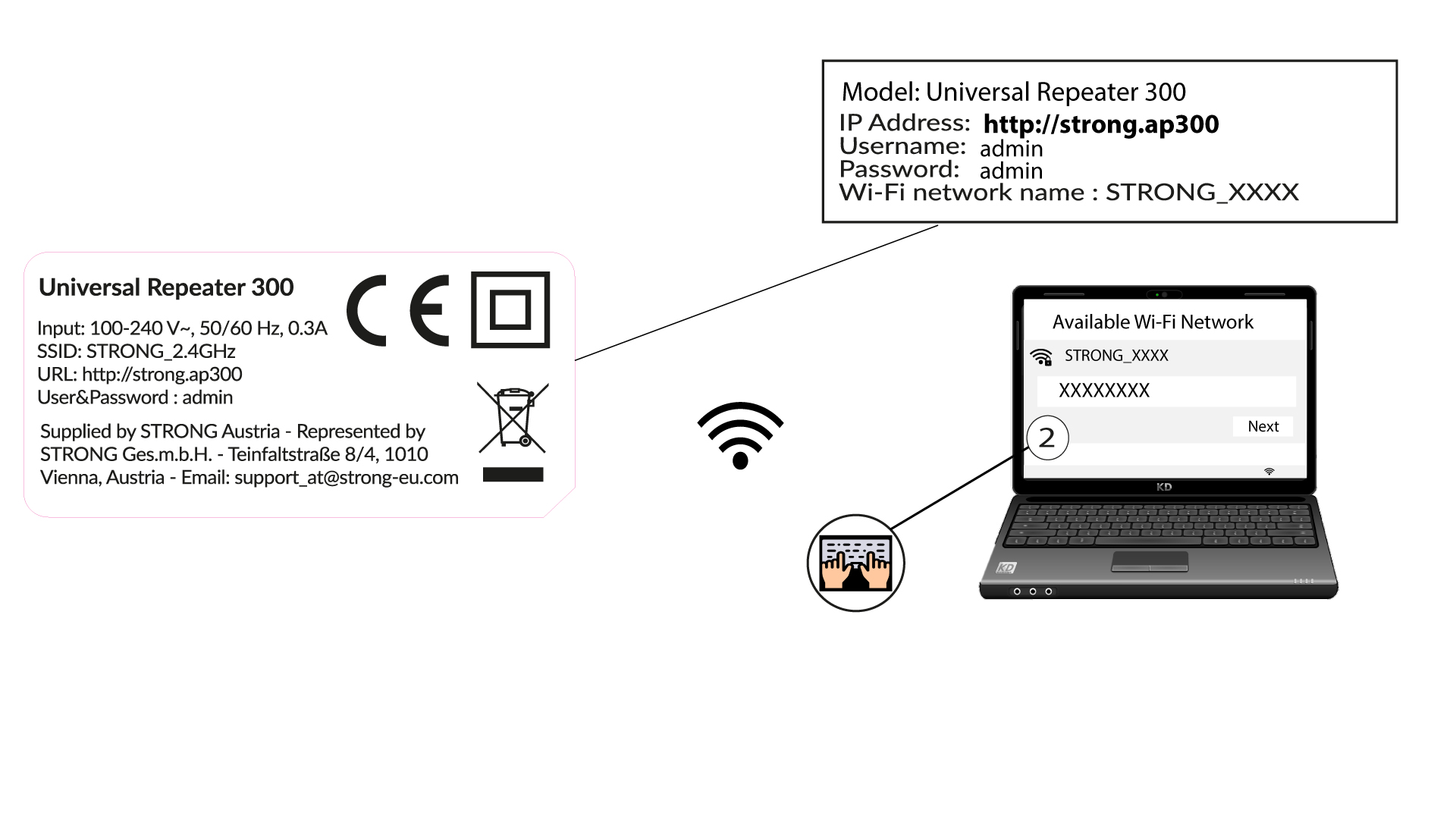
1 Повежите се на Wi-Fi мрежу репетитора
Повежите се на Wi-Fi мрежу репетитора тако што ћете погледати упутства на етикети производа.
Не постоји лозинка за Wi-Fi мрежу вашег репетитора. Нове информације о Wi-Fi мрежи биће подешене током конфигурације након првог повезивања са корисничким интерфејсом.
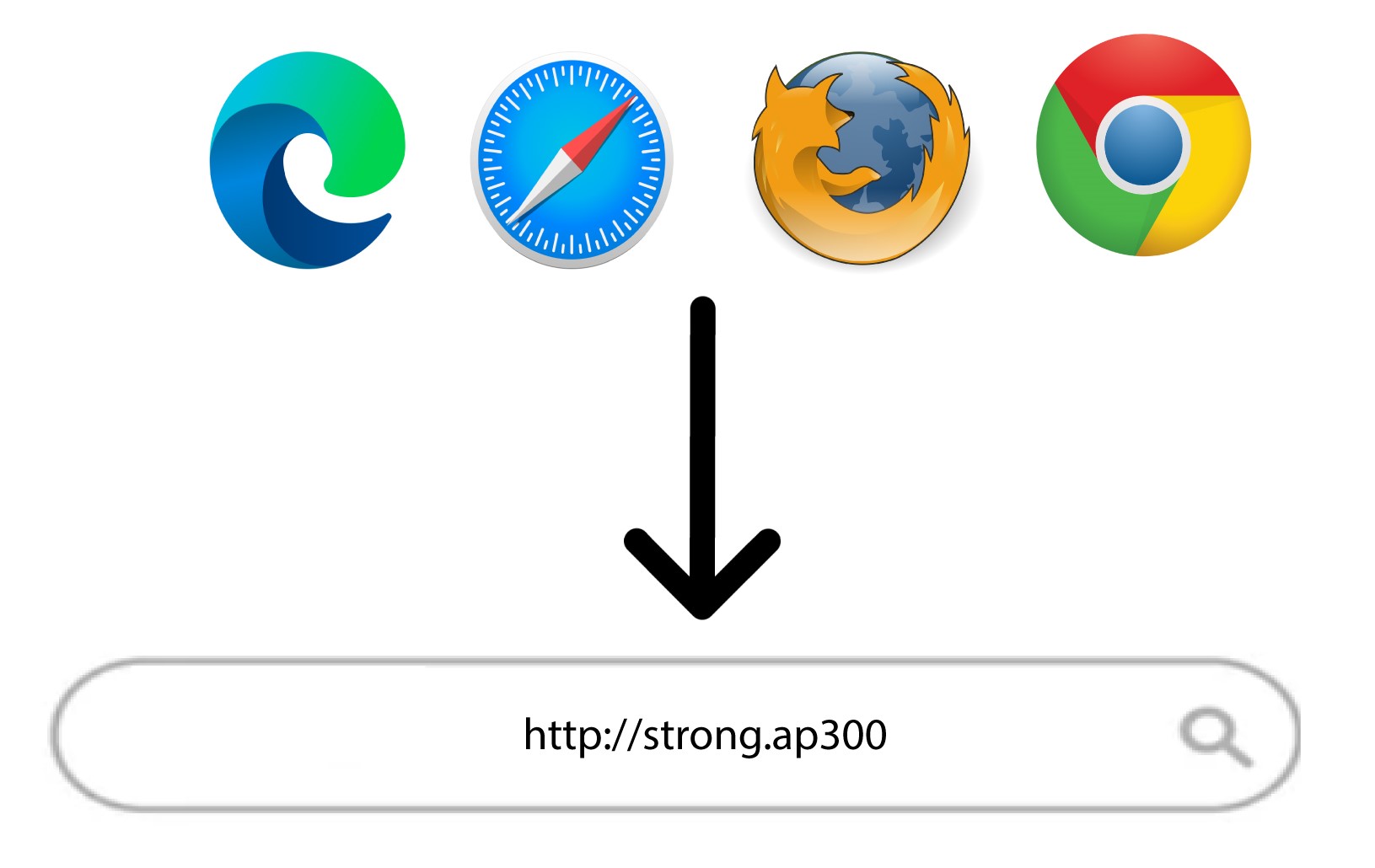
2 Идите на веб кориснички интерфејс
Прегледајте следећи URL: http://strong.ap300/
3 Пријава
Унесите лозинку и кликните на Пријава.
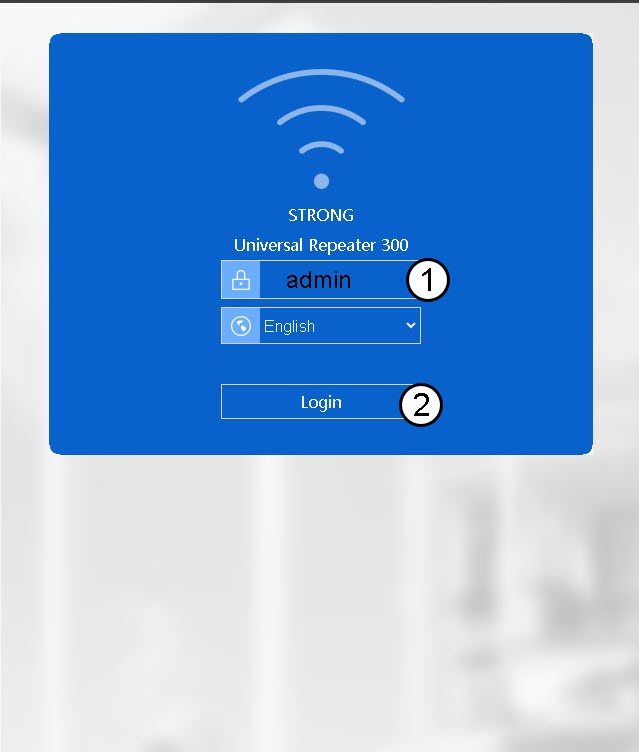

Упозорење: Топло препоручујемо промену администраторске лозинке како бисте спречили хаковање.