4G+ AIRSPOT 520 Мобилни Wi-Fi са екраном осетљивим на додир
Нема пронађених ставки.
Нема пронађених ставки.
Сва питања
4G+ AIRSPOT 520 Мобилни Wi-Fi са екраном осетљивим на додир
Нема пронађених ставки.
Нема пронађених ставки.
Како да ресетујем рутер на фабричка подешавања? (Ми-Фи екран)
Можете ресетовати уређај на фабричка подешавања са екрана.
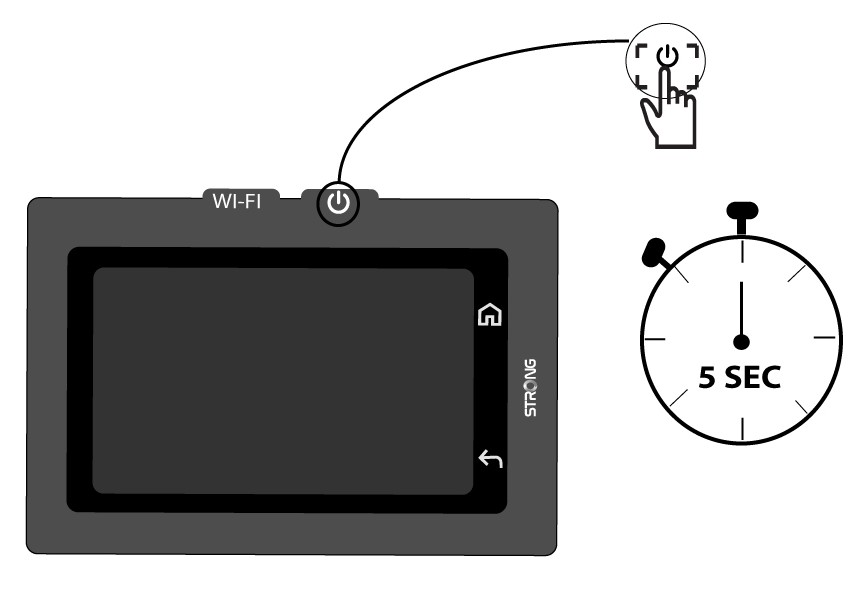
1 Укључите уређај
Укључите уређај тако што ћете притиснути дугме за напајање 5 секунди.
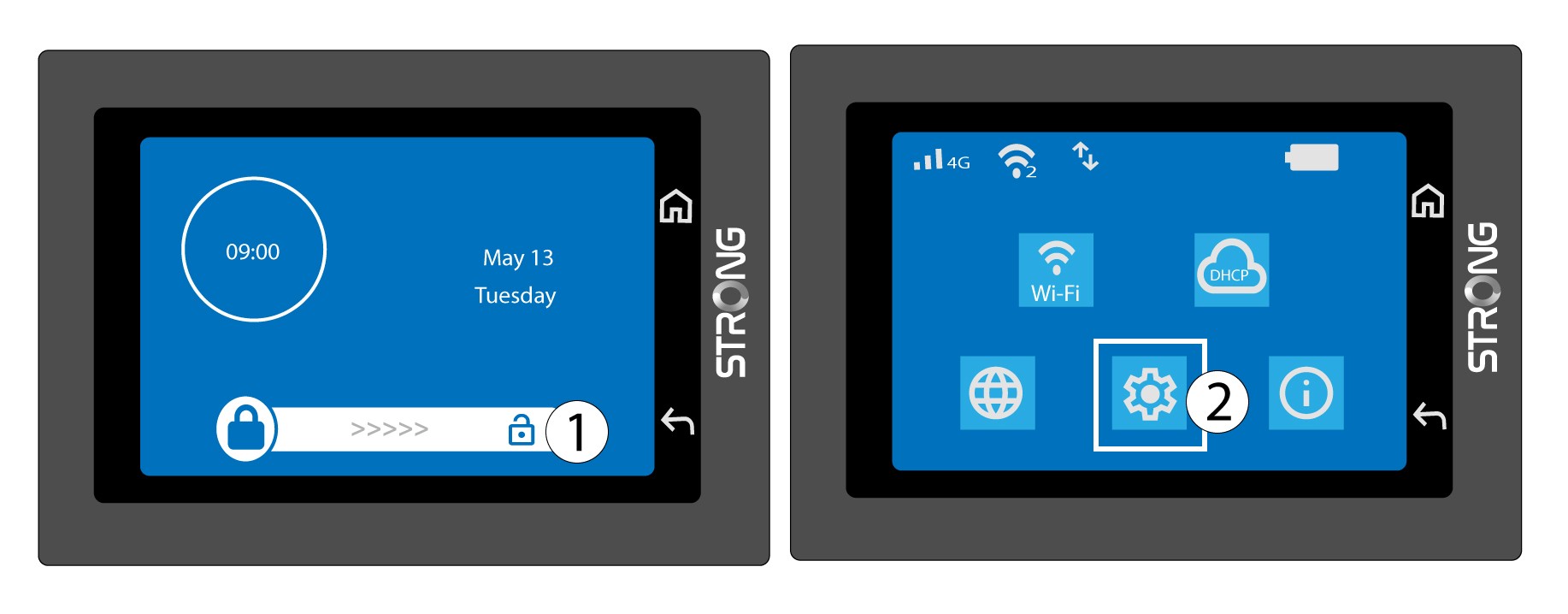
2 Приступите системском менију
Затим откључајте екран и притисните икону система.
3 Изаберите опцију враћања
Померите се надоле кроз мени да бисте притиснули Врати .

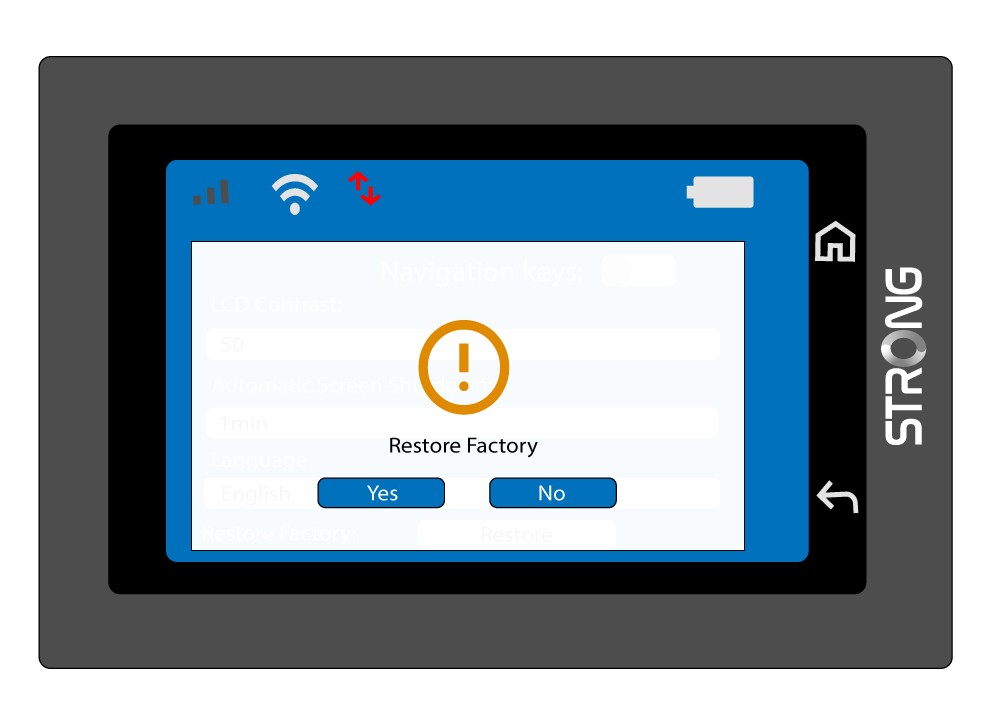
4 Потврдите враћање на фабричка подешавања
Притисните Да .