Двопојасни репетитор 750 UK В2
Нема пронађених ставки.
Нема пронађених ставки.
Сва питања
Двопојасни репетитор 750 UK В2
Нема пронађених ставки.
Нема пронађених ставки.
Како да подесим статичку ИП адресу за мој репетитор?
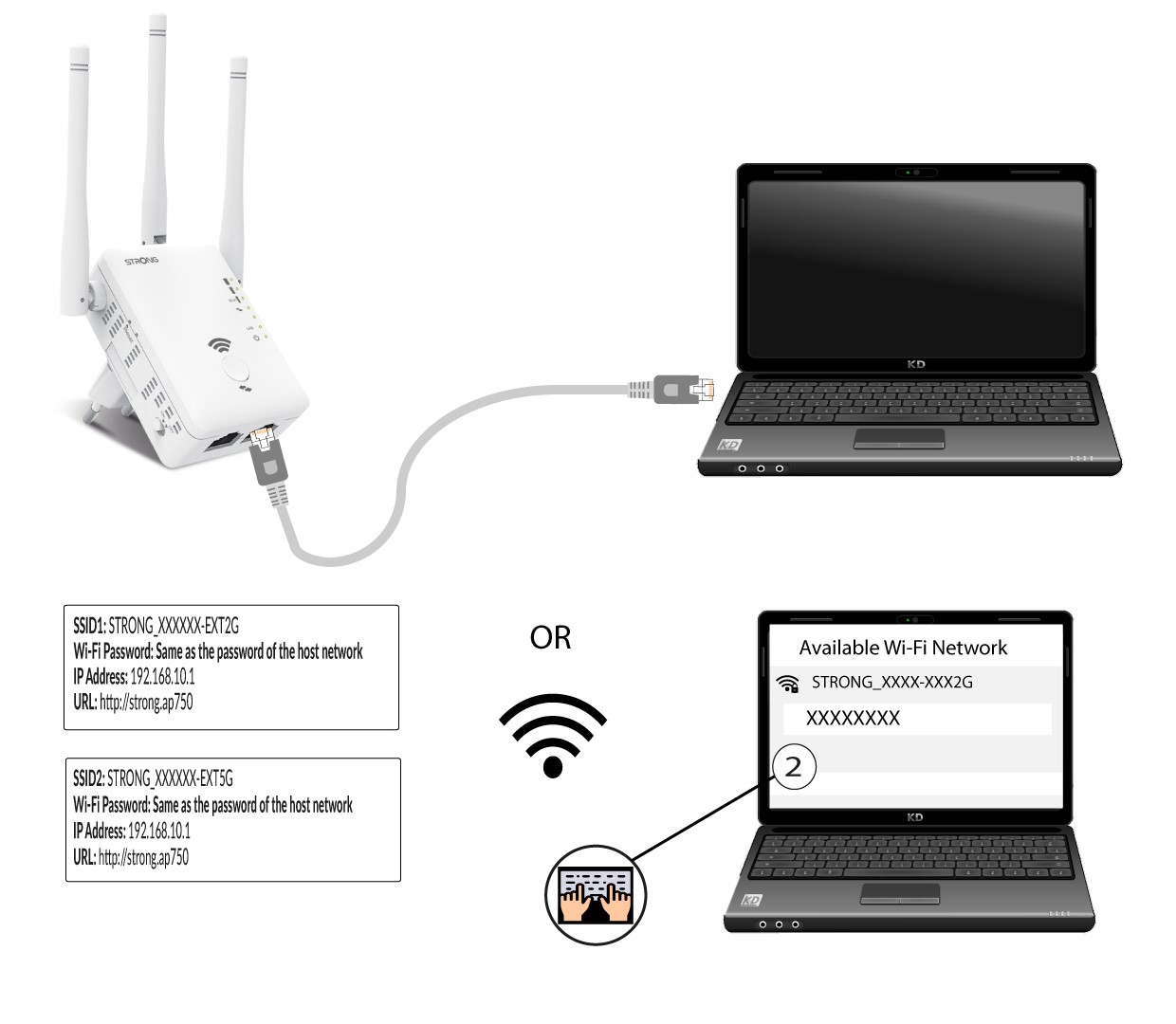
1 Повежите свој репетитор на Wi-Fi мрежу
Потребно је да се повежете са репетитором путем RJ45 кабла или да се повежете са једном од Wi-Fi мрежа које су креиране након конфигурације.
.
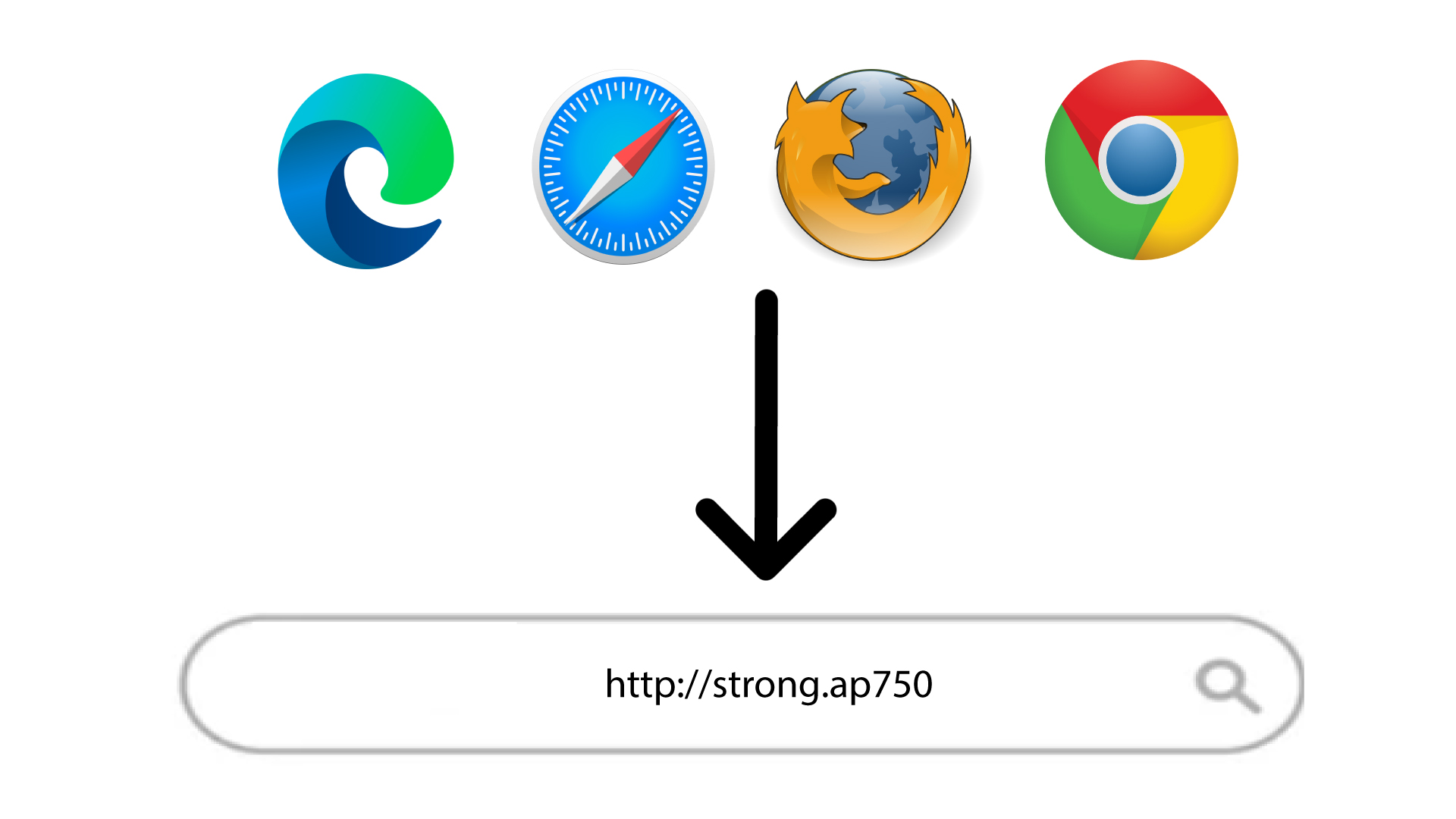
2. Идите на URL адресу веб интерфејса
Унесите URL адресу у прегледач.
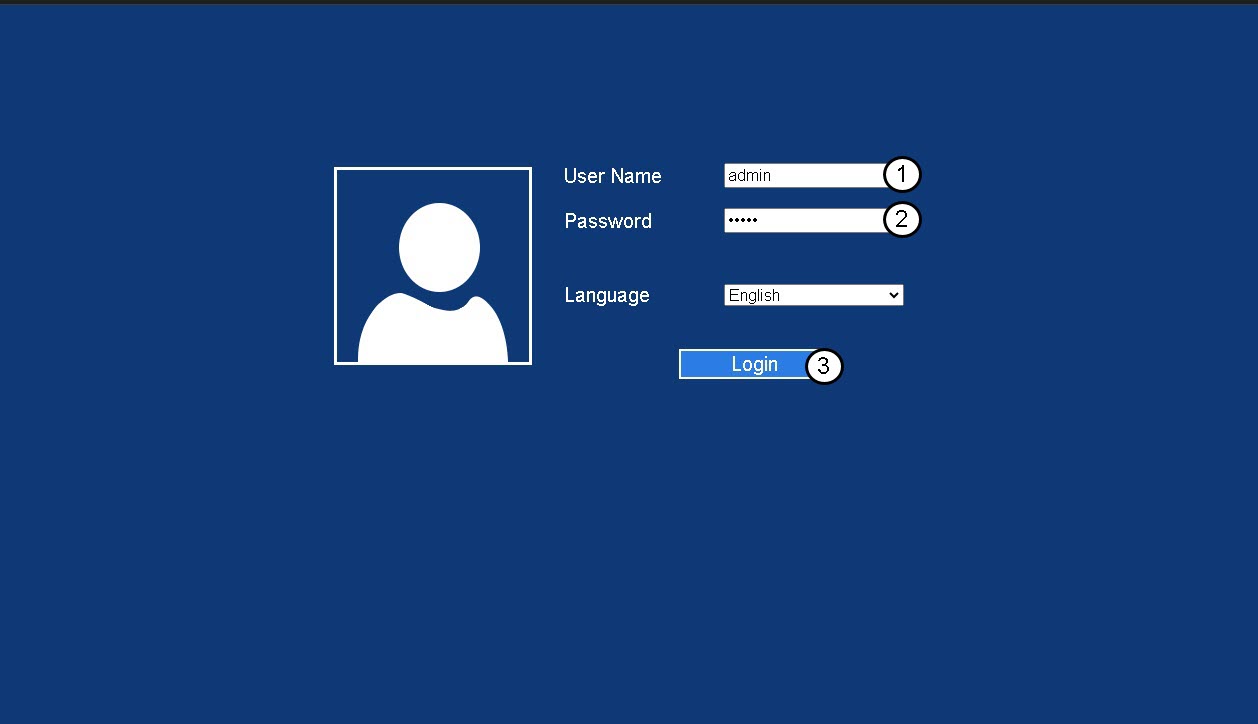
3 Страница за пријаву
Унесите своју администраторску лозинку и кликните на Пријава .
4 подешавања локалне мреже
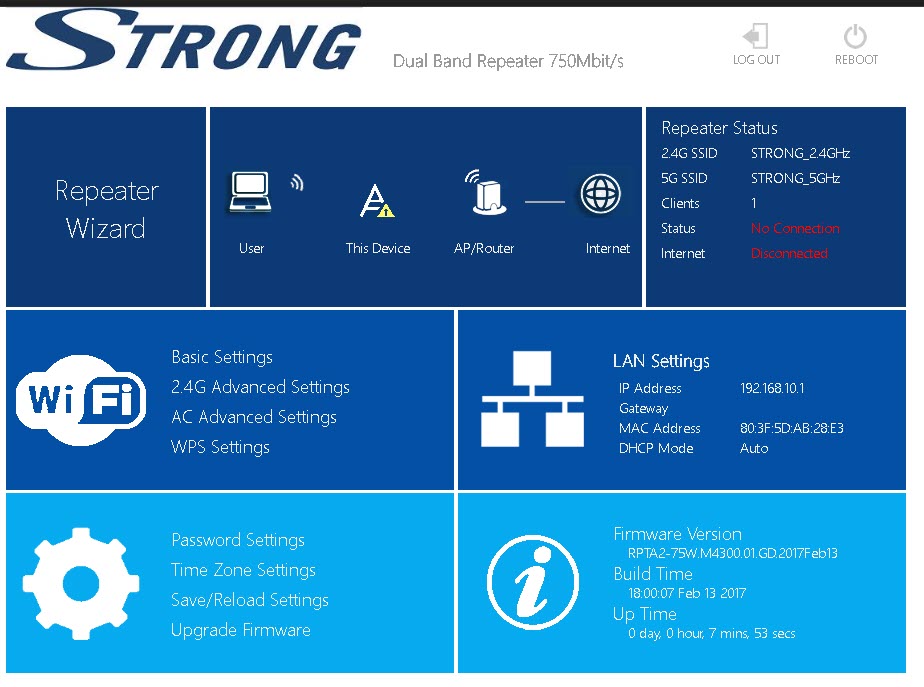
Кликните на Подешавања локалне мреже (LAN Settings) .
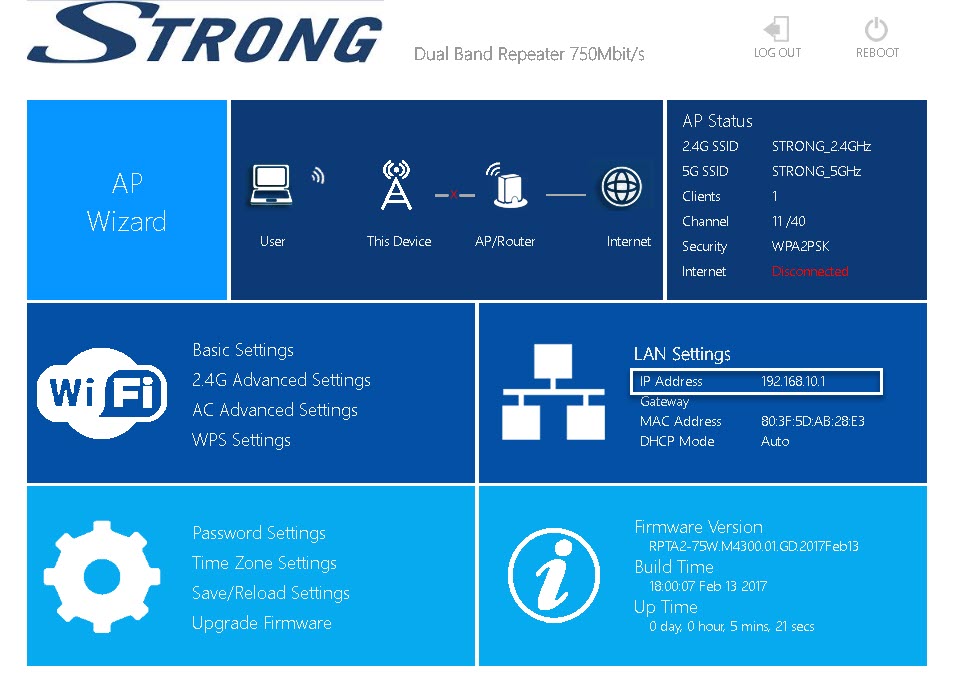
5 Поправите ИП адресу
Кликните на Поправи ИП адресу . Затим, унесите следеће информације пре него што кликнете на Примени :
- ИП адреса: Унесите ИП адресу репетитора.
- Маска подмреже: Изаберите маску подмреже са листе
- Гејтвеј : Унесите ИП адресу вашег репетитора
- Примарни ДНС сервер: Можете унети ИП адресу.
- Секундарни ДНС сервер: Можете унети ИП адресу.