
АТРИЈА Mesh add-on 1200 UK
Сва питања
АТРИЈА Mesh add-on 1200 UK
Како да назовем свог/своју Mesh јединице?
Можете пратити доленаведену процедуру да бисте дефинисали име свог mesh јединице како би их лакше идентификовали.
1 Преузмите апликацију
Преузмите Атрију Mesh Апликација
2 Повежите се са Wi-Fi мрежом mesh
Повежите се са Wi-Fi мрежом вашег mesh јединица.

3 Повежите се са апликацијом
Унесите корисничко име и лозинку пре него што кликнете на Пријави се.

4 Моја мрежа
Кликните на Моја мрежа

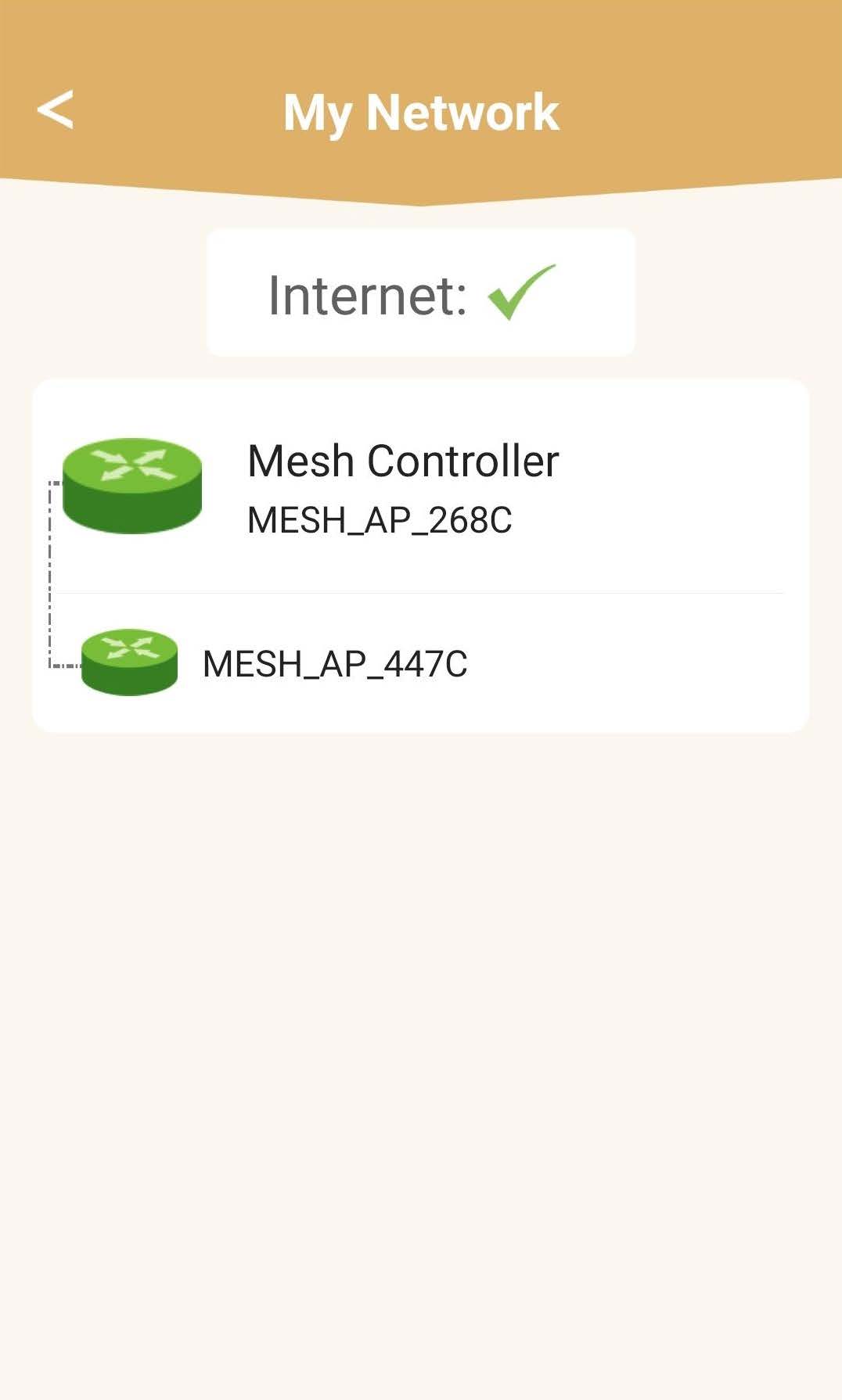
5 Mesh Статус мреже
Видећете статус покрића које пружа ваш mesh јединице.
Молимо вас да имате у виду да када mesh Ако су јединице приказане сивом бојом, покривеност коју нуди јединица није довољна. У том случају морате променити положај вашег mesh јединица.
Ако mesh Јединице су приказане зеленом бојом, што значи да исправно раде и пружају довољну покривеност.
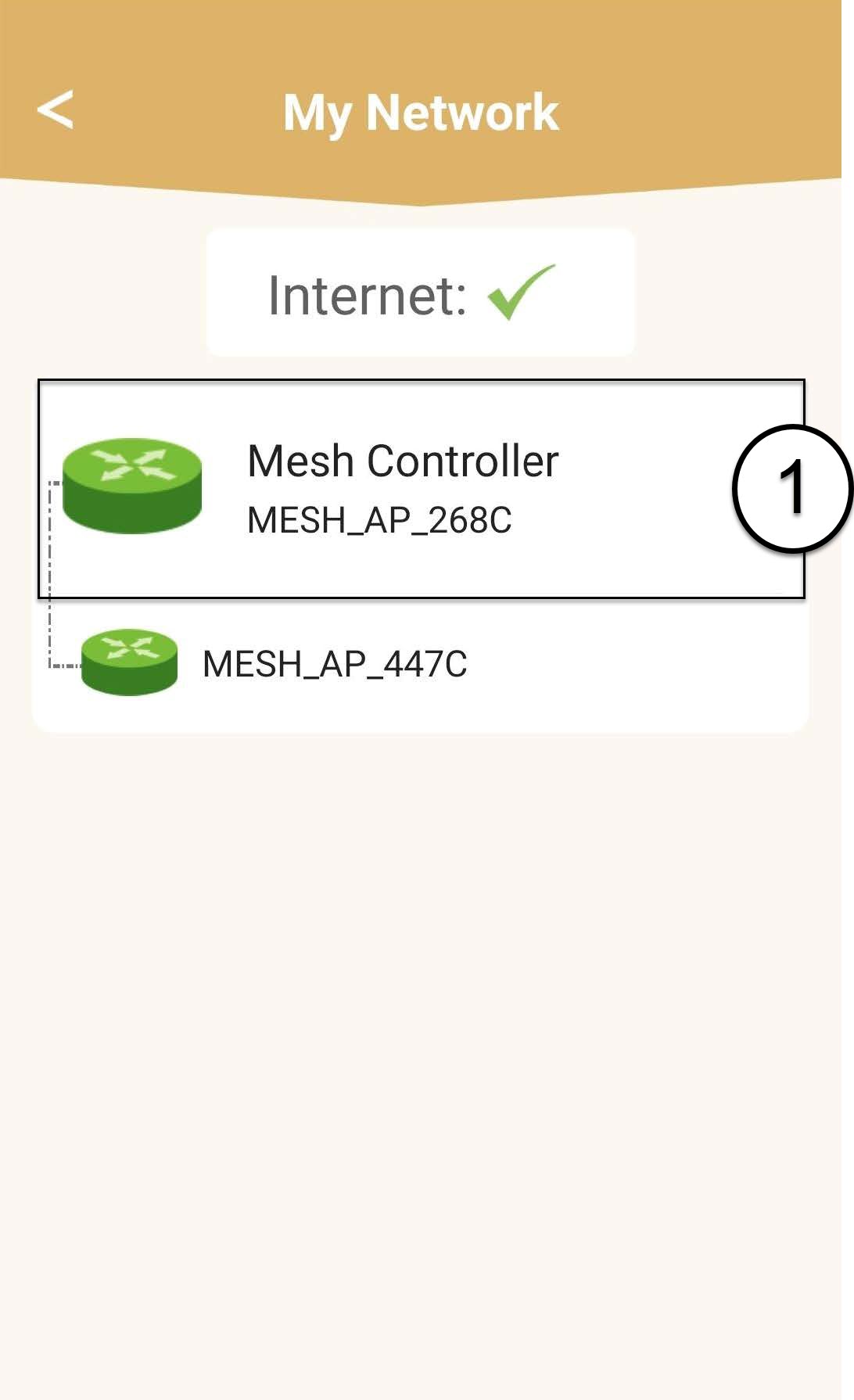
6 Главних mesh јединица
Кликните на име mesh јединици да приступи својим информацијама.
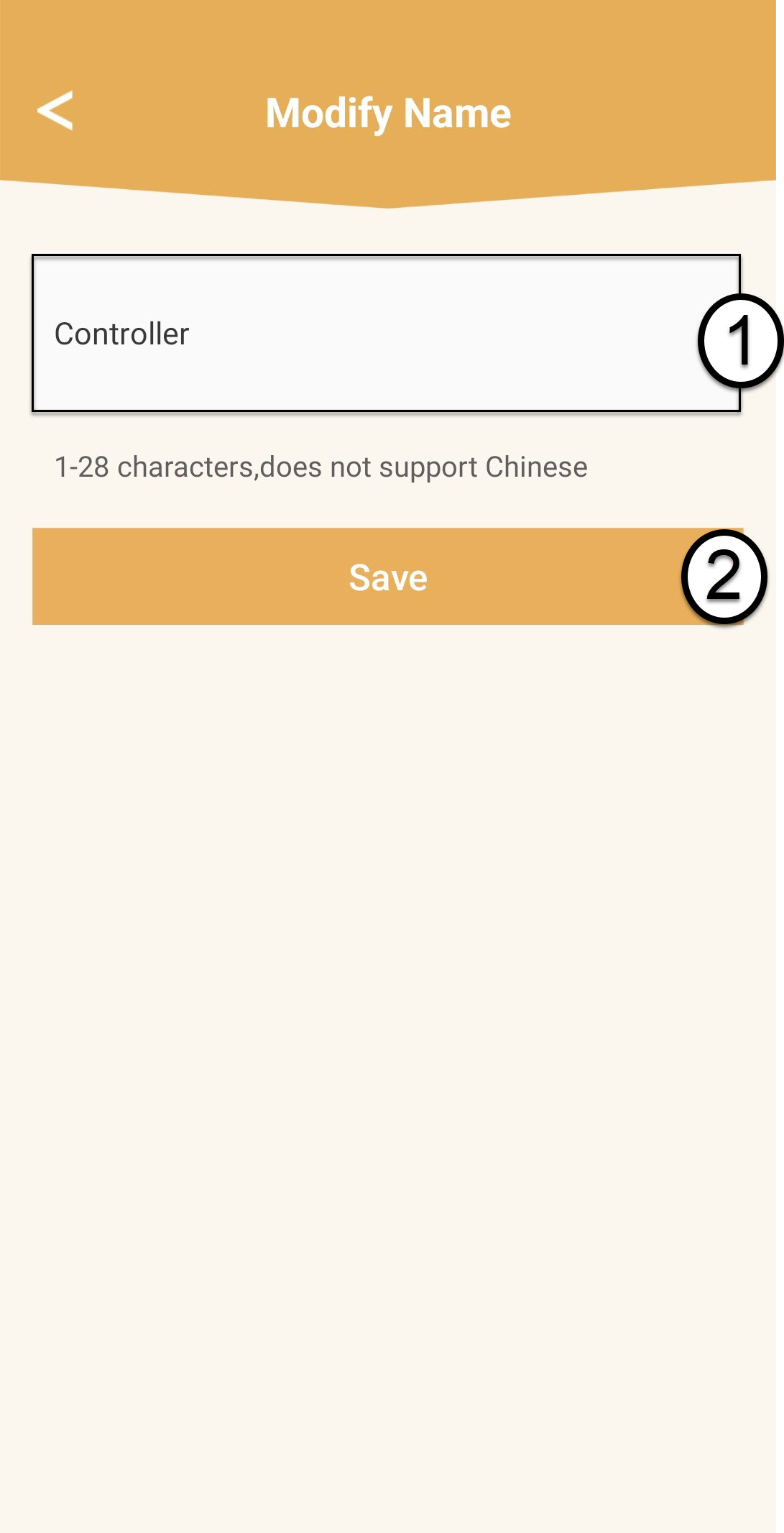
7 Измените име главног mesh јединица
Унесите ново име и кликните на Сачувај.
mesh контролер треба да се зове овако: Mesh1200-Main-
Име собеThe mesh Агенти би требало да буду именовани овако: Mesh1200-Nameoftheroom
8 Секундарно mesh јединица
За другог mesh јединице, кликните на њихово име да бисте приступили информацијама. Затим унесите ново име и кликните на Сачувај .