
Двопојасни репетитор 750 UK
Нема пронађених ставки.
Нема пронађених ставки.
Сва питања
Двопојасни репетитор 750 UK
Нема пронађених ставки.
Нема пронађених ставки.
Не могу да приступим веб интерфејсу (http://strong.ap750) након подешавања репетитора, зашто?

УПОЗОРЕЊЕ: Нормално је да не можете да се повежете са веб интерфејсом након подешавања јер су се информације о вези промениле. Заиста, када се подешавање заврши, креирају се две Wi-Fi мреже. Морате се повезати са једном од тих мрежа да бисте приступили веб интерфејсу.
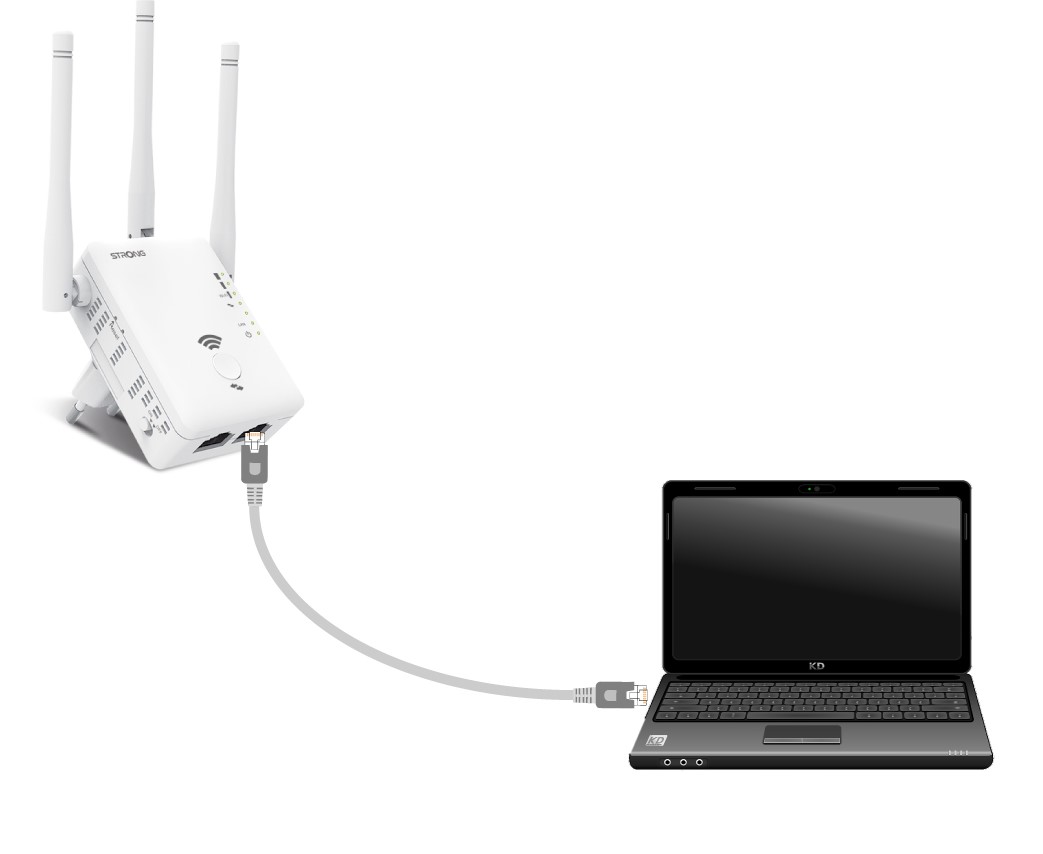
1 Повежите рутер помоћу RJ45 кабла
Повежите репетитор са рачунаром помоћу RJ45 кабла.
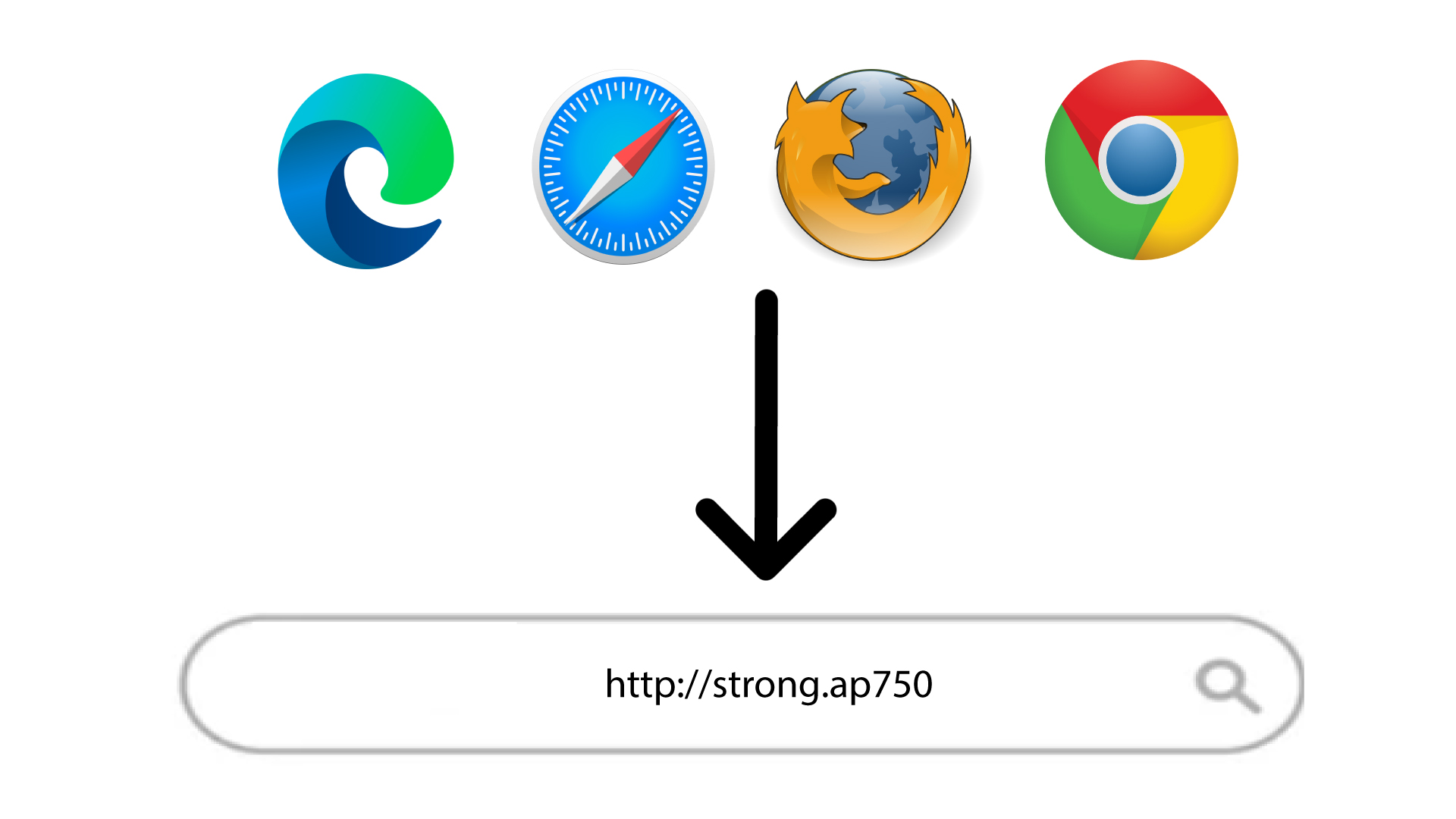
2. Идите на URL адресу веб интерфејса
Унесите URL адресу у прегледач.
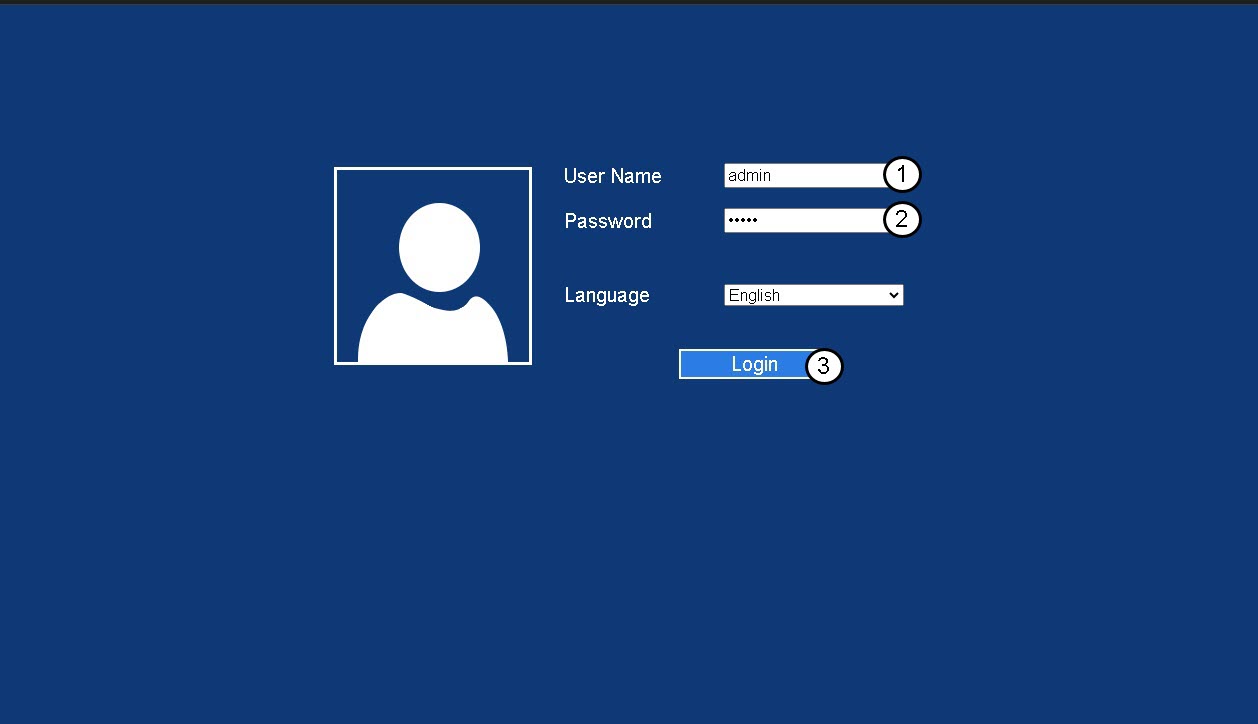
3 Страница за пријаву
Унесите своју администраторску лозинку и кликните на Пријава .
4 Потражите ИП адресу рутера
У информацијама о уређају потражите ИП адресу репетитора
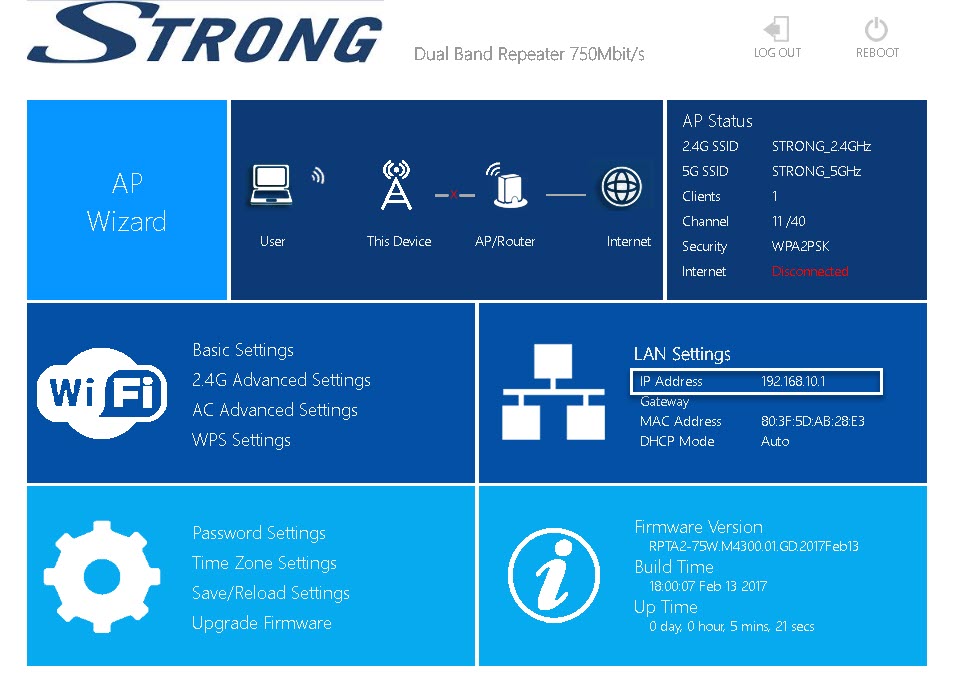
САВЕТ: ИП адреса вашег репетитора се мења након што је конфигурисан за Wi-Fi хост.