
4G bärbar hotspot 150
Inga föremål hittades.
Inga föremål hittades.
Alla frågor
4G bärbar hotspot 150
Inga föremål hittades.
Inga föremål hittades.
Hur kommer jag åt webbgränssnittet?
För att komma åt webbgränssnittet måste du vara ansluten till Wi-Fi-nätverket på din 4G PORTABLE HOTSPOT 150 WITH A DISPLAY/4G PORTABLE HOTSPOT 150 efter att du har satt in SIM-kortet i kortfacket.
1. Ansluttill routerns Wi-Fi-nätverk
För att göra detta anger du routerns SSID och lösenord på din enhet.
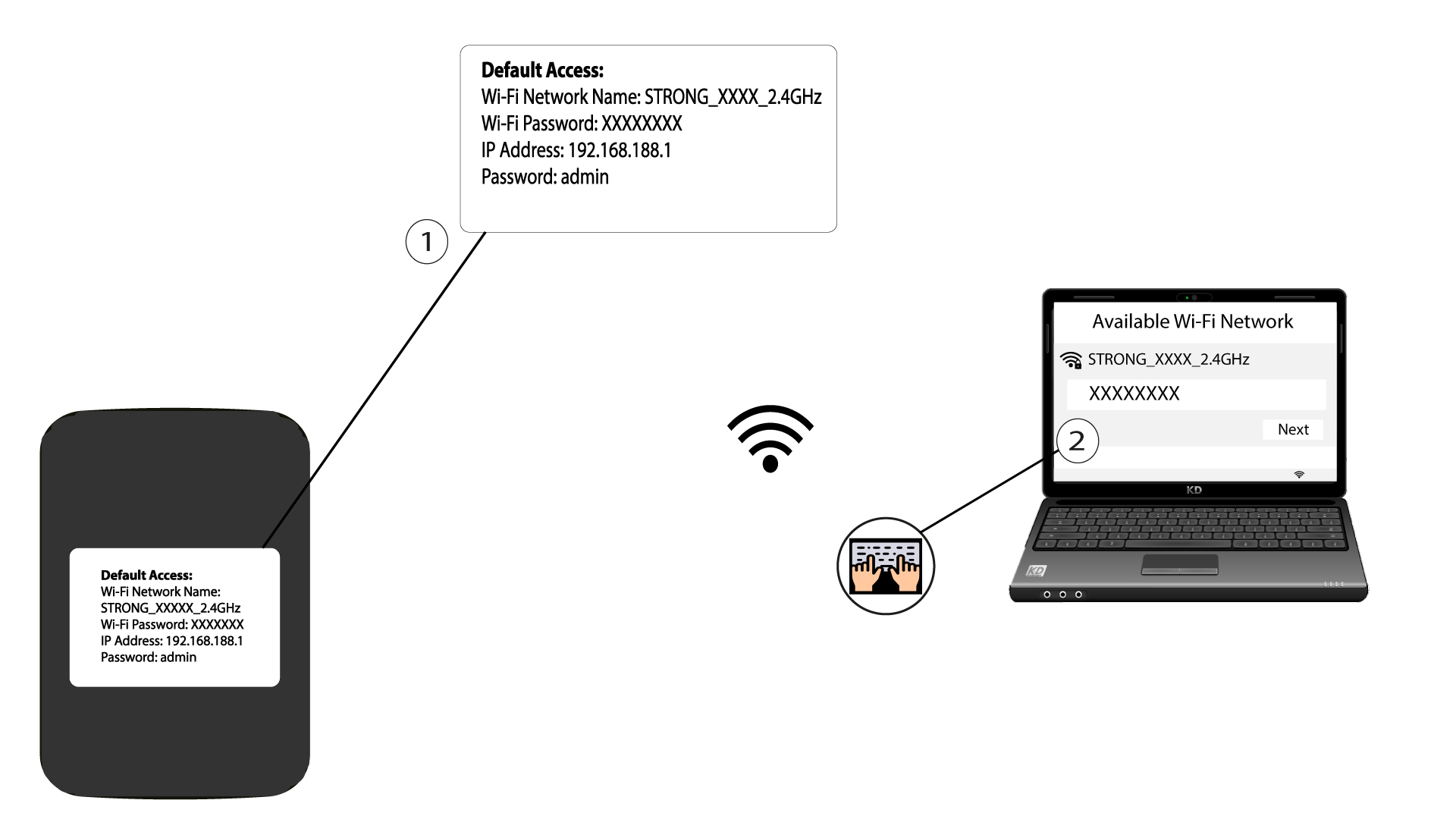
2. Gåtill webbgränssnittets IP-adress
Ange sedan följande IP-adress i din webbläsare: 192.168.188.1

3 Gå tillinloggningssidan
När du har gått till IP-adressen måste du ange lösenordet och klicka på ”Logga in”.

4Varningsmeddelande
När du har anslutit dig kommer du att se ett varningsmeddelande om administratörslösenordet.


Varning: Efter den första anslutningen rekommenderar vi starkt att du byter administratörslösenordet för att säkra åtkomsten till routern och förhindra intrång.