4G bärbar hotspot 150
Inga föremål hittades.
Inga föremål hittades.
Alla frågor
4G bärbar hotspot 150
Inga föremål hittades.
Inga föremål hittades.
Hur ändrar jag administratörslösenordet?
1Öppnawebbgränssnittet
För att ansluta till webbgränssnittet, följ anvisningarna i: Hur kommer jag åt webbgränssnittet?
2Ändralösenord
När detta är klart klickar du på ”Ändra inloggningslösenord” i den övre menyraden.
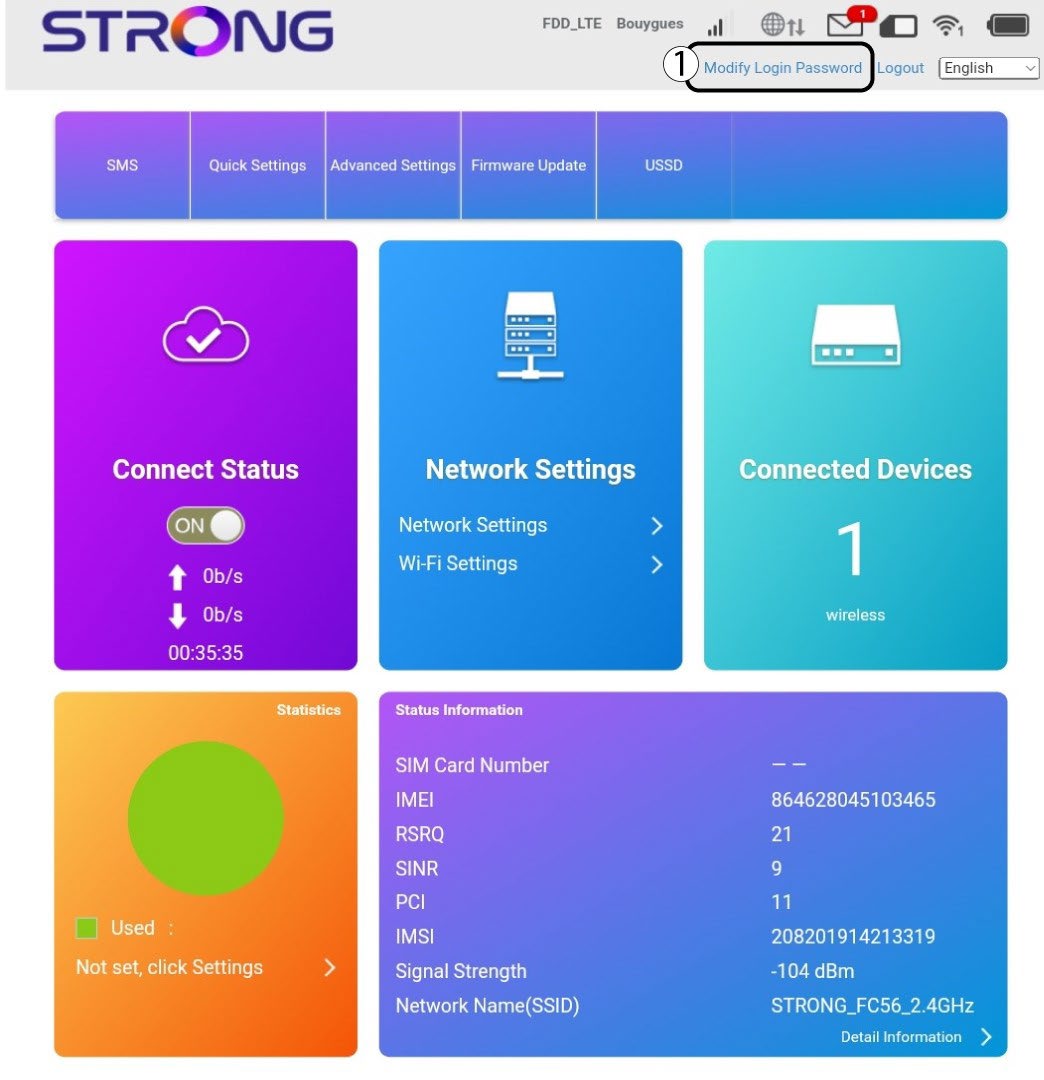
3Angede nya uppgifterna
Ange följande uppgifter innan du klickar på ”Apply”:
· Nuvarande lösenord: Ange det nuvarande lösenordet.
· New Password: Enter the new password. The new password can contain up to 32 characters including numbers, lower case, upper case, and special characters (! # $ * + , - . % : = ? @ [ ] ^ _ { | } ~).
· Bekräfta nytt lösenord: Ange samma lösenord som i fältet ovan.
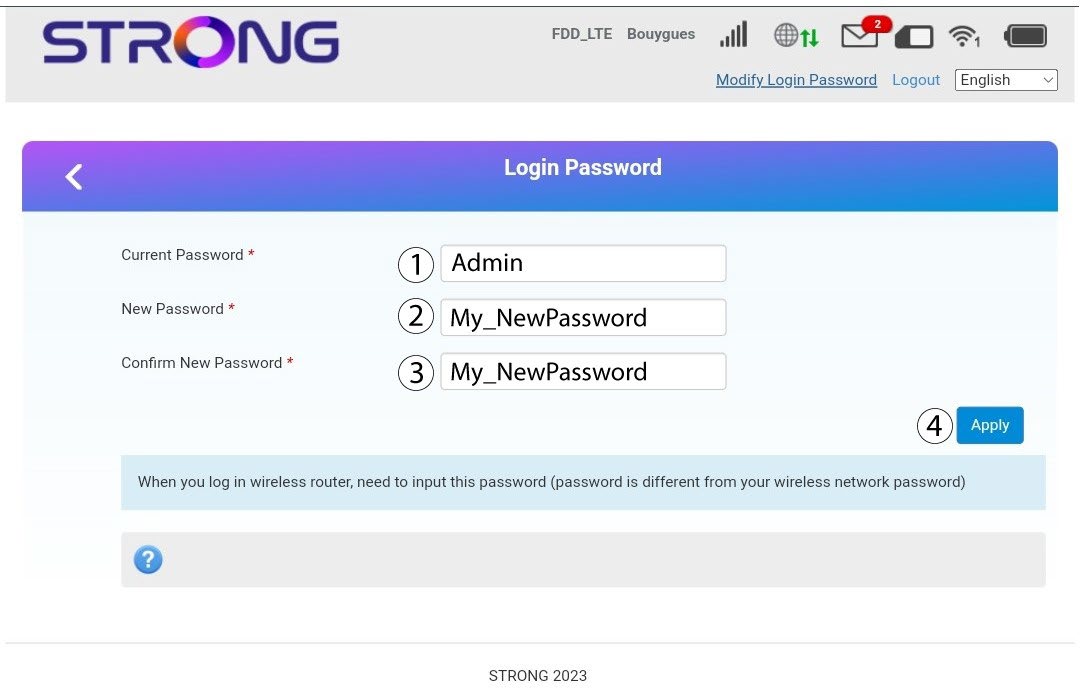
4Sparauppgifterna
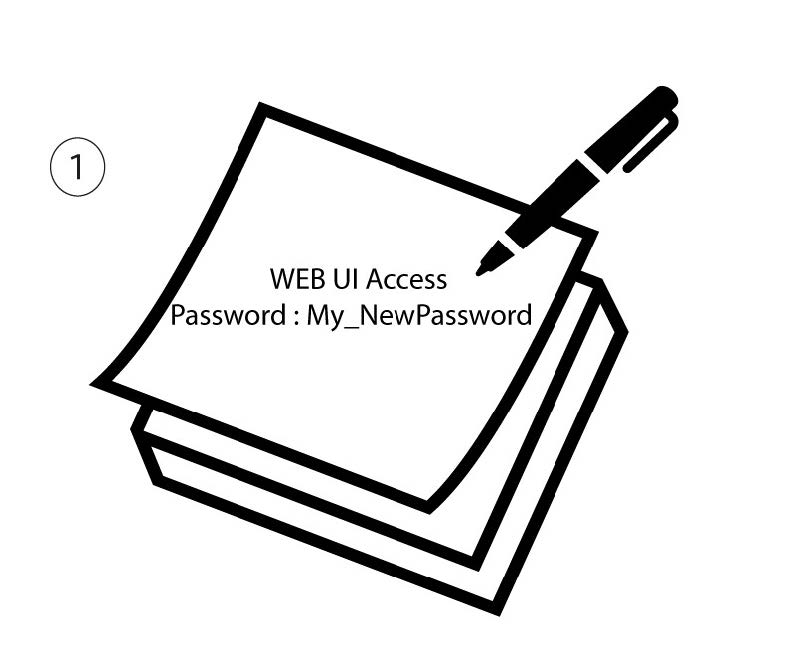
Skriv ner det nya lösenordet för att komma åt webbgränssnittet.