
Universalrepeater 300 V2
Inga föremål hittades.
Inga föremål hittades.
Alla frågor
Universalrepeater 300 V2
Inga föremål hittades.
Inga föremål hittades.
Hur kommer jag åt webbgränssnittet efter konfigurationen?
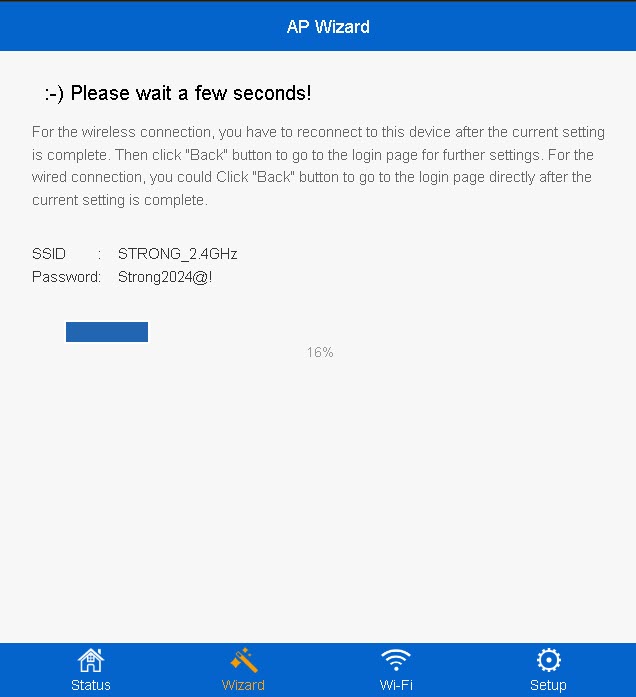
1. Ansluttill repeaterens nya Wi-Fi-nätverk
Anslut till repeaterns nya Wi-Fi-nätverk.
Informationen om detta nätverk angavs i sammanfattningssteget i konfigurationsguiden.
2. Gåtill webbgränssnittet
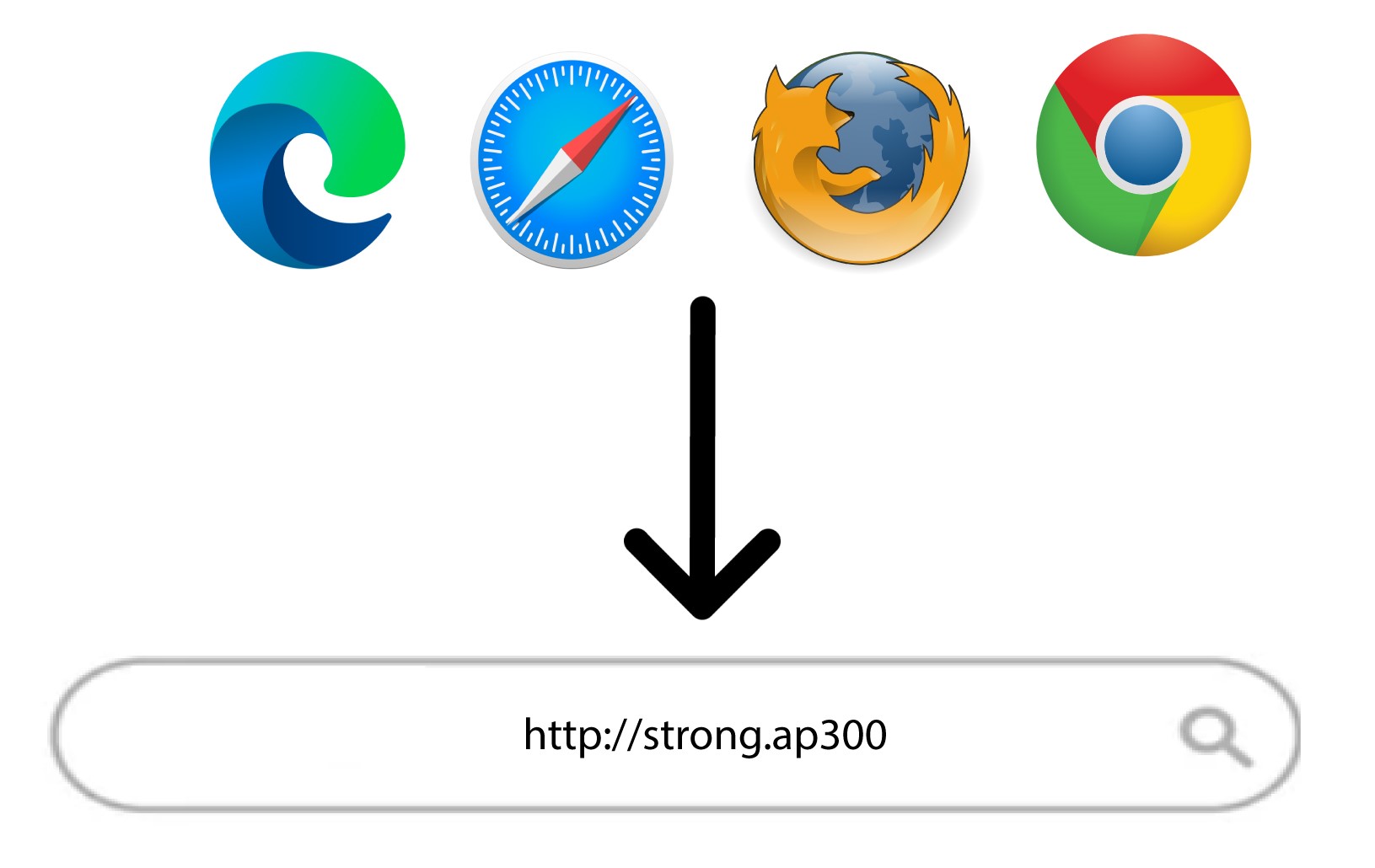
Gå till följande webbadress: http://strong.ap300/
3Angedina inloggningsuppgifter
Ange ditt administratörslösenord och klicka på Logga in.
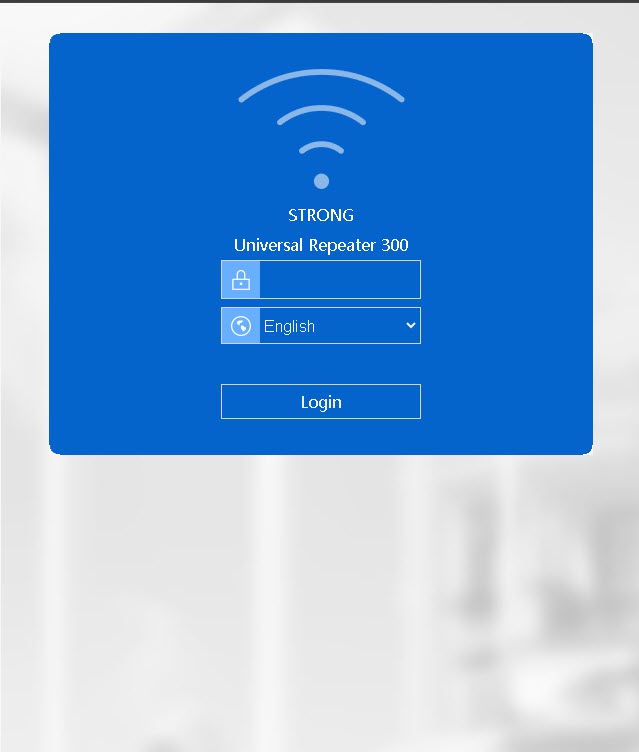

Varning: Observera att om du ändrar standardlösenordet för administratörskontot måste du ange det nya lösenordet som du har ställt in. Om du har tappat bort detta lösenord måste du återställa enheten till fabriksinställningarna.