
4G+ AIRSPOT 510 Wi-Fi
Inga föremål hittades.
Inga föremål hittades.
Alla frågor
4G+ AIRSPOT 510 Wi-Fi
Inga föremål hittades.
Inga föremål hittades.
Hur kommer jag åt webbgränssnittet för första gången?
För att komma åt webbgränssnittet måste du vara ansluten till Wi-Fi-nätverket på din 4G PORTABLE HOTSPOT 900 WITH A DISPLAY efter att du har satt in SIM-kortet i kortfacket.
1. Ansluttill routerns Wi-Fi-nätverk
För att göra detta anger du routerns SSID (Wi-Fi-nätverksnamn) och Wi-Fi-lösenord på din enhet.

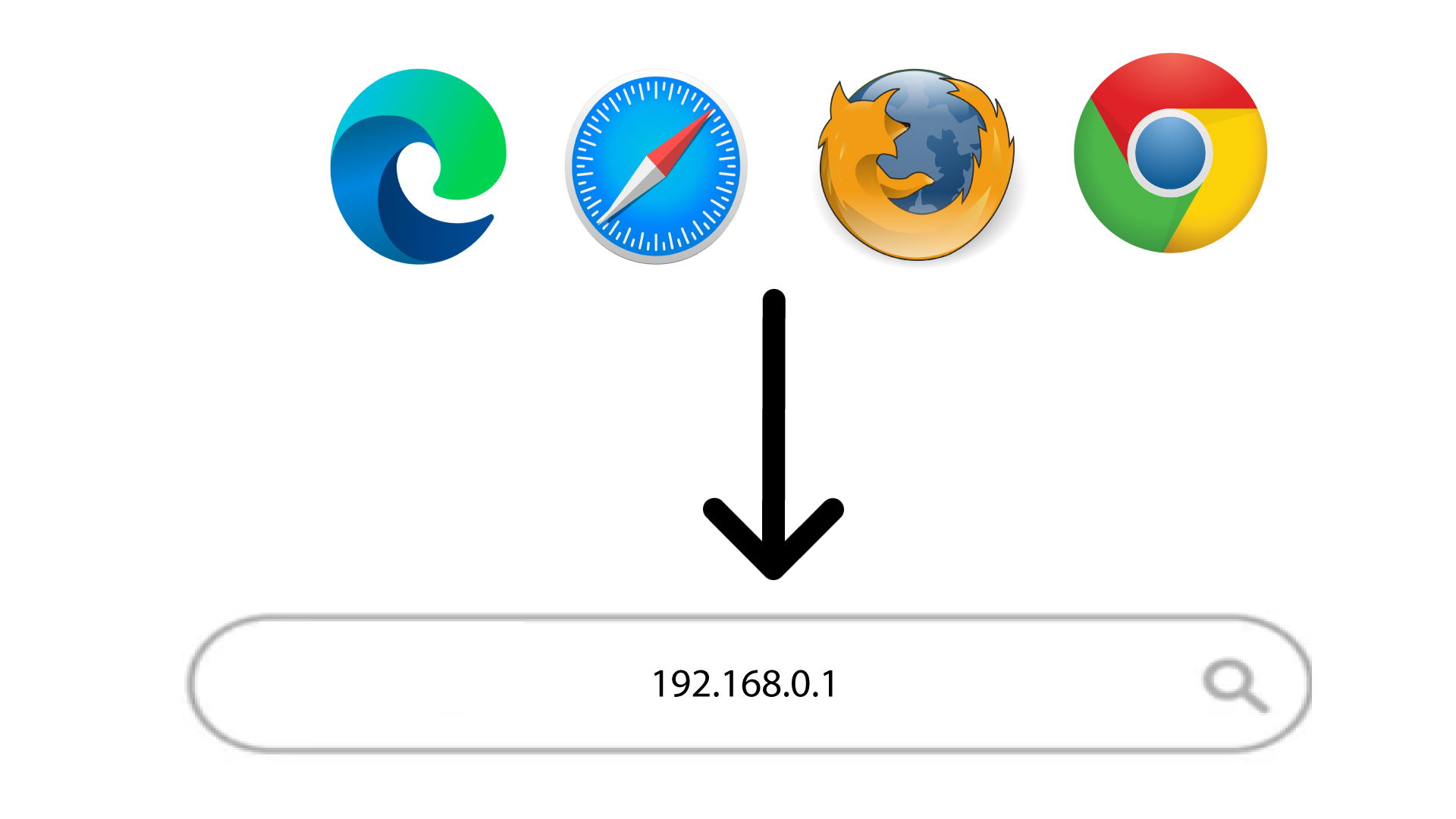
2Öppnainloggningssidan för webbgränssnittet
Ange sedan följande IP-adress i din webbläsare: 168.0.1
3. Ställin ditt administratörslösenord
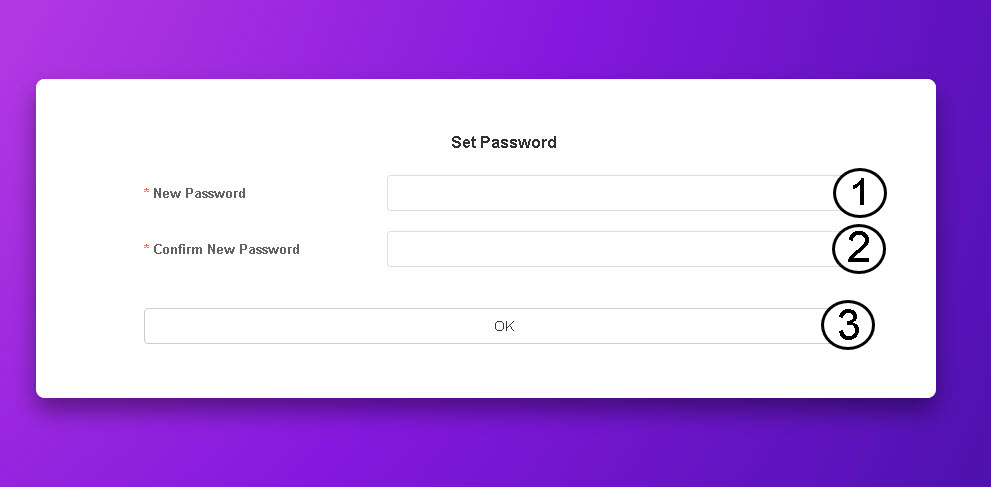
När du har öppnat IP-adressen måste du ställa in ditt administratörslösenord. För att ställa in det nya lösenordet anger du följande uppgifter innan du klickar på OK:
- Nytt lösenord: Ange ett lösenord som består av minst 8 tecken och innehåller en kombination av versaler, gemener, siffror och specialtecken. Endast följande specialtecken är tillåtna: @$%*&.
- Bekräfta nytt lösenord: Ange samma lösenord som i fältet ovan.
TIPS: Klicka på ögonikonen för att visa ditt lösenord.